
Best Tools for Accounting Firms Using Sage Accounting (2026)
The best tools for accounting firms running Sage Accounting in 2026 - invoice automation, credit control, and reporting apps compared.

The best tools for accounting firms using Sage Accounting fall into five categories: invoice and AP automation, credit control, practice management, financial reporting, and workflow automation. Firms running multiple Sage Accounting clients typically need at least one tool from each category to avoid manual re-keying, missed deadlines, and scattered client data. Below, we compare the strongest option in each category, with Tailride leading invoice automation since it exports coded purchase invoices directly into Sage's chart of accounts.
Before the list - a quick note on scope, because "Sage" covers several very different products, and the wrong tool for the wrong Sage product wastes an afternoon of setup.
Which Sage Are We Talking About?
This guide covers tools built for Sage Accounting (formerly Sage Business Cloud Accounting) - the cloud product used by small and mid-sized UK, Irish, and EU accounting practices and their clients. It is not about Sage Intacct (US mid-market ERP), Sage 50cloud, or Sage X3 - those run on different app ecosystems, with different specialist vendors (PaperLess, Yooz, CoreIntegrator) built specifically for them. If your firm runs Sage Intacct or Sage 50, most of the tools below still apply conceptually but you'll want product-specific alternatives.
Why Sage Accounting Firms Need a Tooling Stack
Sage Accounting is strong on the ledger side but doesn't natively solve three problems accounting firms hit daily: getting supplier invoices in without manual entry, running the practice itself (deadlines, tasks, client comms), and getting management-ready reports out to clients. Each gap below maps to a category of tool, and each tool is one most firms end up bolting onto Sage sooner or later - the question is usually when, not if.
Comparison Table
| Tool | Category | Best for | Starting price |
|---|---|---|---|
| Tailride | Invoice & AP automation | Firms managing invoice capture across multiple Sage clients | Free tier; from $13/mo, volume pricing for firms |
| AutoEntry | Invoice & AP automation | Sage-native data capture, owned by Sage | From $12–17/mo (credit-based) |
| Satago | Credit control & cash flow | Chasing client debtors, cash flow forecasting | Free basic tier; from £25/mo |
| BrightManager (formerly AccountancyManager) | Practice management | UK/Ireland practices needing CRM, deadlines, and onboarding in one tool | From £42+VAT/user/mo |
| Fathom | Financial reporting | Client-ready management reports and KPI dashboards | Paid, per-company |
| Syft Analytics | Financial reporting | Consolidated reporting across multiple entities | From $19/entity/mo |
| Zapier | Workflow automation | Connecting Sage to apps outside the accounting stack | Free tier; paid for higher volume |
Invoice & AP Automation
This is where most manual hours disappear in a Sage practice - and it's the category with the clearest, most measurable ROI, because the "before" state (someone retyping PDFs) is so easy to compare against the "after."
Tailride (best overall for multi-client firms)
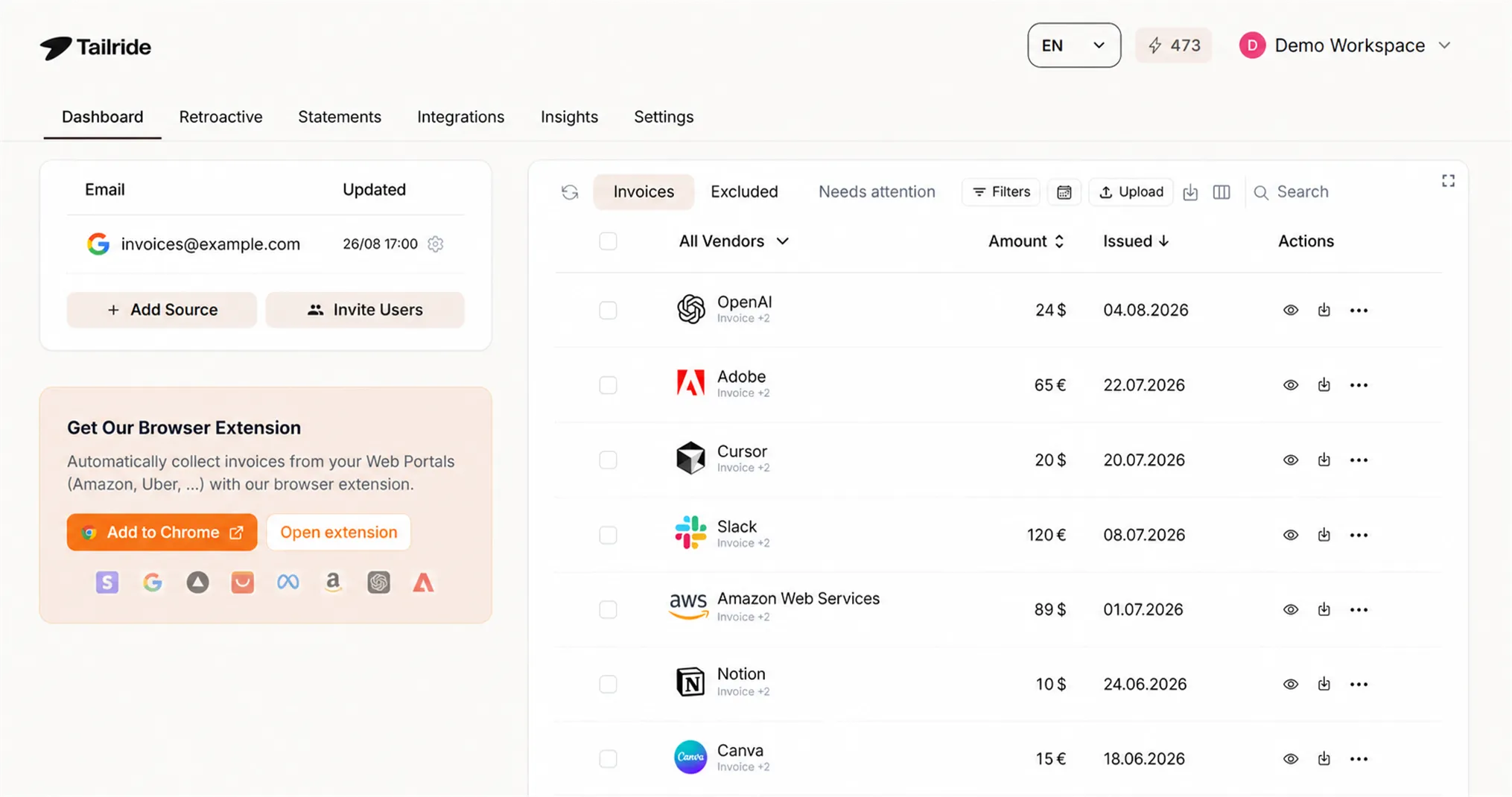
Tailride captures supplier invoices from email, uploads, and supplier portals, extracts the data with AI, codes each line to your Sage chart of accounts, and exports a purchase invoice with the original PDF attached - ready for review before it hits the books. Setup takes about five minutes: you sign into Sage directly (no API keys to copy), pick which business to post to if your login covers several, and sync your chart of accounts once.
What makes it a fit for accounting firms specifically, not just single businesses:
-
No API keys to manage. You connect by signing into Sage directly; if that login covers multiple businesses, you pick which one each invoice posts to.
-
Line-level coding to each client's own chart of accounts, not a generic default - corrections you make for a supplier stick for next time.
-
VAT-aware review catches mismatched totals, foreign VAT, and reverse-charge cases before export - genuinely useful for firms handling EU cross-border clients, since these are the errors that usually surface at review, not at data entry.
-
Retroactive scanning recovers historical invoices from a client's inbox for any date range - this month, this year, or all time - instead of starting bookkeeping with gaps when you onboard a new client mid-year.
-
Online supplier portal capture through a browser extension for the 20+ platforms (Amazon Business, Meta Ads, Adobe, and others) that stopped emailing invoices years ago and force manual logins otherwise.
-
Bank reconciliation with AI transaction matching, multi-currency support, and any date range - so invoices captured earlier in the workflow feed straight into month-end close.
-
Credit notes are supported natively, not just standard purchase invoices.
-
A master dashboard for accounting firms replaces the ad-hoc mix of email forwarding and spreadsheet imports firms often end up with when onboarding a new Sage client - with flexible license reassignment between clients and consolidated, volume-based billing starting at 10 client accounts.
Compared to the alternatives - manual entry, email forwarding, or spreadsheet import - Tailride is the only option that keeps a reviewable, audit-ready trail while removing re-keying entirely. If your firm is coming from Hubdoc or Dext, the trade-offs are laid out on the AP automation for accounting firms page and in our Dext alternative comparison. For the mechanics of connecting any invoice tool to a general ledger, see how to integrate invoice software with your accounting system; for the underlying extraction technology, see invoice data extraction software.
Many UK firms don't run Sage exclusively - they hold a mix of Sage, Xero, and FreeAgent clients, since FreeAgent is common among sole traders and micro-companies. On FreeAgent specifically, Tailride connects via OAuth (again, no API keys), pulls receipts sent over WhatsApp and Telegram in addition to email and portals, and lands each invoice as a categorised draft bill mapped to the client's own FreeAgent expense categories and VAT treatment - a meaningful step up from FreeAgent's built-in email-to-inbox forwarding or its Snap mobile app, both of which capture the document but leave categorisation and line-item detail for someone to finish by hand. The same underlying engine also covers Xero, QuickBooks, sevDesk, and Visma e-conomic - and for firms with clients on Odoo, the same capture-and-push workflow applies there too, covered in detail in getting invoices into Odoo: every method, ranked, which walks through why native Odoo document digitization (IAP credits, no vendor-portal support) tends to break down above roughly 30 invoices a month. Useful across the board for firms that don't run a single-ledger practice and don't want a different capture tool per accounting platform. Full setup details for the Sage workflow specifically are on the Sage Accounting integration page.
AutoEntry
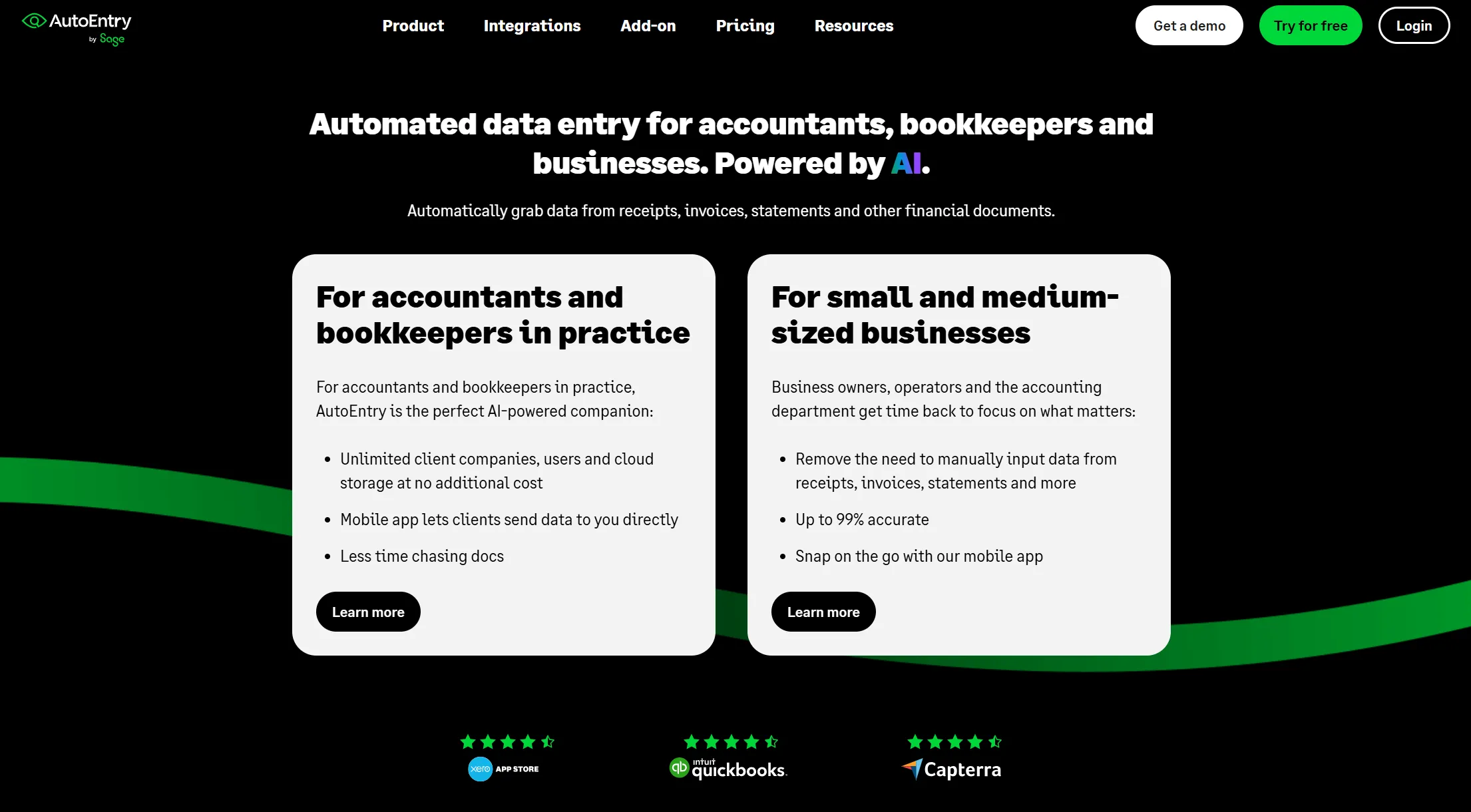
AutoEntry is Sage's own acquired data-capture tool, and it's a reasonable default if your firm is already deep into Sage's own app suite. It uses machine-learning extraction on scanned or photographed documents - bank statements, bills, purchase and sales invoices, receipts - and posts them into Sage, Xero, or QuickBooks. Pricing runs on a credit system: plans start around $12–17/month for roughly 50 credits, where each document (invoice, bill, or receipt) consumes one credit and a document with line items consumes two. It supports unlimited client companies for accountant practices and can learn nominal and VAT codes from your correction history over time. The trade-off firms report most often: less flexibility for multi-source capture - no retroactive inbox scanning of the kind Tailride offers, and no email-body OCR for invoices sent as inline HTML rather than PDF attachments, which is an increasingly common vendor pattern.
Credit Control & Cash Flow
Satago
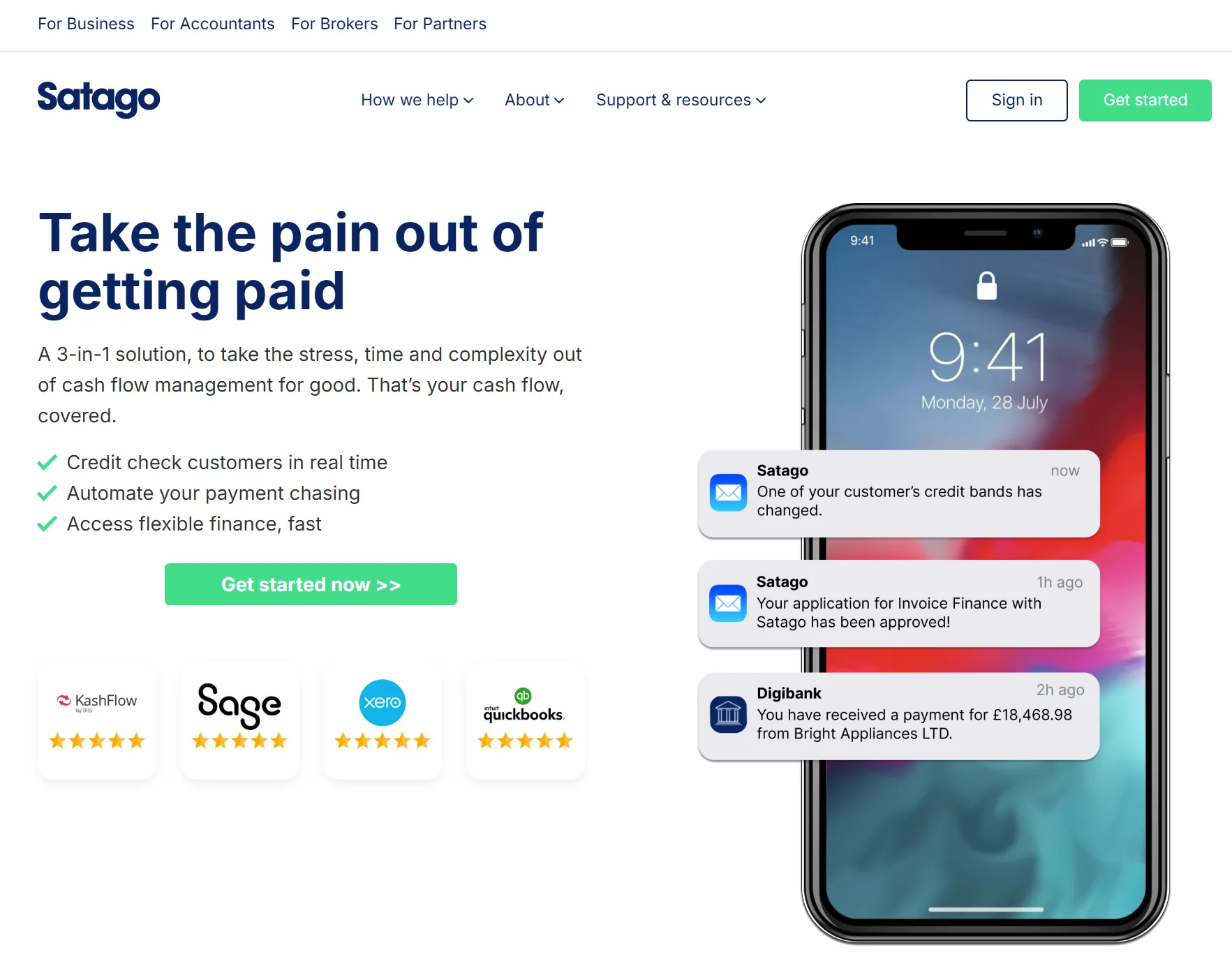
Satago is Sage's own credit control and risk insights partner, available as an embedded feature inside Sage 50 Accounts (for customers with a Finance package) or as a standalone subscription from £25/month. It automates payment reminders, monthly statements, and thank-you emails on a customer-specific schedule, and layers in real-time credit risk notifications and credit score checks before you extend terms to a new client. Sage cites users getting paid up to 4.4x faster and saving an average of 7 hours of admin per week on debt chasing. For firms offering credit control as a client-facing advisory service - not just bookkeeping - this turns a manual, easily-neglected chasing process into scheduled, branded communication that runs itself.
Practice Management
Running the firm itself - deadlines, onboarding, task tracking - is a separate problem from bookkeeping automation, and it's easy to underinvest here until statutory deadlines start slipping through the cracks.
BrightManager (formerly AccountancyManager)
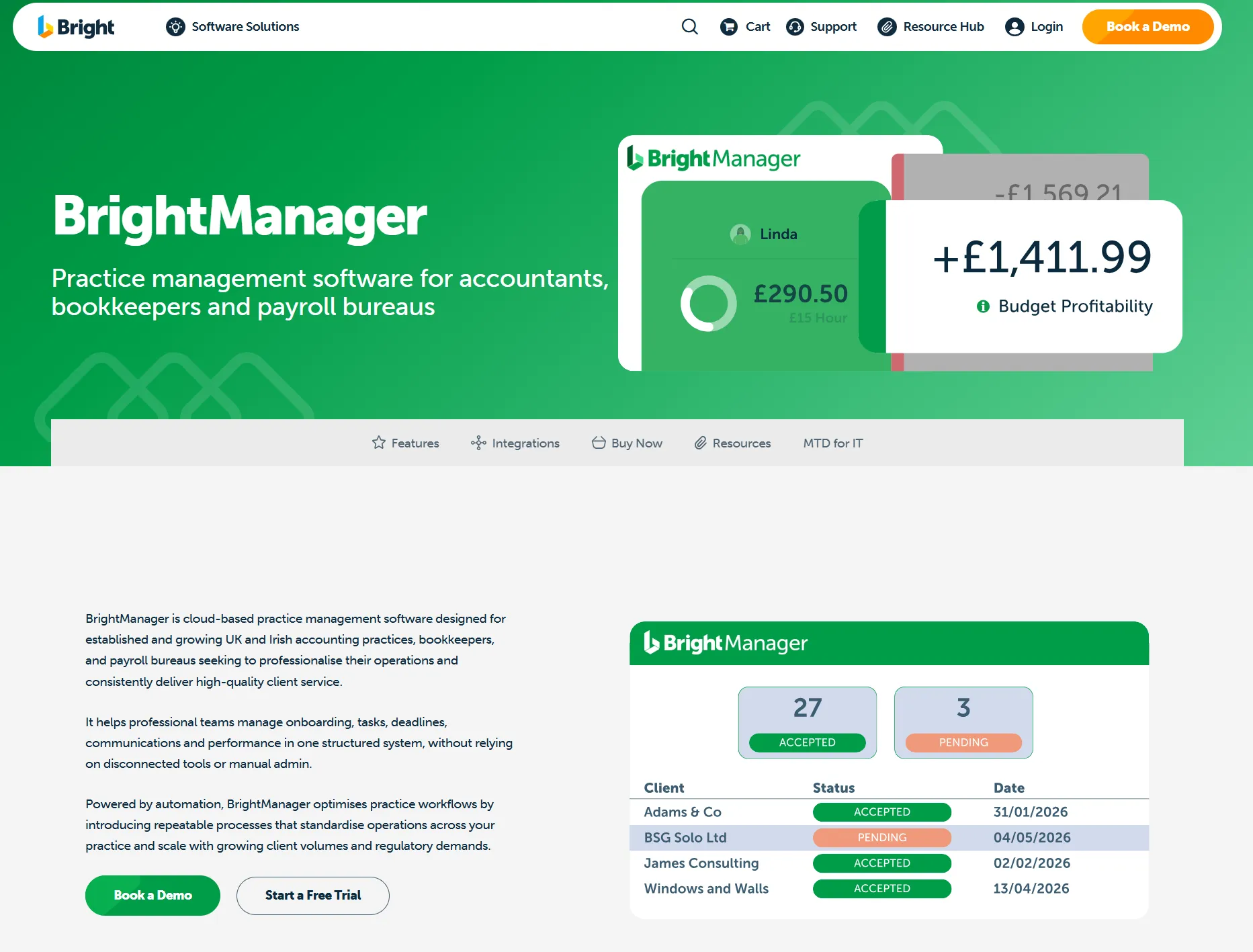
AccountancyManager was acquired by Bright Software Group in 2022 and rebranded as BrightManager, so these are the same product under one name today - worth knowing if you see both names referenced in older reviews. It's built specifically for UK and Ireland accounting and bookkeeping practices, with automated client onboarding, statutory deadline tracking tied directly to HMRC and Companies House filing dates, task automation that reassigns work automatically as team members finish their part of a job, and a white-labelled client portal for secure document exchange and e-signatures. Pricing runs from roughly £42+VAT per user/month on the Standard plan (up to 12 users), with AML/ID check credits, SMS reminder credits, and portal branding sold as add-ons. Its main limitation is scope: document management is basic compared to dedicated DMS tools, there's no Kanban-style visual workflow, and it's squarely focused on the UK/Ireland compliance calendar rather than broader international practice management.
Financial Reporting & Analysis
Sage Accounting's built-in reports are functional but limited for client-facing advisory work - this is the category firms add once they start selling advisory services on top of compliance work.
Fathom
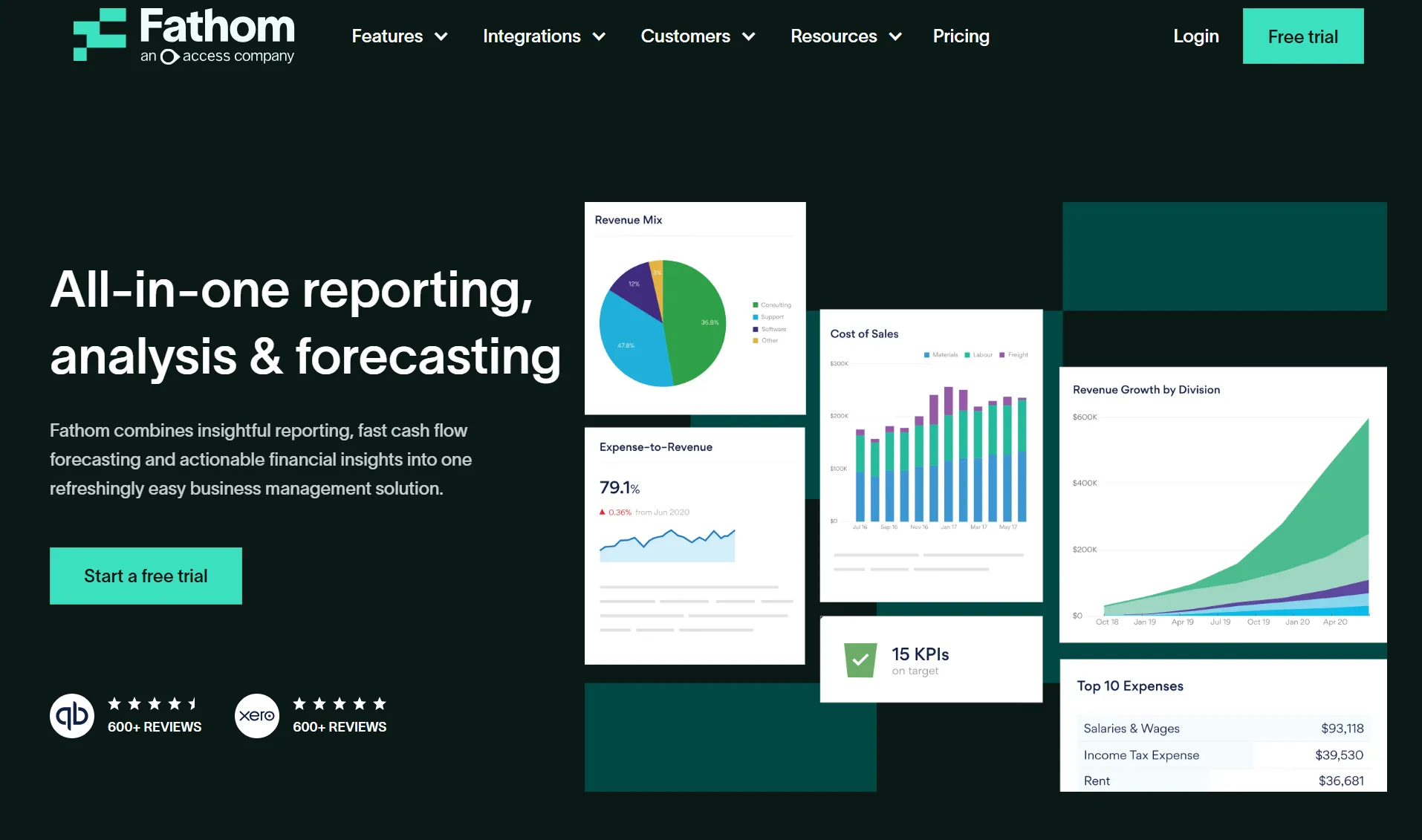
Fathom turns raw Sage data into management reports and KPI dashboards clients can actually read, with over a decade in the market-reporting space. It supports custom and non-financial KPIs, scheduled report delivery straight to a client's inbox, and consolidation and benchmarking across multiple entities with multi-currency support - Sage's own marketplace listing cites saving 14 hours per reporting cycle through faster, more accurate consolidations. It's a common add-on for firms moving from compliance-only work into advisory services, since the reports are designed to be shared with a client directly, not just used internally.
Syft Analytics
Syft Analytics sits in similar territory to Fathom but leans harder into consolidation depth: unlimited entities per consolidation, 170+ currencies, intercompany eliminations with balance checks, and a multi-entity view that lets you compare every underlying entity side-by-side against the consolidated total. Pricing scales per entity, from around $19/month on the Standard tier up to $79/month on Advanced for full feature access, with separate unlimited-entity plans for larger group structures. It's the stronger pick specifically for firms managing multiple entities or group structures under one client, where Fathom's reporting focus is the better fit for single-entity advisory work.
Workflow Automation
Zapier
Sage Accounting connects to Zapier's full app catalogue - over 4,000 apps at last count - useful for firms that need Sage data to trigger actions outside the accounting stack entirely: Slack notifications when a large invoice posts, CRM updates when a new client is added, spreadsheet syncs for internal reporting. It's the right tool when the automation you need doesn't fit neatly into "invoice capture" or "practice management" but is still repetitive enough to be worth automating.
How to Choose
-
Sole practitioner or small firm (1–5 clients): start with invoice automation and skip practice management until client count grows past what a shared spreadsheet can track.
-
Growing practice (5–20 clients): add BrightManager once deadline tracking in spreadsheets starts breaking down, and layer in Satago if credit control chasing is eating staff time.
-
Established firm (20+ clients or 15+ staff): add reporting (Fathom or Syft, depending on whether you need single-entity advisory reports or multi-entity consolidation) for advisory upsells, and use Tailride's accounting firm program for consolidated, volume-based invoice processing billing across clients.
-
Firms with clients split across Sage, Xero, QuickBooks, FreeAgent, or Odoo: pick an invoice automation layer that runs the same workflow across all of them - Tailride covers all of these, plus sevDesk and e-conomic for firms with clients elsewhere in Europe - rather than running separate capture tools per ledger. If Odoo is part of the mix, this comparison of every Odoo import method is worth a read before deciding.
-
Firms with EU cross-border clients: prioritize VAT-aware invoice automation first - reverse-charge and foreign VAT errors are the most common source of rework at review, and they compound across every client that trades internationally.
Frequently Asked Questions
What software works best with Sage Accounting for accounting firms?
For invoice processing, Tailride is built specifically for multi-client Sage Accounting workflows, coding invoices to each client's own chart of accounts. For practice management, BrightManager (formerly AccountancyManager) is the dominant UK-market choice; for credit control, Satago is Sage's own embedded partner.
Does Sage Accounting have AP automation?
Not natively at the depth most firms need. Sage Accounting handles the ledger, but capturing, extracting, and coding supplier invoices requires a dedicated tool like Tailride or AutoEntry layered on top. See how invoice software connects to your accounting system for the general mechanics.
What is the best invoice automation tool for Sage Accounting?
Tailride, for firms that need multi-client support, retroactive inbox scanning, and VAT-aware validation before invoices post to Sage. AutoEntry is the closer Sage-native alternative if you want everything from a single vendor.
Can accounting firms manage multiple Sage Accounting clients from one dashboard?
Yes - tools like Tailride support connecting a single login that covers multiple Sage businesses, letting you route each invoice to the correct client's books without separate logins per client, and reassign licenses between clients as workload shifts.
What apps integrate natively with Sage Accounting?
Sage maintains an official app marketplace with hundreds of listed integrations spanning invoice capture, credit control, payroll, and reporting. Tailride, Satago, AutoEntry, Fathom, and Syft Analytics are among the categories covered above; Tailride also connects to Xero, QuickBooks, FreeAgent, sevDesk, and Visma e-conomic for firms managing clients across more than one accounting platform.
Automate Invoice Processing for Your Sage Clients
Tailride connects to Sage Accounting in minutes - no API keys, VAT-aware review, and coded exports to each client's own chart of accounts. Start free or see the full Sage Accounting integration details. Running a multi-client practice? Explore the accounting firm program for volume pricing and a master dashboard across every client.