

A real document scanner
The phone's own scanner finds the edges, crops and straightens. Scan up to 20 pages into one PDF, or switch to batch mode and turn a stack of receipts into one document each.
Scan a receipt before you leave the till, share a PDF from any app, and check what Tailride read from every invoice it collected — even without a connection. Everything lands in the same workspace as your inbox, portals and desktop app.
Free with every Tailride account. Android 7.0 or later; iPhone and iPad with iOS 16.4 or later.
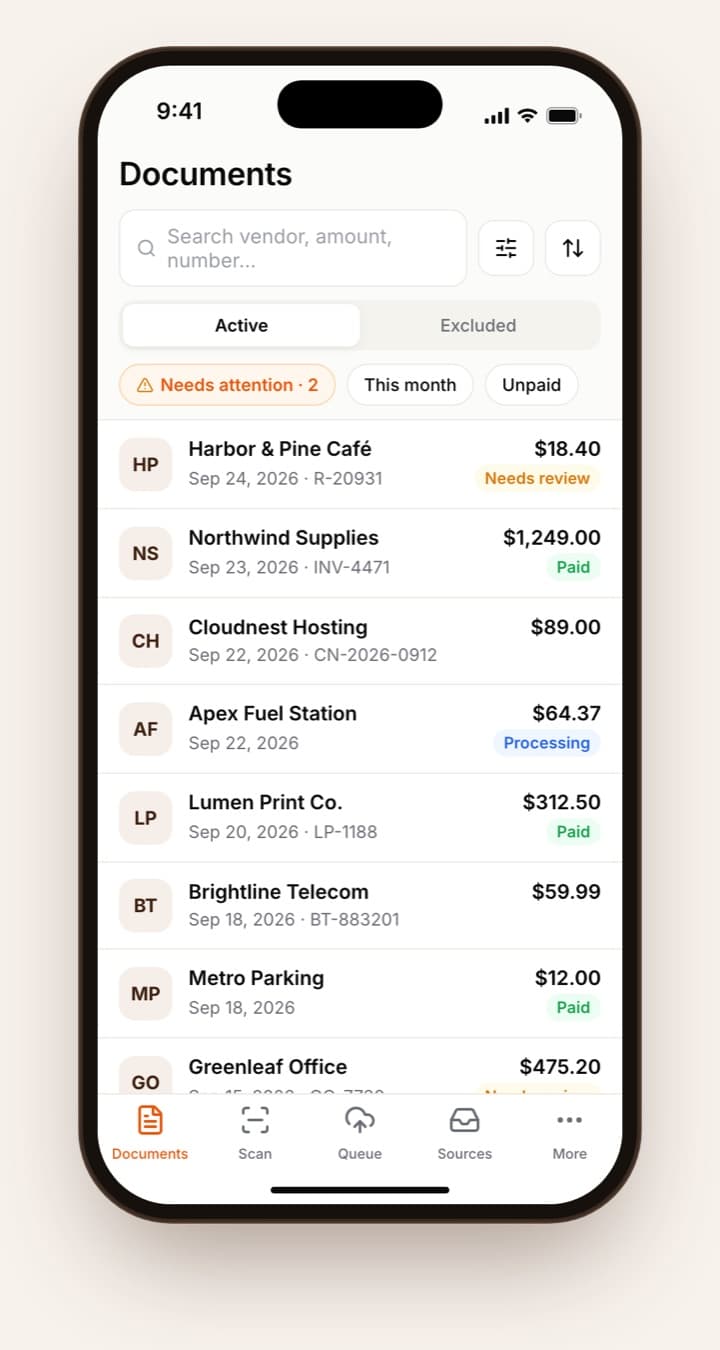
Tailride for Android and iPhone is the pocket side of your Tailride workspace. It scans paper receipts into clean PDFs with the phone's own document scanner, imports files from your photos, Files or any app's share menu, and queues everything offline until it can upload. You can search, review, edit and approve every invoice Tailride has collected from email, portals and folders, and connect mailboxes on the go.
Inside the app
Documents, Scan, Queue, Sources and More — the same workspace you use on the web.
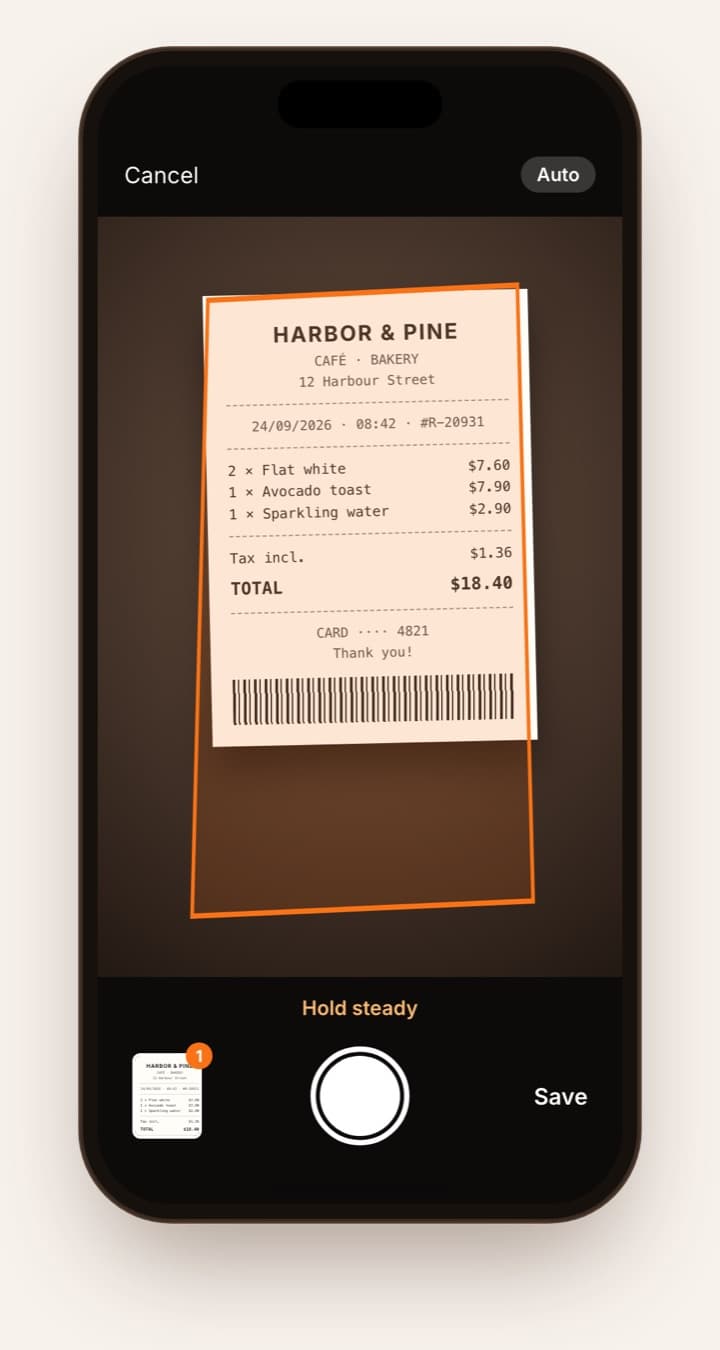
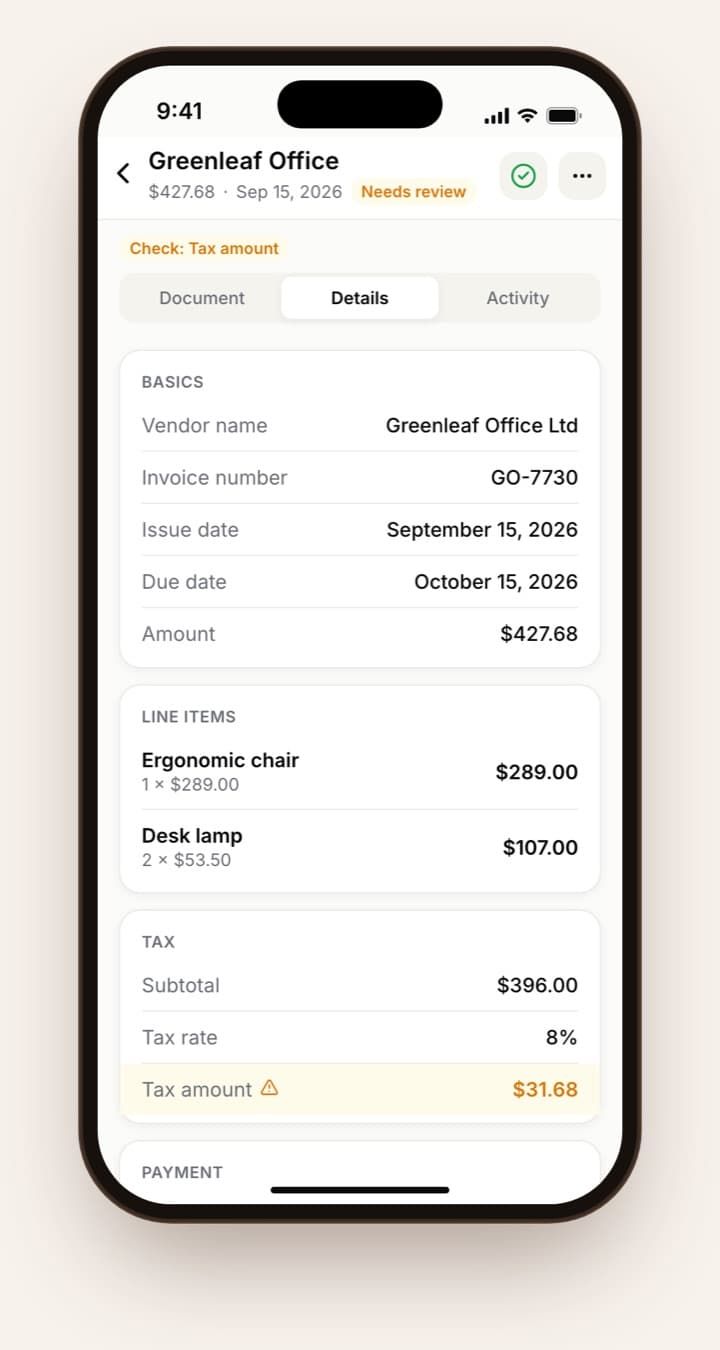
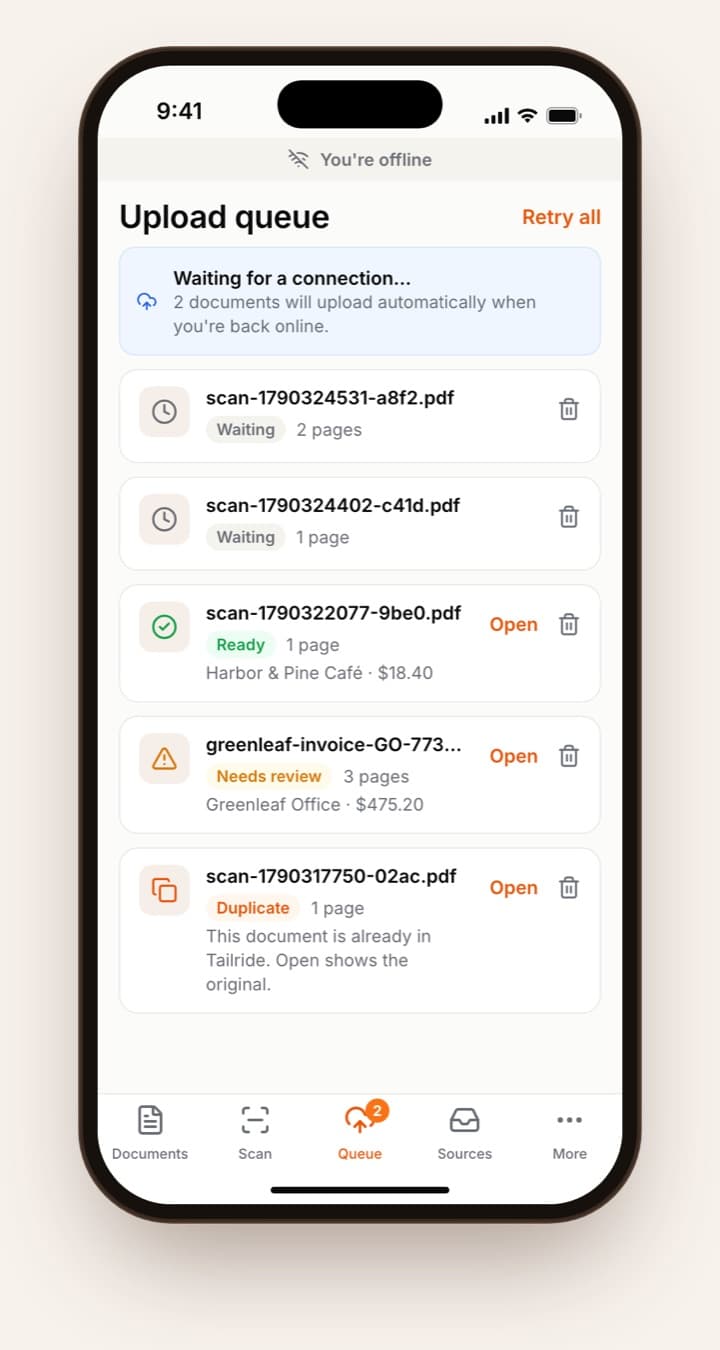
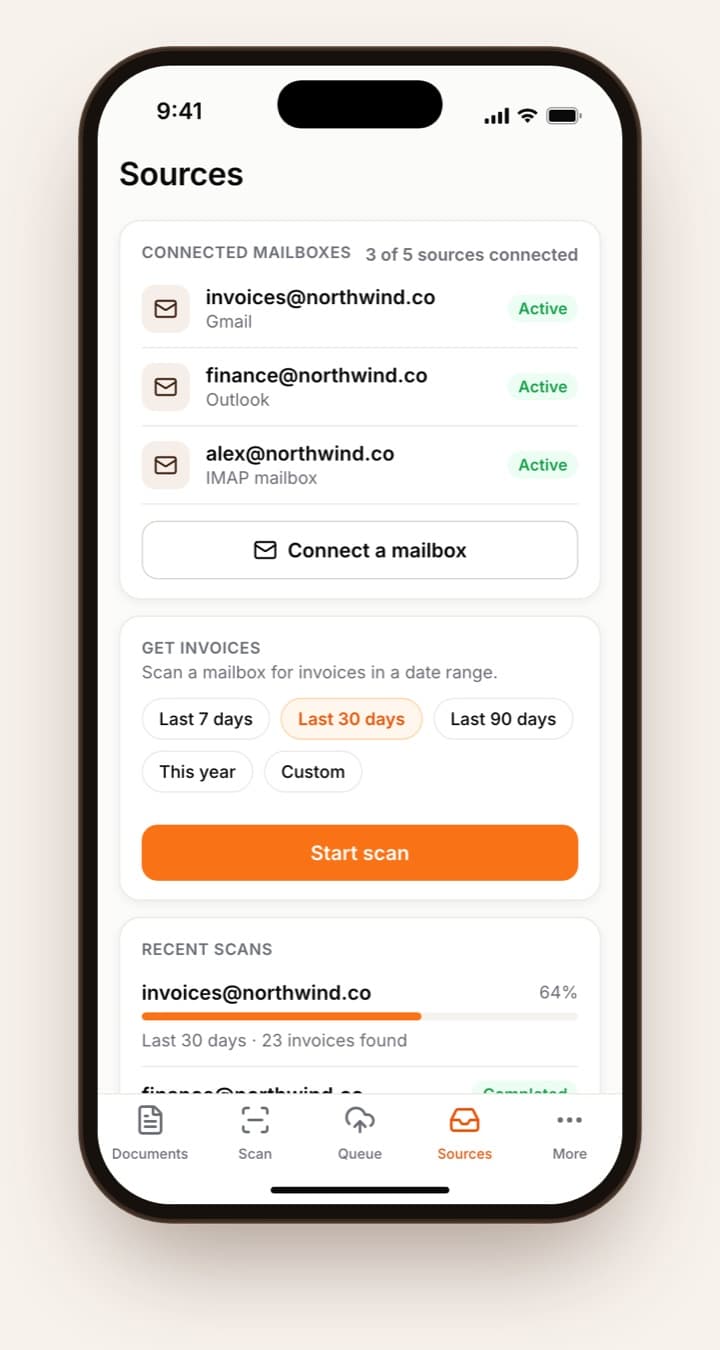
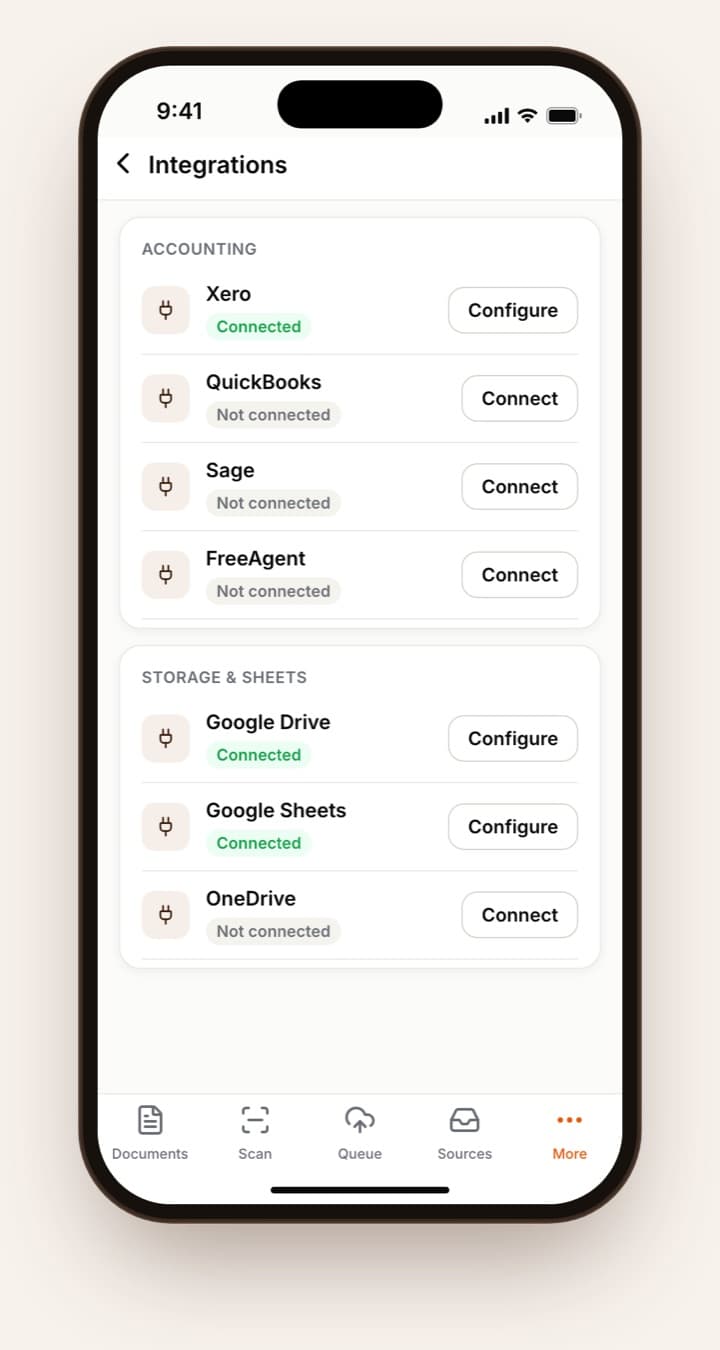
Sign in once. After that, a receipt takes seconds.
Get Tailride from Google Play. On iPhone and iPad, join the public beta through Apple's TestFlight app.
Tap Sign in with Tailride and log in in your browser — with Google, Microsoft, Yahoo, Apple or email. New to Tailride? Create a free account on tailride.so first.
Scan a receipt, pick photos or PDFs, or use Share → Tailride from mail, Files or any other app. No signal? It waits in the queue.
Tailride reads the document, flags anything it isn't sure about and sends it on to your accounting software, just like an emailed invoice.
What the app does, and how.
The phone's own scanner finds the edges, crops and straightens. Scan up to 20 pages into one PDF, or switch to batch mode and turn a stack of receipts into one document each.
PDFs, photos (including HEIC) and XML e-invoices of up to 10 MB from your photo library, Files, or any app's share menu. Several photos can become one document.
Scans wait in the upload queue and go out the moment you're back online. The queue then shows each result: ready, needs review, duplicate or not an invoice.
Vendor, dates, totals, tax and line items, with uncertain fields flagged. Edit a field, add tags and notes, approve, mark as paid or exclude.
Connect Gmail, Outlook, Yahoo or any IMAP mailbox, pause one when you need to, and scan past emails for a date range you choose.
Search and filter every invoice, switch between workspaces, invite colleagues or your accountant and set what they can see. On iPad and tablets, a full table view.
Yes — it is in public beta while Apple reviews it. Install Apple's TestFlight app, open the Tailride beta link, and you get the full app on iPhone and iPad with iOS 16.4 or later.
Yes. The app is free to download and works with every Tailride plan, including the free one. Scanned and imported documents use credits like any other upload.
Create your free account on tailride.so first — it takes a minute — then sign in in the app. Signing in goes through your browser, with Google, Microsoft, Yahoo, Apple or email.
Yes. You can scan and import offline; documents wait in the upload queue and upload automatically when you're back online. Invoices you opened before stay readable, but editing needs a connection.
PDFs, images (JPG, PNG, WebP, GIF, TIFF and HEIC) and XML or .p7m e-invoices, up to 10 MB each. When you pick several photos, you can combine them into one document.
Yes. Invite colleagues or your accountant from More → Accounts & users and choose what each person can see. Accountant logins that manage several clients use the web dashboard for now.
Rules, chart-of-accounts and coding settings, and bank reconciliation open the web dashboard inside the app, so you can still reach them from your phone.
English, German, French, Spanish, Italian, Dutch and Portuguese. It follows your phone's language.
Keep reading
The other ways invoices reach your workspace, and where they go next.
Free for Android and iPhone. Your invoices, wherever you are.
