
How to Get Invoices into e-conomic (2026)
Turn on e-faktura and a share of your supplier invoices stop being PDFs entirely. The four routes into e-conomic, set up step by step, with Tailride.

Last updated: August 2026 · ~11 min read · Published by Tailride
Most guides to this start with uploading. That is the wrong end to start from, because Denmark gives you something almost nobody else has: a national network over which suppliers can send you an invoice as structured data rather than as a PDF you have to read.
Turn it on and those invoices arrive with every field already filled in. No OCR, no checking, no typing. e-conomic's own help centre puts it bluntly: "En e-faktura er ikke en e-mail, det er ikke en PDF-fil" - an e-invoice is not an email and it is not a PDF.
So the first move is not learning where the upload button is. It is reducing how many documents ever need one.
Activate e-faktura first, then use Smart Inbox for whatever still arrives as a PDF or a photograph. Tailride covers the third category - the invoices that never reach you at all. It pulls them out of Gmail, Outlook and IMAP, fetches the ones locked behind supplier portals, rebuilds however far back you need, reads each one to the line and posts a finished voucher into e-conomic with the original attached. The first 10 invoices each month cost nothing; paid plans open at €12 a month on annual billing. See the e-conomic integration →
Short answer
Four routes, in the order worth setting them up:
-
e-faktura - free, and the only route where nothing has to be read at all. Set it up once.
-
Smart Inbox - for PDFs, photographs and email. Included in the Smart and Komplet packages.
-
Bilagsanmodning - for documents a colleague has and you do not. Available on every package.
-
The API - when the data already exists somewhere structured.
Then a fifth thing that is not an e-conomic feature at all: something that goes and collects the invoices sitting in portals and unforwarded inboxes, because none of the four routes above will find those.
Route 1: Turn on e-faktura and stop reading PDFs
This is the single biggest win on the list, and the one most businesses have never got round to.
Any e-conomic customer with a valid Danish CVR number (the company registration number) can receive e-invoices straight into the Inbox. There are three ways to switch it on, and they are not alternatives so much as layers.
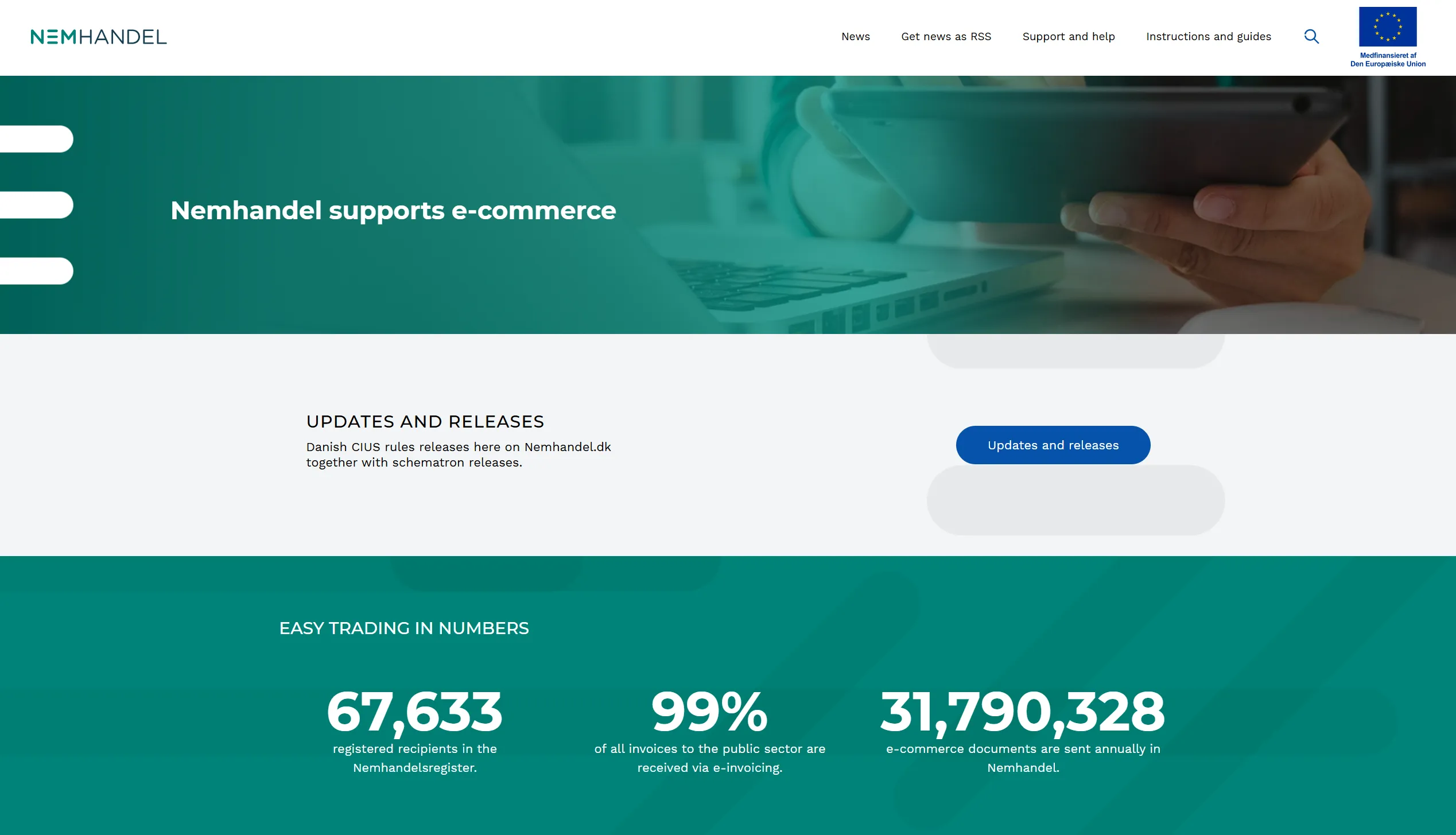
Register your CVR in NemHandelsregisteret. NemHandel is Denmark's national e-invoicing network, run by the Danish Business Authority. Once your CVR is in the register, any supplier can address an invoice to that number and it lands in your e-conomic Inbox. This is the baseline and it covers most Danish suppliers.
Add an EAN number. Functionally the same as receiving by CVR. It matters because a handful of Danish accounting systems can only send to an EAN number, so without one those suppliers cannot reach you electronically at all. If you have public-sector customers you probably already have an EAN.
Activate a Peppol ID. Peppol is the international network. This is what lets suppliers outside Denmark send you structured invoices, and it is the route that will matter more as e-invoicing mandates roll out across the EU.
What actually arrives
An e-invoice comes in as OIOUBL, the Danish structured-document standard. Every field - invoice number, dates, line items, delivery references, payment terms - sits in a named place that both sender and receiver understand.
The practical consequence: Smart Inbox reads the values rather than guessing them. You approve and post. There is no extraction step to get wrong, because nothing was extracted.
Worth doing this week: ask your ten largest suppliers whether they can send e-faktura. Many can and simply default to PDF because nobody asked. Each one that switches removes a document from your review queue permanently.
Route 2: Smart Inbox, for everything still on paper
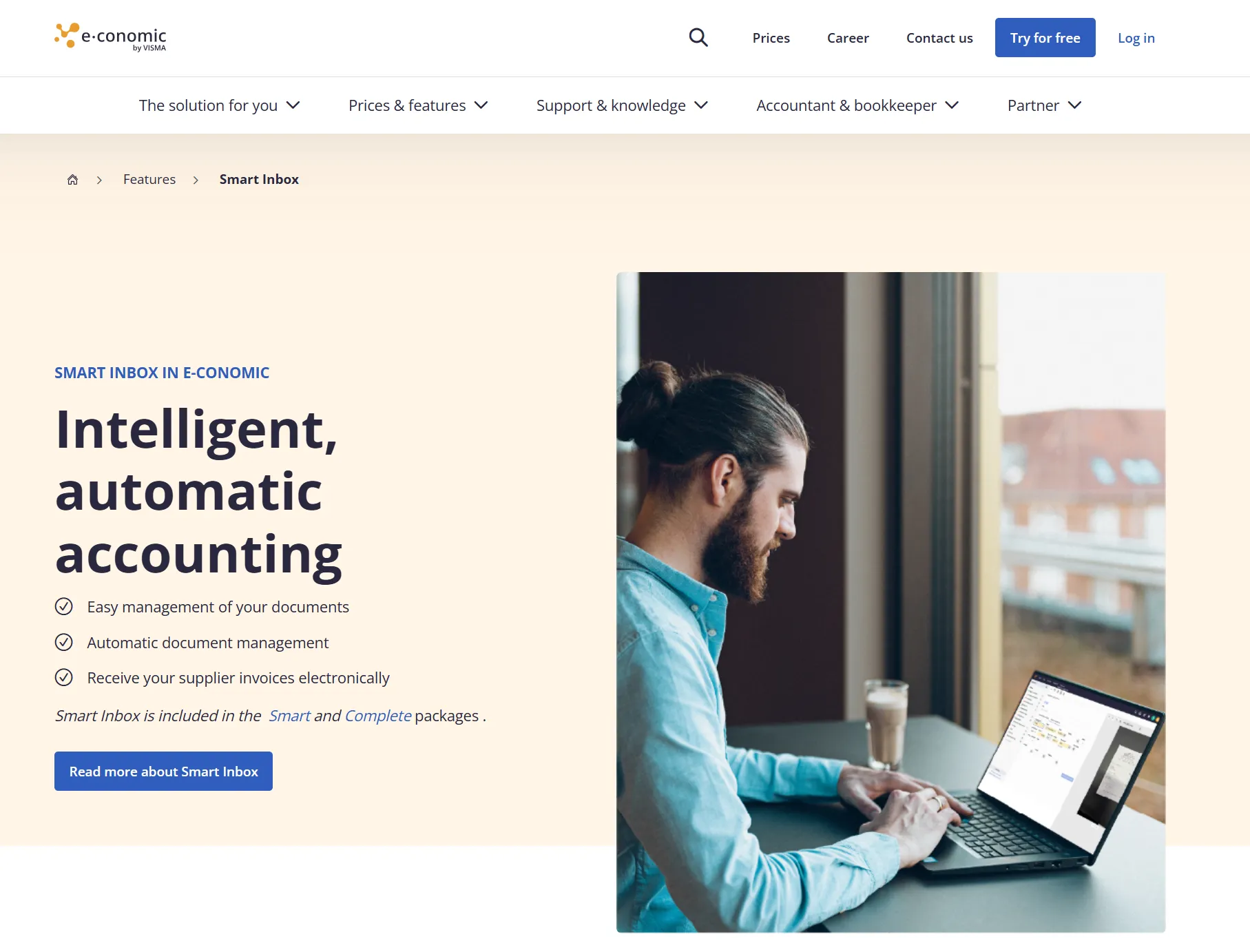
Whatever does not arrive electronically goes through Smart Inbox, e-conomic's document handling and reading layer.
Check your package first. Smart Inbox is included in Smart and Komplet, not in the entry packages. If you are on a lower tier this route is not available to you, which is worth knowing before you plan a workflow around it.
Four ways in:
-
Drag and drop files into the Inbox
-
Email them to your e-conomic address
-
Photograph them in the free mobile app
-
e-faktura, as above, lands in the same place
Once in, invoices and receipts are read automatically, and you approve before anything is posted. A few features around that are worth knowing about:
Categories and combining. You can file documents into categories by dragging, merge several files into one voucher, and see at a glance which documents you have already opened and which are ready to post.
Bilagsmatch. Matches a document to an existing posting that is missing one. You approve before it attaches, so you keep control but skip the detective work of finding which transaction a stray receipt belongs to.
Approval workflows. You can require that documents be approved before they can be processed, name one or several approvers, and have them notified by email. You can also write your own automation rules for how and by whom particular documents get handled.
Route 3: Chasing the documents you do not have
This route solves a different problem, and it is available on every package rather than just the higher ones.
Bilagsanmodning - a document request. When a posting has no voucher attached, you can request it directly from the posting. The recipient gets the request in the free mobile app, photographs the document, and sends it back.
Bilagsindsendere - document submitters. A free user type you can create for staff who need to send documents in but should not see the ledger. They can answer document requests and submit through the app, and nothing else.
For a practice, that second one is the useful part: you can put a client's whole team in the loop for missing receipts without giving anyone access to the accounts.
Note the shape of this route, though. It automates the asking. Somebody still has to notice the document is missing, and somebody still has to go and find it.
Route 4: The API
e-conomic exposes a REST API that creates entries directly, and Visma publishes developer documentation for it.
Right answer when the data already exists in structured form in a system you control - a POS, a webshop, a procurement tool. Wrong answer when documents arrive as PDFs from sixty suppliers in sixty layouts, because the API will happily accept data and does nothing to produce it.
What the law expects the record to contain
Short section, but skipping it is how people end up redoing a year of work.
Denmark's bogføringsloven (the Bookkeeping Act) came into force on 1 July 2022, and its digital bookkeeping requirements have phased in since July 2024. As of January 2026 the last group was brought in - personally owned businesses and associations with net turnover above DKK 300,000 in two consecutive years. In other words, by now this applies to essentially everyone reading.
Two things follow that affect how you capture documents.
The record has a required content list. A digitised voucher must contain at minimum the issue date, the amount, the product or service, the sender and the receiver - including name, address and CVR or SE number - the VAT amount, and the payment details.
Read the receiver requirement again. Capture tools are built to read the party who issued the document. The party who received it is you, and it is your details the law wants on the record. On a proper supplier invoice they are there. On a till receipt from a hardware shop they are usually not.
Vouchers are kept for five years from the end of the financial year they relate to, and the system has to store them securely alongside the postings.
The register check, which takes ten seconds
Under the Act, digital standard bookkeeping systems must be registered with Erhvervsstyrelsen, the Danish Business Authority. There is a public list, and each registered system carries an FOB number.
e-conomic is on it: fob669741, registered 19 December 2023 (Erhvervsstyrelsen's register). So are Dinero, billy.dk, Uniconta, Dynamics 365 Business Central and Odoo, among about a hundred others.
Why it matters practically: if your system is on the list, compliance with the system requirements is the provider's responsibility. If it is not, it is yours. Worth checking before you assume.
Adding Tailride in front of e-conomic
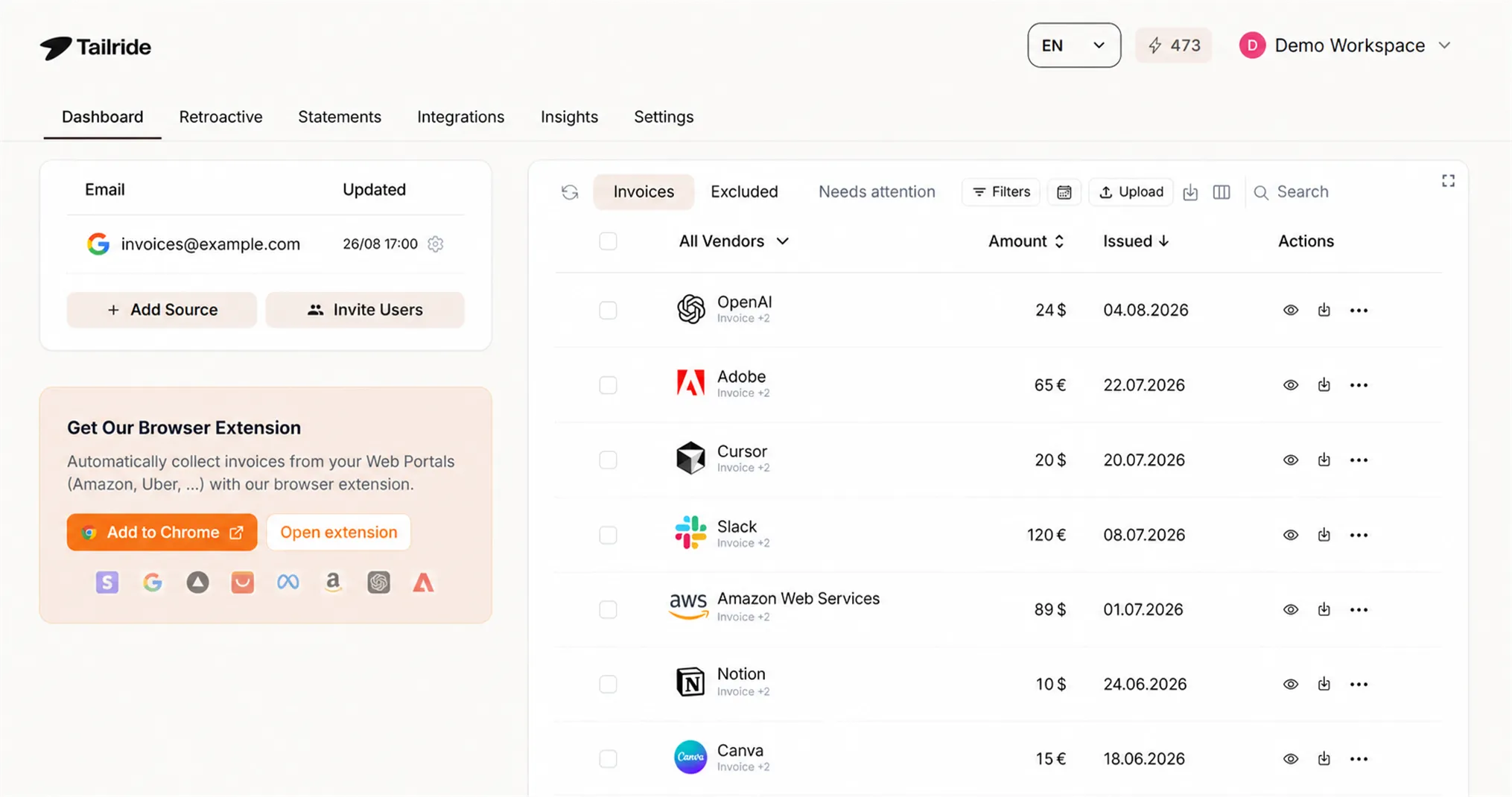
The four routes above share one blind spot. Every single one of them starts with a document that has already reached you, or that you already know is missing.
The invoice sitting behind an Amazon Business login is in neither category. Nor is the one a colleague received and never forwarded. Nor are the fourteen months of history from before anyone set any of this up.
Tailride connects to e-conomic through the official API and closes that gap.
It goes and gets them. A direct connection to Gmail, Outlook or IMAP means invoices are found in the mailbox itself, with no forwarding rule to maintain and nothing lost when someone forgets. For the hundred-plus supplier portals that never email anything, a browser extension lifts the document off the page during your own normal login - no passwords are stored anywhere on your behalf. Receipts photographed into WhatsApp or Telegram land in the same queue.
Retroactive scanning. Point it at a mailbox, choose a date range, and it rebuilds what was never captured. For a bogholder - a Danish bookkeeper - taking on a client mid-year, that replaces the request clients answer slowest.
Line-level reading. AI extraction runs to the line on every plan rather than as a paid extra, each line is coded to your own chart of accounts with its own moms rate (Danish VAT), and the finished draft voucher lands in your supplier journal with the source document attached - which is also what the five-year retention rule wants.
Pricing. Charged per document, never per user or per client. Ten invoices a month are free, and paid plans open at €12 a month on annual billing. Full pricing is public, and practices should start at AP automation for accountants.
To be fair to e-conomic: if your suppliers all send e-faktura and the rest arrive by email, Smart Inbox handles it and you need nothing else. This layer earns its place when a real share of your documents are somewhere nobody is looking.
Test it on your own documents
Half an hour, five documents, and you will know more than any comparison table can tell you.
-
An e-faktura from a supplier who already sends them. Does it post without anyone touching a field?
-
A PDF invoice with several VAT rates. Does each line carry its own rate, or is there one tax figure?
-
A photograph of a receipt, taken indoors, slightly skewed. Check the total by hand.
-
A document where your own company details are missing. Does anything flag it, given the law asks for the receiver on the record?
-
An invoice that only exists behind a supplier login. Trace how it reached the ledger. If a person logged in and downloaded it, nothing about that path is automated.
Then the question that decides the whole thing: how many of last month's invoices arrived without anyone going to look for them?
FAQ
How do I receive e-invoices in e-conomic?
Activate e-faktura on your agreement. Any customer with a valid Danish CVR number can register it in NemHandelsregisteret, optionally attach an EAN number, or activate a Peppol ID for international suppliers. Invoices then arrive in the Inbox as structured OIOUBL data rather than as PDFs.
What is the difference between an e-faktura and a PDF invoice by email?
A PDF has to be read before the data can be used, and reading can go wrong. An e-invoice is structured data in named fields, so e-conomic takes the values directly. As e-conomic puts it, an e-invoice is not an email and not a PDF file.
Is Smart Inbox included in every e-conomic package?
No. Smart Inbox is part of the Smart and Komplet packages. Bilagsanmodning, the document request feature, is available on all packages.
Does e-conomic meet the requirements of the new bookkeeping act?
Yes. e-conomic is on Erhvervsstyrelsen's register of digital bookkeeping systems under FOB number fob669741, registered on 19 December 2023. For systems on that list, compliance with the system requirements is the provider's responsibility rather than yours.
What must a digital voucher contain in Denmark?
At minimum: the issue date, the amount, the product or service, the sender and the receiver including name, address and CVR or SE number, the VAT amount, and the payment details. Vouchers are kept for five years from the end of the relevant financial year.
How do I get historical invoices into e-conomic?
The native routes process what you put in front of them. Retroactive scanning pulls a chosen date range out of a connected mailbox and runs it through the same pipeline, which is the usual answer when backfilling a client's year.
Can I capture invoices from supplier portals?
Not with e-conomic's own routes - a portal invoice never arrives anywhere for them to read. A browser extension that captures the page while you are signed in is the practical answer, and it is one of the reasons to put a capture layer in front.
The takeaway
The order matters more than the tooling. Switch as much inbound volume as you can from PDF to e-faktura, because a document that arrives as structured data never enters the review queue at all. Use Smart Inbox for the remainder. Use document requests for what a colleague is sitting on.
Then look at what is left, and be honest about it: the portal logins, the inbox nobody forwards from, the history from before any of this was set up. Those are not slow to process. They are invisible, which is worse, and no upload button will surface them.
That is the part we built Tailride for. Start free → · e-conomic integration → · Pricing →
Related guides
-
Features: automatic coding · AI processing · inbox scanning · retroactive scanning · online portals · portals directory · reconciliation
Sources
-
Erhvervsstyrelsen: register of digital bookkeeping systems - e-conomic listed as fob669741, register updated 18 June 2026
-
e-conomic: receiving e-invoices via CVR, EAN and Peppol - updated 17 July 2026
General information for practitioners, not accounting or tax advice. Deadlines and thresholds move, and Erhvervsstyrelsen's own guidance is what governs. Verify before relying on any of it.