
Hubdoc Alternatives for German Accounting Firms (2026)
Hubdoc has no DATEV, sevDesk or Lexware Office hand-off and no working fetch. Compare 7 Hubdoc alternatives built for German practices - with Tailride first.

Last updated: July 2026 · ~11 min read · Published by Tailride
Hubdoc is free with every paid Xero plan, which makes it an easy default - until you try to run a German practice on it. Then the same three problems show up in the same week: there is no way to hand data to DATEV, sevDesk or Lexware Office; the automatic document fetching Hubdoc is known for was switched off years ago; and what it extracts is a header, not the line items your chart of accounts needs.
None of those is a detail. German bookkeeping ends in DATEV or a German ledger, and a capture tool that cannot reach one leaves your team re-keying at the last mile. This guide covers what Hubdoc does in 2026, where it stops at the German border, and seven alternatives that fit the way German practices work.
Short answer
Choose an alternative if your practice needs data to reach DATEV, sevDesk or Lexware Office, needs line items rather than totals, or relied on Hubdoc's automatic fetching. Stay on Hubdoc if you are a Xero practice, work mostly in English-speaking markets, and only need documents stored and headers read.
The detail behind that:
-
Hubdoc's standard fetch connections were retired on 27 April 2022. The direct API connections that replaced them covered Bank of America, Wells Fargo and Stripe - nothing that helps with a German supplier base.
-
Hubdoc publishes to Xero and QuickBooks Online only. No DATEV, no sevDesk, no Lexware Office.
-
Hubdoc captures supplier, date and total, not line items, so account and cost-centre coding stays manual.
-
Xero, which owns Hubdoc, runs no German edition - Germany is not among its regional sites.
-
Tailride exports a DATEV-compliant XML package with the original PDFs, publishes to sevDesk, Lexware Office, e-conomic, Xero, QuickBooks, Odoo and Business Central, and codes every line to your chart of accounts. Free for 10 invoices a month, then from $19.
What Hubdoc does, and where it stops
Hubdoc is a document collection tool Xero acquired in 2018. You send it invoices and receipts by email forwarding, mobile photo, scanner or upload; its OCR reads the key fields and publishes the document to Xero or QuickBooks Online. It costs $12 a month per business with unlimited documents and users, and is included at no extra cost with every paid Xero plan.
For a UK or Australian practice on Xero, that is a fair free baseline. For a German one, four limits matter more than the price.
The fetch feature is largely gone
Hubdoc's best-known feature used to be automatic fetching: connect a supplier or bank, and documents arrived on their own. Xero retired those standard fetch connections on 27 April 2022, explaining that the underlying technology had become outdated and was frequently blocked by banks and suppliers (Xero blog).
What replaced them are direct API connections, and at the time of that announcement Xero named three: Bank of America, Wells Fargo and Stripe. Two US banks and a payment processor. If your clients bank with a Sparkasse or Volksbank and buy from German suppliers, automatic fetching is not realistically on the table - and credential-based fetching of the old kind tends to break anyway the moment a provider turns on multi-factor authentication.
Nothing lands in the German stack
This is the one that settles it for most German firms. Hubdoc publishes to Xero and QuickBooks Online. DATEV is not a destination, and neither is sevDesk or Lexware Office. However clean the extracted data is, someone still has to carry it into the system the practice runs on.
Header data only, no line items
Hubdoc captures the supplier name, the date and the total, and independent reviews put its OCR accuracy in the 85–94% range with processing that can take hours. It does not break an invoice into its individual lines. One supplier bill mixing office equipment, software and freight arrives as a single figure, and splitting it across SKR03 or SKR04 accounts is manual work every time.
Xero has no German edition
Hubdoc is a Xero product, and Xero's regional sites cover Australia, New Zealand, the UK, Ireland, Canada, the US, Singapore, Malaysia, Hong Kong, Indonesia, the Philippines and South Africa. Germany is not among them. That absence shows up in exactly the places a German practice cares about.
One more thing worth knowing before you compare: Hubdoc needs a separate subscription for each business entity, which is an awkward shape for a practice carrying dozens of clients.
What a German practice actually needs
Before comparing tools, it is worth naming the requirements specific to this market. They separate "works" from "works in Germany".
-
A hand-off into the German stack. DATEV, sevDesk or Lexware Office. Without one, automation stops a step short of the ledger.
-
Line-item extraction. SKR03 and SKR04 are granular and cost-centre logic often applies per line. Header totals cannot be coded accurately.
-
Tax read per line. Mixed 19% and 7% rates on one invoice need the rate taken from the document, not inferred from the supplier.
-
Archiving that stands up to GoBD. German rules require digital records to be complete, unalterable and traceable, with retention running for years. Ask any vendor where documents are stored, whether the original file is kept alongside the extracted data, and what the audit trail looks like.
-
Documents in more than one language. German firms serve clients buying worldwide. A tool that only reads Latin-script invoices creates a manual queue for everything else.
Seven Hubdoc alternatives for German firms
Descriptions below are positioning summaries - capabilities and pricing move, so check each vendor's current page before deciding.
1. Tailride
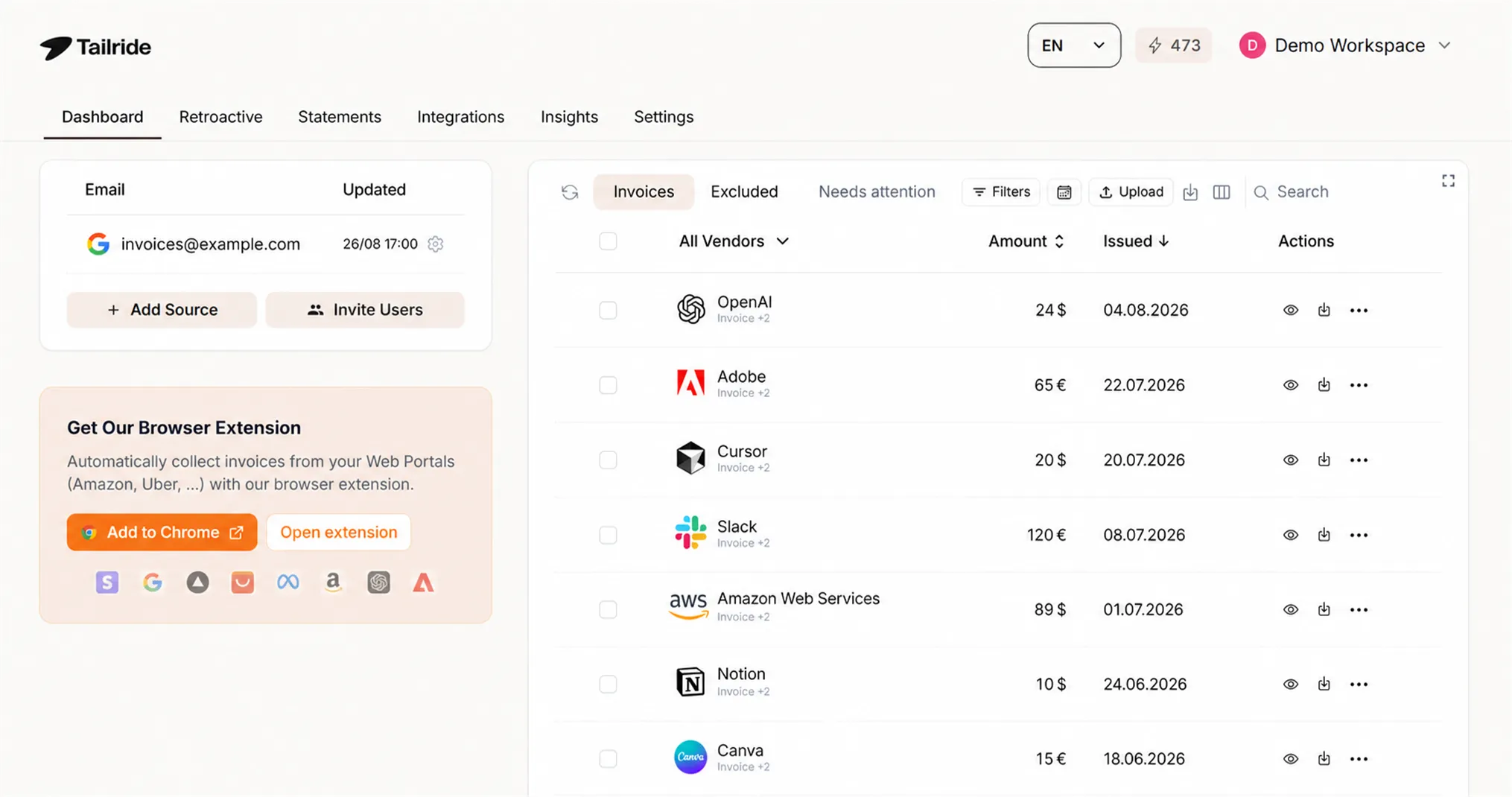
Tailride is an AI invoice and receipt automation tool built around the gaps above. It exports a DATEV-compliant XML package with the original PDFs included, and publishes directly into sevDesk, Lexware Office and e-conomic as well as Xero, QuickBooks, Odoo and Business Central. For a German practice that is the difference between a finished workflow and a half-finished one.
Extraction runs to the line level on every document and every plan, and each line is coded to your chart of accounts - with the tax rate applied per line, so VAT lands correctly rather than being averaged across the bill. Invoices are read in European languages and in non-Latin scripts, which matters for clients with suppliers outside Western Europe.
Collection works three ways at once: a direct Gmail or Outlook connection that also scans years of existing history retroactively, a browser extension that fetches from 100+ supplier portals and can be taught any other portal inside your own logged-in session, and ordinary upload or photo capture. Because the extension runs in your browser, multi-factor authentication does not break it - the exact failure mode that ended Hubdoc's fetch feature.
For practices specifically, Tailride offers accountant accounts with a master dashboard across clients, volume pricing and a separate dashboard for each client, plus AP automation and bank reconciliation included on every plan.
Pricing: free for 10 invoices a month with two connected inboxes, then $19 for 75, $49 for 350, $99 for 750 and $199 for 1,500, with roughly two months free on annual billing.
Best for: German practices and multi-entity businesses that need DATEV, sevDesk or Lexware output, line-item coding and automatic collection in one tool.
2. GetMyInvoices
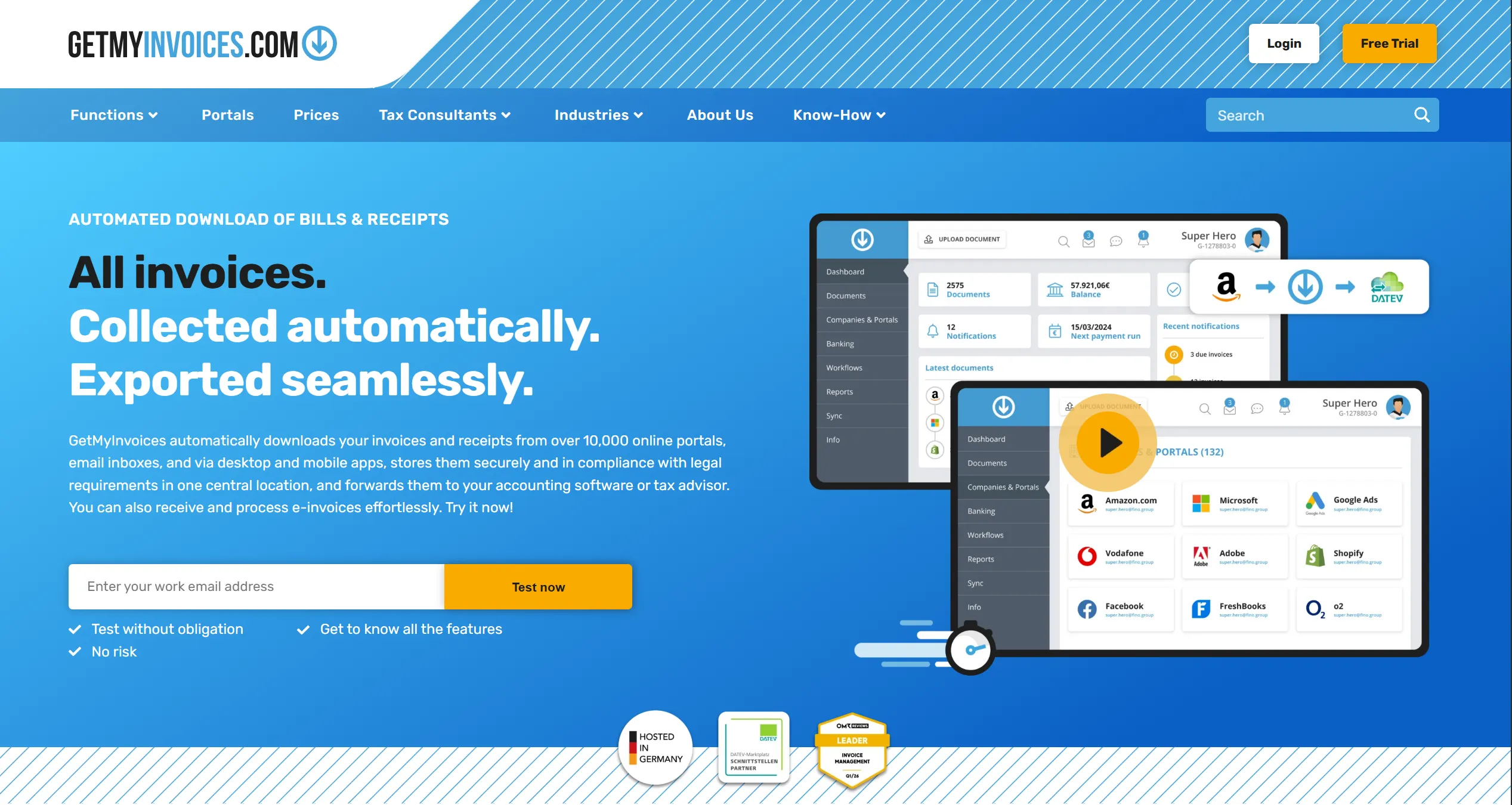
A German-market document collection tool with a large catalogue of supplier portals and a long-standing DATEV connection. Its centre of gravity is retrieval and distribution rather than deep line-item coding, and pricing tiers by document volume and connected accounts. A fair fit when collection is the pain rather than coding. See Tailride vs GetMyInvoices.
3. Candis
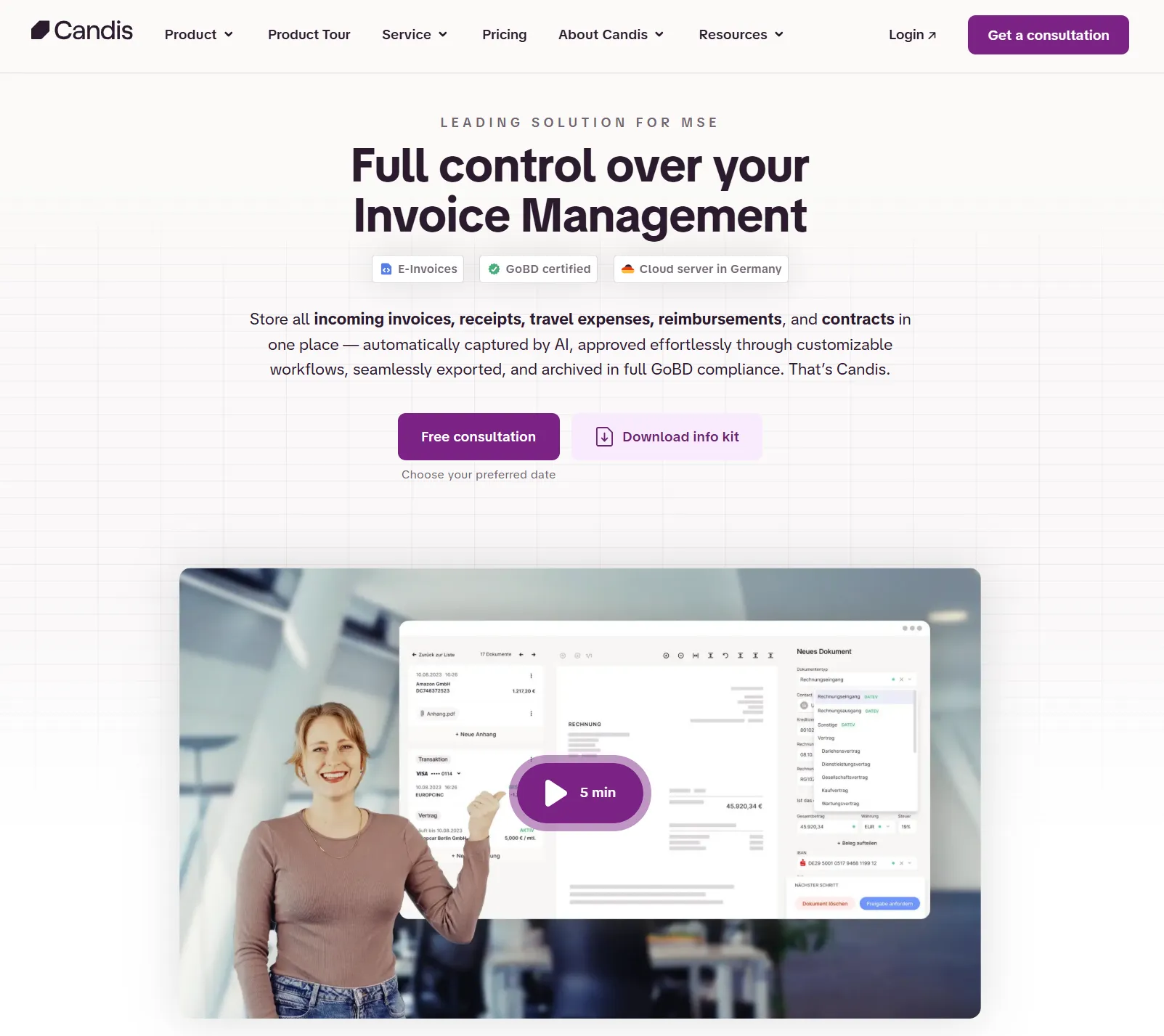
Built for German AP workflows, with approval routing, payment preparation and DATEV integration. Candis addresses the finance-team side - who approves what and when it gets paid - more than the practice side. Worth a look if approval is your bottleneck rather than capture. See Tailride vs Candis.
4. BuchhaltungsButler
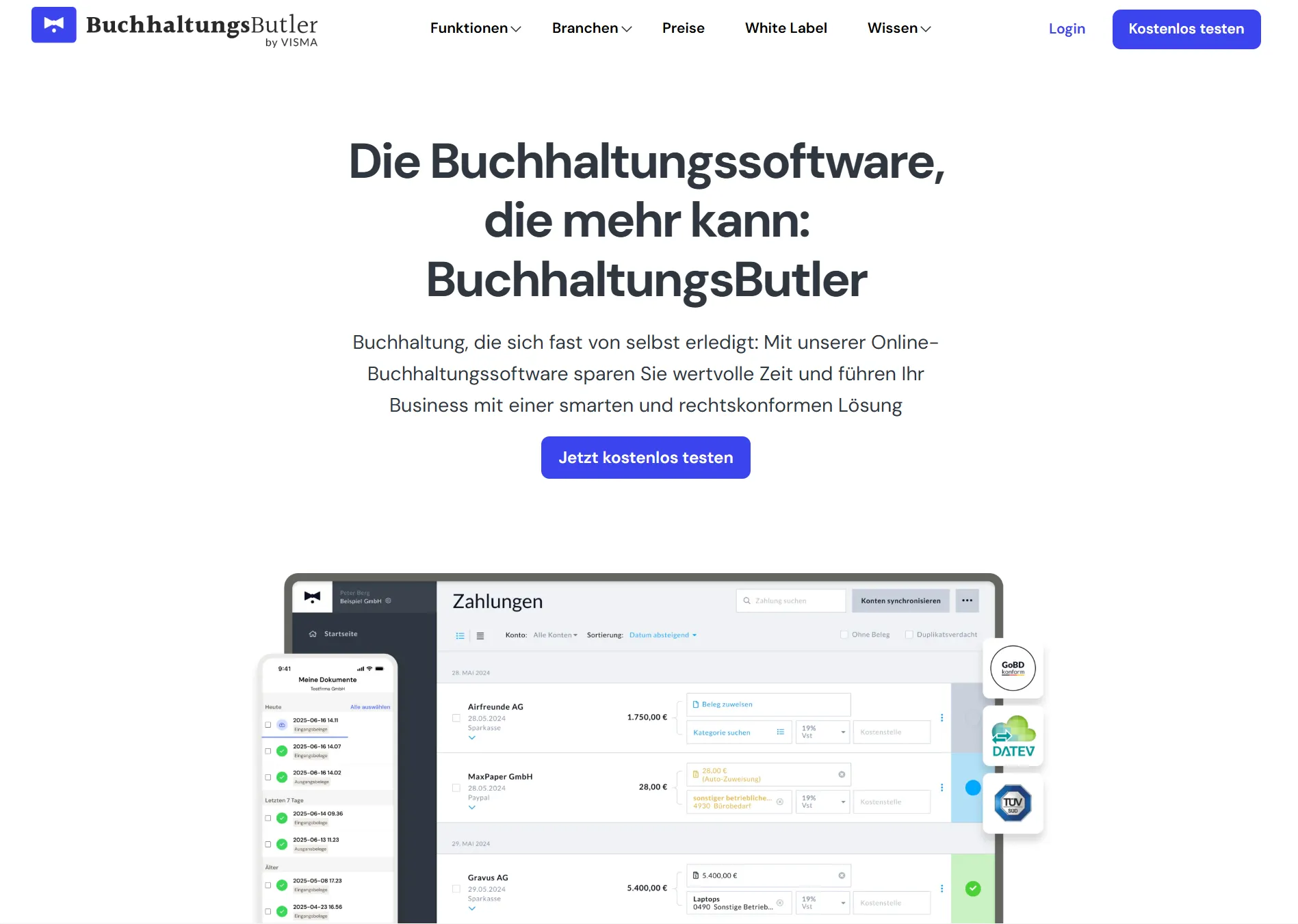
A German tool focused on automatic document capture with machine-learning booking suggestions and DATEV export. It sits between a capture tool and a bookkeeping product, with pricing that scales by transaction volume.
5. Dext
The most established international capture tool and the usual Hubdoc comparison. Dext does extract line items, unlike Hubdoc, but it is built around Latin-script documents and prices per document or by credit, which grows with volume. See Tailride vs Dext.
6. AutoEntry
Sage-owned capture with a credit-based pricing model, widely used across Europe and a natural pick for firms already inside the Sage ecosystem. Line-item capture is available, typically at a higher credit cost per document.
7. Datamolino
A long-running capture tool aimed at accounting practices, with Xero, QuickBooks and Sage hand-off and multi-client handling. Built around Latin-script documents, which is the constraint to check against your client base.
Comparison at a glance
| Hubdoc | Tailride | GetMyInvoices | Candis | Dext | |
|---|---|---|---|---|---|
| DATEV hand-off | No | DATEV XML + original PDFs | Yes | Yes | Via export |
| sevDesk / Lexware Office | No | Yes, direct | Yes | No | No |
| Line-item extraction | No (header only) | Every document, every plan | Limited | Yes | Yes |
| Coding to chart of accounts | Basic suggestions | Per line, with tax rate, learns per client | Limited | Yes | Rules-based |
| Automatic collection | Retired 2022; 3 direct APIs | Inbox connection + 100+ portals, teachable | Large portal catalogue | Limited | Forwarding + some portals |
| Retroactive inbox history | No | Yes | No | No | No |
| Non-Latin scripts | No | Yes | Limited | Limited | Latin-focused |
| Bank reconciliation | Left to Xero | Included, every plan | No | Payment focus | Separate |
| Multi-entity | Separate subscription each | One account, accountant dashboard | Yes | Yes | Yes |
| Free tier | Only via a paid Xero plan | 10 invoices a month, permanent | Trial | Trial | Trial |
Capabilities and pricing shift, so verify anything decisive on the vendor's own page before you commit. Three rows deserve a second look. Automatic collection is where Hubdoc's reputation outruns its current capability - the feature most people remember has not worked that way since 2022. Retroactive inbox history is the one nobody else here offers: every other tool starts collecting the day you switch it on, so the current financial year still has to be assembled by hand. And multi-entity is a quiet cost driver: per-business subscriptions add up fast across a client book.
Why Tailride fits a German workflow
The short version: Tailride is built to end where German bookkeeping ends, not where Xero ends.
An invoice arrives in a client's inbox. Tailride finds it without anyone forwarding anything, reads every line, and applies the account and the tax rate each line belongs to - based on the document, the supplier, and how that client's books have been coded before. The result goes out as DATEV-compliant XML with the original PDF attached, or straight into sevDesk, Lexware Office, e-conomic, Xero, QuickBooks, Odoo or Business Central.
Because the original file travels with the structured data, the archive keeps source and record together, which is the shape a GoBD-minded process wants.
The coding is what saves the hours. It reads any layout without per-supplier templates, so an invoice it has never seen is still split correctly. It codes each line rather than the total. And it improves: correct a line once and the rule is stored against that supplier and that line description for that client, so the next invoice arrives already coded. There is no rules table to build up front - and if you already have coding history in your accounting system, you can import it so it starts from how the books actually work rather than from nothing.
What your team gets is a review queue instead of a coding queue.
A practical test for any tool here: take one messy supplier invoice with mixed VAT rates and several cost categories, run it through, and check whether the line items and the tax both come out right.
You can start free with 10 invoices a month, no card required.
How to switch from Hubdoc without losing history
-
Export your Hubdoc archive first, while the account is still active.
-
Connect your inboxes to Tailride. The retroactive scan rebuilds the archive from existing email history, so past invoices come back on their own.
-
Connect supplier portals through the browser extension, in your own logged-in sessions.
-
Sync your chart of accounts and import existing coding history so the AI starts from the client's real patterns.
-
Run both tools for one cycle, compare output, then switch Hubdoc off - or just stop using it, since it costs nothing on a Xero plan.
Frequently asked questions
Does Hubdoc work with DATEV?
No. Hubdoc publishes to Xero and QuickBooks Online only. There is no DATEV export, and no hand-off to sevDesk or Lexware Office either, so German practices have to move the data across by other means.
Is Hubdoc still able to fetch invoices automatically?
Only in a limited way. Xero retired standard fetch connections on 27 April 2022 and replaced them with direct API connections, which at announcement covered Bank of America, Wells Fargo and Stripe. There is no equivalent coverage for German banks and suppliers.
Why does Hubdoc not extract line items?
It was designed as a collection and header-capture tool: supplier, date, total. Line-item extraction is a different capability, and it is what makes coding to a granular chart of accounts like SKR03 or SKR04 possible.
What should I check for GoBD compliance?
Ask where documents are stored, whether the original file is kept alongside the extracted data, whether records can be altered afterwards, and how long they are retained. GoBD is about completeness, traceability and unalterability, so the archive matters as much as the extraction.
Can a capture tool handle invoices that are not in German or English?
Some can. Tailride reads European languages and non-Latin scripts, which is relevant for clients with suppliers outside Western Europe. Tools built around Latin-script OCR will usually hand those documents back for manual entry.
Is Hubdoc free for German firms?
It is included with paid Xero plans, so the licence costs nothing if you already pay for Xero. The cost appears as manual work instead: no German hand-off, no line items, and no working automatic collection.
The takeaway
Hubdoc is a reasonable free capture tool inside a Xero practice. In Germany it is being asked to do a job it was never shaped for: nothing reaches DATEV, sevDesk or Lexware Office, the automatic fetching people remember was retired in 2022, and header-only extraction leaves the coding untouched. The alternatives worth your time are the ones that finish the job - structured data and source documents landing in the system your practice already runs, coded line by line.
If you want to test that on your own documents, start free and run one messy supplier invoice through it.
Related guides
Sources: Xero - Why we're changing the way you import documents into Hubdoc · Xero regional sites · Hubdoc on the Xero App Store