
How to Get Invoices into Lexware Office (2026)
Set up Belegempfang properly, and know what it refuses: link-only emails, unlisted senders, anything below XL. Tailride covers what it turns away.

Last updated: August 2026 · ~10 min read · Published by Tailride
There is no single answer to this, because Lexware Office gives you a good automatic route with conditions attached and a manual route with none. Which one applies depends on your package and on how your suppliers happen to bill you.
So this guide is organised by situation rather than by feature. Find the paragraph that describes you and read that one.
-
On Lexware Office XL, suppliers attach PDFs to emails - set up Belegempfang and you are largely done
-
On a smaller package - upload and the mobile app, and that is the whole list
-
Much of your spend billed by a link in an email - no native route handles this
-
Suppliers who use a portal instead of email - no native route handles this either
-
Months of invoices already behind you - nothing native goes backwards
Tailride exists for the last three. It reads the invoice out of the email body and follows the download link when there is one, signs into supplier portals that never send email, works backwards through your history as far as you need, then codes every line and writes a finished purchase voucher into Lexware Office with the PDF attached. Ten invoices a month are free, then from €12 a month on annual billing. See the integration →
If you are on Lexware Office XL
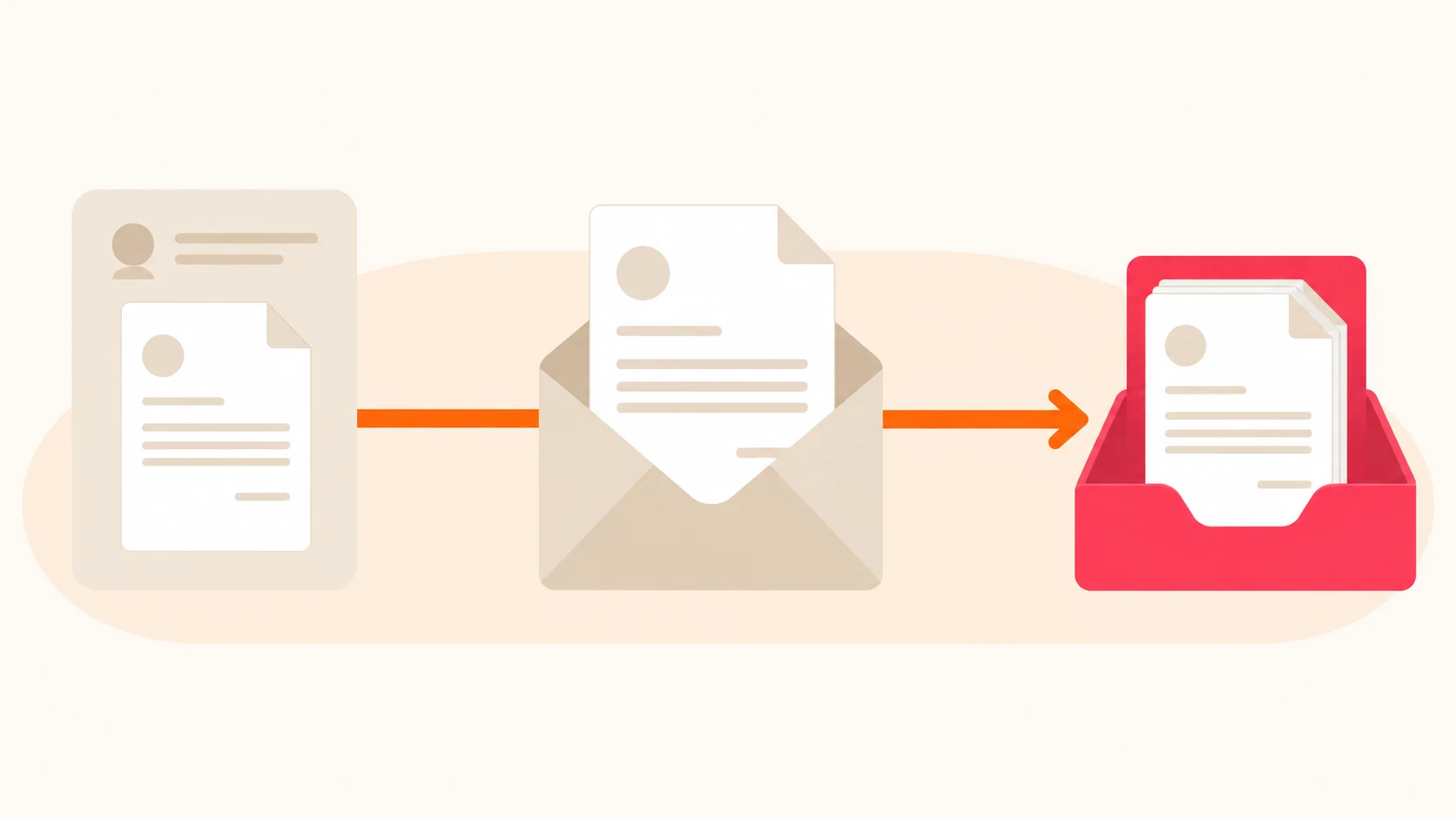
This is the good case. Turn on Belegempfang and supplier invoices arrive without anyone forwarding anything.
Setting it up takes about five minutes:
-
Click the gear icon and choose Belegempfang
-
Click jetzt einrichten
-
Pick a name to sit before the @ - your company name works - which becomes your Ziel-Adresse, the address suppliers write to
-
Add the addresses you will accept documents from, up to twenty
-
Choose whether Lexware Office should email those senders to tell them the new address. Switch this on, or you are doing that outreach by hand
-
Send yourself a test with an invoice attached as a file, and confirm it lands under Zu prüfen
Two more settings live under Einstellungen → Belegempfang, outside that wizard. Fehlerberichte decides who hears about a document that could not be processed, say an unsupported format. A tägliche Zusammenfassung gives one person a daily list of what arrived. Turn both on.
What it will refuse
Worth knowing before you assume the intake is watertight, because none of this appears during setup.
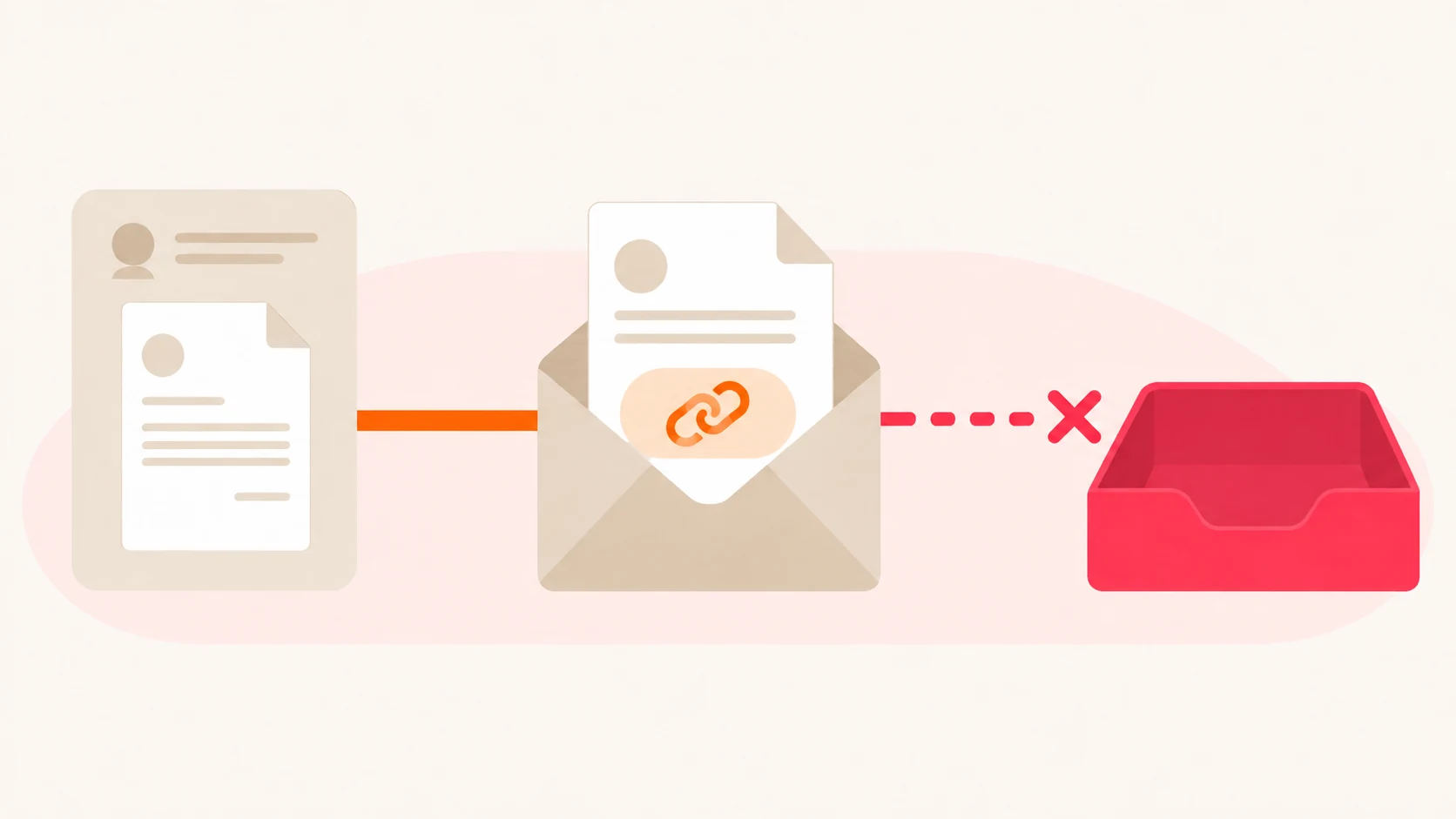
It only accepts attachments. Lexware Office is explicit: "Lexware Office verarbeitet keine Belege, die lediglich als Link oder als reiner Text in der E-Mail stehen" (help centre). An invoice that is a link in the body, or text in the body, is not processed.
It only listens to your list. Twenty approved addresses covers a settled supplier base. The twenty-first supplier, the new subcontractor, the accounts department billing from a different address than last quarter - none of them get through.
And here is the part that makes both of those expensive: Fehlerberichte tell you about documents that failed to process, not about documents that were never accepted. A link-only email or an unlisted sender produces no error, because there is nothing to fail. The document is simply absent, and the first sign is a gap at month end.
If you are on a package below XL
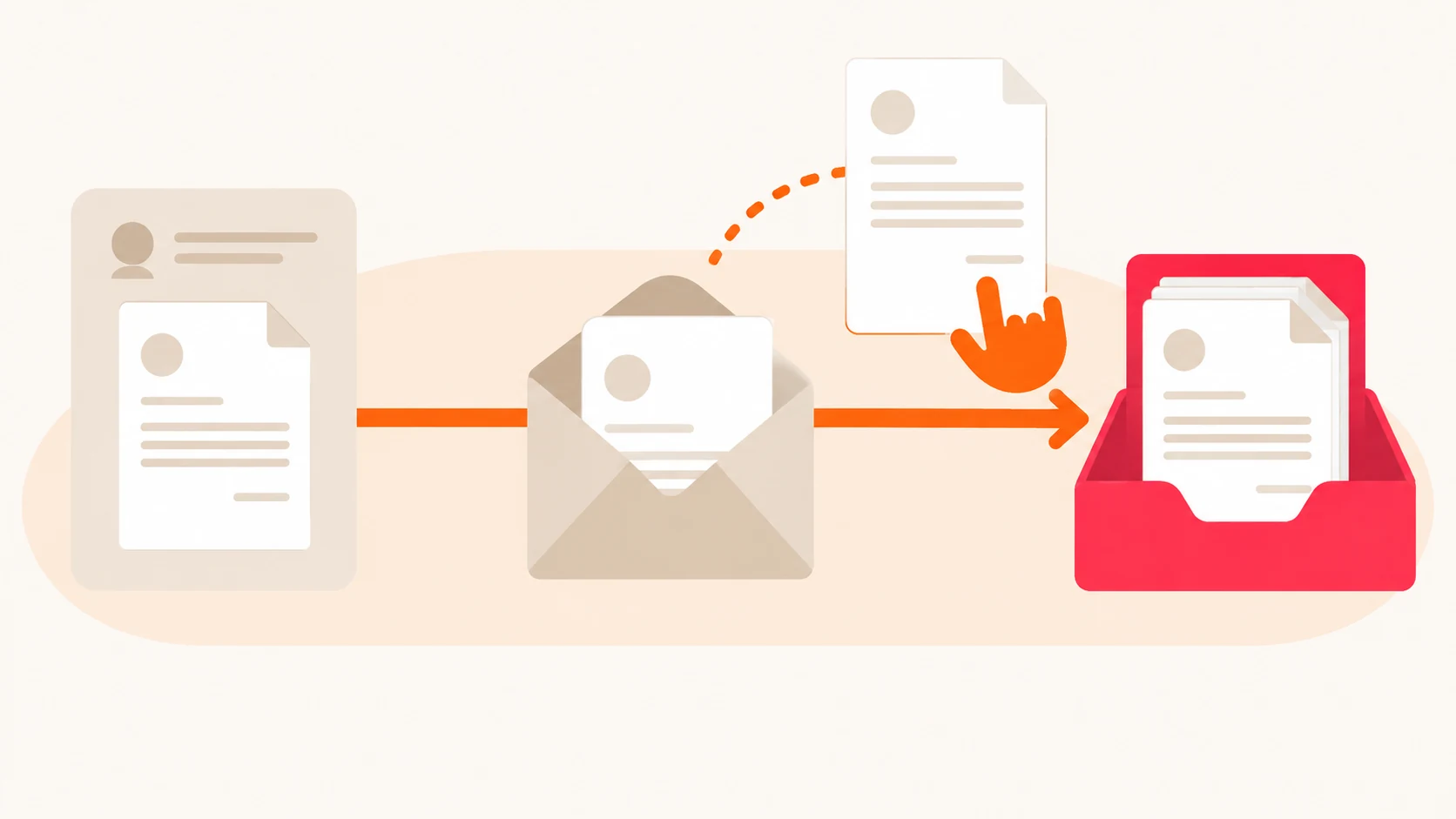
Belegempfang is XL-only. The help centre puts it plainly: "Der Belegempfang per E-Mail ist ausschließlich in diesem Paket verfügbar."
That leaves two routes, both manual:
Upload directly. Drag the file in or pick it from your machine. It lands in Zu prüfen, automatic recognition reads it, you confirm. Works on every package, costs nothing extra, and costs you a few minutes every time.
Photograph it in the app. Useful for fuel, parking and lunch - the documents that were never a digital file to begin with.
The honest arithmetic: at thirty invoices a month, uploading by hand is roughly an hour of somebody's time, every month, forever. Upgrading to XL buys back most of that hour, but only for the invoices that arrive as attachments from listed senders. Read the two sections below before deciding whether the upgrade solves your particular problem.
If much of your spend is billed by a link
This is the section most Lexware Office users have not thought about, and it decides more than the package question does.
Open the email your last AWS invoice came in. Then Google Ads, Meta, Adobe, and whichever subscriptions your team runs. Most of them do not attach a PDF. They send a short notice saying the invoice is ready, with a button to go and get it.
Those emails reach your Ziel-Adresse. Lexware Office finds no attachment and creates nothing. No error, no report, no trace.
For a business running thirty software subscriptions, this is not an edge case - it is most of the recurring spend, and it is the part that repeats every single month. The gap compounds quietly until somebody reconciles against a bank statement and finds a column of payments with no documents behind them.
Nothing in Lexware Office fixes this, because the fix is not a setting. It requires something that opens the email, recognises that the invoice lives behind the link, follows it, and brings the document back.
If your suppliers use a portal instead of email
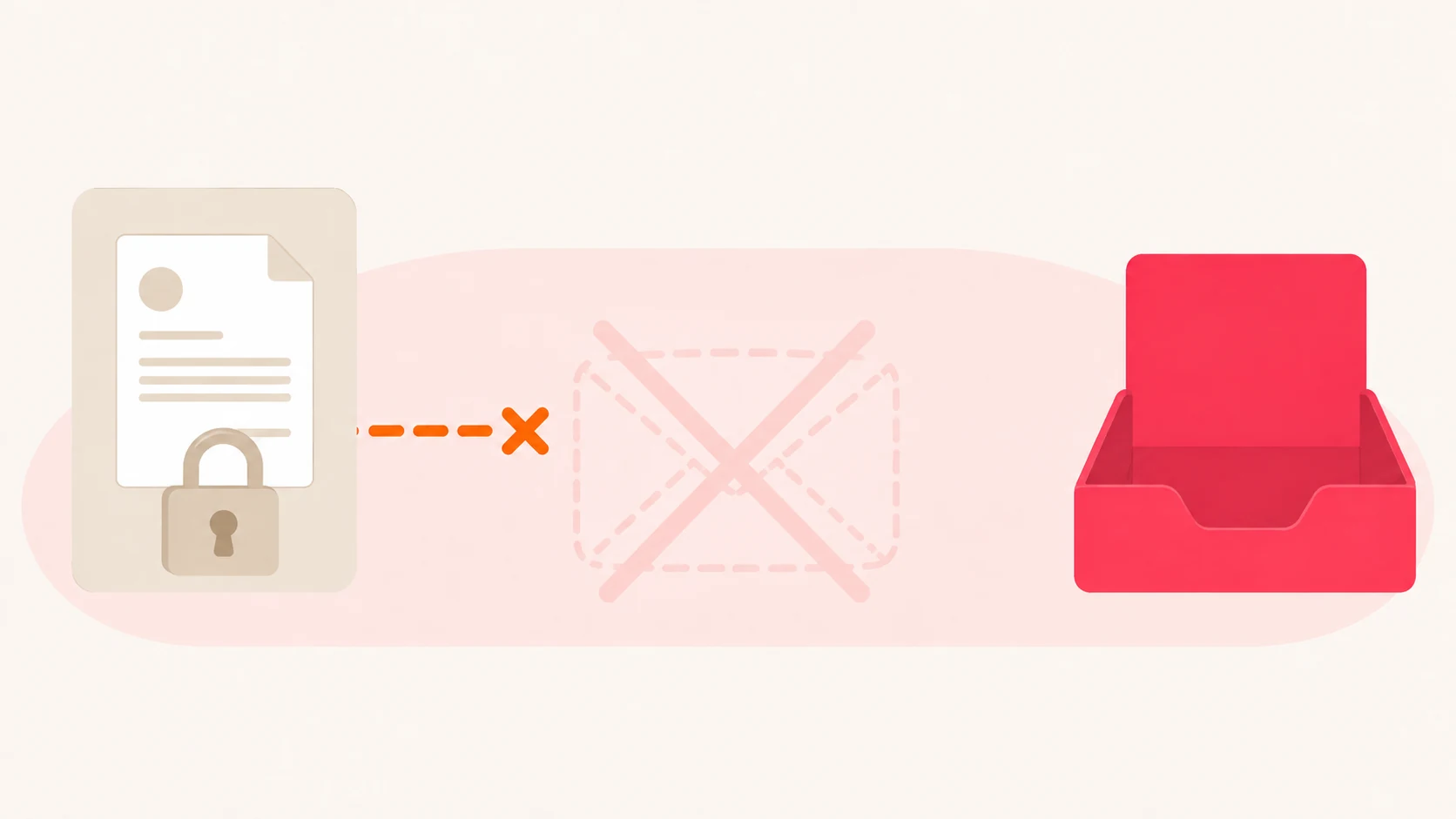
Telekom, Amazon Business, Meta Ads and a long list of others stopped emailing invoices years ago. You sign in and download.
No intake setting reaches those, because nothing was ever sent to intercept. Somebody logs in each month, downloads the file, and uploads it - which is the manual work the intake was supposed to remove, reappearing in a different place.
If you have months of invoices already behind you
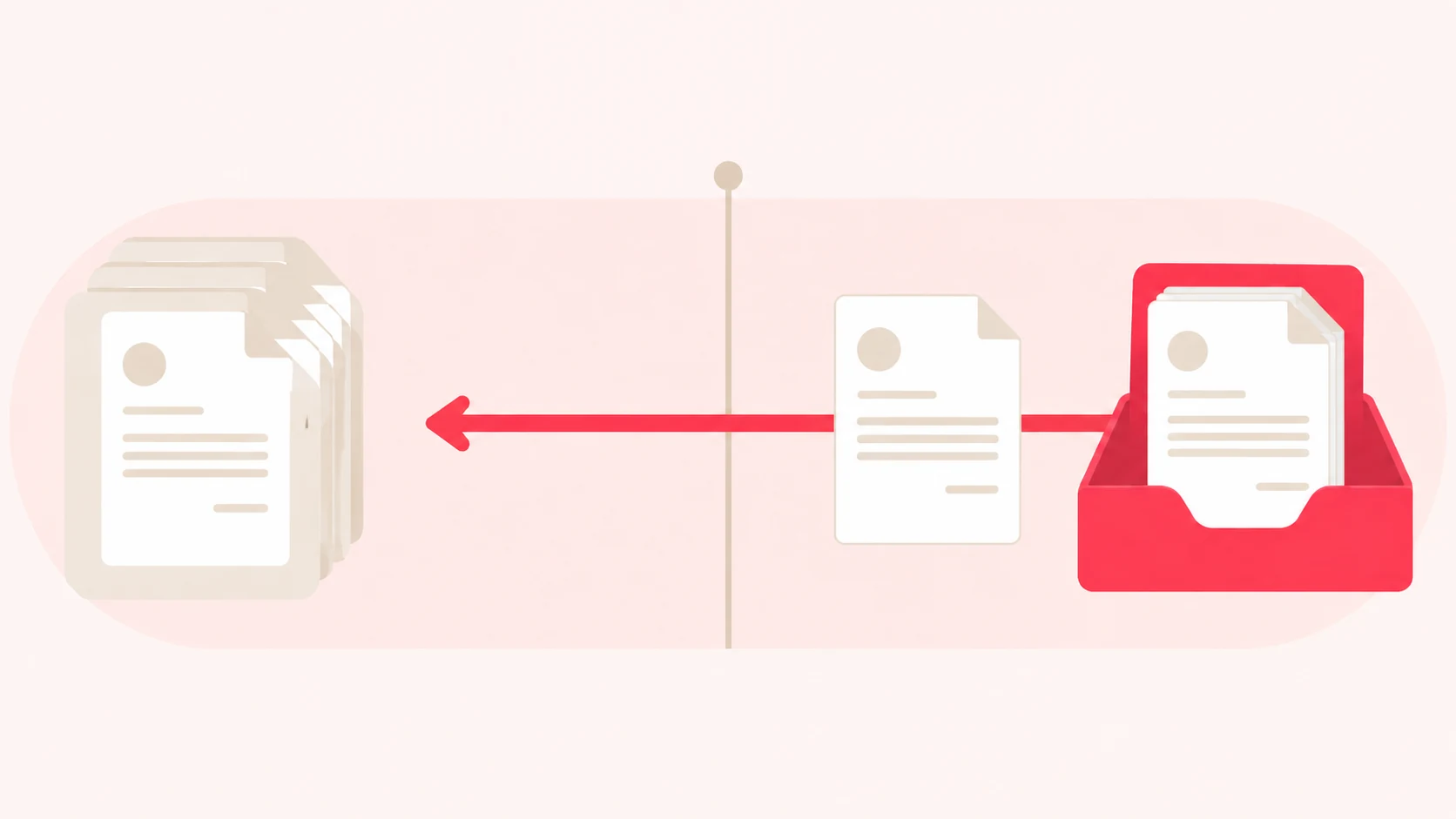
Belegempfang starts on the day you configure it and looks forward. Everything before that is yours to handle one file at a time.
This lands hardest on two groups: businesses that switched to Lexware Office mid-year, and bookkeepers taking on a client whose previous arrangement was a shoebox. Asking a client to dig out eight months of invoices is the request they answer slowest, if at all.
Where Tailride fits
The first two sections above are native problems with native answers. The last three are not - they are outside what an accounting system is built to do, because an accounting system waits to be given documents rather than going to find them.
Tailride is the layer that goes and finds them, and it connects to Lexware Office through your private API key.
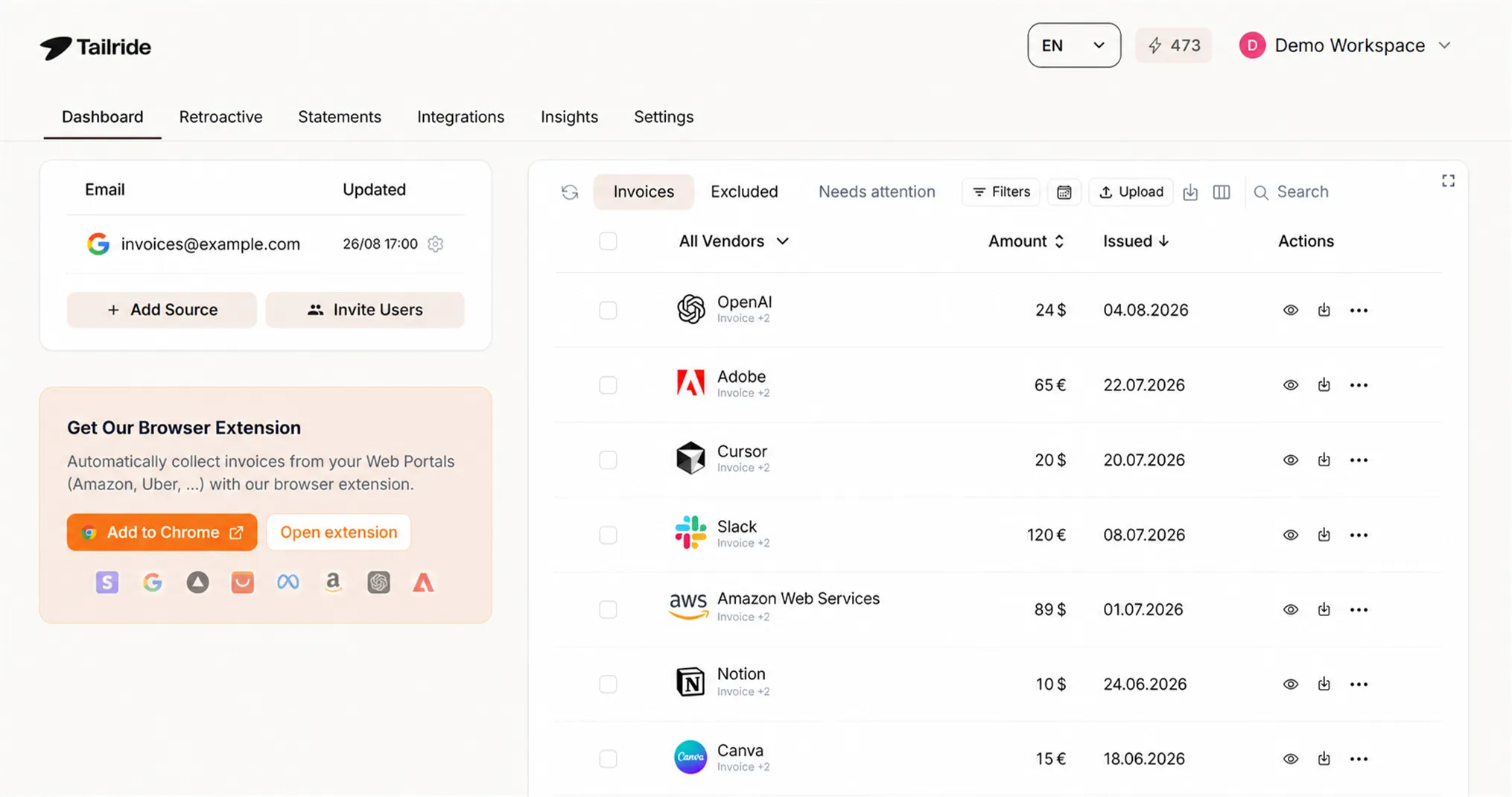
It reads bodies, not only attachments. An invoice written into an HTML email is extracted from the body. When the email holds a download link instead, Tailride follows it and retrieves the file. That single behaviour recovers the AWS, Google Ads and Meta invoices the native intake cannot see.
There is no list of approved senders. Connect Gmail, Outlook or IMAP and invoices are found wherever they land, from anyone. Nothing to maintain, no twenty-first supplier.
Portals open through your own browser. A browser extension takes the document from the page while you are signed in as normal, so no credentials are held anywhere and a supplier turning on two-factor changes nothing. More than 100 portals are supported out of the box.
History is recoverable. Retroactive scanning reaches back through a connected mailbox as far as you tell it to, so the months before your setup get rebuilt rather than written off.
What lands is finished, not filed. AI extraction reads each line rather than the header, every line is mapped to your posting categories, and reverse-charge or foreign VAT cases are raised for review instead of guessed. The result is a purchase voucher in Lexware Office with the original attached. Credit notes included.
Priced per document, never per user or per client. Ten a month free, then from €12 a month on annual billing - full pricing is public, and practices should start at AP automation for accountants.
One honest caveat: if you are on XL, your suppliers are a stable set of fewer than twenty, and they all attach PDFs, the native intake is included in what you already pay and there is no reason to add anything to it.
FAQ
Can I email invoices to Lexware Office?
Yes, through Belegempfang, which requires the Lexware Office XL package. You create a personal Ziel-Adresse and approve up to twenty sender addresses. Documents must be attached as files.
Why did my invoice never appear in Lexware Office?
Three usual causes: the sender was not on your approved list, the invoice was a link or plain text in the email body rather than an attached file, or your package is below XL. None of these generates an error report, so the document is simply absent.
Does Lexware Office capture invoices from supplier portals?
No. A portal invoice is never emailed, so there is nothing for the intake to receive. Capturing it needs something that signs in and lifts the document off the page, which is what Tailride's browser extension does.
How many senders can email documents to Lexware Office?
Up to twenty approved addresses. The limit was raised recently, so older guides quote a lower number.
Is Lexware Office the same as lexoffice?
Yes. lexoffice was renamed Lexware Office. You will still meet the old name in search results, older documentation and some integration listings, including the address of our own integration page.
How do I get older invoices into Lexware Office?
By hand, one at a time, unless something scans your mail history. Retroactive scanning sweeps a connected mailbox over whatever period you name and handles the lot in one pass.
Does Tailride replace Lexware Office?
No, it sits in front of it. Lexware Office stays your accounting system. Tailride finds the documents and codes them before they get there.
The takeaway
If you are on XL with a settled supplier base who attach PDFs, set up Belegempfang and stop reading here. It is included, it works, and it will handle most of what you receive.
If you are not - and specifically if a real share of your invoices arrives as a link, sits behind a login, or is already in the past - then the limit is not something a setting fixes. Those documents never reach the intake at all, and nothing in Lexware Office will tell you they are missing.
That is the gap Tailride closes. Ten invoices a month cost nothing, so you can point it at your own mailbox and see how much was going astray before deciding anything.
Start free → · Lexware Office integration → · Pricing →
Related guides
-
Features: inbox scanning · online portals · portals directory · retroactive scanning · AI processing · automatic coding