
Hubdoc and Dext Alternatives for Non-Latin Invoices (2026)
Arabic, Chinese and Japanese bills break most capture tools. Nine Hubdoc and Dext alternatives compared on what they really read, with Tailride first.

Last updated: July 2026 · ~12 min read · Published by Tailride
A client starts buying from Shenzhen, or opens a branch in Dubai, or takes on a Japanese supplier. Nothing about your bookkeeping changes except the documents, and suddenly a share of the month's invoices will not go through the tool you have used for years. They come back blank, or with the supplier name in the total field, or with a date five hundred years out.
So somebody opens each one, reads it, and types it in. That queue is small at first - it grows with the client book, and it never automates itself.
This guide covers why non-Latin documents defeat the capture tools built for accounting practices, what the alternatives actually read as opposed to what their home pages claim, and how to test any of them on your own documents in an afternoon.
Short answer
Hubdoc and Dext are built around Latin-script documents. Neither publishes a supported-language list, and neither was designed for a supplier base writing in Arabic, Chinese, Japanese, Korean, Hebrew or Thai.
The tools that do read those scripts are mostly document-AI platforms sold to developers and enterprises. They read the characters well. They do not code to your chart of accounts, do not publish to Xero or QuickBooks, and are not priced or shaped for a practice carrying fifty clients.
Two things worth knowing before you shortlist anything:
-
A language count is not a capability. Reading characters and knowing which number is the tax are separate problems, and vendors quote the first while you need the second.
-
Test on your own documents. Any tool will demo well on a clean European invoice. Send it the worst photographed Arabic receipt in your archive.
"Non-English" and "non-Latin" are different problems
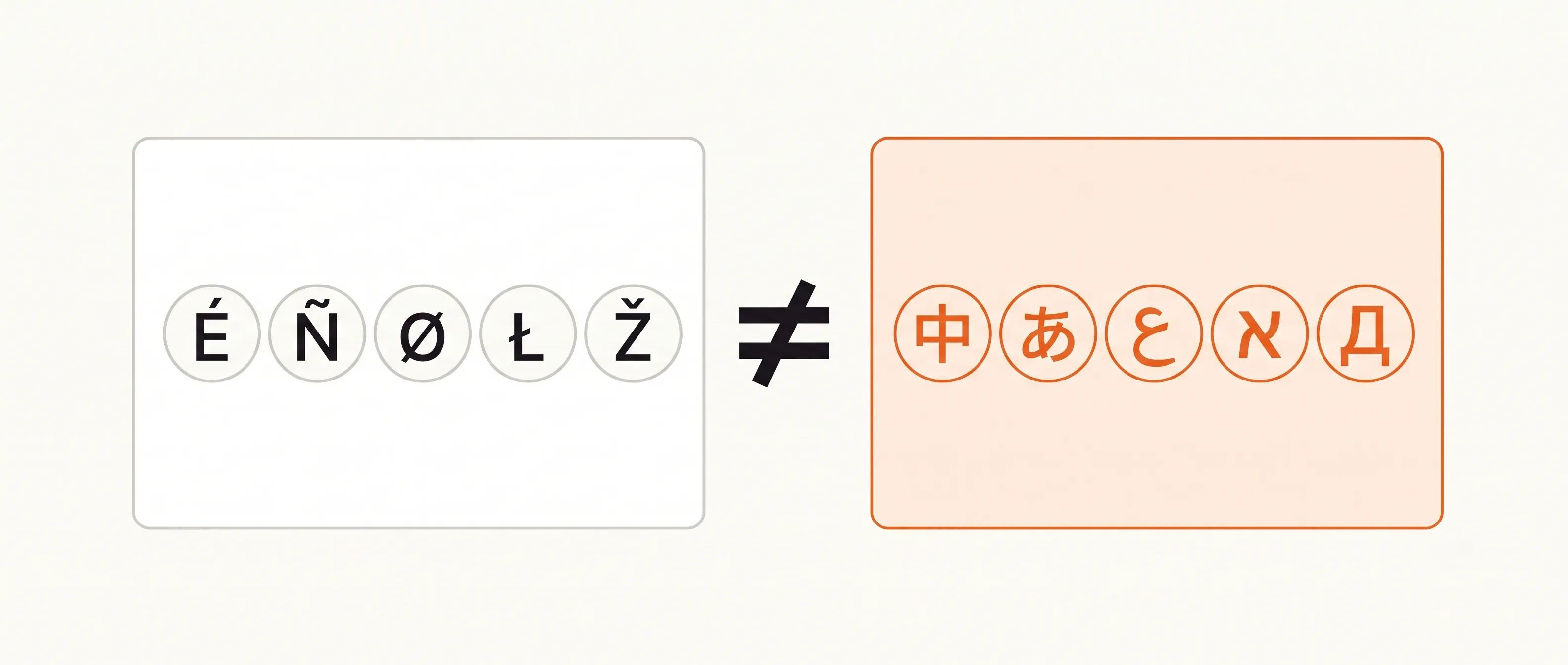
Worth separating these before anything else, because most comparisons in this category run them together and the confusion sends firms after the wrong feature.
A French invoice is non-English. It is also written in the same alphabet as an English one, with the same digits, the same calendar and roughly the same layout conventions. Capture tools handle French, German, Spanish, Italian and Portuguese documents reasonably well, and have done for years. Adding Czech or Polish costs a few diacritics.
A Japanese invoice is a different category of problem. So is an Arabic, Hebrew, Thai, Korean, Greek or Russian one. The script changes, and with it the reading direction, the word boundaries, the digits, sometimes the calendar and often the layout.
So if a vendor page says "multilingual" and lists eleven European languages, it has told you nothing about the documents you are asking about.
Why "supports 200+ languages" is the wrong question
Every vendor in this category quotes a number. The numbers are large, they are not comparable, and they mostly answer a question you were not asking.
Optical character recognition turns marks on a page into characters. That part is close to solved for major scripts. Extraction is a different job: deciding that this string of characters is the supplier, that one is the invoice date, that number down there is tax and this other number, formatted identically, is a purchase order reference. Extraction depends on having seen enough documents of that kind to know where things sit and what they are called.
Which is why the honest vendors quote two numbers. Rossum's own help centre is the clearest example. Its marketing sits on broad multilingual capability, and its FAQ says: "We officially support English, French, German, Czech, and Slovak" (Rossum help centre). Five languages, every one of them Latin script, with everything else described as extractable at lower accuracy that improves as more documents come through.
That is not a criticism of Rossum. It is a description of how all of these systems work, stated plainly by one vendor - the rest leave it implied. ABBYY makes the same distinction visible in its spec sheet: 200+ recognition languages, dictionary support for 63 of them, ICR for 130. Three different numbers for three different depths of understanding.
So when you read "150+ languages" or "200+ languages", read it as can see the characters. Then ask the question that decides whether the tool saves you any work: on a document in this script, does it come back with fields you can post, or with text you still have to read?
What actually breaks on a non-Latin invoice
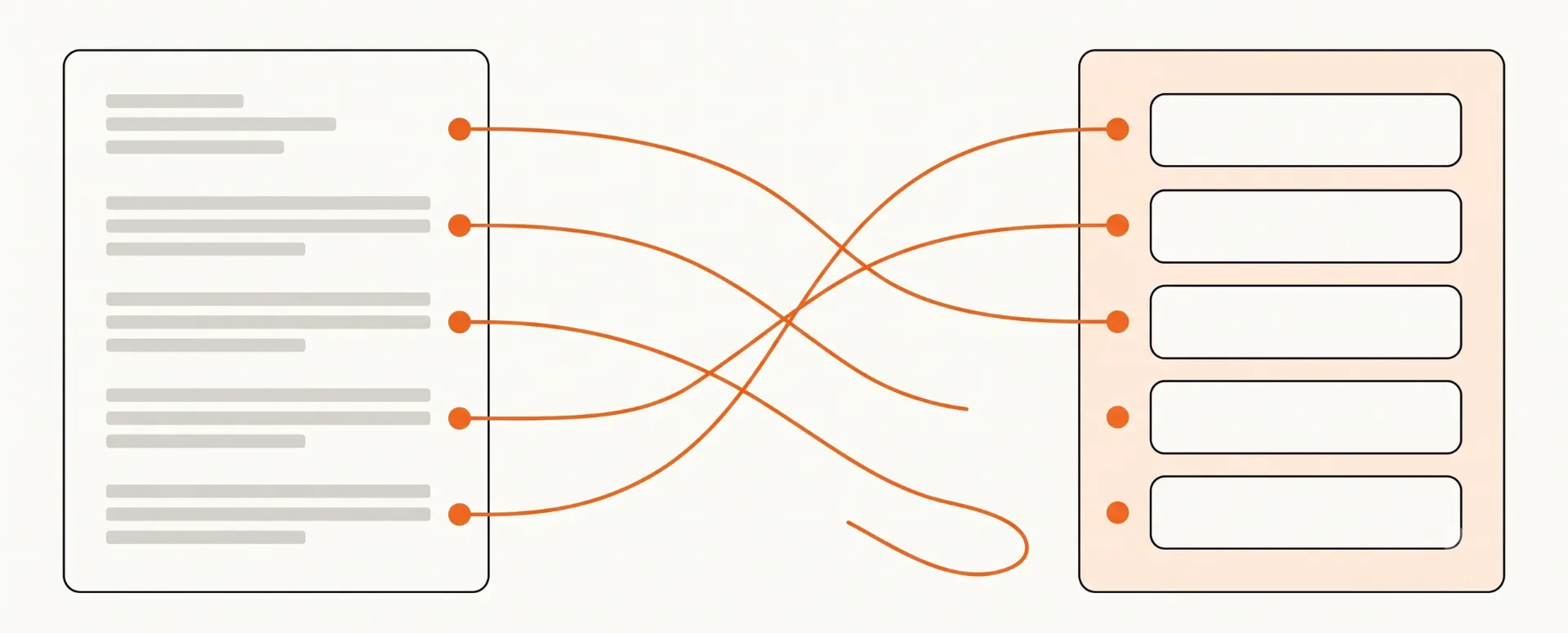
Worth naming the specific failures, because they tell you what to look for in a trial and they are more particular than "it does not support the language".
Reading direction. Arabic and Hebrew run right to left, and numbers inside them still run left to right. A parser that assumes one direction per document will mangle a total, and the failure is quiet: you get a number, just not the right one.
No word boundaries. Chinese, Japanese and Thai do not put spaces between words. Tools that segment text on whitespace produce one long token per line, so the field boundaries a Latin invoice hands over for free have to be inferred from layout instead.
Dates that are not Gregorian. Japanese invoices often use era years, so Reiwa 8 is 2026. Thai documents commonly use the Buddhist Era, where the current year prints as 2569. A tool that reads the digits correctly and assumes a Gregorian calendar files that document 543 years into the future, and it does so without erroring.
Different digits. Arabic-Indic numerals (٠١٢٣٤٥٦٧٨٩) appear on invoices across the Gulf. Character recognition trained on Western digits either misses them or transliterates them wrongly.
Separators that invert. 1.234,56 and 1,234.56 are the same amount written by different conventions. Guess wrong by a factor of a thousand and the bill still posts.
Regulated national formats. China's fapiao is a specific document with its own layout and validation rules. Reading it as a generic invoice loses the fields that make it a fapiao.
Mixed scripts on one page. A Japanese invoice carries kanji, two kana syllabaries and Latin characters together. A Gulf invoice is frequently bilingual Arabic and English, with the two versions disagreeing about which fields are present.
None of that shows up in a language count. All of it shows up in your first week of real documents.
Where Hubdoc stops
Hubdoc is free with every paid Xero plan, which makes it most firms' default rather than most firms' choice. Three limits matter here.
It captures header data: supplier, date, total. Not line items. On a non-Latin document that is a harder ceiling than it sounds, because when the extraction is partly wrong you have no line-level detail to check it against.
Its automatic fetching was retired on 27 April 2022, and the direct API connections that replaced it covered Bank of America, Wells Fargo and Stripe (Xero blog). For a client buying from Asian or Gulf suppliers, automatic collection is not on the table.
And it publishes to Xero and QuickBooks Online only. Xero itself runs regional sites for a list of English-speaking and Southeast Asian markets, which tells you where the product's attention has gone. There is more detail in our Hubdoc comparison.
Where Dext stops
Dext is a better product than Hubdoc on almost every axis, and its mobile capture is the best in the category. Two things constrain it here.
Line-item extraction is metered. The Business plan includes five line-item credits a month, and documents beyond that are billed on top. Non-Latin invoices are exactly the documents you most want split into lines, because the header alone gives you nothing to sanity-check.
And there is no published language list. Dext's help centre documents a great deal, and supported scripts are not part of it. Firms report mixed results on non-Latin documents, which is the pattern you would expect from a system trained overwhelmingly on UK, Irish, Australian and North American paperwork. Our Dext comparison covers the rest.
Absence of a published list is not proof a tool cannot read a script. It does mean the vendor will not commit to it - and that you have no recourse when it fails.
The two families, and what each gets wrong
Shortlist anything in this category and you notice the market has split in a way that leaves practices in the gap.
Family one: capture tools built for accounting practices. Hubdoc, Dext, AutoEntry, Datamolino. These know what a chart of accounts is, publish into the ledger, handle multi-client access, and price per client. They are built around Latin-script documents. AutoEntry's own marketplace listing gives its available language as English.
Family two: document-AI platforms. ABBYY, Rossum, Klippa's Doxis, Veryfi, Nanonets. These read far more scripts, and several read them well. They are sold as APIs or as enterprise implementations. They return JSON. They do not code to account 6815, do not know your client's supplier history, and do not publish a bill to Xero with the PDF attached.
A firm that buys from family two has automated character recognition and kept every other manual step - plus acquired an integration project. A firm that stays with family one keeps a manual queue for a growing share of its documents.
Nine alternatives, and what each one really does
Positioning summaries rather than spec sheets. Language support in particular moves, and vendors describe it inconsistently, so confirm anything decisive on the vendor's own documentation and then test it on your documents.
1. Tailride
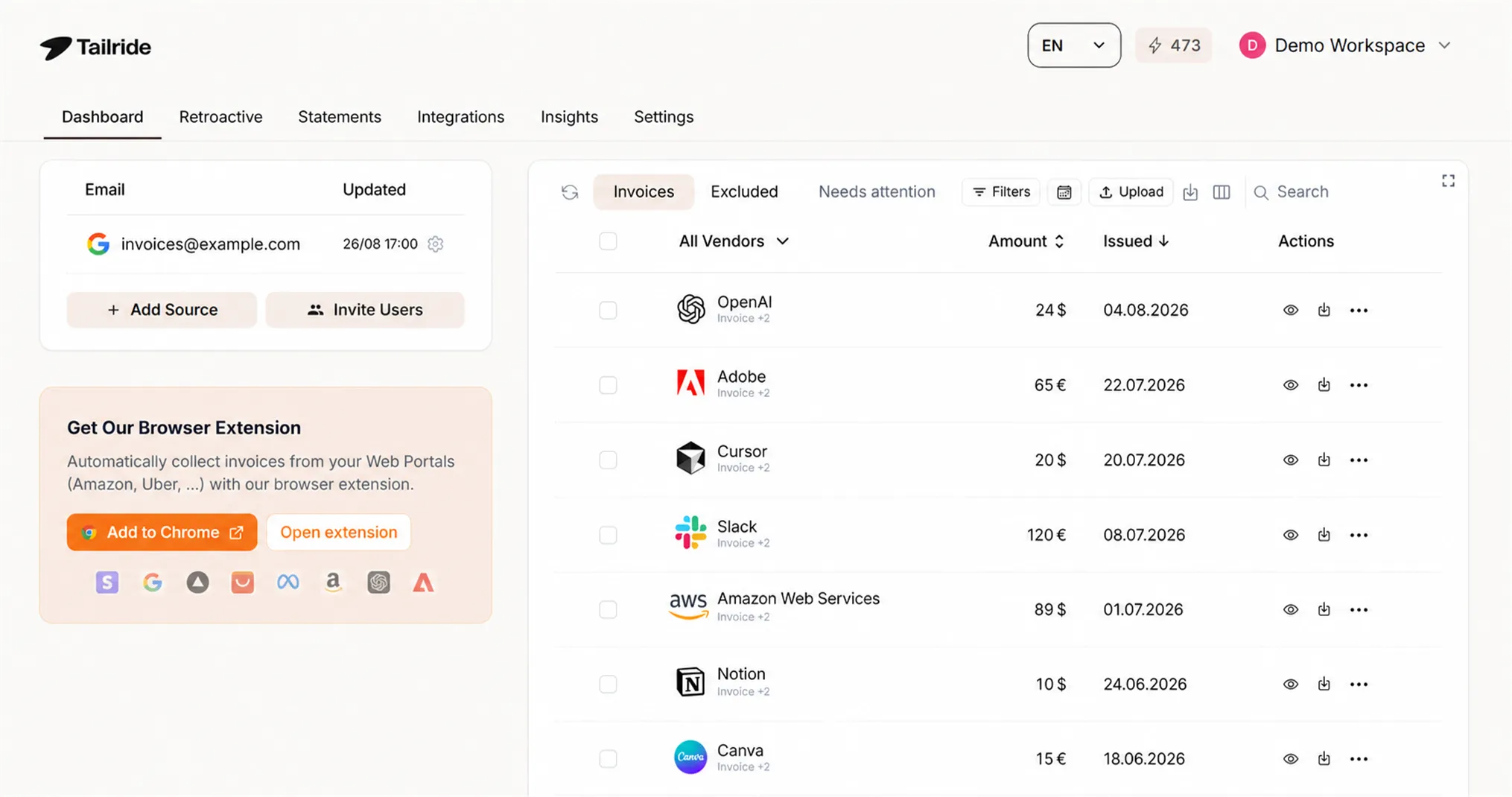
Tailride reads invoices in European languages and in non-Latin scripts, and it belongs to family one: the output is coded line items in your ledger, not JSON for a developer.
We do not publish a language count, deliberately. The number would be marketing, and the question that matters is whether a given document comes back correctly, which depends on the document as much as the script. Send us your hardest ones.
What is specific: extraction runs to the line level on every plan, each line is coded to your chart of accounts with tax applied per line rather than averaged across the bill, and the original document stays attached to the record. Collection connects to Gmail or Outlook directly and scans history retroactively, so a new client's back catalogue rebuilds itself rather than arriving piecemeal. Supplier portals run through a browser extension inside your own logged-in session, which is why two-factor authentication does not break it.
Publishing goes to Xero, QuickBooks Online, sevDesk, Lexware Office, e-conomic, Odoo and Business Central. Free for 10 invoices a month, then from $19. Practice-side detail sits on our accountants and AP automation pages.
2. ABBYY (Vantage / FlexiCapture)
The deepest recognition engine on this list and the oldest. 200+ recognition languages, dictionary support for 63, ICR for 130. If a script exists on a commercial invoice, ABBYY has seen it.
The cost is shape, not quality. This is enterprise document processing with an implementation behind it, priced and scoped accordingly. Firms that end up here usually arrived through a client's shared services function rather than by choosing it for the practice.
3. Rossum
Strong extraction, a good correction interface, and unusually honest documentation: five officially supported languages, all Latin, with other languages extracted at lower accuracy that improves with volume. Rossum also ships a document translation feature, which is a different thing from extraction and worth not confusing.
Built for AP departments processing high volumes for one organisation. A practice with fifty clients is not the shape it was designed around.
4. Klippa (Doxis AI.dp)
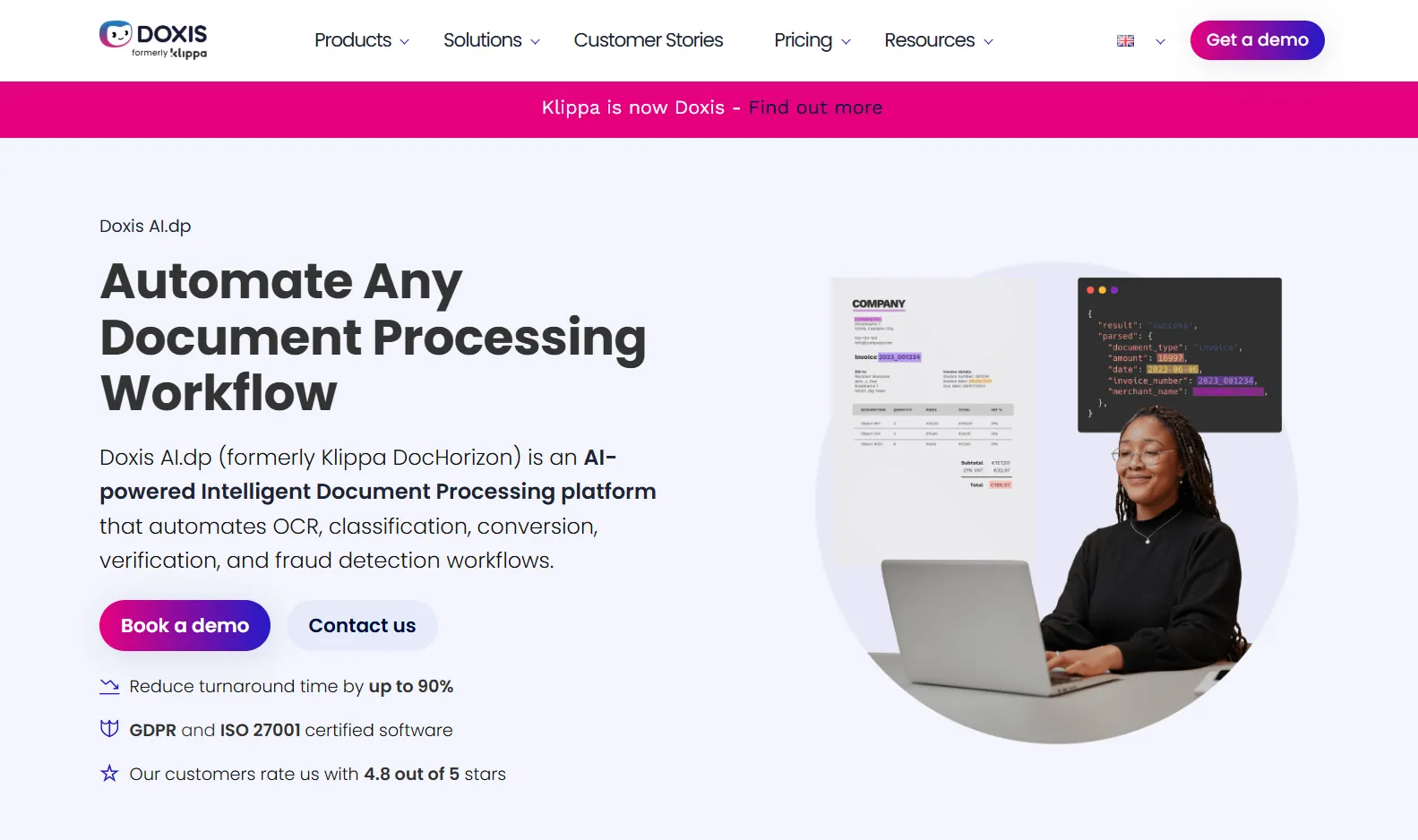
Klippa's platform, now sold as Doxis AI.dp, quotes 150+ languages on its OCR API and describes multi-script support covering Latin, Cyrillic and Arabic, with Hebrew in beta and further languages available on request through model training (Doxis OCR API).
Cyrillic and Arabic in the documented list is more than most of this category commits to. Note what is not named: CJK support is not stated in those terms, so confirm it directly if Chinese, Japanese or Korean documents are the reason you are reading this.
5. Veryfi
The most specific published list here. Veryfi documents 38 languages including Arabic, Hebrew, Japanese, Korean, Thai, Chinese Simplified and Traditional, Hindi, Tamil, Malayalam, Russian, Ukrainian and Greek, alongside 91 currencies (Veryfi OCR technology and languages).
For genuine script breadth with a published commitment behind it, this is the strongest entry in family two. It is an API product: you or a developer build what sits between it and the ledger.
6. Nanonets
Multi-language extraction with a workflow layer on top - and more approachable than ABBYY for a small team. The published language coverage is less specific than Veryfi's, so a trial on your own documents does more than the marketing pages will.
7. DOKKA
The interesting middle case. DOKKA is sold to accounting firms, so it understands practice workflow, and its documented language coverage runs to English, Hebrew, Italian and Spanish. Hebrew is a non-Latin script, which puts DOKKA ahead of every other family-one tool on this list.
Four languages is still four languages. If your problem is Hebrew, look closely. If it is Mandarin, keep reading.
8. AutoEntry
Sage-owned, well integrated with Sage and Xero, and a reasonable Dext substitute on price. Its Sage marketplace listing gives available language as English, which settles the question for this article's purposes.
9. Datamolino
Line-item extraction that is very good indeed, at a fair price, with a helpful support team. Latin-script documents. A strong pick for a European practice, and not the answer to a Shenzhen supplier base.
Testing any of them in an afternoon
Vendor claims settle nothing here. Run this instead. It takes about two hours and it will separate the shortlist faster than any comparison table - including this one.
Pull ten documents from your archive: two Arabic, two Chinese or Japanese, one Thai or Korean if you have them, two bilingual, and three of the worst photographs a client has ever sent you. Then check five things on each result.
-
Did the total come back right? Not present. Right. Check it against the document by hand.
-
Did the date come back right? Specifically on era-dated and Buddhist Era documents. This is where silent failures hide.
-
Are there line items, or one lump? And does the sum of the lines equal the total?
-
Is the tax a separate field with its own rate? A single combined number means somebody re-reads the document at coding time.
-
What happens to the original? You need the source document attached to the record, legible, for as long as your jurisdiction requires.
Then one question about the tool rather than the document: how much work sits between this output and a posted transaction? If the answer involves a CSV and a person, the automation stopped early.
FAQ
What is the difference between a non-English and a non-Latin invoice?
A non-English invoice may still use the Latin alphabet, as French, German, Spanish and Polish documents do, and most capture tools handle those acceptably. A non-Latin invoice uses a different script, such as Arabic, Chinese, Japanese, Korean, Hebrew, Thai, Greek or Cyrillic, which changes reading direction, word boundaries, digits and sometimes the calendar. The second is where tools fail.
Can Hubdoc read Chinese or Arabic invoices?
Hubdoc publishes no supported-language list and captures header data only. It was built for English-language documents in Xero markets. Firms with a non-Latin supplier base generally end up processing those invoices by hand.
Does Dext support non-English invoices?
Dext does not publish a list of supported languages or scripts. Results on non-Latin documents are inconsistent in practice, which fits a system trained mainly on UK, Irish, Australian and North American paperwork. Test with your own documents before committing.
Which tool reads the most languages?
By published count, ABBYY: 200+ recognition languages, with dictionary support for 63 and ICR for 130. Recognition is not extraction, though, and ABBYY is an enterprise platform rather than a practice tool.
What is the difference between OCR and extraction?
OCR converts marks into characters. Extraction decides which characters are the supplier, the date, the tax and the total. A tool can do the first perfectly in a script and still be useless at the second, which is why vendors quote recognition-language counts and you should ask about extraction accuracy.
Do I need translation as well?
Usually not. You need the fields, and a field does not have to be translated to be posted. Some platforms offer document translation as a separate feature, which helps a human reviewer and does nothing for extraction accuracy.
Is a non-Latin invoice still valid for VAT or tax purposes?
Validity depends on the document containing what your jurisdiction requires, not on the script it is written in. Some tax authorities can request a translation during an audit. Keep the original file attached to the record either way.
The takeaway
The market has not solved this, and the reason is structural rather than technical. Tools built for accounting practices were built in English-speaking markets for English-speaking supplier bases. Tools that read Arabic and Japanese well were built for developers and enterprise AP departments, where somebody writes the code that turns JSON into a journal entry.
A practice needs both halves from one product: documents read whatever the script, then coded to the chart of accounts and posted with the original attached. That combination is the whole question, and a language count on a home page does not answer it.
Pick two or three from the list, run the ten-document test, and let your own archive decide.