
Best Accounting Automation Software, Tools, and Systems in 2026
Compare 10 accounting automation software tools and see how Tailride automates invoice collection, data extraction, coding, and accounting exports.

Last updated: August 2026 · ~13 min read · Published by Tailride
Short answer: The best accounting automation software depends on where manual work enters your process. If invoices and receipts are still being found in inboxes and supplier portals, Tailride is the best place to start. QuickBooks Online and Xero provide the core accounting ledger, Ramp and BILL handle spend and payment workflows, while Numeric and BlackLine focus on financial close.
Accounting automation rarely begins with one all-in-one product.
A supplier invoice may need to be found, converted into structured data, assigned to the correct account, approved, posted to the ledger, matched against a payment, and included in the financial close. Different tools handle different stages of that journey.
For many small finance teams, the first bottleneck appears before bookkeeping even begins: invoices are scattered across company inboxes, employee accounts, and supplier portals. Tailride automatically collects those documents, extracts and codes their data, and sends them to the accounting system. You can test the complete workflow with up to 10 invoices per month for free.
The other products in this guide solve different problems. They are not presented as direct substitutes for one another. The objective is to help you identify the missing layer in your accounting stack.
Disclosure: Tailride publishes this guide and is included in the comparison. The products are evaluated by their role in the accounting workflow rather than treated as interchangeable alternatives.
Best Accounting Automation Tools at a Glance
| Software | Best for | Main role | General ledger? | Starting price* |
|---|---|---|---|---|
| Tailride | Our pick for automatic invoice and receipt collection | Document collection, extraction, coding, and export | No | Free; paid from $13/month annually |
| Dext | Traditional pre-accounting workflows | Document submission and bookkeeping preparation | No | Around $25/month annually |
| QuickBooks Online | US small-business accounting | Bookkeeping, bills, invoicing, and reporting | Yes | From $38/month |
| Xero | Cloud accounting and integrations | Bookkeeping, bank feeds, and reconciliation | Yes | From $25/month |
| Ramp | Company and employee spend | Cards, expenses, bills, and accounting sync | No | Free; Plus from $15/user/month plus platform fee |
| BILL | Bill approval and payment workflows | Payables, receivables, and payments | No | Varies by product and usage |
| Tipalti | Global supplier operations | Onboarding, invoice processing, and payments | No | From $99/month plus usage fees |
| Numeric | Modern month-end close | Reconciliation, close management, and reporting | No | Custom quote |
| BlackLine | Enterprise financial close | Record-to-report and financial controls | No | Custom quote |
| Synder | E-commerce accounting | Commerce transaction synchronization | No | From $65/month or $52/month annually |
*Public starting prices checked in August 2026. Prices, promotions, usage allowances, and implementation fees can change.
The quickest way to narrow the list is to identify what currently creates the manual work. Tailride is built for missing source documents; Dext for submission-led pre-accounting; QuickBooks and Xero for the ledger itself; Ramp for company spend; BILL and Tipalti for payment workflows; Numeric and BlackLine for close management; and Synder for commerce transactions.
What Is Accounting Automation Software?
Accounting automation software uses rules, integrations, machine learning, or AI to complete repetitive accounting work with less manual intervention.
The category covers a wide range of tasks. A product might collect financial documents, extract invoice data, categorize transactions, apply general ledger codes, route approvals, create bills, execute payments, match transactions, prepare journal entries, or coordinate the financial close.
It does not necessarily maintain the general ledger.
QuickBooks Online and Xero are accounting systems with automation features built into them. Tailride, Ramp, Tipalti, Numeric, and other specialist products automate work before, around, or after data reaches that system.
That makes feature-count comparisons less useful than they initially appear. A financial close platform may have more enterprise controls than an invoice collection tool, but it will not solve the problem of employees forgetting to send invoices to accounting.
The more useful question is:
Where does reliable financial data currently stop moving without human intervention?
That stopping point is normally where automation can create the most value.
What Are Automated Accounting Systems?
An automated accounting system is the complete combination of software, integrations, rules, controls, and human reviews used to move financial data from its original source into reliable accounts and reports.
For a small business, the system may be as simple as Tailride feeding complete supplier documents into QuickBooks Online or Xero.
A larger company may use one platform to collect documents, another to control spending and payments, an ERP to maintain the books, and a dedicated product to manage reconciliation and close.
Both qualify as automated accounting systems. The second is simply designed for greater organizational complexity.
The objective is not to add as many tools as possible. A good accounting stack gives every stage a clear owner, prevents duplicate work, and sends uncertain or high-risk transactions to the right person.
How the Accounting Automation Stack Works
1. Collect the source data
Every workflow begins with a financial record. It may be a supplier invoice, receipt, card transaction, bank transaction, purchase order, e-commerce sale, or payment processor payout.
The problem is that these records do not arrive through one channel. Some invoices come to the finance inbox, others are sent to employees, and many software vendors make invoices available only inside their customer portals.
If a document is never collected, later automation cannot extract, code, approve, or reconcile it.
This is the layer Tailride is designed to own. It can scan connected inboxes, recover historical invoices, and retrieve documents from online supplier portals. Businesses comparing different approaches to this stage can also read our guide to automated invoice capture software.
2. Turn documents into accounting data
PDFs, email bodies, images, and receipts must be converted into structured fields such as supplier, invoice number, dates, currency, tax, total, and line items.
Basic OCR recognizes text. More advanced systems identify the meaning of each field and validate the result against the rest of the document. We cover those differences in more detail in our comparison of invoice data extraction software.
Tailride combines this processing with collection. Once a document has been found, its invoice data can be extracted with AI without requiring someone to upload it into a separate tool.
3. Add the accounting context
Extracting the invoice total is not enough to create a useful accounting record. The transaction may also need a general ledger account, tax rate, cost center, department, project, tracking category, or legal entity.
Rules are effective for predictable suppliers and recurring purchases. Less familiar transactions may need an AI suggestion followed by human review.
Tailride’s automatic coding applies this context before the document is exported. That means the destination receives a prepared accounting record rather than an unstructured PDF.
4. Approve, post, and pay
The prepared transaction can then be reviewed, approved, recorded in the ledger, and paid.
Small businesses may complete these steps inside QuickBooks or Xero. Companies with several approval levels, purchase orders, entities, or payment controls may need a platform such as BILL or Tipalti.
This is a separate purchasing decision from document collection. If approvals, vendor onboarding, PO matching, and payment execution are the main requirements, use our dedicated AP automation software comparison.
5. Reconcile and close
Reconciliation confirms that records from different sources agree. An invoice can be matched with a bank payment, a receipt with a card transaction, or an e-commerce payout with its underlying sales, refunds, taxes, and fees.
Tailride can compare transactions with collected invoices and identify documents that are still missing.
Once daily accounting data is complete, larger finance teams may use Numeric or BlackLine to coordinate account reconciliations, journals, variance analysis, and the financial close.
1. Tailride - Best for Automatic Invoice and Receipt Collection
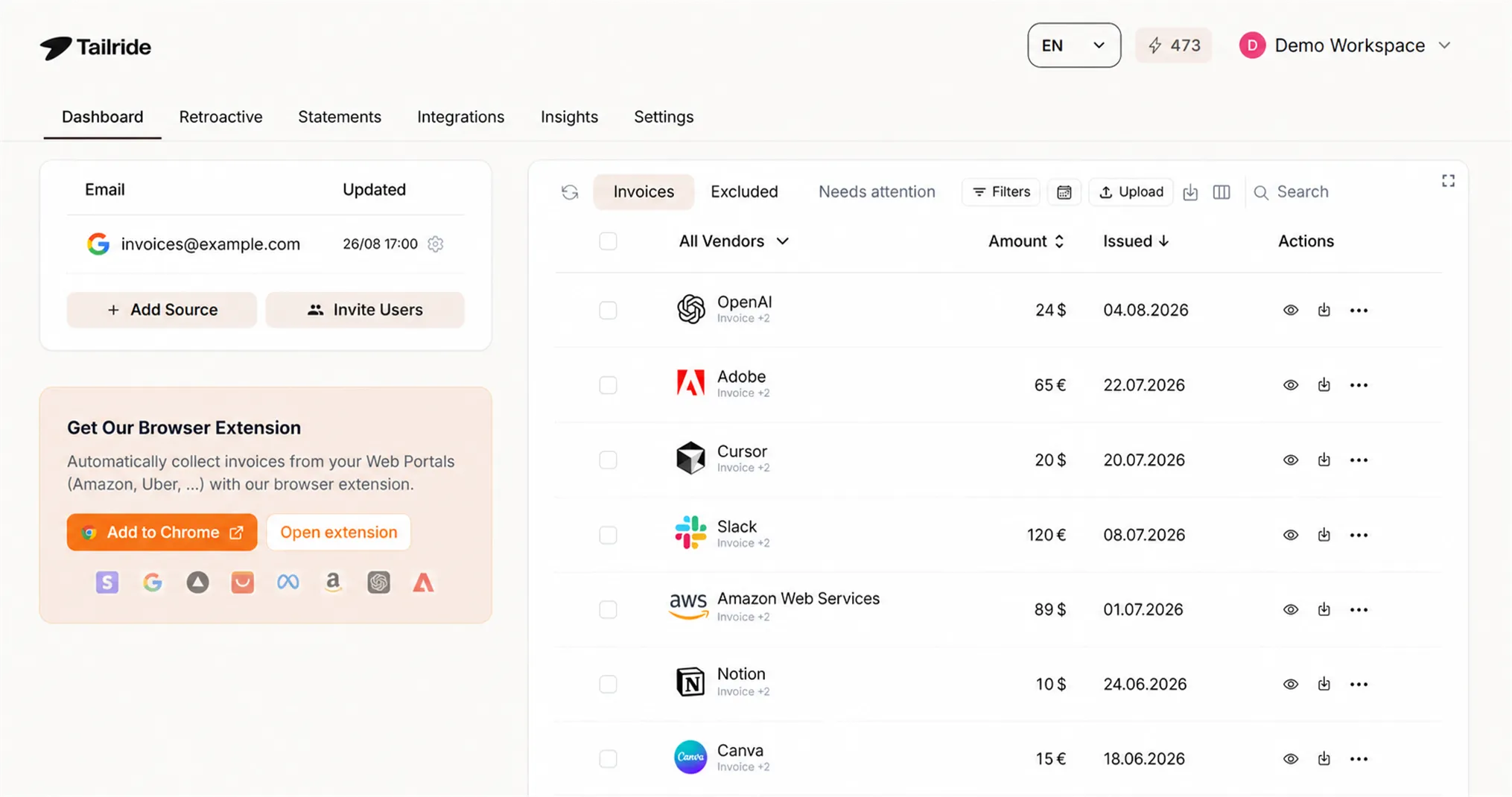
Best for: Businesses and accounting firms that lose time finding documents across inboxes, employee accounts, and supplier portals.
Tailride automates the part of accounting that many teams still handle manually: getting complete source documents into the accounting workflow.
It can monitor Gmail, Outlook, and IMAP inboxes for new invoices and receipts. Employees do not have to remember to forward each document to a special address. Historical scanning can recover older invoices, while a browser extension collects documents available only through supplier portals.
Once a document has been found, Tailride extracts invoice fields and line items, applies account and tax rules, and exports the result through accounting and storage integrations. Available destinations include QuickBooks, Xero, Business Central, DATEV, Google Drive, Google Sheets, and OneDrive.
This makes Tailride a strong first automation layer for businesses that already have accounting software but still spend time chasing the documents that should reach it.
Tailride does not replace the general ledger, payroll, receivables, payment execution, or enterprise close software. Its job is to ensure those downstream systems receive complete, structured accounting data.
Pricing: Free for up to 10 invoices per month. Paid plans start at $13 per month when billed annually. See current Tailride pricing.
2. Dext - Best for Traditional Pre-Accounting
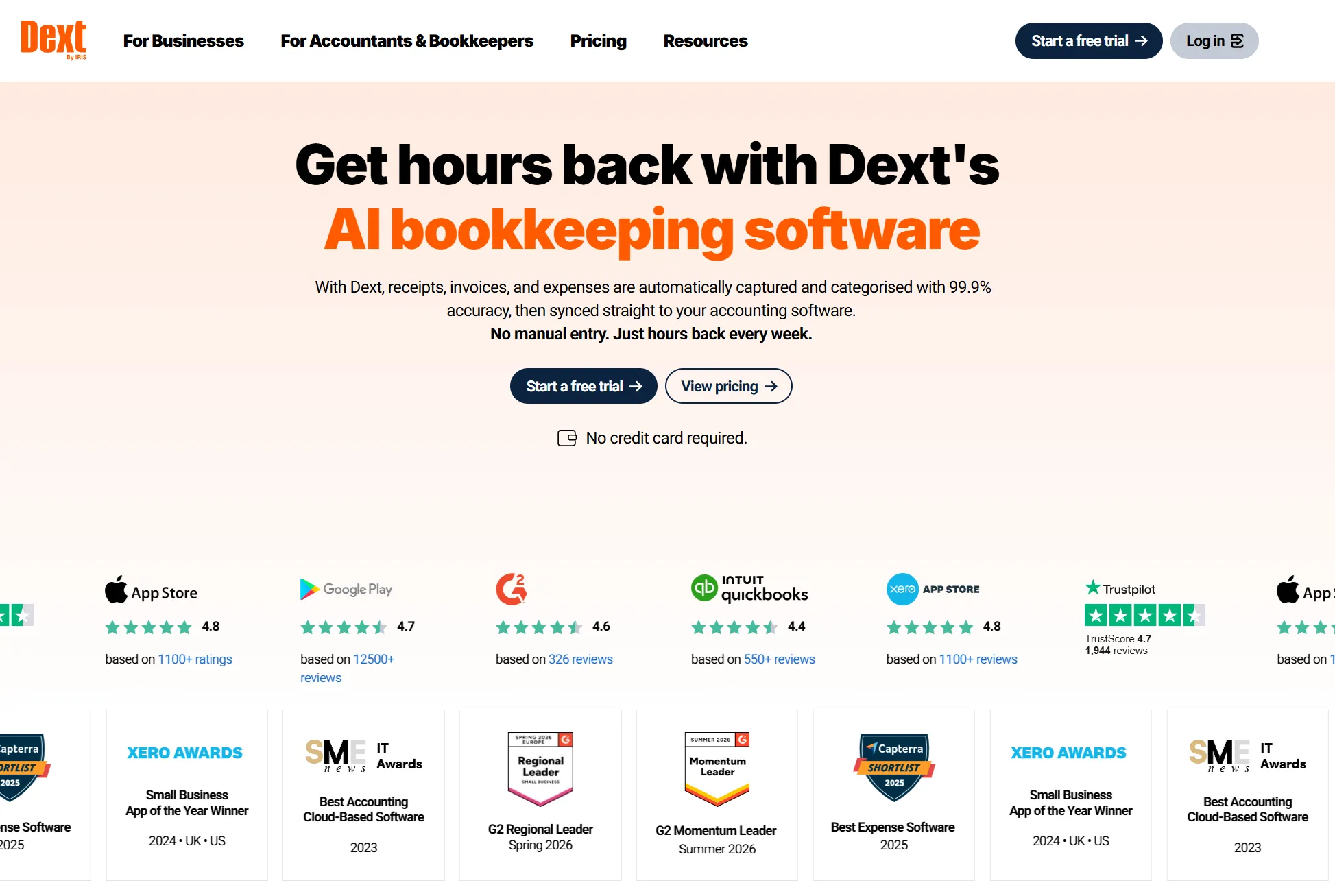
Best for: Accountants, bookkeepers, and businesses using established document-submission workflows.
Dext captures invoices, receipts, and other financial documents, extracts their data, suggests categories, and publishes the results to connected accounting software.
Documents can be submitted through its mobile app, email, uploads, and supported digital connections. Dext also offers expense reports, supplier rules, matching, and multi-client capabilities for accounting firms.
The difference between Dext and Tailride is largely about how documents enter the workflow. Dext is a good fit when clients or employees actively submit their paperwork into a traditional pre-accounting environment. Tailride is designed to reduce that dependency by finding invoices directly in connected inboxes and supplier portals.
Neither product replaces the accounting ledger.
Pricing: Published US business pricing starts at approximately $25 per month when billed annually, depending on document volume, users, entities, and selected features.
3. QuickBooks Online - Best for US Small-Business Accounting
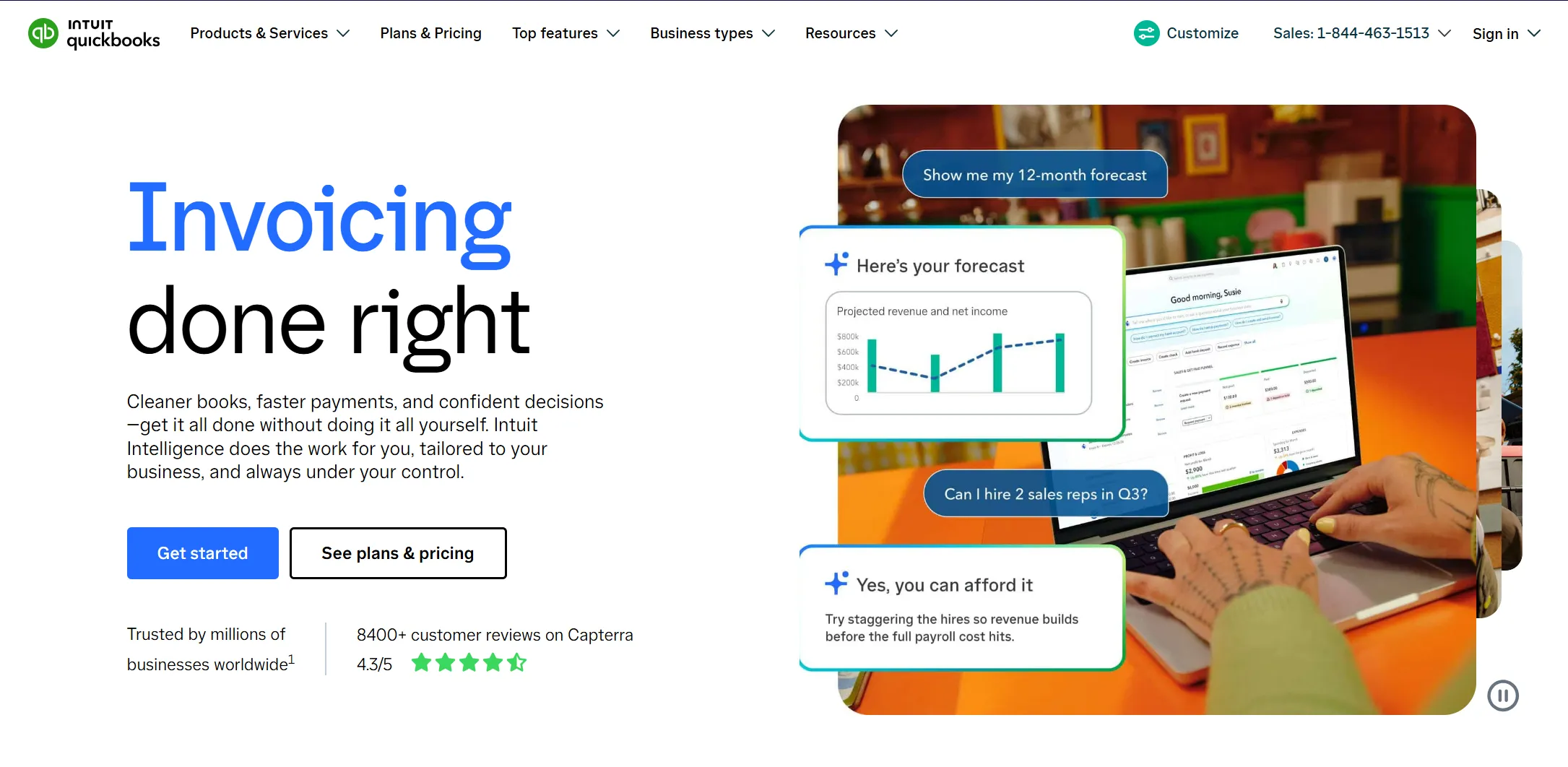
Best for: US businesses that need the primary accounting system, not only an automation layer.
QuickBooks Online supports bookkeeping, bank feeds, invoicing, expenses, bills, reconciliation, and financial reporting. Higher plans add capabilities such as inventory, budgeting, projects, workflow automation, advanced reporting, and additional permissions.
QuickBooks can maintain the official books, while specialist software handles particular upstream processes. For example, Tailride can collect and prepare supplier documents before creating the corresponding bill or expense in QuickBooks.
The main limitation is that plan differences are substantial. Businesses should verify their requirements for users, classes, locations, inventory, projects, bills, and reporting before selecting a tier.
Pricing: Current US list pricing starts at $38 per month. Introductory promotions change frequently.
4. Xero - Best for Cloud Accounting and Integrations
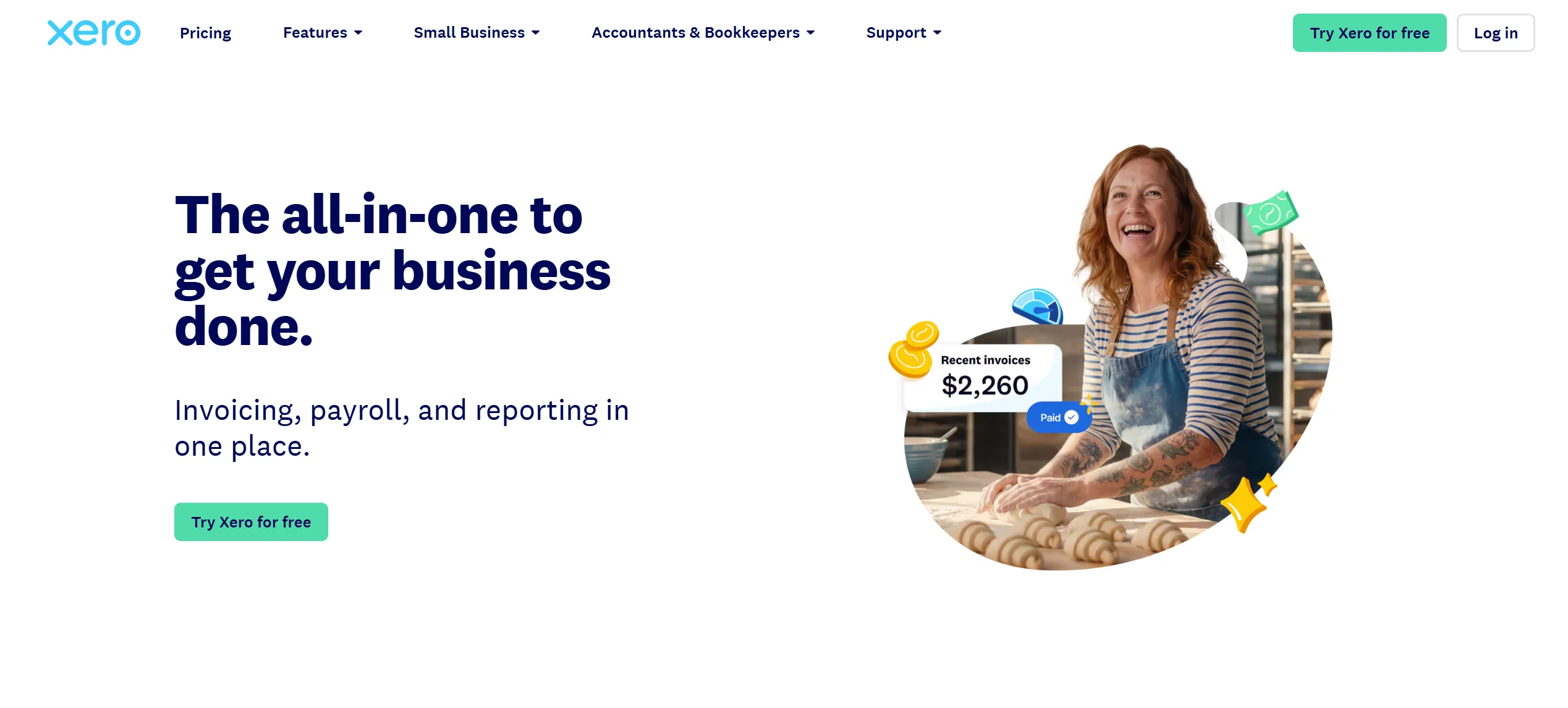
Best for: Businesses that want cloud accounting, automated bank feeds, reconciliation, and an extensive integration ecosystem.
Xero combines a general ledger with invoicing, bills, bank connections, reconciliation, reporting, and document-processing features.
Bank transactions flow into Xero automatically. Rules and AI-assisted suggestions help categorize and match them, while more than 1,000 connected apps extend the platform into specialist workflows.
A common setup uses Tailride to collect supplier documents and Xero to maintain the books. This keeps the document workflow automated without changing the accounting system.
The lowest Xero plan limits invoice and bill volumes. Multi-currency, expenses, projects, analytics, and deeper automation depend on the selected plan and market.
Pricing: Current US list pricing starts at $25 per month.
5. Ramp - Best for Spend-to-Ledger Automation
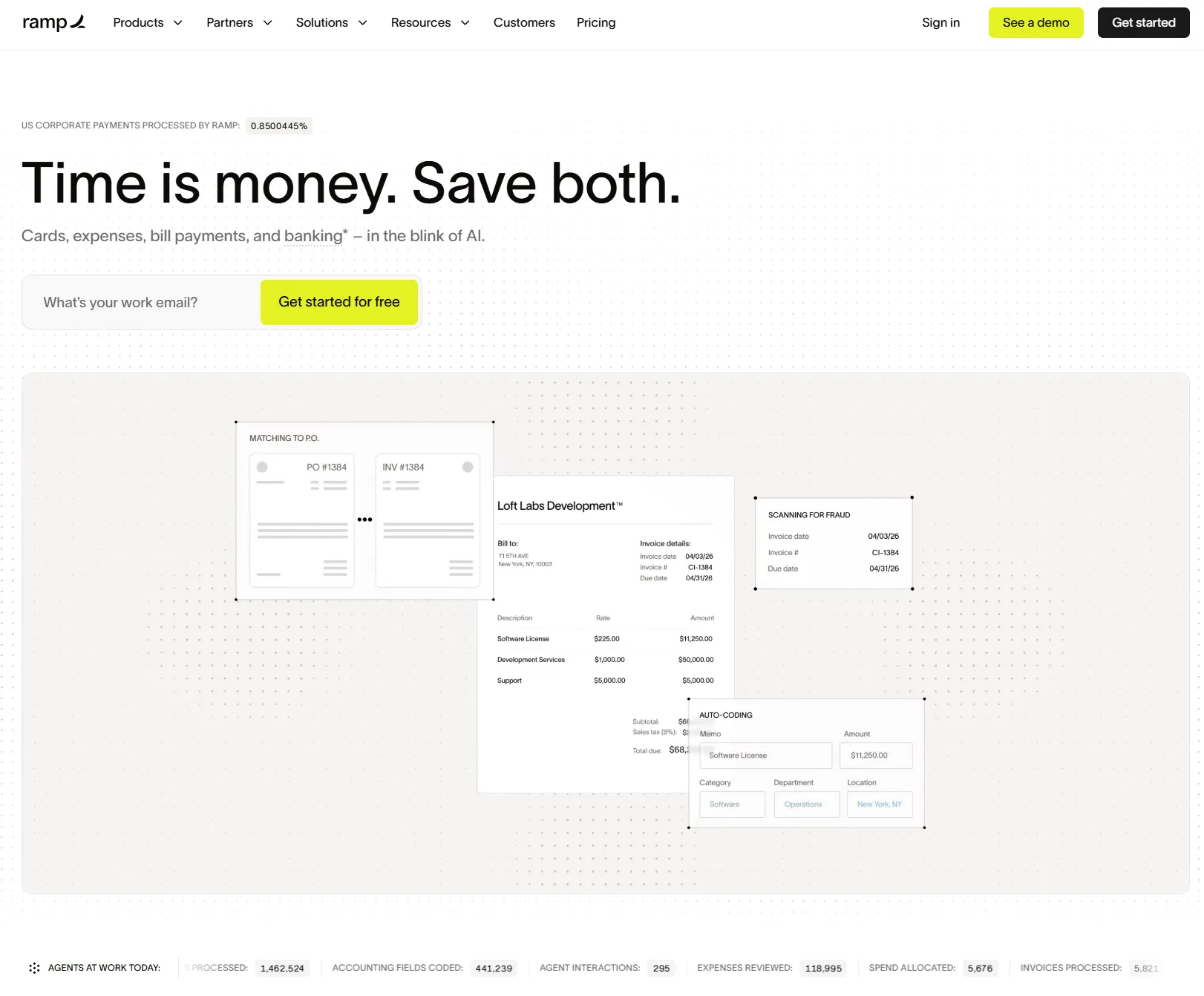
Best for: Companies that want to control spending before it occurs and reduce manual expense work afterward.
Ramp combines corporate cards, spending limits, receipt matching, expense policies, bill processing, approvals, reporting, and accounting integrations.
The free plan includes basic accounting rules and connections with QuickBooks Online and Xero. Paid tiers add advanced coding, workflow controls, procurement functionality, multi-entity support, and more ERP integrations.
Ramp is most useful when the problem begins with company or employee spending rather than invoices arriving from suppliers. It does not replace the general ledger, and the availability of its financial products depends on eligibility and geography.
For a deeper category comparison, see our guide to expense management software for small businesses.
Pricing: Free core plan; Ramp Plus starts at $15 per user per month, plus a platform fee.
6. BILL - Best for Bill Approval and Payment Workflows
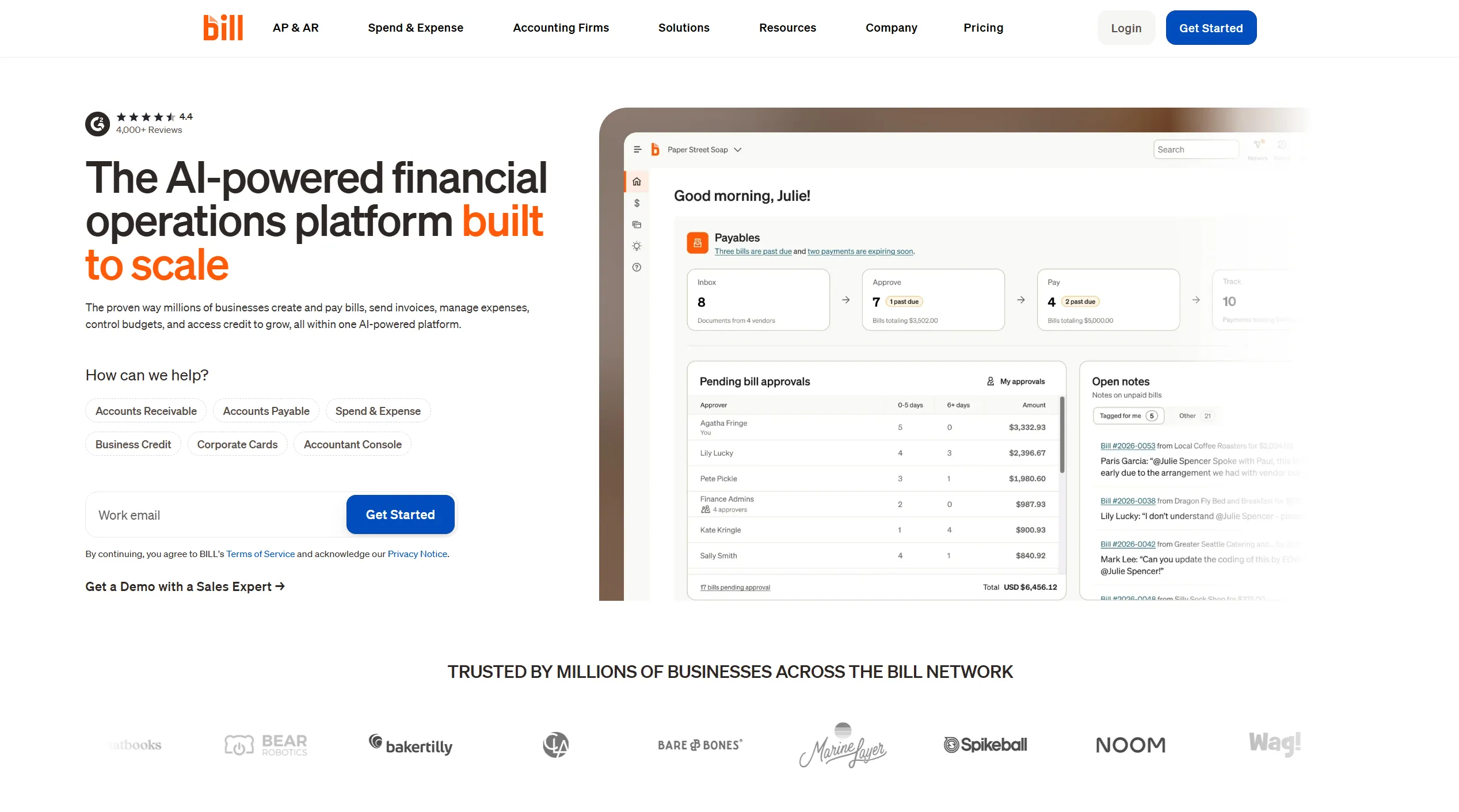
Best for: Growing businesses and accounting firms that need to centralize bills, approvals, payments, and receivables.
BILL supports bill entry, approval routing, vendor payments, customer invoicing, payment collection, audit trails, and accounting integrations.
It is a good fit when documents are already reaching finance but moving them through approval and payment still requires emails, spreadsheets, or manual reminders.
BILL overlaps with spend platforms such as Ramp, but its strongest use case is managing the movement of bills and payments between vendors, approvers, and the accounting system.
It does not replace QuickBooks, Xero, or another ledger. Transaction and payment charges should also be included when estimating total cost.
Pricing: BILL Spend & Expense is available from $0 per user, subject to eligibility. Other product pricing varies by plan and usage.
7. Tipalti - Best for Global Supplier Operations
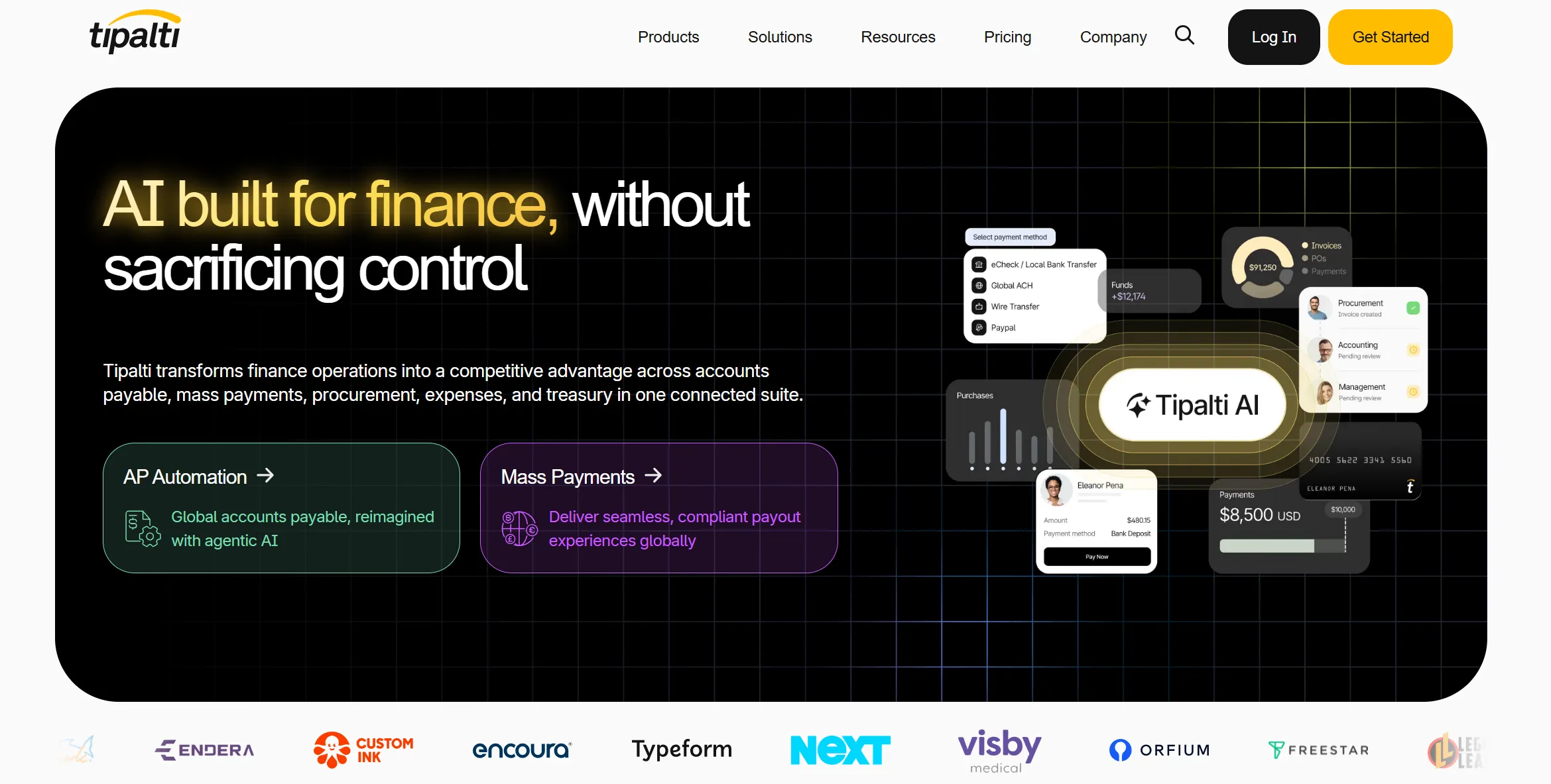
Best for: Mid-market and enterprise companies managing international suppliers, multiple entities, tax documentation, and complex payments.
Tipalti covers supplier onboarding, invoice processing, approval routing, purchase-order matching, tax-document collection, global payment methods, and reconciliation.
It becomes relevant when the difficult part of accounting is not simply entering an invoice but managing the supplier and payment infrastructure surrounding it.
A smaller company with a limited number of domestic suppliers may not need this level of functionality. Total cost can be affected by implementation scope, transaction volume, currencies, entities, payment methods, and additional modules.
Pricing: Plans currently start at $99 per month, with transaction and optional-module fees.
8. Numeric - Best for a Modern Month-End Close
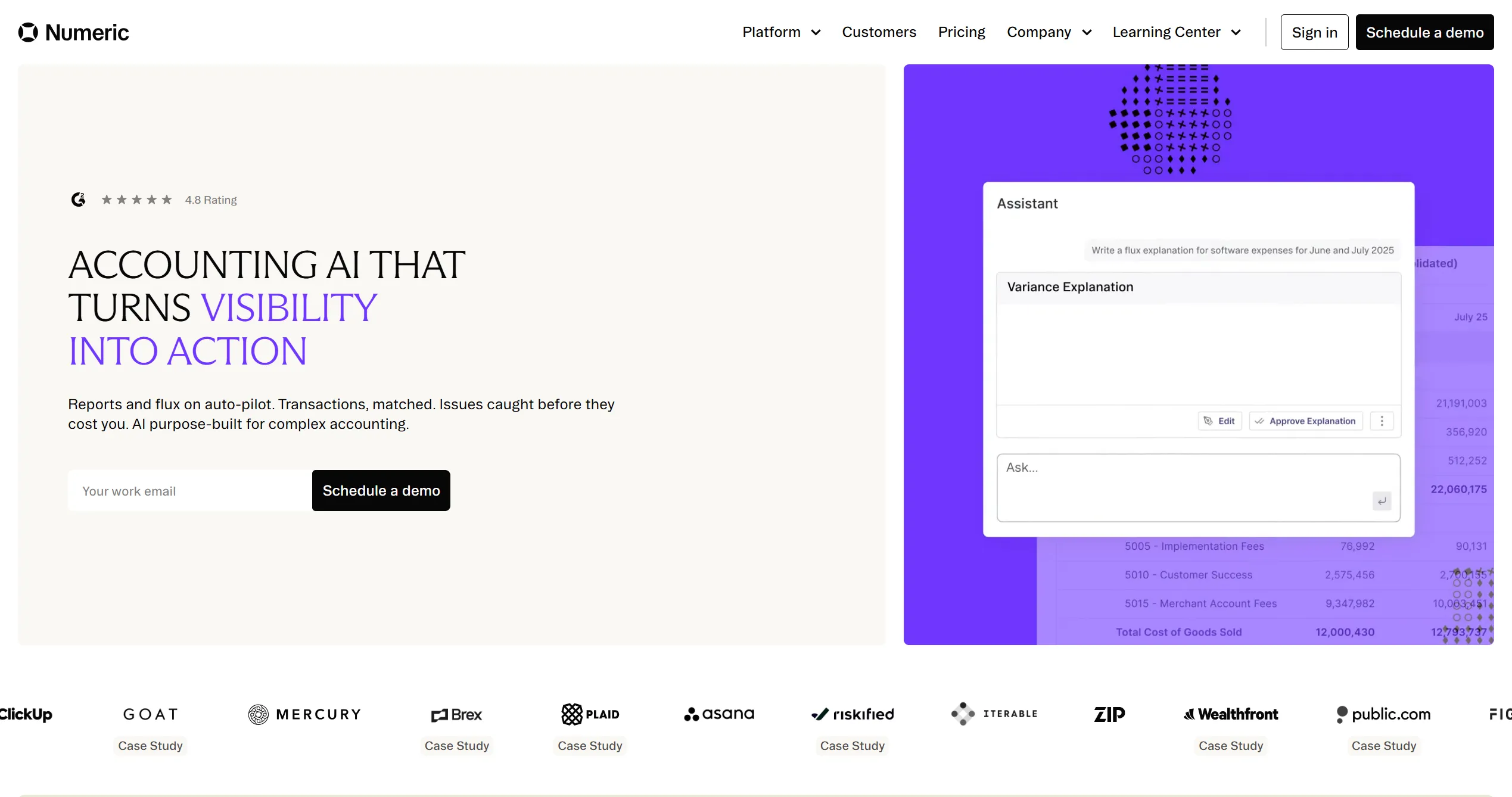
Best for: Growing accounting teams that already have a ledger but still manage close activities through spreadsheets and manual follow-ups.
Numeric provides close checklists, account reconciliations, workpapers, cash matching, journal-entry automation, flux analysis, reporting, and transaction monitoring.
Numeric sits near the end of the accounting stack. It does not collect supplier documents or replace the ERP. Instead, it helps accounting teams organize the process of reviewing and closing reliable ledger data.
It is most useful when close status is difficult to see or when accountants repeatedly export data to spreadsheets to perform reconciliations and explain variances.
Pricing: Custom quote based on users, entities, integrations, and workflow scope.
9. BlackLine - Best for Enterprise Financial Close
Best for: Large organizations that need enterprise-scale reconciliation, journal, consolidation, compliance, and financial controls.
BlackLine is a record-to-report platform that connects data from ERPs, banks, payroll systems, procurement platforms, and other sources.
Its products cover account reconciliations, high-volume transaction matching, journal entries, accruals, consolidation, reporting, close task management, and compliance.
BlackLine is designed for a broader finance transformation than a typical small-business automation project. It becomes relevant when multiple entities, ERPs, high transaction volumes, and formal control requirements make spreadsheet-based close processes difficult to manage.
It does not replace the underlying ERP or upstream document workflow.
Pricing: Custom quote based on modules, entities, users, integrations, and implementation scope.
10. Synder - Best for E-Commerce Accounting
Best for: E-commerce, retail, and SaaS companies processing transactions through platforms such as Shopify and Stripe.
Synder synchronizes sales, refunds, fees, taxes, and payouts with accounting systems including QuickBooks and Xero.
This matters because a single payment-processor payout can represent many underlying transactions. Recording only the net bank deposit makes it harder to report revenue, processing fees, refunds, and taxes correctly.
Synder can post individual transactions or summarized entries, depending on the workflow. It also supports product-level data, multi-currency processing, tax tracking, COGS workflows, and balance reconciliation.
The platform is specialized around commerce data. It does not replace the accounting ledger or collect ordinary supplier invoices from company inboxes and portals.
Pricing: From $65 per month, or $52 per month when billed annually.
How to Choose the Right Accounting Automation Software
Find the earliest bottleneck
Map how financial data moves from its original source into the ledger and final reports.
If invoices are missing, begin with collection. If documents are present but entering and categorizing them takes too long, focus on processing and coding. If prepared bills wait in inboxes for approval, evaluate workflow and payment software. If transactions are recorded correctly but month-end still depends on spreadsheets, look at reconciliation and close tools.
Automating a later stage will not repair unreliable upstream data.
Keep the ledger and automation layers separate
Confirm which platform will remain the official system of record.
QuickBooks Online and Xero can own the ledger. Most of the other tools in this comparison should connect to a ledger or ERP rather than replace it.
This distinction prevents a specialist product from being evaluated against functions it was never designed to perform.
Verify what the integration actually transfers
“Integrates with QuickBooks” or “connects to our ERP” can describe very different workflows.
Check whether the integration creates the correct accounting object, transfers the original document and line items, maps accounts and tax codes, selects the correct entity, prevents duplicates, reports failed exports, and preserves a usable audit trail.
Test exceptions rather than perfect examples
A realistic pilot should include credit notes, multiple currencies, mixed tax rates, duplicate documents, portal-only invoices, split coding, low-quality scans, and unmatched payments.
Reliable accounting automation should know when it can continue and when it needs a human decision.
Calculate the complete cost
Subscription price is only part of the cost. Include per-user charges, transaction and payment fees, add-ons, implementation, internal administration, and the time required to resolve exceptions.
Compare that total with the hours currently spent collecting documents, entering data, chasing approvals, correcting errors, and closing the books.
Example Accounting Automation Stacks
| Business type | Example stack | Division of responsibility |
|---|---|---|
| Small business | Tailride → QuickBooks Online or Xero | Tailride prepares supplier documents; the accounting platform maintains the books |
| Growing company | Tailride + Ramp → QuickBooks Online or Xero | Tailride handles supplier invoices; Ramp handles company spend |
| E-commerce business | Synder + Tailride → QuickBooks Online or Xero | Synder synchronizes commerce data; Tailride collects operating-expense documents |
| Complex finance team | Source and spend tools → ERP → Numeric or BlackLine | Upstream tools prepare data; the ERP records it; the close platform reviews it |
These examples are starting points, not required bundles. Another product is useful only if it removes a clearly identified manual bottleneck.
Frequently Asked Questions
What is the best accounting automation software?
The best product depends on the process being automated.
Tailride is best for automatically collecting and preparing invoices and receipts. QuickBooks Online and Xero provide the accounting ledger. Ramp focuses on company spend, BILL on bill and payment workflows, Tipalti on global suppliers, Numeric and BlackLine on financial close, and Synder on e-commerce transactions.
What are the best accounting automation tools for a small business?
A practical small-business setup normally begins with Tailride for collecting source documents and QuickBooks Online or Xero for maintaining the ledger.
Ramp or BILL can be added if the business needs formal controls around employee spending, approvals, or payments. Enterprise close software is rarely the first automation investment a small business needs.
Is accounting automation software the same as accounting software?
No. Accounting software maintains the ledger and produces financial statements. Accounting automation software reduces manual work inside or around that ledger.
Some products, including QuickBooks Online and Xero, perform both roles. Others, including Tailride, connect to the accounting system and automate a specific part of the workflow.
What accounting tasks can be automated?
Software can collect invoices, extract financial data, categorize transactions, apply account and tax codes, route approvals, create bills, match transactions, perform routine reconciliations, prepare journal entries, and coordinate month-end close.
Unusual, material, or judgment-heavy transactions should still be reviewed by a qualified person.
Do automated accounting systems replace accountants?
No. They reduce document chasing, repetitive data entry, manual matching, and routine follow-ups.
Accountants remain responsible for controls, estimates, unusual transactions, compliance, accounting policy, and interpretation of financial results.
Which accounting process should I automate first?
Start with the earliest repetitive process that regularly delays or compromises the next stage.
For many businesses, that process is collecting complete invoices and receipts. Fixing it ensures that every later system - from the ledger to financial close - works with more complete data.
Final Recommendation
Do not choose accounting automation software by counting features. Choose it by identifying where reliable financial data currently stops moving.
If your books are incomplete because invoices are scattered across inboxes and supplier portals, begin with Tailride. It collects the documents, extracts and codes their data, and exports the result to your accounting workflow.
If the source data is already complete, the next priority may be the ledger, spend controls, payments, e-commerce synchronization, or financial close.
Start with Tailride for free and process up to 10 invoices per month without a credit card.