
12 Best Xero Add-Ons & Integrations for 2026
12 best Xero add-ons and integrations for 2026 - invoice capture, approvals, payments, payroll and reporting, with pricing and honest verdicts.

Quick answer: The best Xero add-ons in 2026 are Tailride for automated invoice capture, Dext for receipt management, ApprovalMax for bill approvals, Syft for reporting, Stripe and GoCardless for payments, Gusto for payroll, A2X for ecommerce, Deputy for staff scheduling, Float for cash flow forecasting, ServiceM8 for trade businesses, and Hubdoc for free basic document capture. The right combination depends on where your team still does manual work.
Xero is a brilliant general ledger. It is not, on its own, a complete finance stack. The Xero App Store now lists over 1,000 connected apps, and Xero's own 2026 "Standard Setters" Power List shows where small businesses actually feel the pain: data capture, approvals, payments, payroll, and reporting.
This guide ranks the 12 best Xero integrations for 2026 across those categories. For each one you'll find what it does, who it's best for, indicative pricing, and an honest note on limitations - including for our own product, which opens the list.
Best Xero add-ons at a glance
| # | Add-on | Best for | Category | Starting price |
|---|---|---|---|---|
| 1 | Tailride | Automated invoice & receipt capture | AP automation & data capture | Free for 10 invoices/mo; from $19/mo |
| 2 | Dext | Receipt & expense capture for bookkeepers | Bills and expenses | From ~$24/mo |
| 3 | ApprovalMax | Bill approval workflows & AP controls | Approvals & spend control | From ~$49/mo |
| 4 | Syft Analytics | Reporting, forecasting & consolidations | Reporting | Included in some Xero plans |
| 5 | Hubdoc | Free basic document capture | Data capture | Free with Xero |
| 6 | Stripe | Online card payments on Xero invoices | Payments | Pay per transaction |
| 7 | GoCardless | Direct debit / recurring payments | Payments | Pay per transaction |
| 8 | Gusto | US payroll & benefits | Payroll & HR | From ~$49/mo + per person |
| 9 | A2X | Ecommerce accounting (Shopify, Amazon) | Ecommerce | From ~$29/mo |
| 10 | Deputy | Staff scheduling & time tracking | Time tracking | Per user/mo |
| 11 | Float | Cash flow forecasting | Forecasting | From ~$59/mo |
| 12 | ServiceM8 | Job management for trades & field service | Invoicing and jobs | Pay per job |
*Always check current pricing on each vendor's site - plans change frequently.
1. Tailride - best for automated invoice and receipt capture
Category: Invoice automation, AP automation, data capture
Best for: Businesses and accounting firms tired of chasing invoices across inboxes and vendor portals
Pricing: Free for up to 10 invoices/month; paid plans from $19/month for 50 invoices - no credit card required to start
Every other data capture tool on this list shares the same flaw: someone still has to send it the documents. Forward the email, snap the photo, upload the PDF. If a human forgets, the invoice goes missing, and you find out at quarter-end when the bank reconciliation doesn't balance.
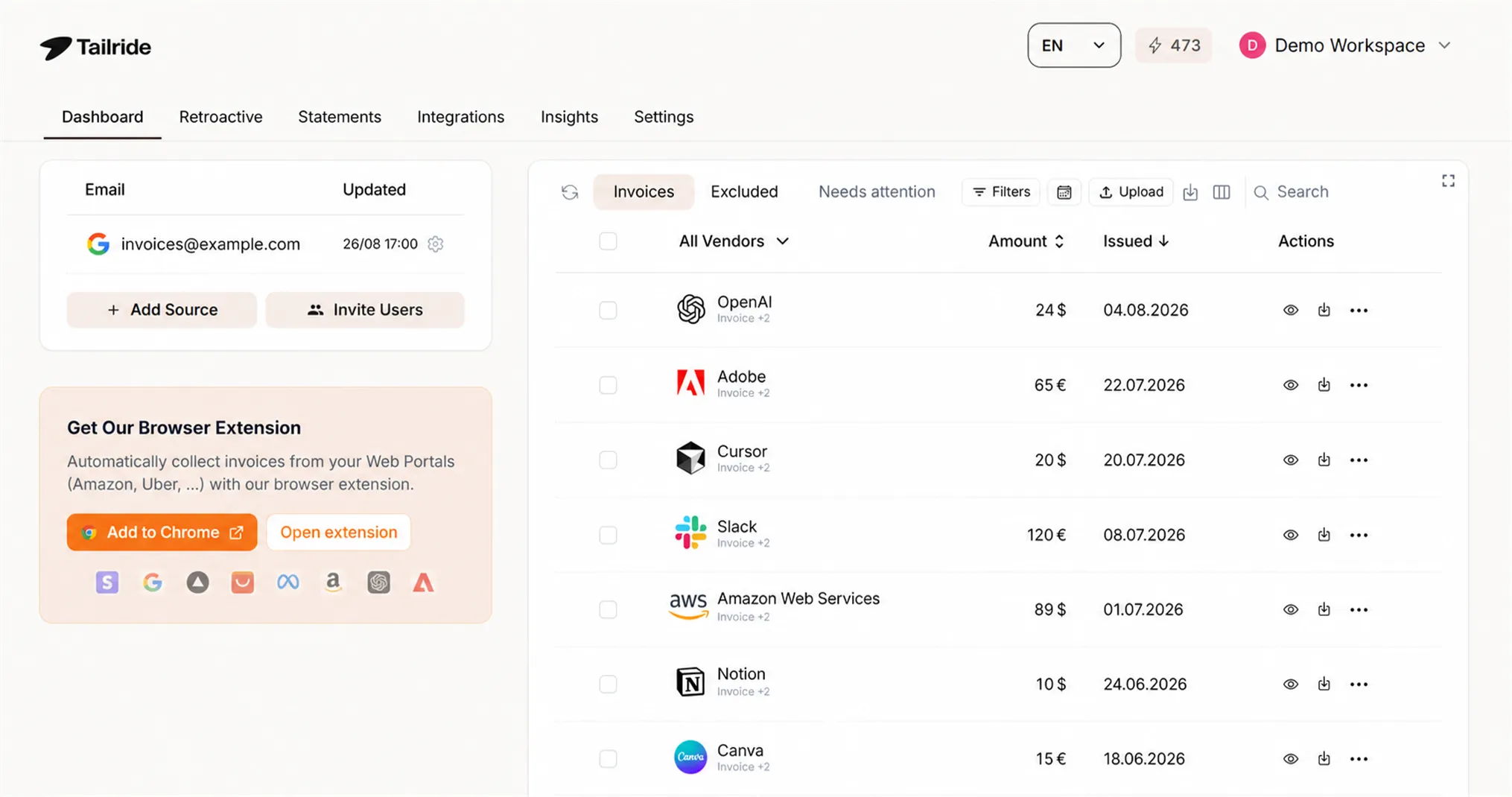
Tailride works the other way around. It connects natively to your Gmail, Outlook, or IMAP inbox and finds invoices itself - in PDF attachments, in image attachments, or embedded as HTML in the email body. Then it extracts the data with AI and syncs it to Xero in bulk through the official Xero API.
Three capabilities set it apart from the older capture tools:
-
Retroactive scanning. Connect an inbox and scan backwards over any date range - this quarter, this year, or all time. Onboarding a new client with eight months of unprocessed invoices takes minutes instead of days.
-
Email body OCR. A growing share of SaaS vendors, marketplaces, and utilities send receipts as HTML in the email body with no attachment at all. Forwarding-based tools miss these entirely; Tailride reads them.
-
Vendor portal downloads. Amazon Business, Meta Ads, Adobe, Notion, OpenAI and 20+ other platforms don't email invoices anymore. Tailride's browser extension (Chrome and Edge) pulls them from the portals in one click, using your own browser session.
For accounting firms, there's a dedicated program with a master dashboard covering every client entity, flexible license management, and volume pricing from 10 clients. If you're comparing it against the incumbents, see how Tailride stacks up against Hubdoc or the deeper guide to AP automation for accounting firms.
Limitations: Tailride is focused on the capture-and-sync side of accounts payable. It doesn't handle approval workflows (pair it with ApprovalMax, below) or payments execution.
Full disclosure: Tailride is our product. We've put it first because invoice capture is the most common gap in a Xero stack - but read the rest of the list, because the best stack combines several of these tools.
Start free - extract your first 10 invoices →
2. Dext - best for receipt and expense capture with bookkeeper workflows
Category: Bills and expenses, accountant tools
Best for: Bookkeeping practices with established submission habits
Pricing: From around $24/month; partner pricing for firms
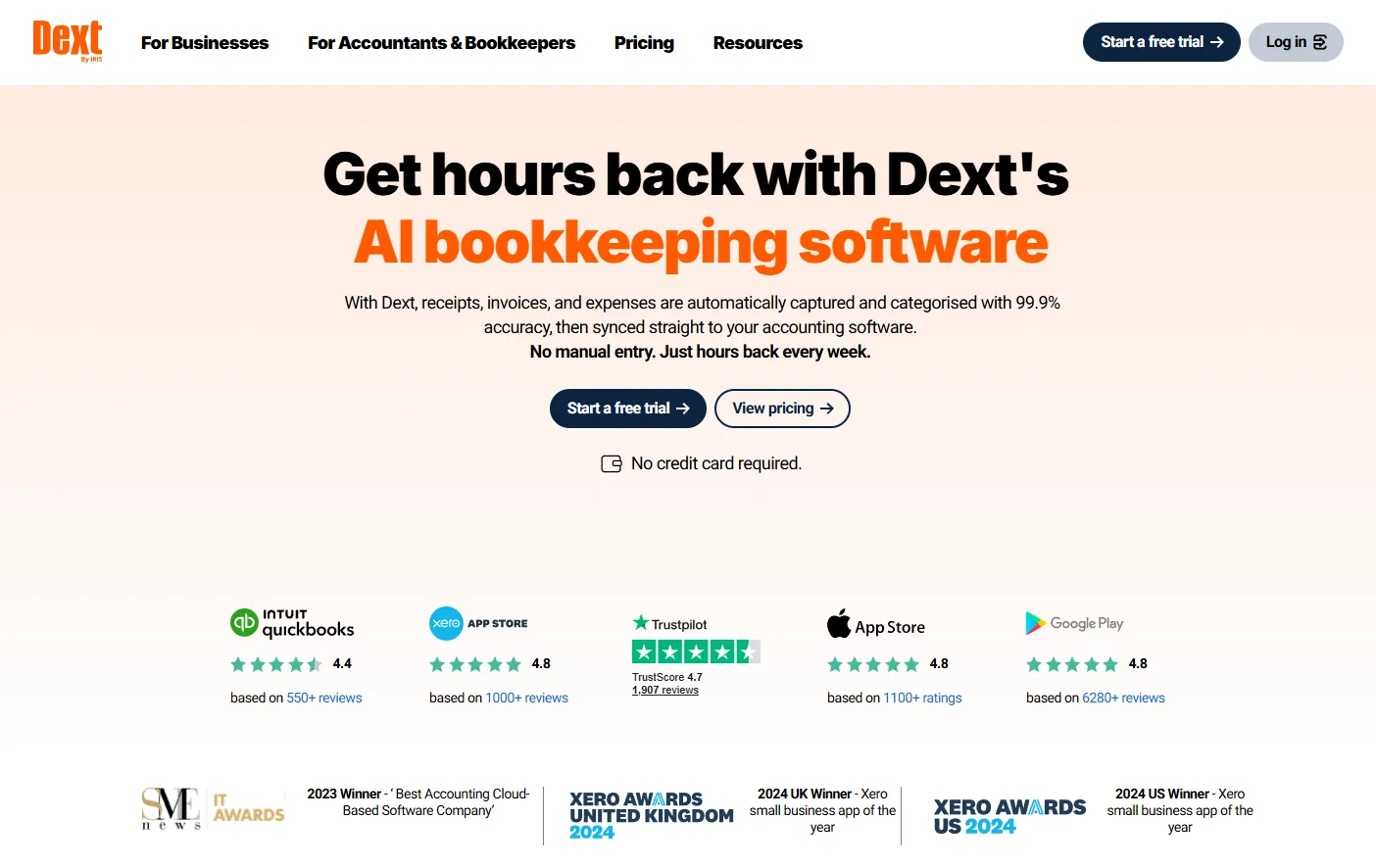
Dext (formerly Receipt Bank) remains the most-reviewed capture app in the Xero App Store. Clients submit receipts via mobile app, email-in address, or upload; Dext extracts the data, applies supplier rules, and publishes to Xero with line-item detail. Its practice dashboard, user management, and expense report tooling are mature and well-loved by bookkeepers.
Limitations: Dext depends on someone consciously submitting every document, and it only processes attachments - inline HTML receipts and portal-only invoices slip through. If document collection (rather than processing) is your bottleneck, see our comparison of automated invoice capture software.
3. ApprovalMax - best for bill approvals and AP controls
Category: Bills and expenses, approval workflows
Best for: Finance teams that need multi-step approvals and audit trails
Pricing: From around $49/month per organisation
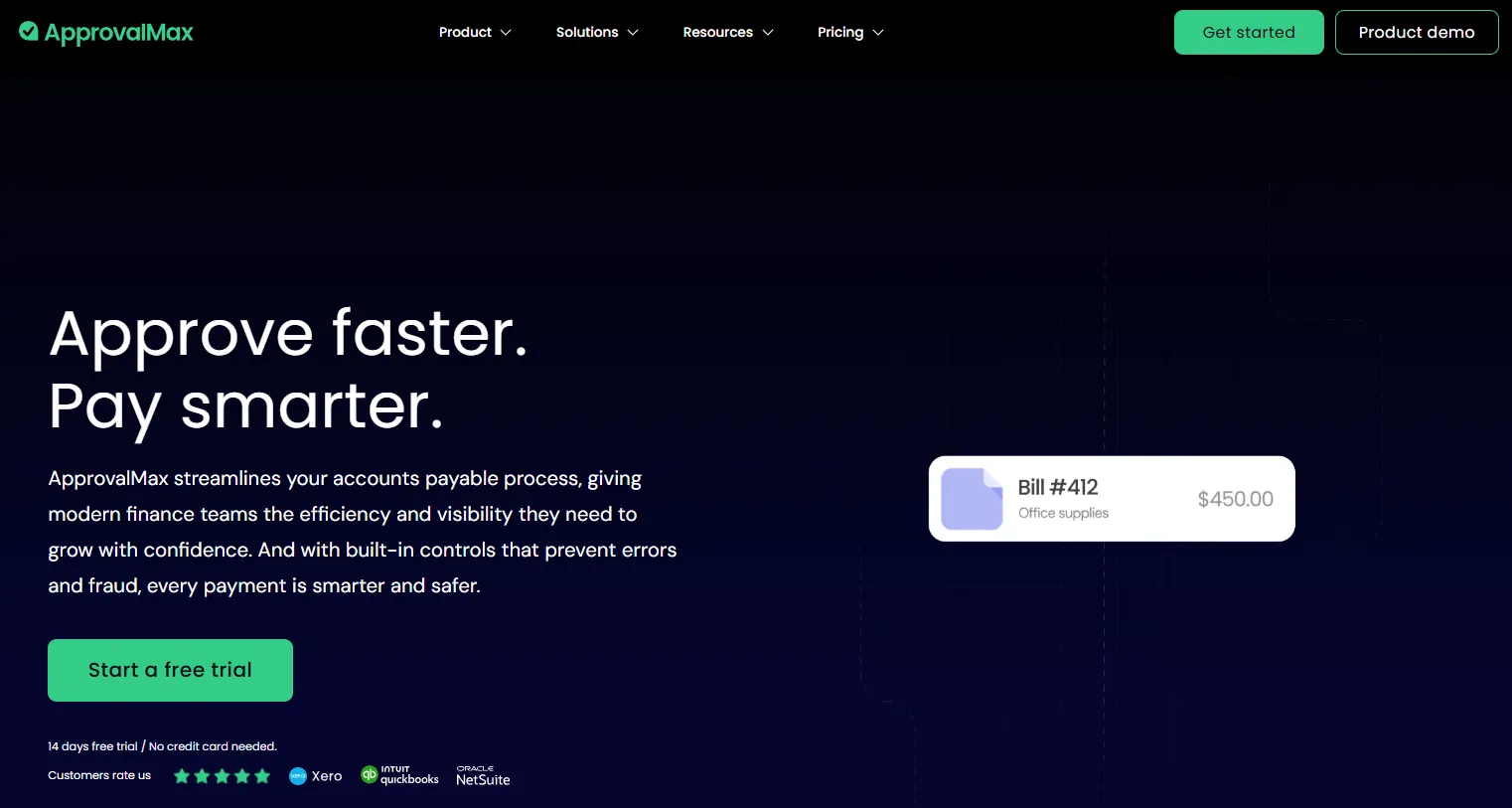
ApprovalMax gives Xero users what Xero itself lacks: proper multi-role, multi-step approval workflows for bills, purchase orders, and credit notes. Every payment that leaves the business can be routed through configurable approval chains, with a full audit trail for compliance. It's a near-universal recommendation for businesses past the founder-approves-everything stage, and it pairs naturally with a capture tool feeding clean bills into Xero upstream.
Limitations: It's an approvals layer, not a capture or payments tool - you'll still need both ends of the pipeline.
4. Syft Analytics - best for reporting and forecasting

Category: Reporting, forecasting, accountant tools
Best for: Accountants and CFOs building management reports and consolidations
Pricing: Acquired by Xero in 2024; analytics features are progressively bundled into Xero plans
Syft turns Xero data into board-ready reports: graphs, forecasts, budgets, valuations, consolidations across entities, and industry benchmarks, increasingly with AI-generated insights layered on top. It's among the most popular accountant tools in the App Store, and since Xero acquired it, it's becoming the default analytics layer for the platform.
Limitations: Reporting quality depends entirely on data quality. Garbage in, garbage out - which is why capture and reconciliation tools earlier in this list matter so much.
5. Hubdoc - best free option for basic document capture
Category: Data capture
Best for: Very small businesses with low document volume
Pricing: Included free with most Xero subscriptions
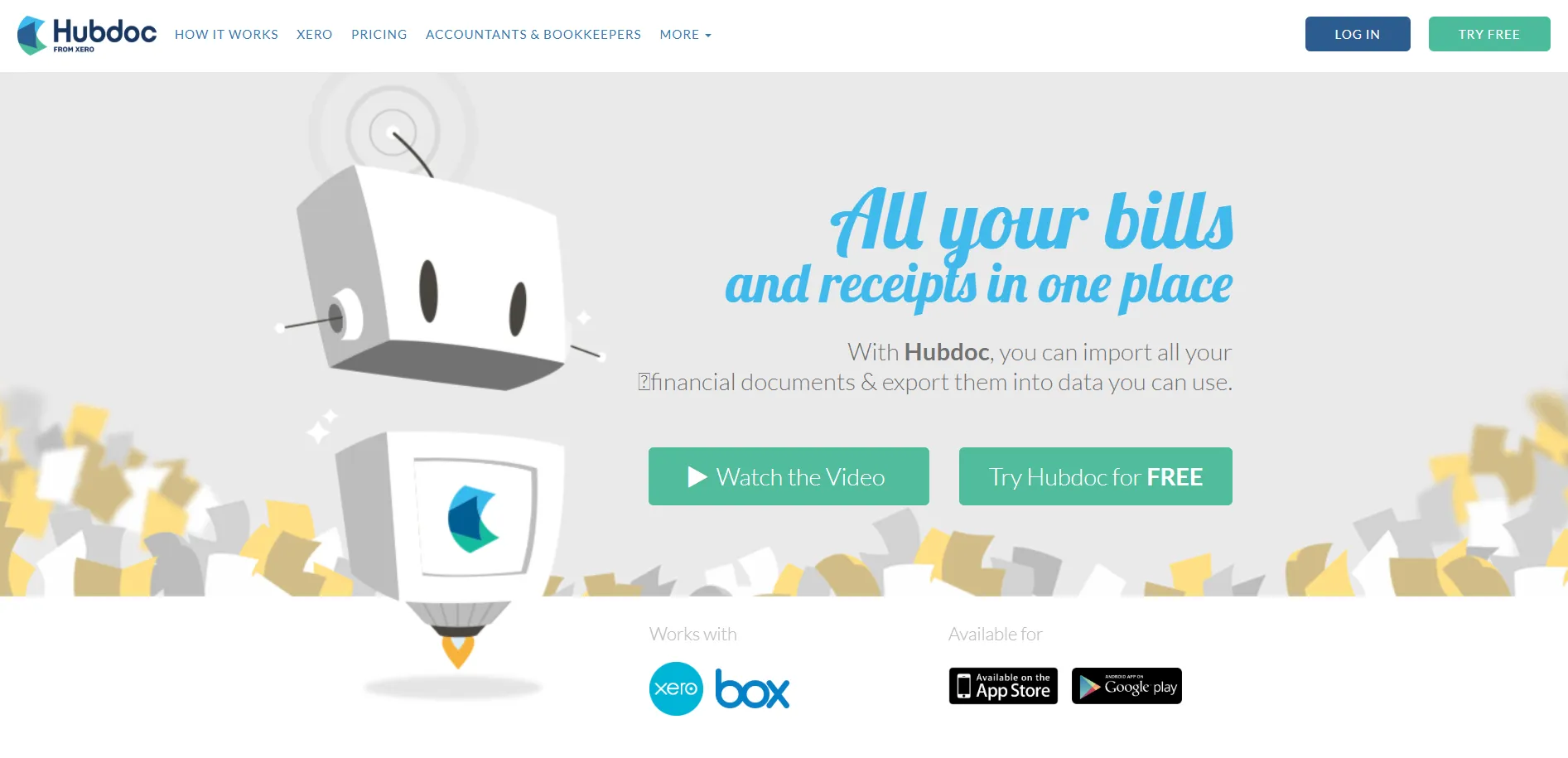
Hubdoc is bundled with Xero, which makes it the obvious starting point: forward documents to a Hubdoc email address or upload them, and it extracts key data and publishes to Xero with the source document attached. It can also fetch statements from a list of banks and suppliers. For a sole trader processing a handful of bills a month, free is hard to argue with.
Limitations: Hubdoc relies on manual forwarding, processes only PDF and image attachments, and its OCR is noticeably less accurate than newer AI-based tools. Most growing businesses outgrow it - that's the comparison we break down in Tailride vs Hubdoc.
6. Stripe - best for accepting card payments on Xero invoices
Category: Payments
Best for: Getting invoices paid faster with a "Pay now" button
Pricing: No subscription; per-transaction fees
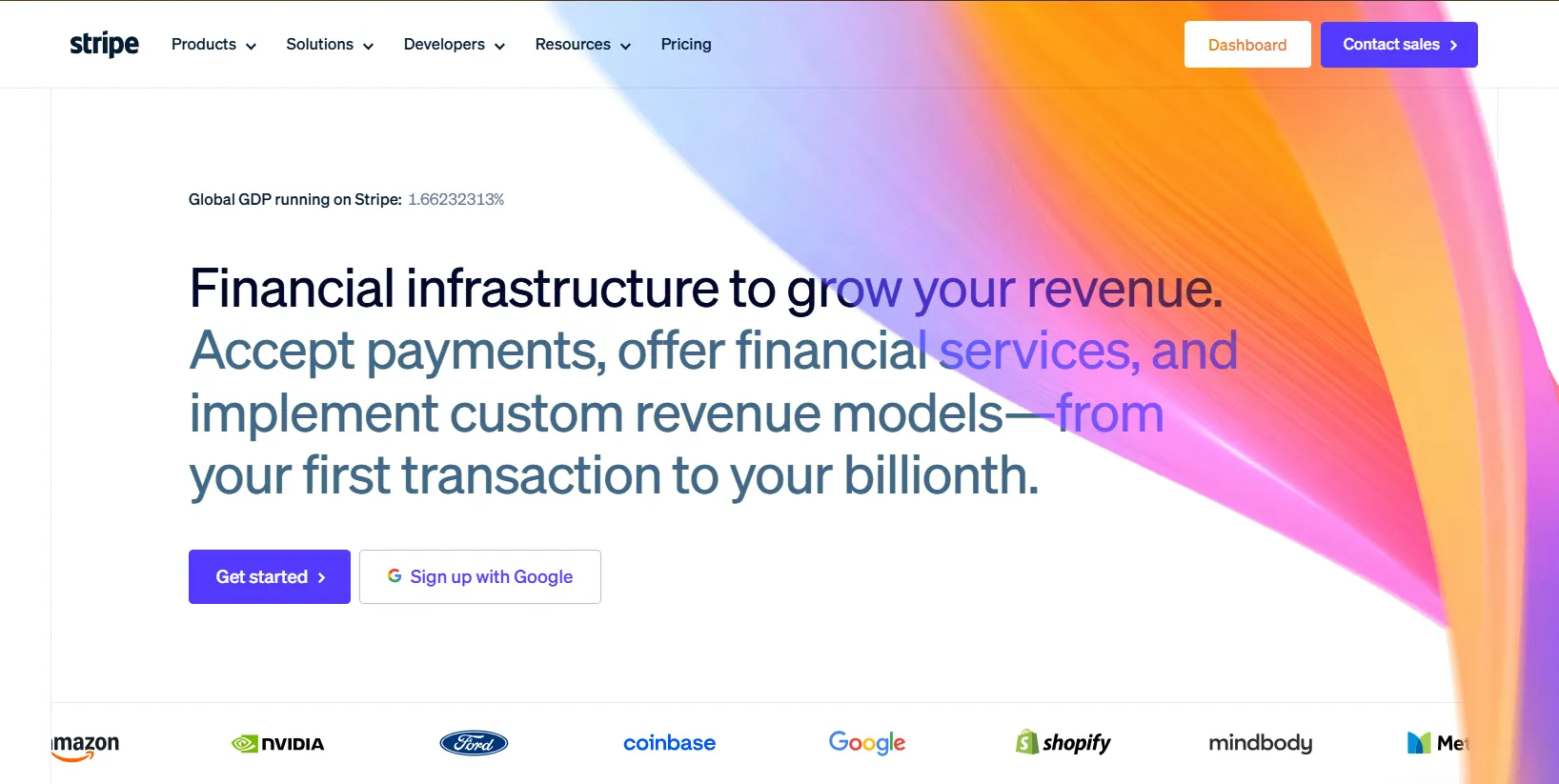
Adding Stripe to Xero puts a payment button on every invoice you send - cards, Apple Pay, Google Pay - and Xero data consistently shows invoices with payment options get paid significantly faster. Transactions sync back to Xero for reconciliation automatically.
Limitations: Stripe's App Store reviews skew critical, mostly reflecting reconciliation friction with fees and payouts rather than the payment experience itself. Budget time to set up your fee accounts correctly.
7. GoCardless - best for direct debit and recurring payments

Category: Payments
Best for: Subscriptions, retainers, and businesses tired of chasing late payers
Pricing: Per-transaction fees, typically lower than card fees
GoCardless automatically debits your customer's bank account when a Xero invoice falls due. For agencies, SaaS businesses, and anyone billing the same clients monthly, it effectively ends late payments - the money simply arrives. It's cheaper per transaction than card processing, too.
Limitations: Customers must authorise a direct debit mandate up front, which adds onboarding friction, and settlement is slower than cards.
8. Gusto - best payroll integration for US businesses

Category: Payroll & HR
Best for: US small businesses running payroll, benefits, and contractor payments
Pricing: From around $49/month plus a per-person fee
Xero discontinued its built-in US payroll years ago and points customers to Gusto instead. Gusto handles wages, tax filings, benefits, and onboarding, and posts wage bills and payment transactions into Xero automatically. It's the de facto standard pairing for US Xero users.
Limitations: US-only. UK users have native Xero Payroll; Australia and NZ likewise have native or local options like Employment Hero.
9. A2X - best for ecommerce sellers on Shopify and Amazon

Category: Ecommerce, accountant tools
Best for: Sellers on Shopify, Amazon, eBay, Etsy, Walmart, and PayPal
Pricing: From around $29/month, scaling with order volume
A2X is one of the most loved apps in the entire Xero ecosystem and won Xero Practice App of the Year. It solves a genuinely hard problem: turning messy marketplace payouts into accurate, reconciled journal summaries in Xero, with fees, refunds, and taxes correctly split. Ecommerce accountants treat it as non-negotiable.
Limitations: It handles sales data, not your supplier side - marketplace sellers still need to capture purchase invoices and receipts (Amazon Business purchase invoices are exactly what Tailride's portal extraction pulls automatically).
10. Deputy - best for staff scheduling and time tracking

Category: Payroll & HR, time tracking
Best for: Shift-based businesses: hospitality, retail, healthcare
Pricing: Per user, per month
Deputy covers rostering, time clocks, and labour compliance, then pushes approved timesheets straight into payroll and can generate Xero invoices from worked time in one click. For businesses where labour is the biggest cost line, the schedule-to-ledger automation removes a major source of payroll errors.
Limitations: Overkill for office teams on fixed salaries.
11. Float - best for cash flow forecasting

Category: Reporting and forecasting
Best for: Owners who want to see cash 6–12 months ahead
Pricing: From around $59/month
Float reads your Xero invoices, bills, and bank balances and builds a rolling, visual cash flow forecast you can scenario-plan against - what happens if that big client pays 30 days late, or you hire in March. It's the most accessible dedicated forecasting tool for Xero, sitting somewhere between a spreadsheet and a full FP&A platform.
Limitations: Forecast accuracy depends on bills actually being in Xero - another reason complete invoice capture upstream matters.
12. ServiceM8 - best job management for trades and field service
Category: Invoicing and jobs, time tracking
Best for: Trade contractors and field service businesses
Pricing: Pay-per-job pricing; entry plans are inexpensive
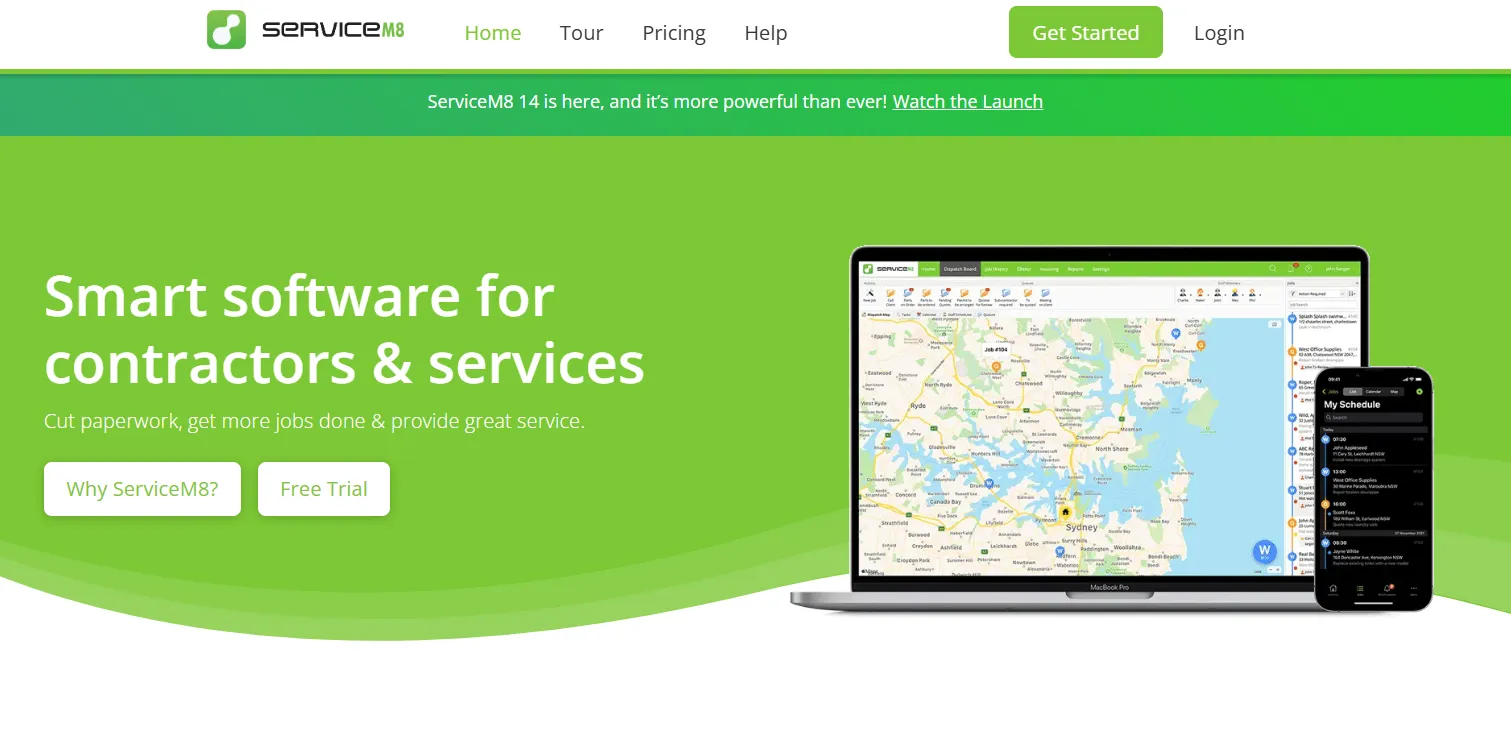
ServiceM8 runs the whole job lifecycle for trades - enquiry, quote, scheduling, on-site checklists, invoicing - and syncs invoices and payments to Xero automatically. Tradify is the closest alternative if ServiceM8's iOS-first approach doesn't suit your crew.
Limitations: Industry-specific by design. If you're not running field jobs, skip it.
How to choose the right Xero add-ons for your business
Don't buy twelve apps. Find your biggest manual workflow and fix that first. A useful order of operations:
-
Fix data capture first. Every other tool - reporting, forecasting, approvals - is only as good as the data in Xero. If invoices are still being forwarded by hand or fetched from portals manually, start there. (Our guide to automating invoice processing for Xero covers the setup in four steps.)
-
Add controls as you grow. Once bills flow in automatically, route them through ApprovalMax so nothing gets paid without the right eyes on it.
-
Accelerate money in. Stripe and/or GoCardless on outgoing invoices measurably shortens your debtor days.
-
Then layer on insight. With clean, complete data, Syft and Float become genuinely useful rather than confidently wrong.
-
Add industry tools last. A2X, ServiceM8, Deputy and Gusto solve specific operational problems - adopt them when the problem is yours.
A typical high-automation stack for a small business in 2026: Tailride (capture) + ApprovalMax (approvals) + GoCardless (collections) + Syft (reporting). For an ecommerce seller, swap in A2X; for a trades business, ServiceM8.
If you're an accountant or bookkeeper building stacks for many clients at once, the economics change - volume pricing and a single dashboard across entities matter more than any single feature. That's the case we make in our guide to the best AP automation for accounting firms.
Frequently asked questions
What are Xero add-ons and integrations?
Xero add-ons (also called Xero apps or integrations) are third-party software tools that connect to Xero via its API to extend what the accounting platform can do - for example, automated invoice capture, approval workflows, payment collection, payroll, or cash flow forecasting. Most are listed in the Xero App Store and sync data with Xero automatically.
What is the best Xero add-on for invoice automation?
For automated invoice collection and data entry, Tailride is the strongest option in 2026 because it pulls invoices from email inboxes and vendor portals automatically rather than waiting for someone to forward them. Dext and Hubdoc are solid alternatives if your team already has a reliable habit of submitting every document. See our full breakdown of automated invoice capture software for a deeper comparison.
Is Hubdoc free with Xero?
Yes - Hubdoc is included with most Xero subscription plans at no extra cost. It covers basic document capture via email forwarding and uploads, but it only processes PDF and image attachments and depends on manual submission, which is why many growing businesses move to a more automated alternative.
How many apps connect to Xero?
The Xero App Store lists over 1,000 certified apps across categories including bills and expenses, payments, payroll, reporting, ecommerce, and industry-specific tools. Xero publishes annual "Power Lists" of the most popular apps based on actual customer connections.
Can Xero automatically pull invoices from my email?
Not natively. Xero (via Hubdoc) can receive documents you forward to a dedicated email address, but it won't search your inbox for you. Tools like Tailride connect directly to Gmail, Outlook, or IMAP and find invoices automatically - including past invoices via retroactive scanning and receipts embedded in email bodies with no attachment. Our guide to email invoice parsing explains how this works.
Do Xero add-ons work with the official Xero API?
Reputable add-ons, including everything on this list, connect through the official Xero API with OAuth authorisation - you grant and can revoke access from your Xero account at any time. Avoid tools that ask for your Xero login credentials directly.
What's the best Xero stack for accounting firms?
For firms managing 10+ clients: an automated capture layer with a multi-client dashboard (Tailride's accounting firm program), ApprovalMax for client approval workflows, Syft for management reporting, and A2X for any ecommerce clients. The biggest efficiency gain usually comes from eliminating invoice chasing, which is the least billable work a firm does.
Ready to automate the most tedious part of your Xero workflow? Connect Tailride to Xero and extract your first 10 invoices free - no credit card required.