How to Send an Invoice: A Step-by-Step Guide (2026)
How to send an invoice step by step - what to include, a copy-paste email template, and tips to get paid faster, plus Tailride's free invoice generator.

Last updated: July 2026 · ~9 min read · Published by Tailride
Sending an invoice sounds like it should take ten seconds, and once you have a routine it nearly does. The parts that trip people up are the ones that decide whether you get paid on time: what the invoice actually needs to contain, who to send it to, and what to write in the email so it doesn't sit ignored in an inbox.
This guide walks through the whole thing - the fields a payable invoice needs, the exact steps to send one, a copy-paste email template you can reuse, and a few habits that get invoices paid faster. If you just need to produce a clean invoice right now, Tailride's free invoice generator will build one for you; the rest of this covers doing it properly and following up.
What an invoice needs before you send it
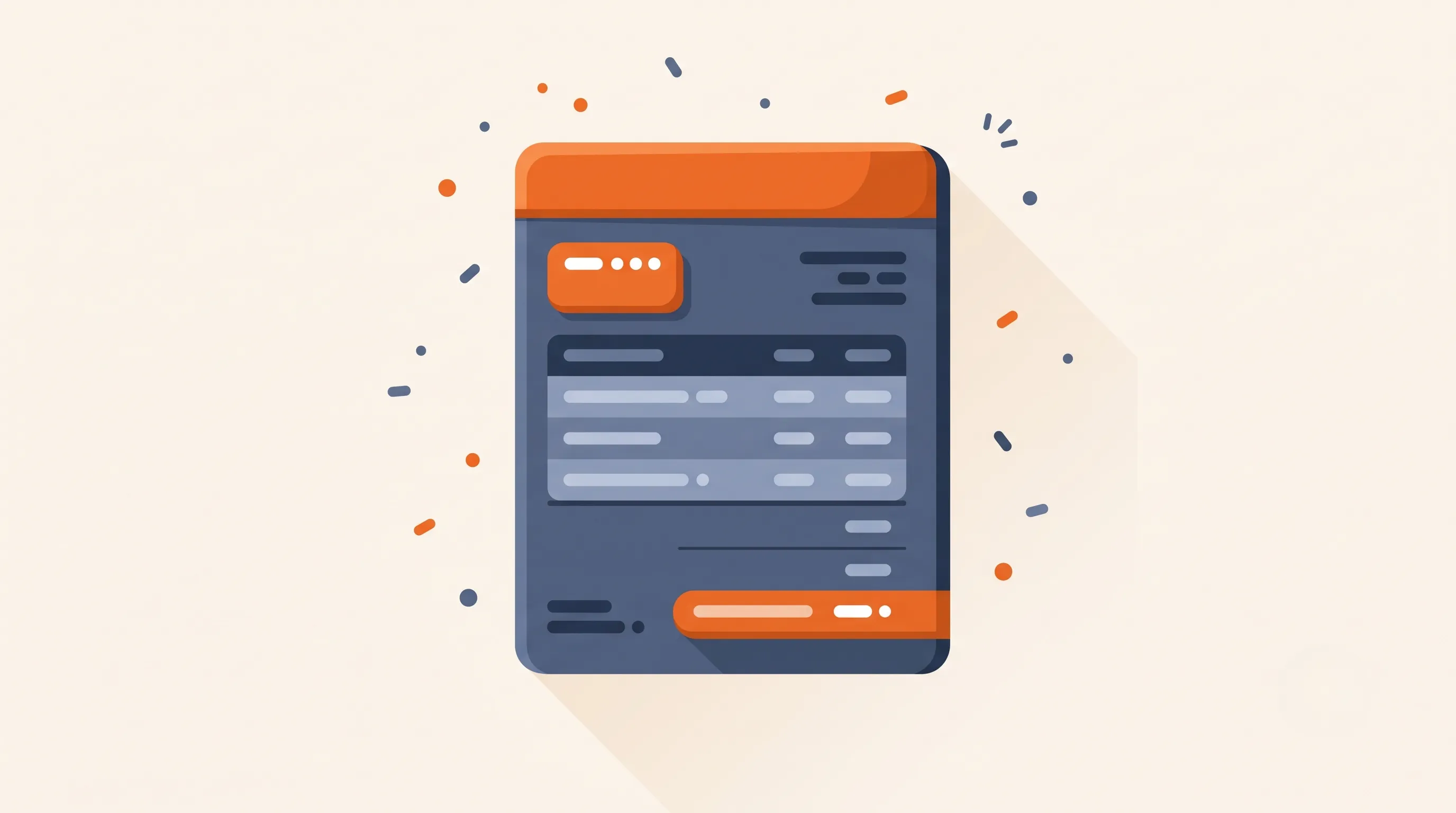
An invoice is a payment request, and a request that's missing information is a request that gets queried, delayed, or lost. Before you send anything, make sure the document carries all of this:
-
Your details - business or trading name, address, contact email, and your tax/VAT number if you're registered.
-
The client's details - the company name and the correct billing contact or accounts-payable address, not just whoever you happen to email.
-
A unique invoice number - sequential (INV-001, INV-002…) so both sides can reference it. Never reuse a number.
-
Issue date and due date - "due on receipt" is vague; a real date ("due 14 August 2026") is what gets diarised.
-
A line-item breakdown - each product or service on its own line with quantity, unit price, and line total, so the client can see exactly what they're paying for.
-
Subtotal, tax, and total - the net amount, any VAT or sales tax shown separately with the rate, and the final amount due.
-
Payment terms and methods - how many days they have (Net 14, Net 30), and exactly how to pay: bank details, a payment link, or the card options you accept.
-
A short note if needed - a PO number they asked for, a thank-you line, or a late-fee policy.
Get these right once, save it as a template, and every future invoice becomes a two-minute job.
When to send the invoice
Timing shapes how fast you're paid as much as the wording does. For most one-off work, send the invoice the moment the job is finished or the goods are delivered - the value is freshest in the client's mind, and the sooner the clock starts, the sooner it ends.
For larger projects, don't wait until the end. A deposit up front (say 30–50%) and milestone invoices as stages complete keep cash flowing and cap your exposure if a client goes quiet. For ongoing or retainer work, pick a fixed billing day - the 1st or the last working day of the month - and stick to it, so both sides can plan around it.
The habit to avoid is letting invoices stack up to send in a batch "when you get a minute". Late invoicing quietly trains clients to pay late, and a forgotten invoice is money you simply never collect.
How to send an invoice, step by step
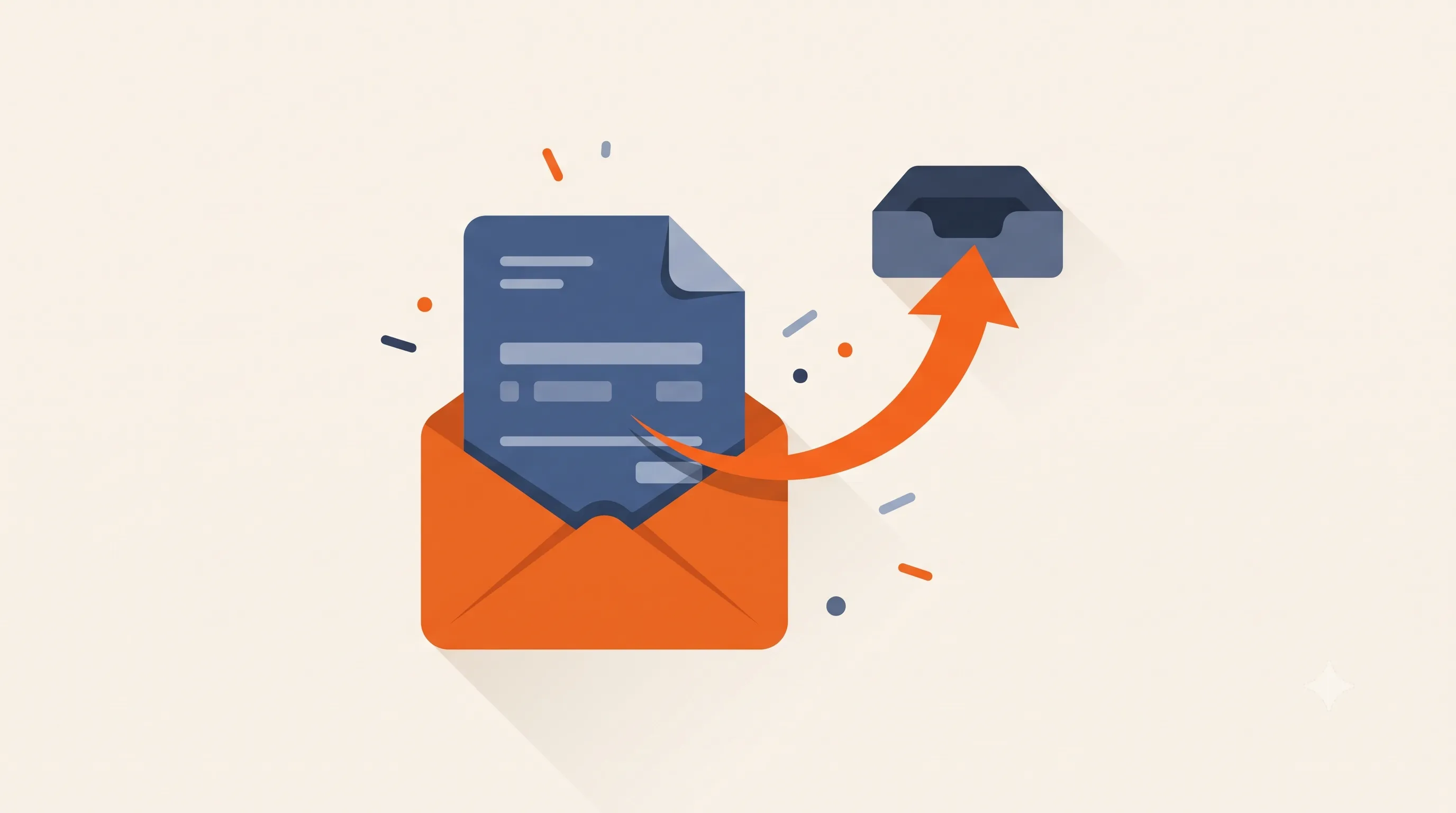
Step 1 - Create the invoice
You have three practical routes. A template in Word, Excel, or Google Docs is free and fine for the occasional invoice, but you maintain the numbering and totals by hand. A free invoice generator - like Tailride's - fills in the structure, does the math, and hands you a tidy PDF without a spreadsheet. And accounting or invoicing software (QuickBooks, Xero, and the like) creates the invoice and tracks whether it's been paid, which is worth it once you're sending more than a handful a month.
Whichever you use, produce a final invoice that carries every field from the checklist above.
Step 2 - Save it as a PDF
Send a PDF, not a Word or Excel file. A PDF looks the same on every device, can't be edited accidentally in transit, and is what accounts-payable teams expect to file. Name the file so it's findable on their end too - something like Invoice-INV-042-YourCompany.pdf beats document(3).pdf.
Step 3 - Write a short covering email
The email does one job: tell the recipient what's attached, what it's for, and when it's due. Keep it to a few lines - a wall of text buries the point. There's a ready-to-use template in the next section.
Step 4 - Send it to the right person
This is where invoices quietly die. Sending to your day-to-day contact often means it never reaches the person who actually pays. Ask early: "Who should invoices go to, and is there a PO or reference you need on them?" Send to the accounts-payable address (or CC your contact), and if the client uses a supplier portal, upload it there as well - many won't pay an invoice that didn't come through their system.
Step 5 - Confirm it landed, then diarise a follow-up
A quick "please confirm receipt" turns a silent inbox into a known state. Note the due date in your calendar, and set a reminder for a day or two after it, so a polite nudge is ready if payment doesn't arrive. Chasing on time is the single biggest lever on how fast you're paid.
An invoice email template you can copy
Keep it plain and skimmable. Here's a first-send version:
Subject: Invoice INV-042 from [Your Company] - due 14 August 2026
Hi [Name],
Please find attached invoice INV-042 for [brief description of the work or goods], totalling [amount].
Payment is due by 14 August 2026. You can pay by [bank transfer / the payment link in the invoice / card], and full details are on the invoice itself.
Any questions, just reply here - happy to help. Thanks for your business!
Best,
[Your name] · [Company] · [phone]
And a gentle reminder for when the due date slips:
Subject: Reminder: invoice INV-042 (due 14 August) - now outstanding
Hi [Name],
Just a friendly nudge that invoice INV-042 for [amount] was due on 14 August and is now outstanding. If it's already in your payment run, please ignore this.
If anything's holding it up, let me know and I'll sort it. Payment details are on the attached copy.
Thanks,
[Your name]
Tweak the tone to the relationship, but keep the invoice number, amount, and due date in every message - those three details are what let a busy AP team act without replying to ask.
Email, portal, or accounting software: which to use
Email is the default and works everywhere. Attach the PDF, write your two lines, done. The only catch is that email offers no proof of payment status - you're tracking that yourself.
A client portal is non-negotiable when the customer runs one (common with larger companies and marketplaces). If they say "submit through our portal," email alone often won't get you paid; upload there and keep the email as a courtesy.
Accounting or invoicing software sends the invoice and then watches it - marking it paid, sending automated reminders, and often attaching a pay-now button (via a processor like Stripe) that measurably shortens the wait. If you invoice regularly, this is the upgrade that removes the manual tracking. Our guide to integrating invoice software with your accounting system covers how that side fits together.
Getting paid faster
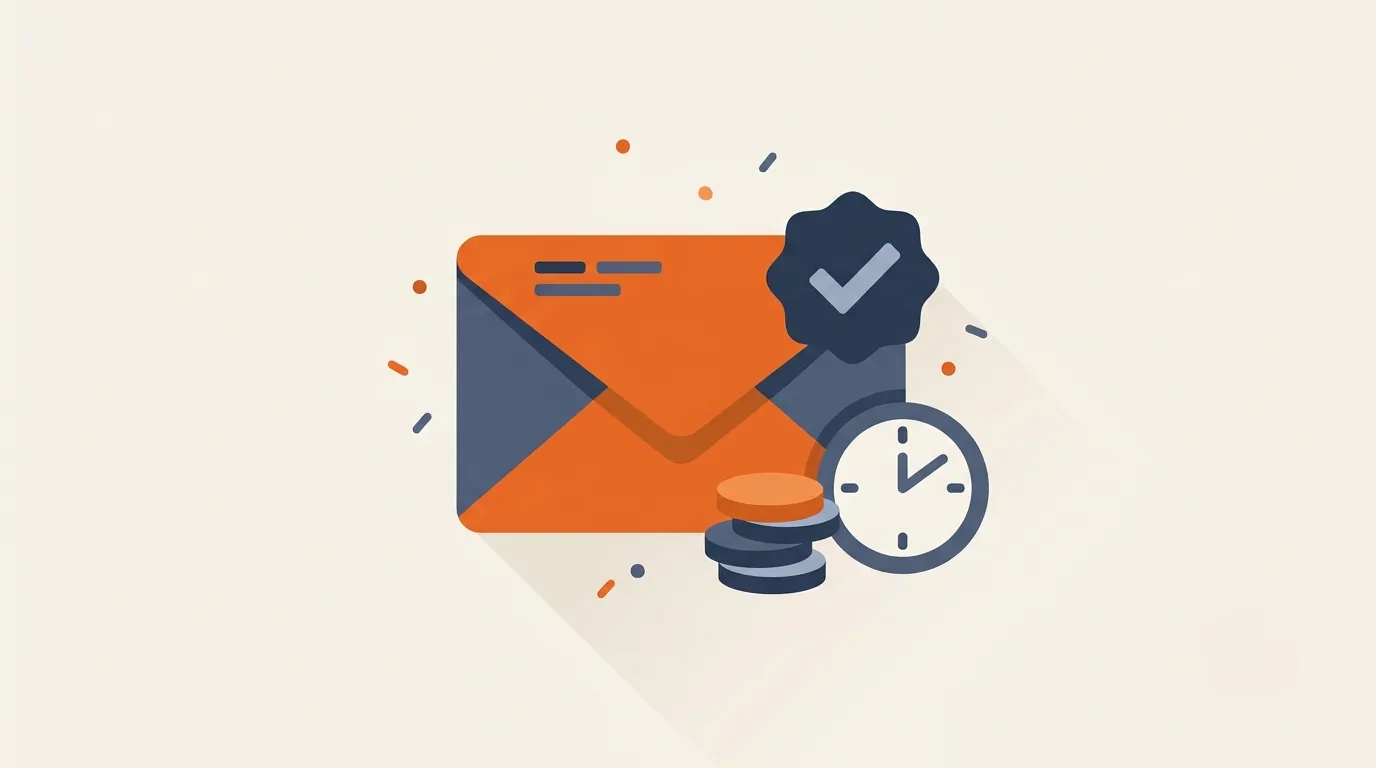
The invoice itself influences how quickly the money arrives. A few habits do most of the work:
Set clear, shorter terms. Net 30 is a habit, not a law. Net 14 - or "due on receipt" for small jobs - pulls cash in sooner, and clients generally pay to whatever term you state.
Make paying effortless. Every extra step is a delay. A payment link or card option beats "here are our bank details" for most clients; if you only offer bank transfer, put the details on the invoice, not in a separate email.
Invoice immediately. Send the invoice the moment the work is done or the goods ship. Enthusiasm to pay fades with time, and so does the client's memory of the value you delivered.
Follow up on schedule. A reminder the day after the due date, then weekly, keeps you top of the pile without being a nuisance. Firms that chase consistently get paid noticeably faster than those that wait and hope.
For keeping the ones you've sent under control, see our invoice management best practices.
Common mistakes to avoid
-
Sending to the wrong person. The most common reason an invoice goes unpaid is that it never reached accounts payable.
-
Vague or missing due dates. "Payable upon receipt" gives no date to diarise. State one.
-
Reusing or skipping invoice numbers. It breaks the audit trail and confuses reconciliation on both sides.
-
Editable file formats. A Word or Excel invoice can be altered - send a PDF.
-
No follow-up. Assuming silence means "it's being paid" is how a 30-day term becomes 90.
Where Tailride fits
Two sides of invoicing, two different jobs. When you're sending an invoice to a customer, Tailride's free invoice generator builds a clean, correctly structured PDF in a minute - no spreadsheet, no math, no formatting.
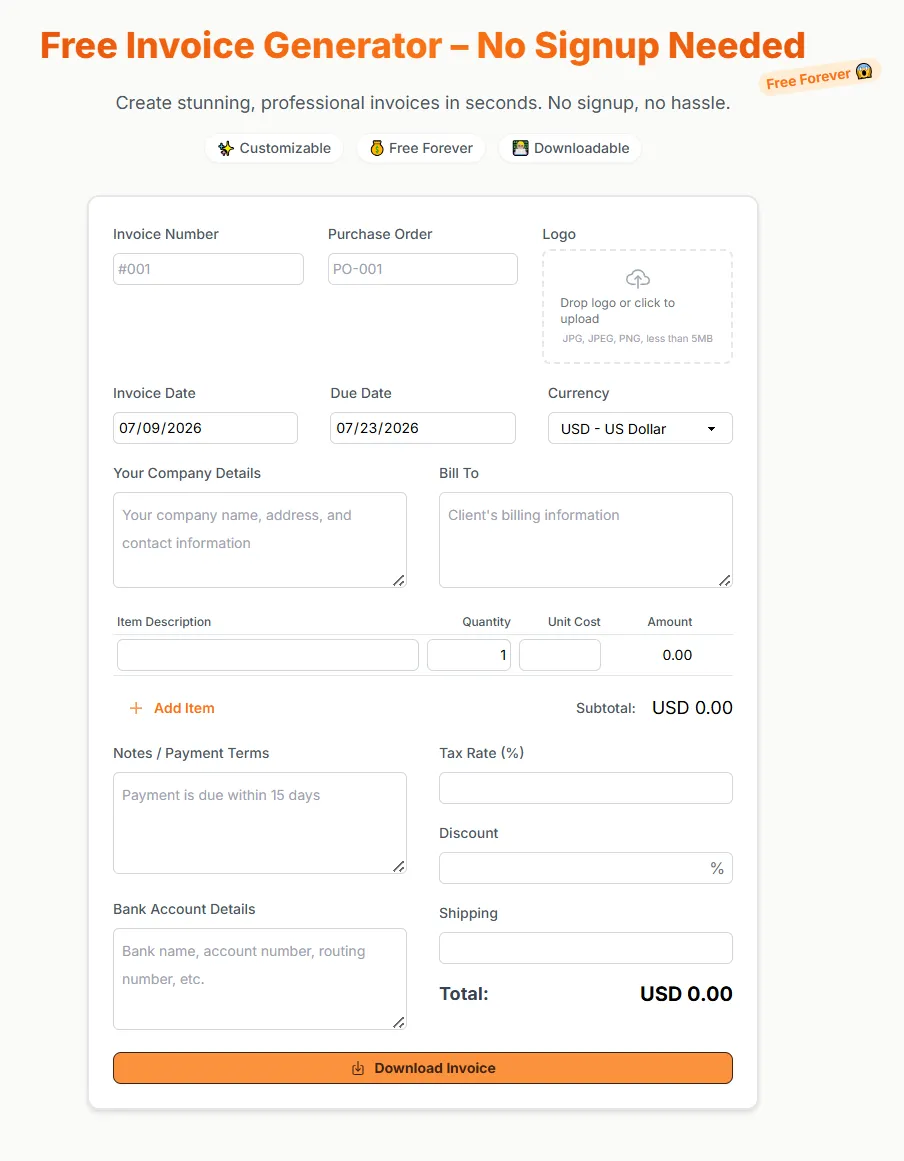
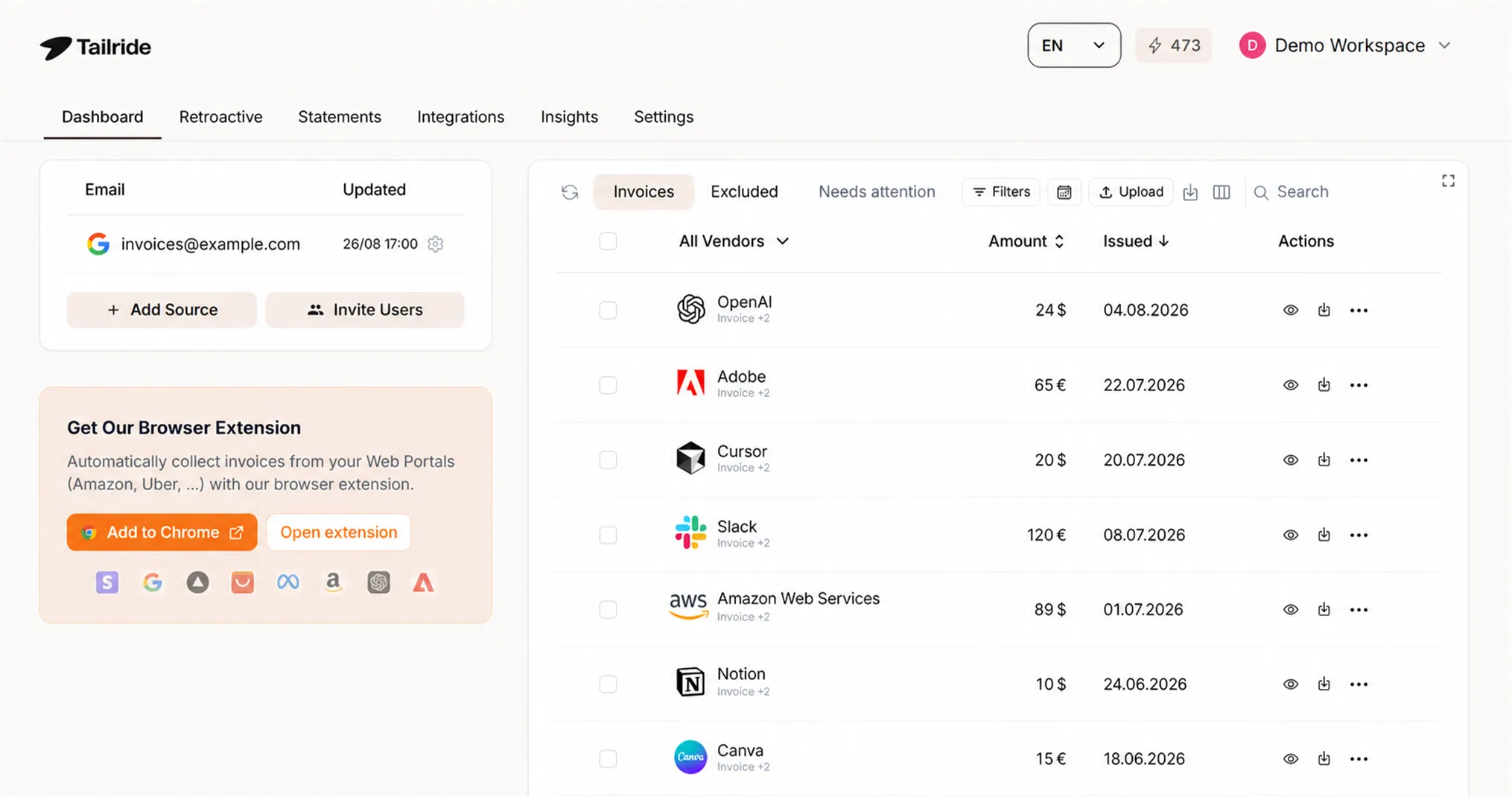
The other side is the invoices and receipts that come to you - supplier bills, subscriptions, expenses. That's the core of what Tailride automates: it pulls them from your inbox and vendor portals, reads the data, and files everything into your accounting software, Google Drive, or a spreadsheet, so the paperwork you receive never piles up while you're busy getting your own invoices paid. You can start free - 10 documents a month, no card.
Frequently asked questions
How do I send an invoice by email?
Create the invoice, save it as a PDF, and attach it to a short email that states the invoice number, the amount, and the due date. Send it to the client's accounts-payable address, and ask them to confirm receipt.
What should an invoice include?
Your details and tax number, the client's details, a unique invoice number, the issue and due dates, a line-item breakdown, the subtotal, tax, and total, and clear payment terms and methods. Missing any of these is the usual cause of a delayed payment.
How do I send my first invoice as a freelancer?
Confirm the billing contact and any PO reference with the client first, create the invoice with a free generator or template, save it as a PDF, and email it with a brief covering note. Start your numbering at something like INV-001 and keep it sequential from there.
Should I send an invoice as a PDF or a Word document?
PDF. It displays identically everywhere, can't be edited in transit, and is the format accounts-payable teams expect. Word and Excel files are best kept as your editable source only.
How do I politely ask a client to pay an overdue invoice?
Send a short, friendly reminder that repeats the invoice number, amount, and original due date, and offers to clear up anything that might be holding it up. Keep the tone matter-of-fact; most late payments are oversight, not refusal.
Can I send an invoice as an individual or sole trader?
Yes. You don't need a limited company to invoice - include your name, address, and (if registered) your tax/VAT number, a unique invoice number, and clear payment details. The requirements are the same; only the business details differ.
The takeaway
Sending an invoice well comes down to a complete document, the right recipient, a clear due date, and a follow-up you've already scheduled. Nail those four and payment stops being a guessing game. Need to produce one now? Build it with the free Tailride invoice generator - and let Tailride handle the invoices landing in your own inbox while you're at it.
