
10 Best Odoo Accounting Integrations and Add-Ons for 2026
The 10 best Odoo Accounting integrations for 2026: invoice capture, bank feeds, payments, tax, Peppol e-invoicing and OCA modules - and when to use each.

Odoo Accounting rarely runs alone - the strongest setups in 2026 pair it with a dedicated invoice capture tool like Tailride, bank feeds through Salt Edge or Plaid, a payment provider such as Stripe or Mollie, Avalara for US sales tax, Peppol for e-invoicing compliance, and OCA modules if you're on Community edition. This guide covers when each one earns its place.
Odoo's pitch has always been "one system for everything," and compared to standalone accounting software, it delivers: sales, inventory, purchasing, and HR all post to the same ledger. But anyone who has actually closed the books in Odoo knows the honest version of that pitch. T
he accounting module is the destination. Getting clean data into it - supplier bills, bank transactions, sales tax, e-invoices - is where the real workflow decisions live, and where the right add-on saves your team days every month.
First, know what kind of add-on you're buying
Unlike the Xero or QuickBooks ecosystems, "Odoo integration" can mean three quite different things, and the differences matter for cost, maintenance, and hosting:
Native modules and services ship from Odoo itself - bank synchronization, AI invoice digitization, Peppol e-invoicing. They're the most frictionless option but often tied to Enterprise plans or metered IAP (in-app purchase) credits.
OCA community modules come from the Odoo Community Association, a nonprofit maintaining thousands of open-source add-ons. Free, auditable, and essential if you run Community edition - but you install and maintain them yourself.
External SaaS integrations are independent products that talk to Odoo over its API. They cost a subscription but typically go far deeper in their specialty than anything inside the Odoo ecosystem.
The ten picks below span all three types, grouped by the job they do.
Getting documents into Odoo
1. Tailride - automated invoice collection and capture
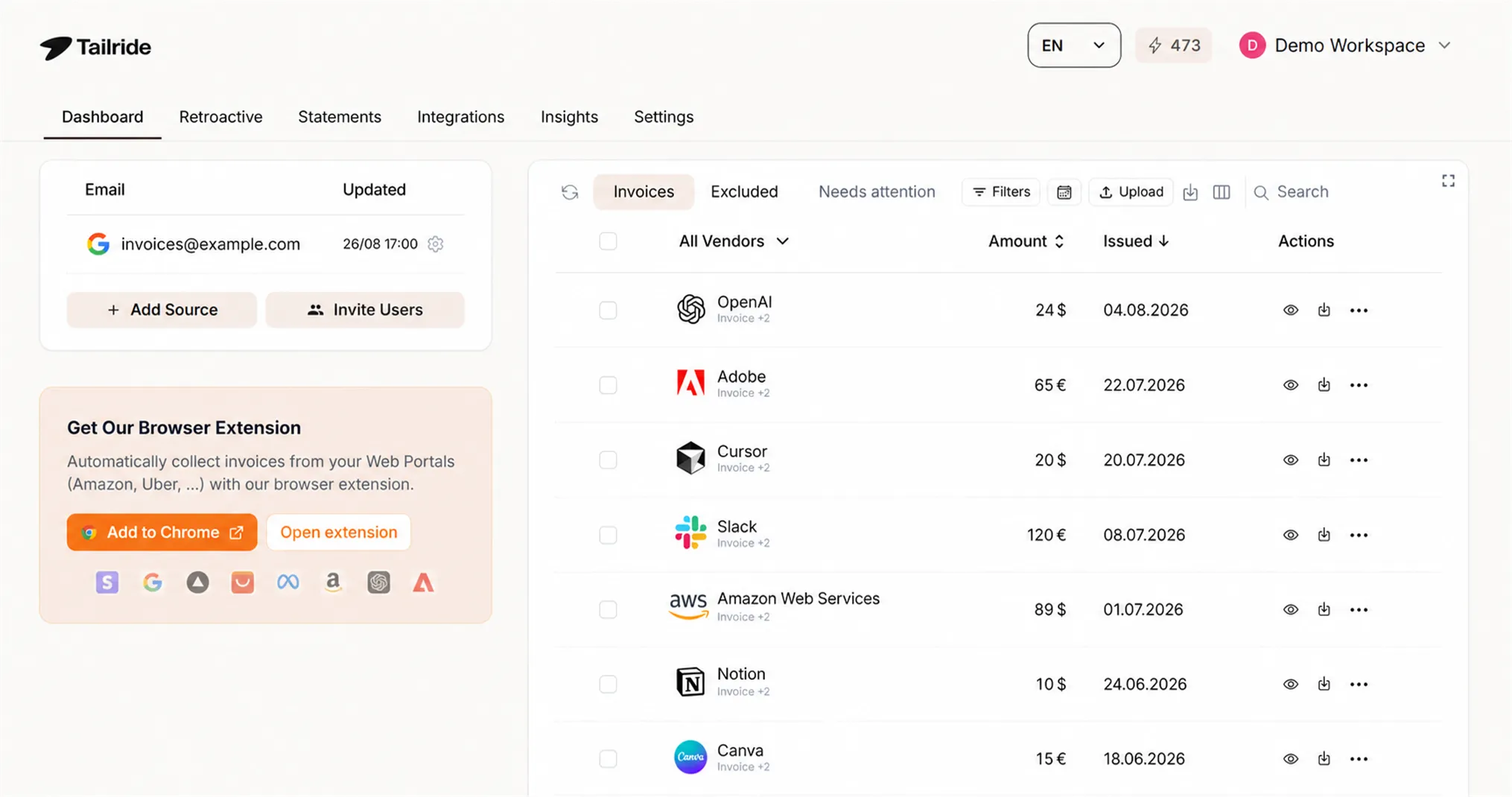
The slowest part of accounts payable in Odoo isn't posting entries - it's gathering the documents. Supplier bills arrive in three inboxes, half of them as HTML in the email body with no PDF attached, and a growing pile sits in vendor portals (Amazon Business, Adobe, Meta Ads, OpenAI) that stopped emailing invoices years ago. Someone on your team downloads them one by one, then keys them into Odoo. Industry benchmarks put that manual process at $12.88 per invoice; automated capture brings it under $3.
Tailride closes that gap end to end. It connects to Gmail, Outlook, or any IMAP inbox and finds invoices on its own - including retroactively, across your entire email history, which means a new Odoo rollout can start with a complete document trail instead of a cold start. Its browser extension (Chrome and Edge) fetches invoices from 100+ vendor portals using your own browser session, no shared credentials. AI extraction then turns each document into structured line-item data: vendor, amounts, taxes, descriptions.
The Odoo connection itself takes about five minutes - an API key, your database name, and you're done (step-by-step setup guide here). It works with both Odoo Community and Enterprise, cloud-hosted or self-hosted, on Odoo 14 through 19. Invoices land in Odoo Accounting as draft vendor bills in the purchase journal you choose - line items, tax details, and the source PDF attached - with built-in validation catching duplicates and mismatched totals before anything reaches your books. Pricing starts free (10 invoices a month) and from $19/month after that.
Tailride is our product, so weigh this entry accordingly - but the gap it fills is real: Odoo has no native way to collect invoices from inboxes and portals. Which brings us to what Odoo does have.
Fits best: SMBs and accounting teams running Odoo who process more than a handful of supplier invoices a week. If you're comparing every route into Odoo first, we've ranked them all - manual upload, email alias, CSV, and automation - in Getting Invoices into Odoo: Every Method, Ranked.
2. Odoo AI invoice digitization - the built-in OCR
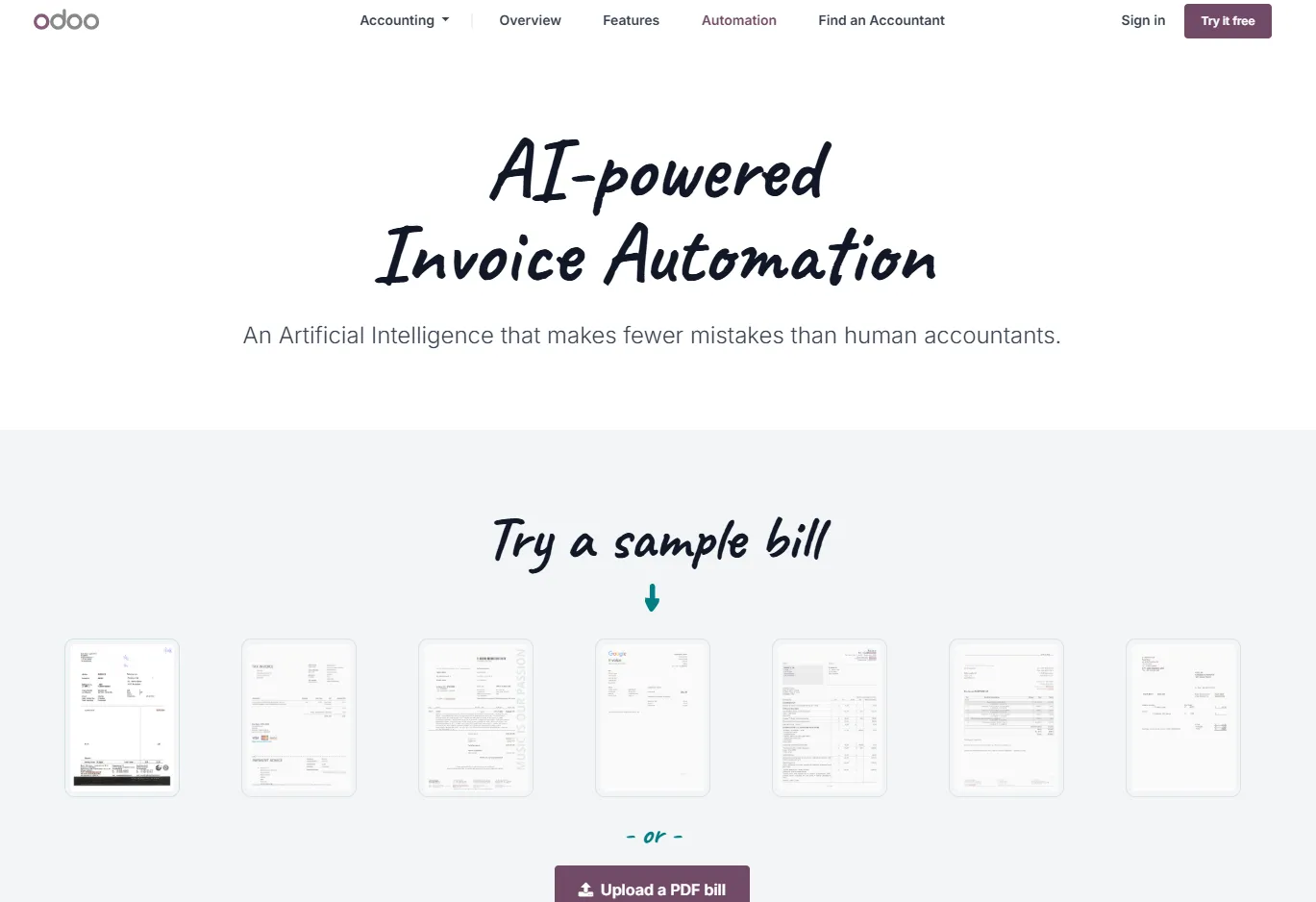
Odoo's own digitization service deserves an honest assessment, because for some businesses it's enough. Upload a PDF or snap a photo, and Odoo's AI extracts the vendor, date, total, and lines into a draft bill - directly inside the Vendor Bills workflow, no third party involved. It improves noticeably with each Odoo release.
The constraints are structural rather than qualitative. Digitization is metered through IAP credits, so cost scales per document. More importantly, it only processes what you give it: there's no inbox monitoring, no email-body parsing, no portal retrieval, no historical backfill. It digitizes; it doesn't collect. (Odoo's email alias gets documents in automatically if every vendor reliably emails a PDF attachment to the right address - a big if, as our guide to extracting invoices from Gmail explains.)
Fits best: low-volume teams already inside Odoo Enterprise who receive most bills as clean PDF attachments and don't mind forwarding them.
Banking and payments
3. Salt Edge - bank feeds inside Odoo

Reconciliation lives or dies on bank data, and Odoo's bank synchronization runs through connected providers - Salt Edge being the most widely used, alongside Plaid and Enable Banking depending on region. Together they cover thousands of banks worldwide, pulling transactions into Odoo automatically so reconciliation becomes a matching exercise instead of a data-entry one. Odoo's own documentation covers setup per provider.
One caveat for self-hosters: automated bank sync is an Odoo service tied to paid plans - Community edition users typically import statements via CAMT/OFX/CSV files or OCA banking modules instead.
Fits best: everyone on Odoo Enterprise or Odoo Online. There is no good reason to type bank transactions by hand in 2026.
4. Stripe - card payments that reconcile themselves
Stripe is the default answer for card payments in Odoo, and it's a genuinely native experience: register it as a payment provider once, and it powers "pay now" links on customer invoices, the eCommerce checkout, and subscriptions, with transactions flowing back for reconciliation. If customers can pay an invoice the moment they open it, your debtor days shrink - the same logic that applies on every accounting platform applies here.
Fits best: any Odoo business invoicing customers online. Fees are per-transaction; no subscription.
5. Mollie - the European payments alternative
For EU businesses, Mollie often beats Stripe on the payment methods that actually matter locally: iDEAL in the Netherlands, Bancontact in Belgium, SEPA, Klarna, and cards in one contract. It's available as an Odoo payment provider and pairs naturally with European VAT-heavy setups.
Fits best: European SMBs whose customers expect local payment methods at checkout.
Tax and compliance
6. Avalara AvaTax - US sales tax without the spreadsheet
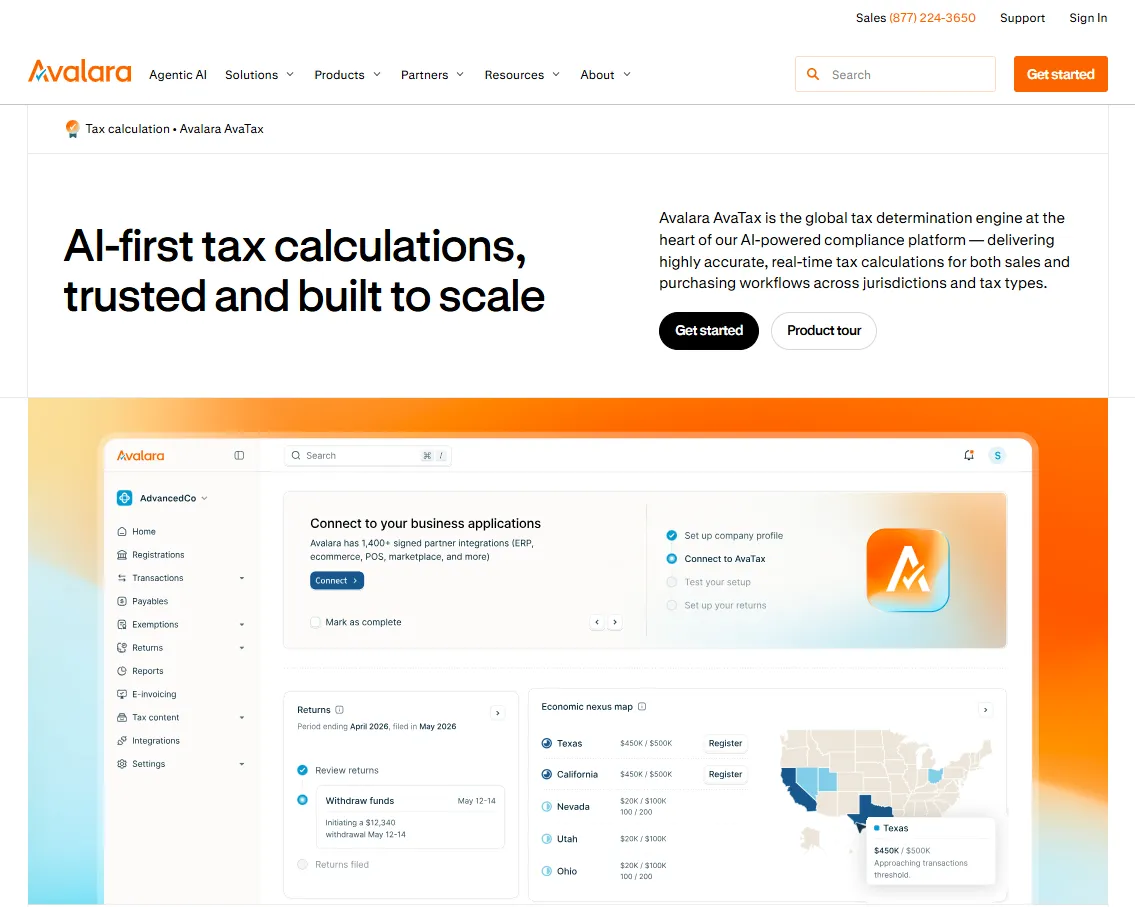
US sales tax across states, counties, and product categories is not something to hand-roll in tax rules. Odoo's official AvaTax integration calculates rates in real time on orders and invoices, tracks nexus thresholds, and supports filing. It's the standard answer for US Odoo deployments selling into multiple states.
Fits best: US companies with multi-state sales. EU businesses handle VAT through Odoo's fiscal localizations instead.
7. Peppol e-invoicing - compliance that's now mandatory in parts of Europe
Structured e-invoicing has shifted from nice-to-have to legal requirement: Belgium mandates Peppol-based B2B e-invoices from January 2026, France's phased rollout begins in September 2026, and more countries follow. Odoo has leaned in hard, operating its own Peppol access point so you can send and receive compliant e-invoices directly from Odoo Accounting without a third-party intermediary.
If you trade in or with these markets, this is the add-on you configure first in 2026 - not because it saves time, but because invoices that aren't compliant won't be payable.
Fits best: any business invoicing B2B within the EU. Non-EU businesses can safely skip this one for now.
Sales channels and operations
8. Shopify connectors - ecommerce orders into the ledger
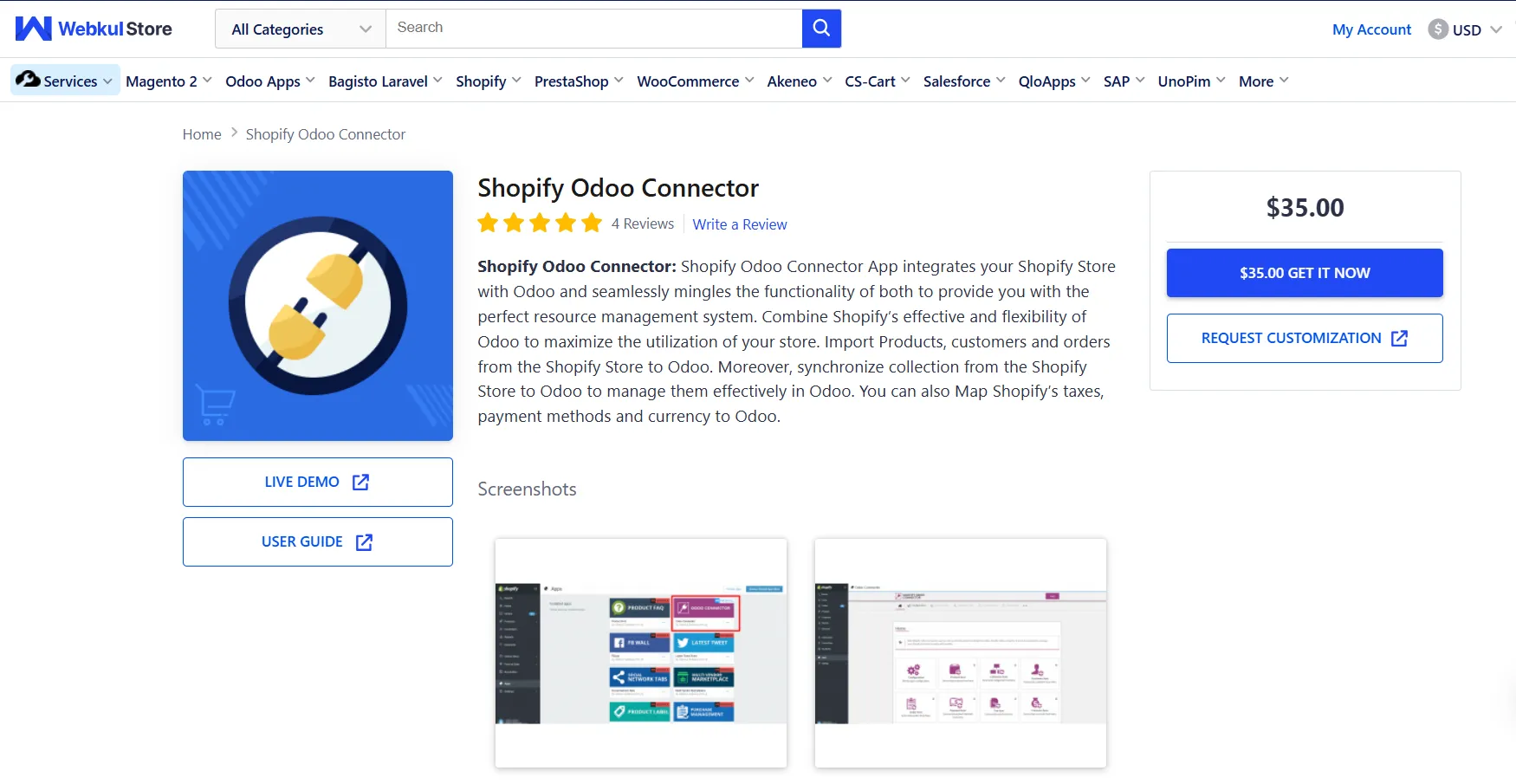
Odoo has its own eCommerce module, but plenty of businesses sell on Shopify and account in Odoo. The bridge is a connector app - Webkul's Shopify Connector being the longest-established on the Odoo Apps Store, with several alternatives. Orders, customers, inventory, and refunds sync into Odoo so revenue recognition and COGS happen in one place rather than in CSV exports.
Choose carefully here: connector quality varies more than in any other category on this list, and a badly configured sync creates reconciliation problems instead of solving them. Budget for setup help from an Odoo partner if order volume is meaningful.
Fits best: Shopify merchants using Odoo for inventory and accounting. Marketplace-heavy sellers should evaluate marketplace-specific connectors the same way.
Glue and reporting
9. Zapier and Make - workflow automation around the edges
Not every workflow deserves a custom module. Zapier and Make both connect to Odoo's API and handle the long tail of automations: create a CRM lead from a form, post a Slack message when a large bill lands, sync contacts from your marketing stack. Make tends to suit Odoo better for complex multi-step scenarios and costs less at volume; Zapier wins on the sheer number of connected apps.
Fits best: teams without developer resources who need Odoo talking to the rest of their tool stack this week, not next quarter.
10. OCA financial modules - the Community edition equalizer
If you run Odoo Community, the Odoo Community Association's account-financial-reporting and account-financial-tools repositories are close to mandatory: aged partner balances, general ledger exports, VAT reports, asset management, and dozens of accounting refinements that Enterprise users get out of the box. They're free, open-source, and maintained by the same partner firms that implement Odoo professionally.
The trade-off is operational: you (or your Odoo partner) handle installation, upgrades between Odoo versions, and compatibility testing. That's the Community deal in general - no license fees, more self-reliance.
Fits best: self-hosted Community deployments with technical capacity in-house or a partner on call.
The stack, on one screen
| Job to be done | Add-on | Type | Cost model |
|---|---|---|---|
| Collect & capture supplier invoices | Tailride | External SaaS | Free tier; from $19/mo |
| Digitize uploaded documents | Odoo AI digitization | Native (IAP) | Per-document credits |
| Bank feeds & reconciliation | Salt Edge / Plaid | Native service | Included in paid plans |
| Card & online payments | Stripe | Payment provider | Per transaction |
| European payment methods | Mollie | Payment provider | Per transaction |
| US sales tax | Avalara AvaTax | Official integration | Subscription + usage |
| EU e-invoicing compliance | Peppol (Odoo access point) | Native | Included |
| Shopify sales sync | Webkul & other connectors | Apps Store module | One-time + maintenance |
| Cross-app automation | Zapier / Make | External SaaS | Subscription |
| Community-edition reporting | OCA modules | Open source | Free (self-maintained) |
A sensible order of adoption, if you're building from scratch: bank feeds and invoice capture first (they remove the most manual work), then payments, then compliance, then everything else. Capture deserves the top slot because it's upstream of everything - reconciliation, reporting, and tax are all only as complete as the documents in the system. For accounting practices managing several Odoo clients at once, our AP automation guide for firms covers the multi-entity version of this stack.
Frequently asked questions
Does Odoo Accounting have built-in OCR for invoices?
Yes. Odoo's AI digitization service extracts data from uploaded or emailed PDF bills into draft vendor bills, billed through IAP credits per document. What it doesn't do is find invoices for you - there's no inbox scanning, no email-body extraction, and no vendor portal retrieval, which is why many Odoo teams pair it with or replace it by a capture tool like Tailride.
Can Odoo pull invoices from Gmail or Outlook automatically?
Only via an email alias: vendors (or your team) must forward bills with attachments to a dedicated address. Odoo won't search an existing inbox or read invoices embedded in email bodies. For automatic collection from real inboxes - including historical scanning - see our walkthrough on extracting invoices from Gmail.
Do these integrations work with self-hosted Odoo Community?
Mostly, with caveats. External tools connecting over Odoo's API (Tailride, Zapier, Make) work as long as API/XML-RPC access is enabled on your server. OCA modules are built for Community. Native services - bank synchronization, AI digitization, Peppol - are generally tied to Odoo's paid offerings.
What's the best way to import historical invoices into a new Odoo setup?
CSV import works for ledger data but loses source documents. The faster route is retroactively scanning your email for past invoices and pushing them into Odoo as drafts with documents attached - we compare every import method in Getting Invoices into Odoo: Every Method, Ranked.
Is Peppol e-invoicing required for my business?
If you're in Belgium, structured B2B e-invoicing is mandatory from January 2026; France begins its phased mandate in September 2026, and several other EU countries have timelines in motion. Check your local requirements - and note Odoo's built-in Peppol access point covers both sending and receiving without extra software.
The fastest win on this list is usually the first one: connect your inbox, watch a quarter's worth of supplier invoices appear, and push them to Odoo as ready-to-review drafts. Try Tailride free _ - 10 invoices a month, no card required._