
11 Best QuickBooks Online Integrations for 2026: A Decision Guide
Build your QuickBooks Online stack in 6 decisions: the 11 best integrations of 2026 for invoice capture, bill pay, payroll, ecommerce and reporting.

There are more than 750 apps in the QuickBooks App Store, and most lists of "the best ones" read like a phone book. Here's a more useful frame: a QuickBooks Online stack comes down to six decisions. Make each one deliberately and you'll end up with four or five integrations doing real work - not a dozen subscriptions you forgot you had.
If you only add three: Tailride to get supplier invoices into QuickBooks without data entry, Melio to pay them, and Gusto to run payroll. Everything else depends on how you sell and how you report.
The eleven tools below are organized around those six decisions, with a straight recommendation for each - including where the built-in QuickBooks feature is the right answer and an app would be overkill.
A note on how we judged them: every pick connects through the official QuickBooks API with OAuth (never your Intuit password), syncs in both directions where the workflow demands it, and has been around long enough that ProAdvisors recommend it to clients without caveats. Sync quality matters more than feature count - a mediocre app that posts clean, well-mapped transactions beats a brilliant one that duplicates customers or dumps everything into Uncategorized Expenses.
Decision 1: How do supplier invoices and receipts get into QuickBooks?
This is the decision to get right first, because every later one inherits its data. QuickBooks Online does include receipt capture - snap a photo in the mobile app or forward an email to your @qbodocs address, and OCR creates a transaction for review. For a freelancer with a dozen monthly expenses, that's honestly fine.
It stops being fine the moment invoice volume grows, because forwarding is a chore humans forget. The bills that slip through are exactly the ones that turn month-end reconciliation into archaeology: the SaaS receipt that arrived as an HTML email with no attachment, the Amazon Business invoice that never arrived at all because Amazon stopped emailing invoices years ago, the utility bill sitting unread in a colleague's inbox.
Bank feeds don't save you here, either. The feed tells you $214.30 left the account; it doesn't tell you what was on the invoice, what the tax treatment should be, or give you the source document an auditor (or your accountant) will eventually ask for. Transactions without documents are how books end up technically balanced and practically useless - and why "find the missing invoices" becomes a quarterly ritual that eats entire afternoons.
Our pick: Tailride
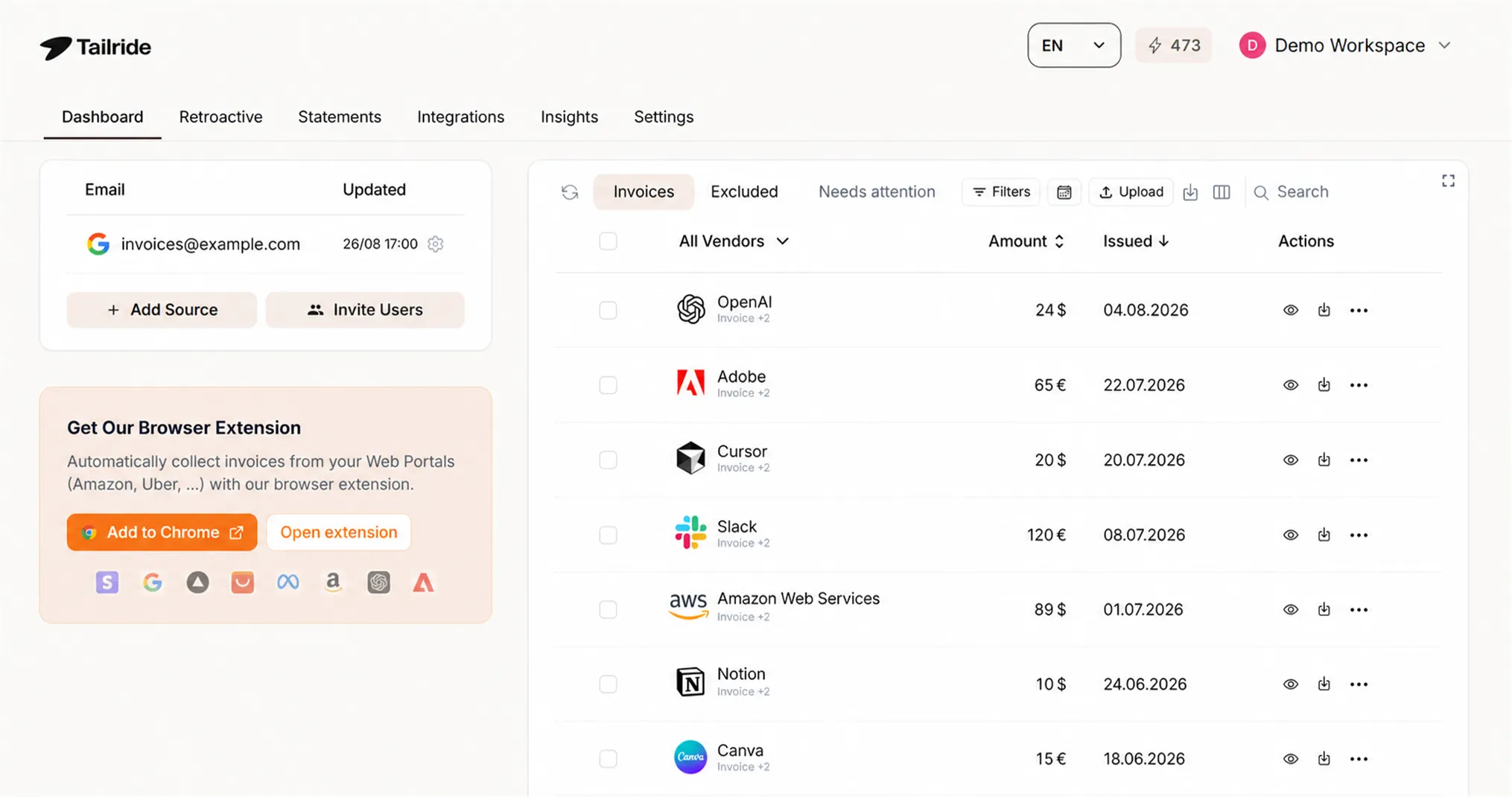
Tailride removes the human from the collection step entirely. It connects to your Gmail, Outlook, or IMAP accounts - yours and your colleagues' - and finds invoices itself, whether they arrive as PDFs, images, or HTML embedded in the email body. A browser extension for Chrome and Edge pulls invoices from Amazon Business, Meta Ads, Adobe, OpenAI, and 100+ other vendor portals using your own browser session. And when you first connect, it can scan your inbox history backwards - a quarter, a year, all of it - so you start with complete books rather than a promise to do better going forward.
From there, AI extraction turns each document into structured data, and the native QuickBooks integration syncs invoices into your account in bulk through the official QuickBooks API, ready for review. Setup is a few minutes; the free tier covers 10 invoices a month and paid plans start at $19/month. (Yes, Tailride is our product - this whole decision is the problem we exist to solve, so judge this pick with that in mind and test the free tier against your own inbox.)
For the workflow details, see our guide to extracting invoices from Gmail automatically - the same flow works for Outlook and IMAP.
Pick the built-in receipt capture instead if you handle under ~15 documents a month and they all arrive as attachments you remember to forward.
Decision 2: How do you pay the bills once they're in?
QuickBooks records bills; getting money to vendors is its own job. Two integrations dominate it, and they suit different companies.
Melio - the simple, free-to-start option
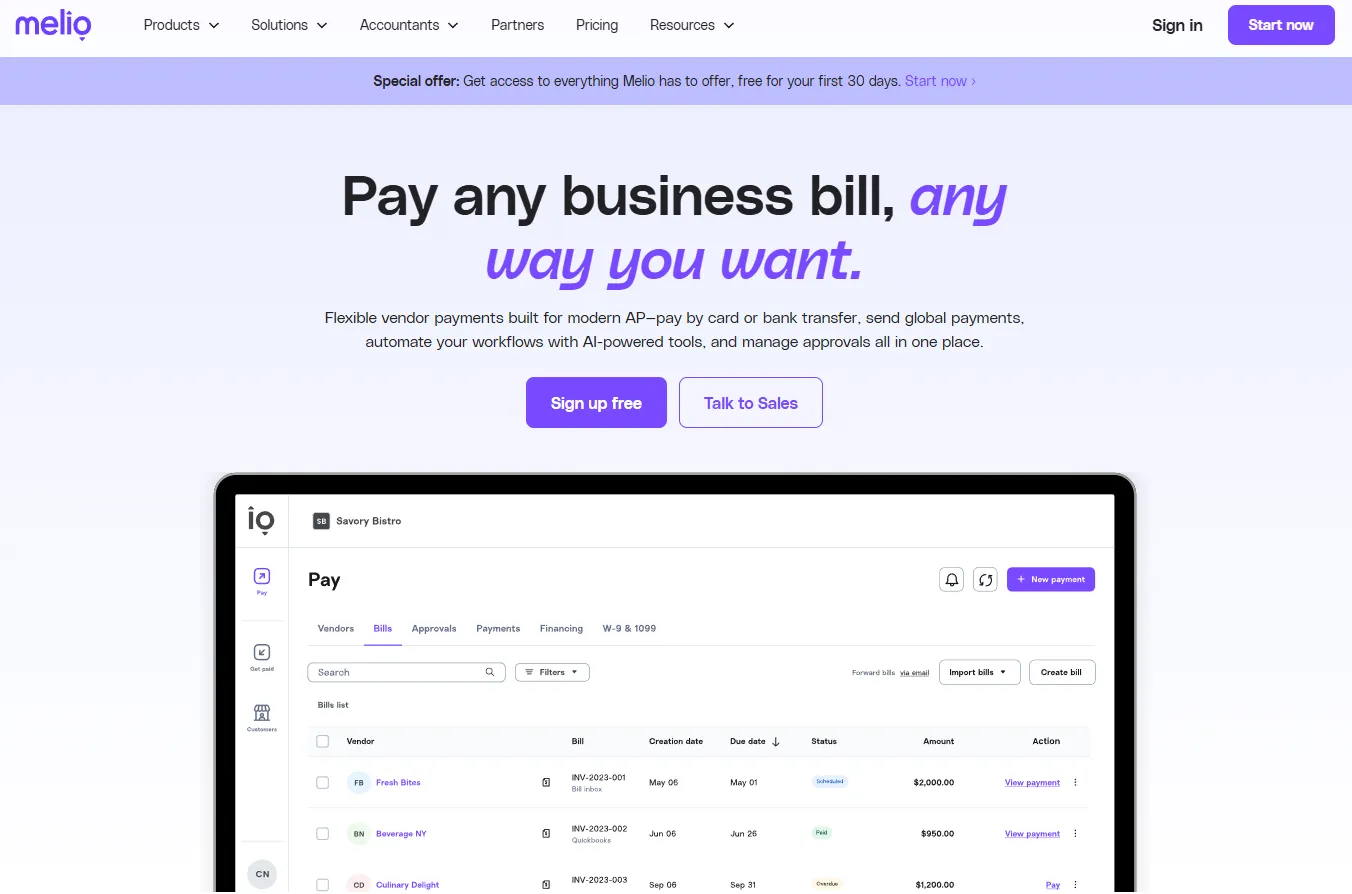
Melio built its reputation on free ACH bank transfers and a clean two-way QuickBooks sync. Vendors get paid by bank transfer or check even if they only accept checks; you can pay by card (for a fee) to stretch cash flow even when the vendor doesn't take cards. Payments, their status, and vendor records all sync back to QuickBooks automatically, so the books reflect reality without anyone re-entering anything. For most small businesses, Melio covers bill pay completely without a subscription.
BILL - the controls-heavy option
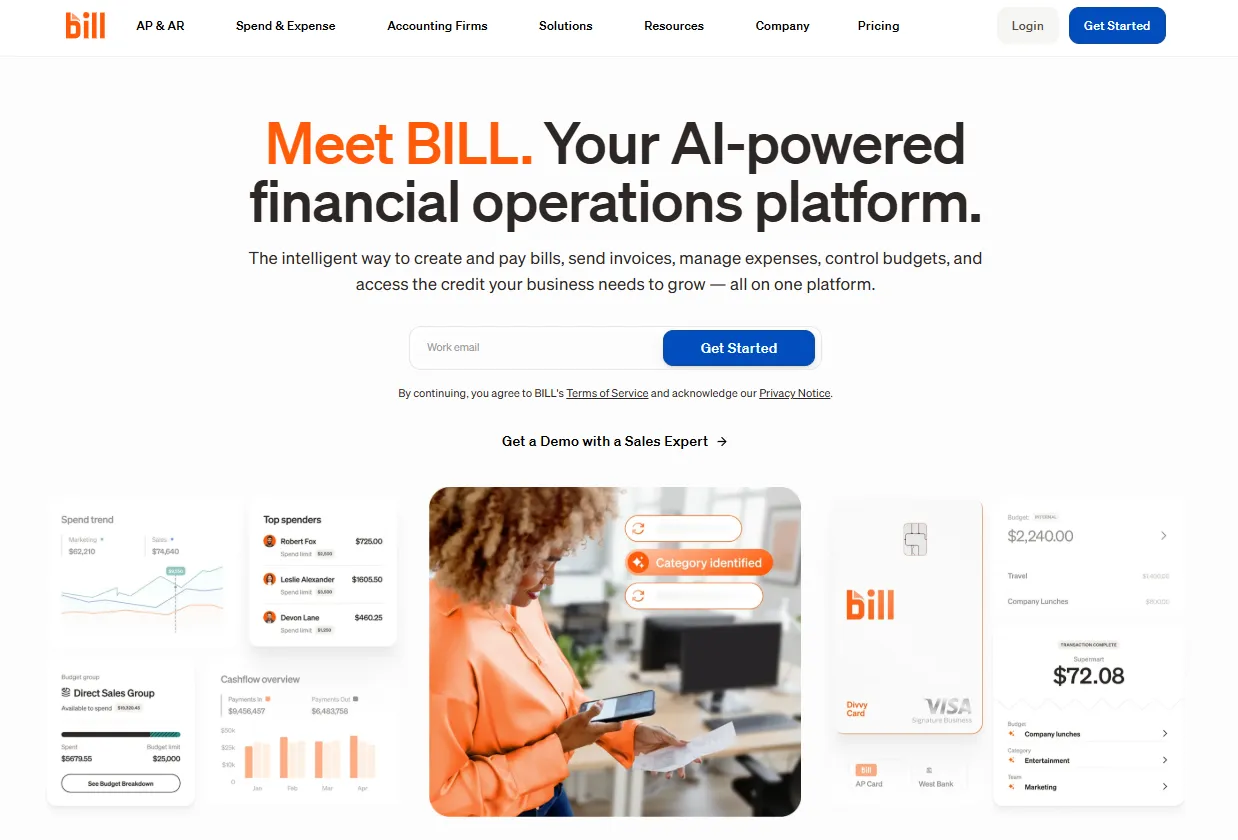
BILL (formerly Bill.com) is the step up for businesses that need approval chains, multiple users with defined roles, and an audit trail around every payment. Bills route to the right approver automatically, every action is logged, and payments go out by ACH, check, card, or international wire once sign-off is complete. It's a heavier product with per-user pricing, and it earns that weight once more than one person touches accounts payable - which is why it's also a fixture in accounting firms' client stacks.
Note what neither tool does: find the bills in the first place. Melio and BILL both start from a bill that's already in the system - captured by Decision 1's tooling or typed in by hand. Capture and payment are complementary layers, not substitutes.
Pick Melio if you're under ~10 employees and the owner approves everything anyway. Pick BILL if payments need sign-off from people who aren't in the room.
Decision 3: Who controls employee spending?
Ramp - cards, limits, and receipts that chase themselves
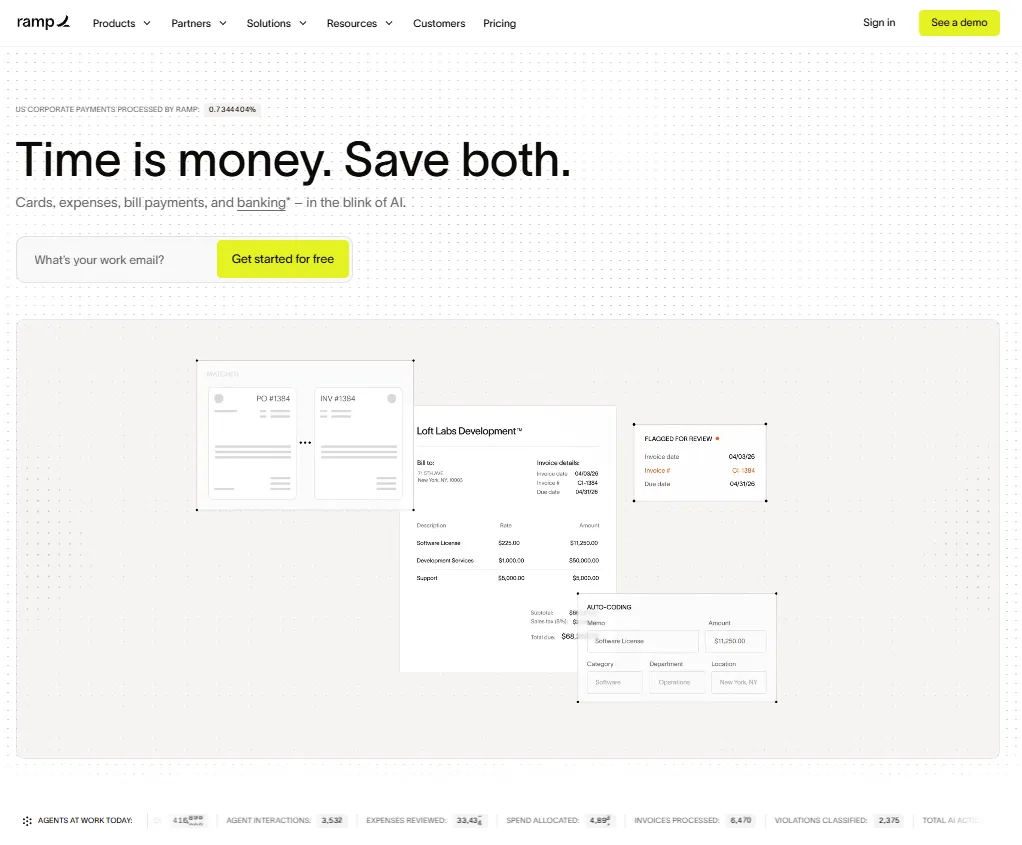
Ramp bundles corporate cards, expense management, and spend controls into a platform with no subscription fee - it earns revenue from card interchange. Issue virtual cards per vendor or per employee with hard limits, and transactions sync to QuickBooks with receipts matched and categorized largely automatically. For companies tired of the expense-report ritual, Ramp deletes it.
Expensify - the reimbursement classic
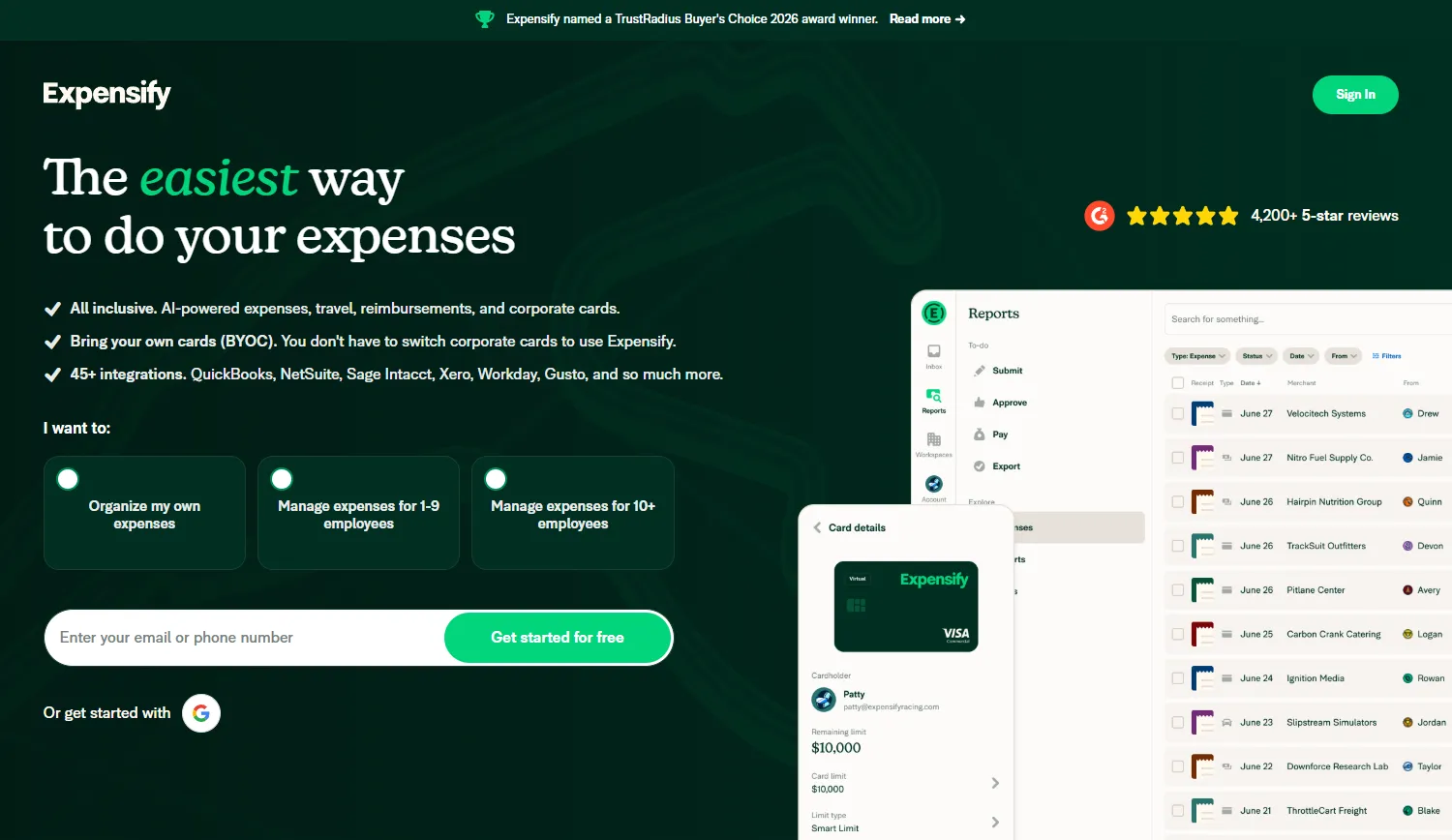
Expensify remains the simplest answer for the narrower problem of employees spending their own money: snap receipt, SmartScan reads it, report approved, reimbursement paid, everything synced to QuickBooks. If your team rarely needs company cards but travels and expenses regularly, it's still the path of least resistance.
Pick Ramp if spending happens on company cards. Pick Expensify if it happens on personal cards and gets reimbursed. (Either way, employee expenses are only half the documentation problem - supplier invoices in Decision 1 are usually the bigger half. Our guide on organizing receipts covers both sides.)
Decision 4: How do you run payroll?
QuickBooks Online Payroll is the default for US businesses, and the deep native integration - payroll posts straight to the ledger, taxes filed automatically - makes it hard to beat if your needs are plain-vanilla.
Gusto - the integration worth leaving the default for
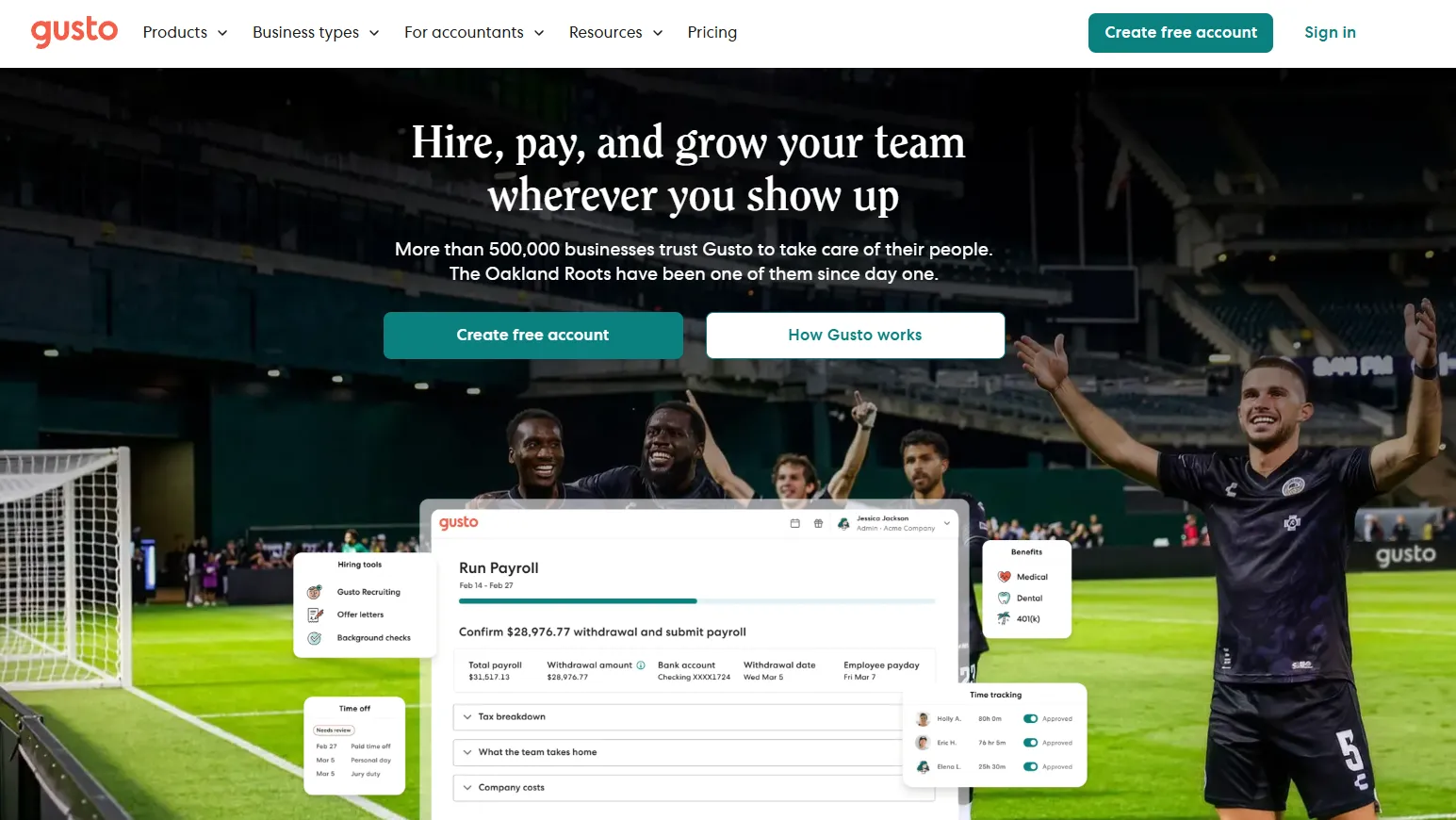
Gusto wins when people-ops outgrow paychecks: benefits administration, contractor payments across state lines, onboarding workflows, and an employee experience your team won't grumble about. Its QuickBooks Online integration maps wages and taxes back to the right accounts, so you trade none of the bookkeeping convenience.
Pick QuickBooks Payroll if payroll is salaried staff in one state. Pick Gusto if you juggle contractors, benefits, or multi-state teams.
Decision 5: How do ecommerce sales land in the books?
Marketplace payouts are the single most common source of mangled QuickBooks data: a Shopify deposit is really sales minus fees minus refunds plus tax collected, and posting it as plain income breaks everything downstream.
A2X - accuracy-first summaries
A2X turns each payout from Shopify, Amazon, eBay, Etsy, or Walmart into a tidy journal summary where every component lands in the right account: gross sales, marketplace fees, shipping, refunds, gift cards, and tax collected, all split correctly and matched to the actual bank deposit. Accountants who specialize in ecommerce tend to insist on it, because the books actually reconcile to the bank - and because unwinding months of payouts posted as lump-sum income is some of the least pleasant cleanup work in bookkeeping.
Synder - transaction-level detail and multichannel breadth
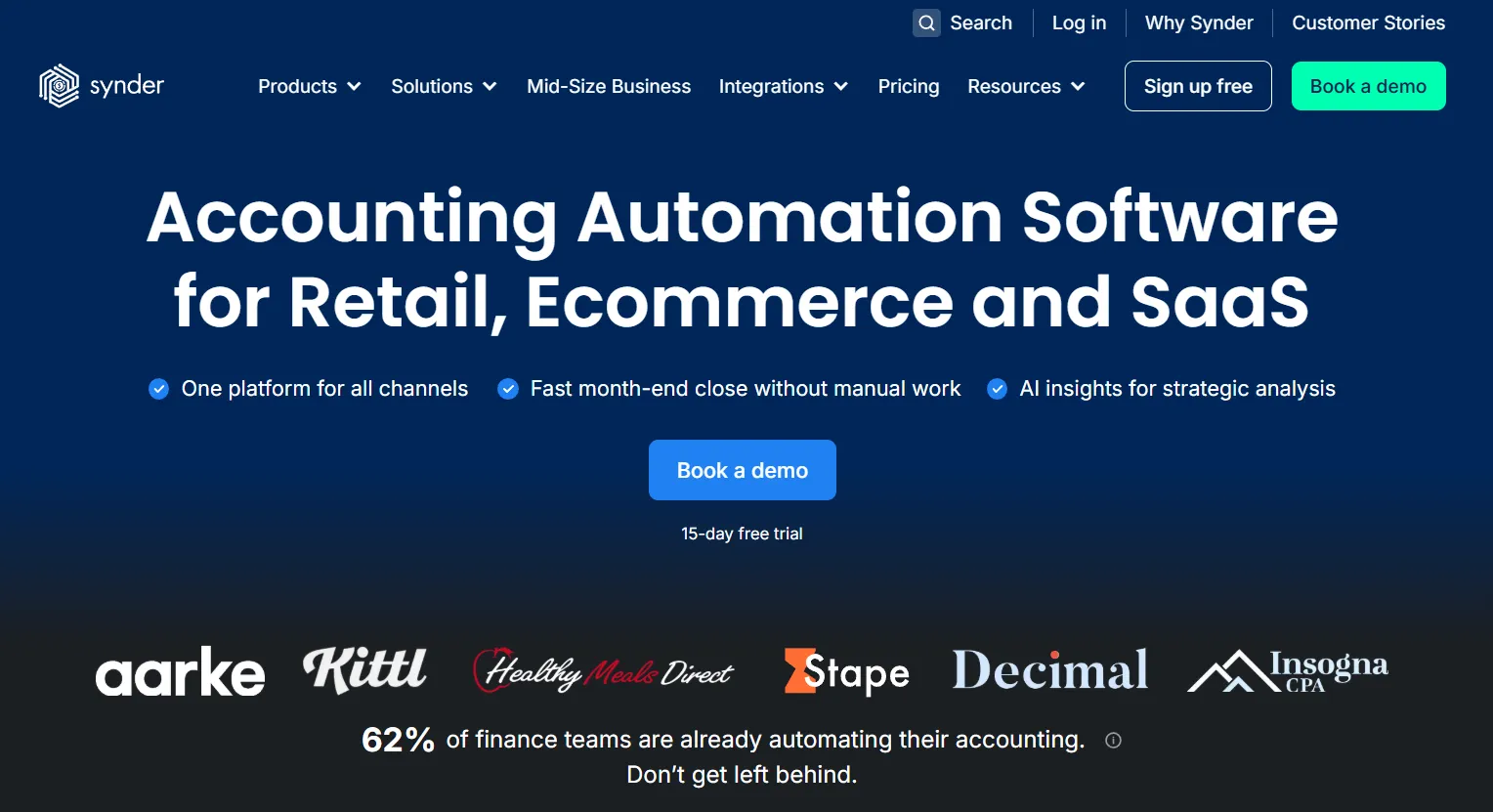
Synder takes the opposite approach: it can record individual transactions (useful when you want customer-level data in QuickBooks) and connects a wide span of channels and payment processors - Stripe, PayPal, Square and dozens more - under one roof.
Pick A2X if you want clean, summarized, reconcilable books. Pick Synder if you need per-transaction detail or sell across many channels and processors. Either way, remember these tools handle the revenue side - your Amazon Business purchase invoices still need collecting, which is Decision 1's job.
Decision 6: How do you report beyond QuickBooks' built-in reports?
Fathom - management reporting and KPIs
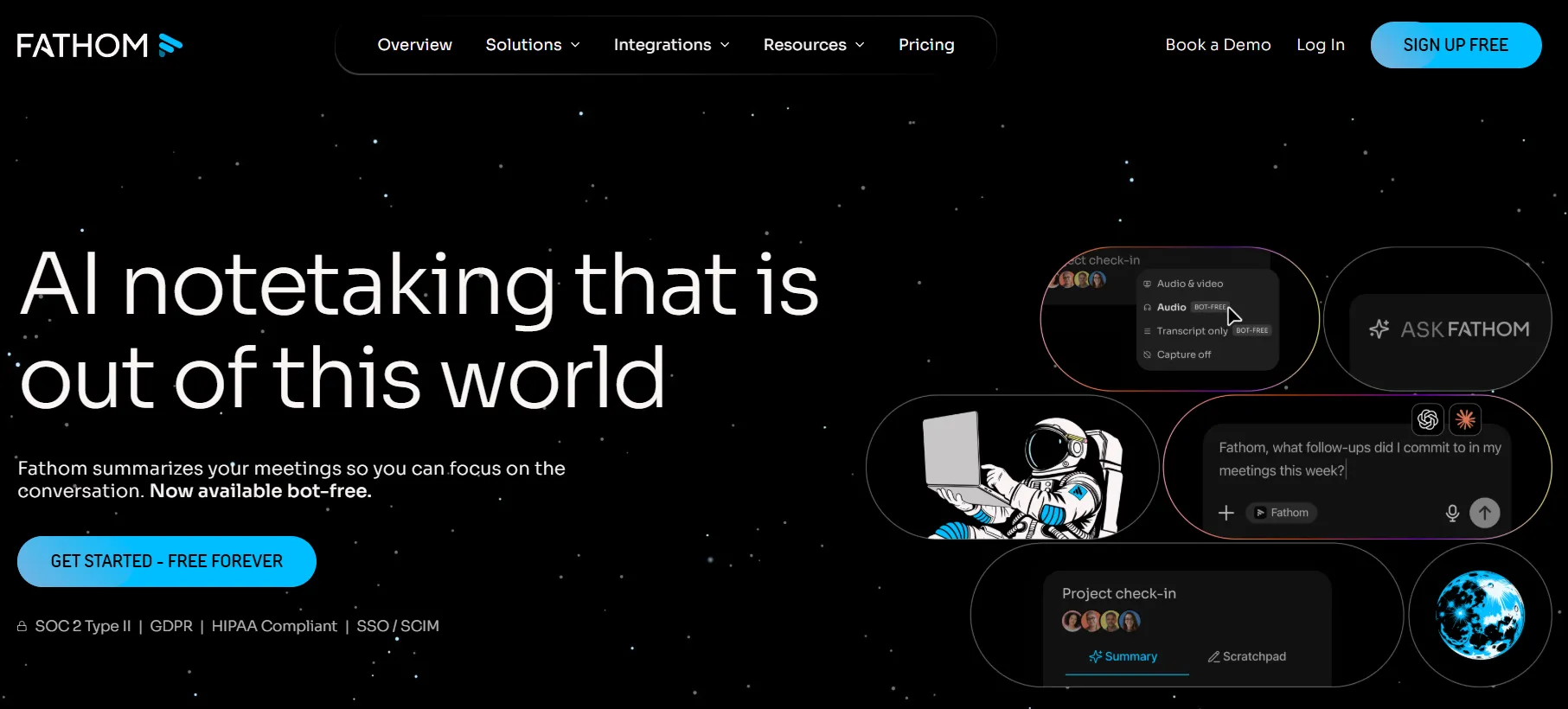
Fathom builds the reports QuickBooks can't: KPI dashboards, consolidated multi-entity reporting, cash flow analysis, and board-ready report packs. Advisors and fractional CFOs lean on it to turn QuickBooks data into something a leadership team will actually read.
LiveFlow - live QuickBooks data in Google Sheets
LiveFlow pipes always-fresh QuickBooks data into Google Sheets templates, which makes it the choice for finance teams who already live in spreadsheets and want custom models that update themselves instead of monthly copy-paste.
Pick Fathom if you present to boards or manage multiple entities. Pick LiveFlow if your reporting already lives in Sheets.
Worth a look: Method CRM
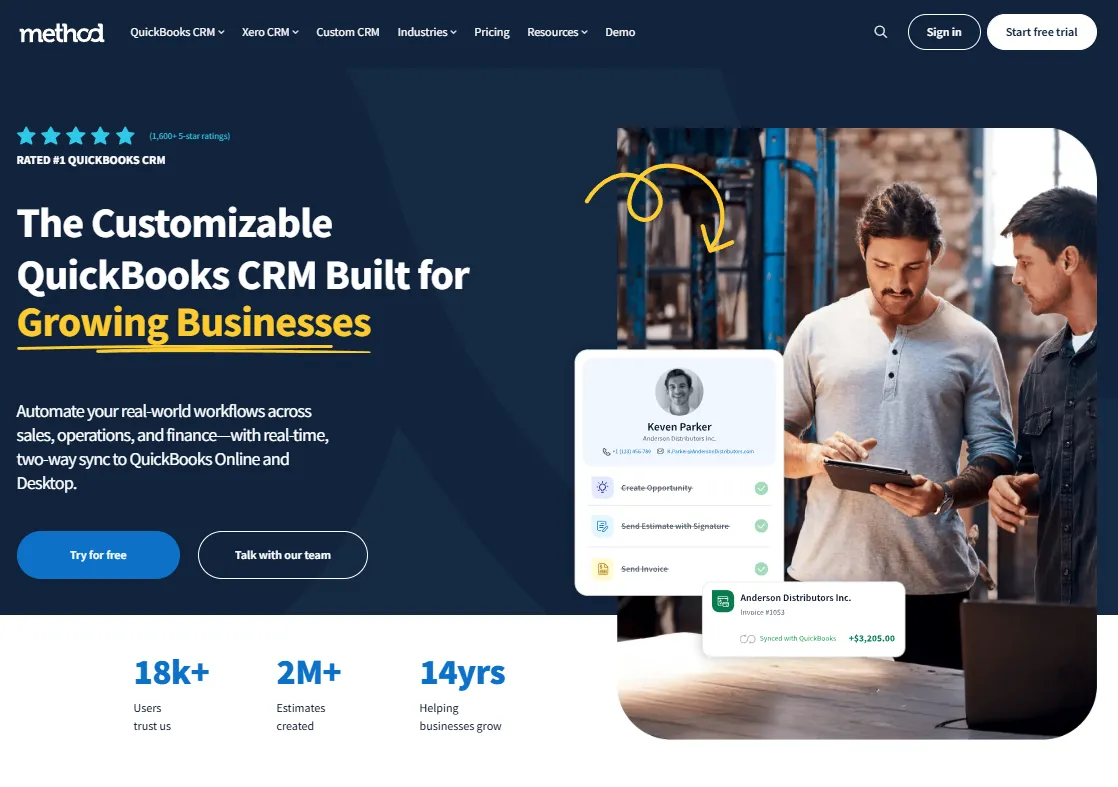
One more for service businesses: Method:CRM is built specifically around QuickBooks, with a real-time two-way sync that lets sales teams create estimates and invoices that appear in QBO instantly. If your CRM and your accounting constantly disagree about customers, it's the targeted fix.
The decision map
| Decision | Default answer | Upgrade when... |
|---|---|---|
| Invoices into QBO | Built-in receipt snap | Volume grows, portals multiply → Tailride |
| Paying bills | Melio | Approvals needed → BILL |
| Employee spend | Ramp (company cards) | Reimbursement-only culture → Expensify |
| Payroll | QuickBooks Payroll | Benefits/contractors/multi-state → Gusto |
| Ecommerce sales | A2X | Need transaction detail → Synder |
| Reporting | QBO built-in reports | Boards & KPIs → Fathom; Sheets-first → LiveFlow |
Two stack patterns we see most often: a services SMB running Tailride + Melio + Gusto + Fathom, and an ecommerce brand running Tailride + Ramp + A2X. Accounting firms assembling stacks across many clients have different math again - volume pricing and a multi-client dashboard matter more than any single feature, which is why we run a separate program for firms.
Three mistakes to avoid when building your stack
Buying overlap. Ramp captures receipts; so does Expensify; so does the QuickBooks mobile app; so does your capture tool. That's fine - they cover different documents - but pay for each function once. If Ramp handles every company-card receipt, your capture tool's job is supplier invoices, not re-processing card receipts, and your plan sizes should reflect that.
Connecting everything to everything. Each app should sync with QuickBooks, not with each other. The ledger is the single source of truth; the moment App A also writes to App B, you've built a triangle where duplicates breed. When a sync does misfire, fix it at the source app rather than editing the QuickBooks transaction - edited transactions tend to get overwritten on the next sync.
Skipping the mapping step. Nearly every integration on this list asks you to map its categories to your chart of accounts during setup. Rushing through it with defaults is how three months of transactions end up in the wrong accounts. Thirty minutes with your bookkeeper at setup - per app - pays for itself many times over. (If you work with an accountant, do this together; most have strong opinions, and you want those opinions before the data flows.)
Frequently asked questions
Can QuickBooks Online automatically fetch invoices from my email?
Not by itself. QuickBooks can receive documents you forward to your @qbodocs address or snap in the mobile app, but it won't search an inbox, read invoices embedded in email bodies, or download from vendor portals. That's the gap third-party capture tools fill - Tailride connects directly to Gmail, Outlook, or IMAP and collects invoices automatically, including retroactively.
What's the difference between the QuickBooks App Store and connecting via API?
The QuickBooks App Store lists apps Intuit has reviewed, all connecting through the official QuickBooks API with OAuth - you authorize them from your Intuit account and can revoke access anytime. Reputable tools outside the store use the same official API. Avoid anything that asks for your QuickBooks password directly.
How many integrations should a small business actually run?
Fewer than you think. Four or five well-chosen apps - one per decision above - beat a sprawl of overlapping subscriptions. Audit your connected apps yearly; every integration you remove is one less sync to break.
Do these integrations work with QuickBooks Desktop?
This guide covers QuickBooks Online. Some tools (BILL, Expensify, Method) also support Desktop, but integration depth varies widely, and Intuit's direction of travel is unmistakably toward QBO. If you're still on Desktop, factor migration into any new app decision.
Will adding integrations create duplicate transactions in QuickBooks?
It can, if two apps post the same money - the classic case is a payment processor integration and an ecommerce integration both recording the same sale, or a capture tool and a card platform both creating the same expense. The fix is architectural: decide which app owns each transaction type before connecting it, and switch off the overlapping feed in the other. Done right, integrations reduce duplicates, because data arrives through one consistent path instead of manual entry plus a bank feed.
What's the best QuickBooks integration setup for accounting firms?
Firms optimize for different things than businesses: standardization across clients, volume pricing, and not having to chase clients for documents. A common firm pattern is one capture layer with a multi-client dashboard (Tailride's accounting firm program covers this, with per-document rather than per-client pricing), BILL for clients needing payment approvals, and Fathom for the advisory reporting layer. The standardization matters more than any individual choice - supporting one stack across forty clients beats supporting twelve.
What does Tailride cost for QuickBooks users?
The free plan extracts 10 invoices a month with the QuickBooks sync included; paid plans start at $19/month for 50 invoices, with volume pricing for accounting firms managing 10+ clients. There's no per-user fee - pricing scales with documents processed. Details on the pricing page.
Decision 1 is the one you can settle today: connect Tailride to QuickBooks, point it at your inbox, and your first 10 invoices are extracted free.