
Claude for Accounting: Practical Use Cases and Prompts for 2026
See how accountants can use Claude to review workbooks, policies, and financial documents - and how Tailride prepares the source data behind the analysis.

Last updated: September 2026 · ~8 min read · Published by Tailride
Claude can help accountants review complex workbooks, compare financial documents, summarize accounting policies, prepare technical memos, and identify questions that require further investigation.
It is particularly useful when a task begins with a substantial set of source material rather than a single isolated question. An accountant can provide financial statements, policies, schedules, contracts, or spreadsheet exports and ask Claude to explain how the information fits together.
But Claude is not an accounting system. It does not automatically know whether every invoice has been collected, whether a transaction was approved, or whether the ledger contains the final version of an entry.
That is why the underlying workflow still matters. Tailride collects and prepares financial documents, the accounting platform maintains the books, and Claude helps accountants review and communicate the resulting information.
Can Claude Be Used for Accounting?
Yes. Claude can support accounting work that involves reading, comparing, explaining, and organizing financial information.
Common use cases include:
-
understanding an unfamiliar financial model;
-
reviewing multi-period spreadsheets;
-
comparing accounting policies with supporting documents;
-
preparing month-end review questions;
-
summarizing financial statements;
-
drafting technical accounting memos;
-
turning review notes into clear client communications.
Anthropic supports uploads including PDF, DOCX, CSV, JSON, and XLSX files, although some file capabilities depend on the features enabled for the account. Files can be attached to an individual conversation or retained as reference material inside a project. The current details are available in Anthropic’s file upload documentation.
Claude can therefore be useful as a document and analysis assistant. It should not be treated as the source of truth for the books.
Claude can help an accountant understand the evidence. It should not replace the systems and people responsible for confirming that the evidence is complete and correct.
What Is Claude Good At in Accounting?
Understanding complex workbooks
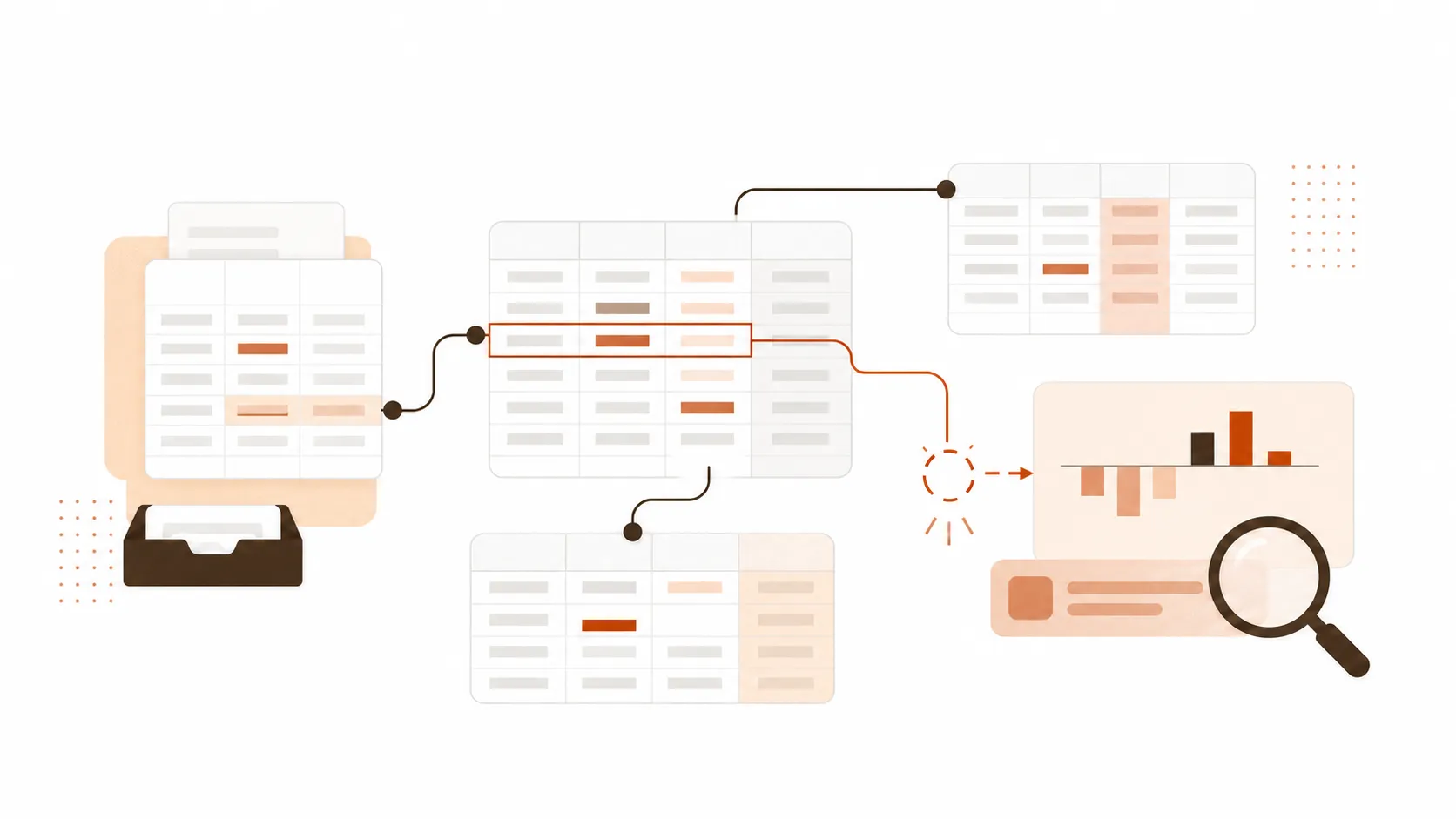
Accounting teams regularly inherit spreadsheets they did not build. A revenue model may contain multiple schedules, hidden assumptions, manual adjustments, and formulas flowing between tabs.
Claude can help map that structure before the accountant begins reviewing individual cells. Given appropriate access to the workbook, it can describe the purpose of each sheet, identify dependencies, and explain how values move through the model.
Anthropic’s own Claude in Excel accounting tutorial demonstrates a revenue-recognition review in which Claude examines a multi-tab workbook, surfaces reconciliation gaps, identifies duplicates and missing data, and explains proposed changes before the user confirms them.
This does not remove the need to test the calculations. It can make the initial review faster and help the accountant decide where to investigate first.
Reviewing multiple financial documents together
Many accounting questions cannot be answered from one document.
Determining whether a transaction was treated consistently might require an accounting policy, a contract, a calculation schedule, an invoice, and a ledger export. Claude can compare those sources and organize the relevant passages into a reviewable structure.
The prompt should specify which documents are authoritative and how disagreements should be handled. Otherwise, Claude may combine information from different versions without recognizing that one supersedes another.
A useful instruction is:
Treat the approved accounting policy as authoritative. If another document conflicts with it, report the conflict rather than trying to resolve it.
Drafting technical accounting memos
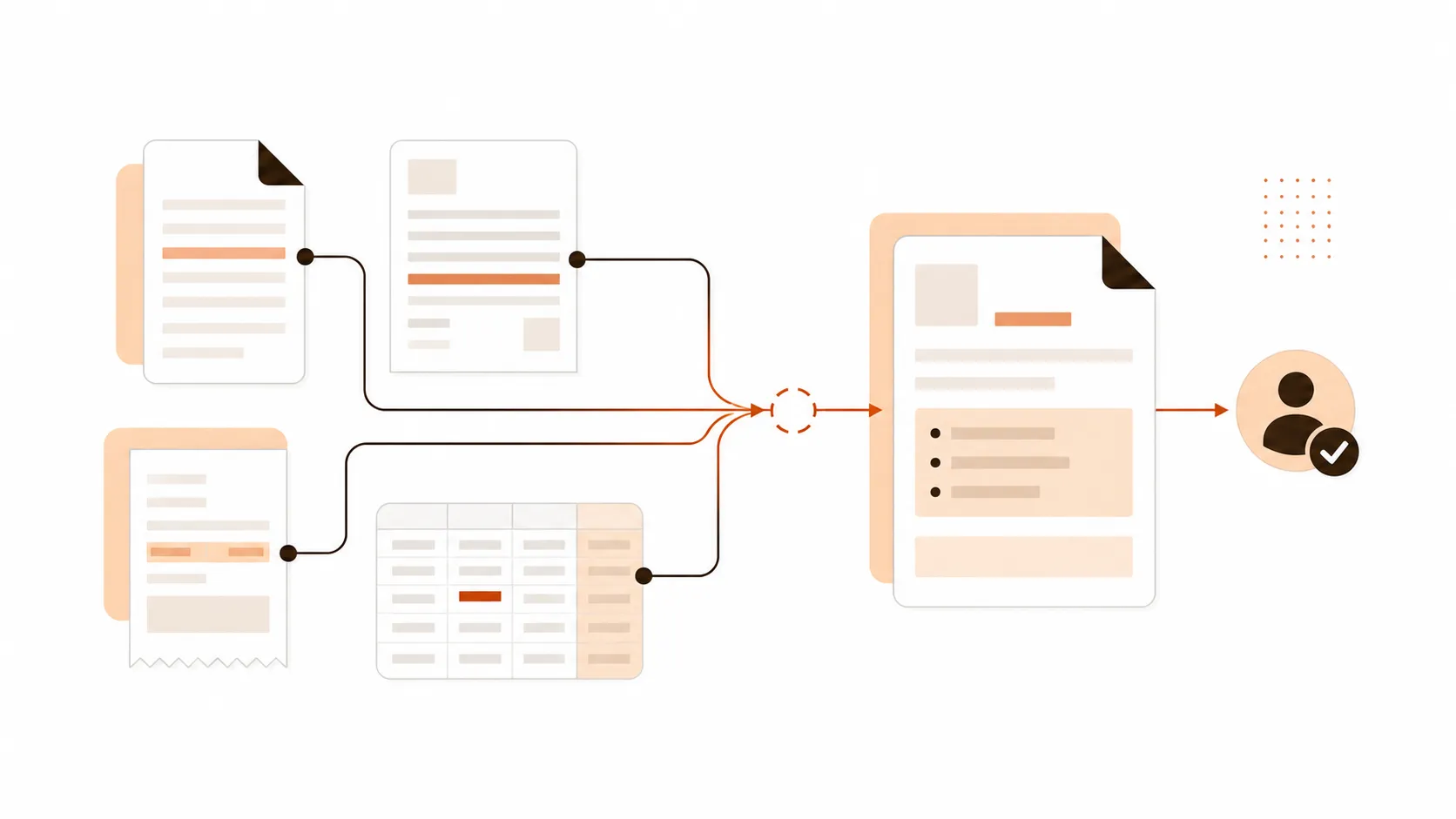
A technical accounting memo usually follows a recognizable structure: issue, background, relevant guidance, analysis, conclusion, and required actions.
Claude can help turn reviewed source material and an accountant’s notes into a first draft. It can also identify where the reasoning depends on an unsupported assumption or where a citation is missing.
The professional judgment remains with the accountant. Claude should not invent authoritative guidance, citations, contract terms, or jurisdiction-specific requirements.
For standards-sensitive work, provide the current approved sources directly and require every material conclusion to be connected with a specific source passage.
Preparing close and review questions
A month-end review often involves more than confirming whether tasks are marked complete. The reviewer needs to know what evidence exists, which reconciliations remain open, and whether unusual balances have been explained.
Claude can organize close notes, account schedules, and status reports into a prioritized set of questions. It can distinguish completed work from unsupported assertions and identify items requiring controller approval.
This is most useful when the supplied files follow consistent naming and period conventions. Claude cannot reliably determine whether an omitted file never existed or simply was not provided.
Turning accounting findings into clear communication
Review notes are frequently written for other accountants. Clients, founders, and department managers need a different explanation.
Claude can help translate technical findings into a concise client request, management summary, or internal procedure without changing the underlying conclusion.
The accountant should specify the audience, desired tone, and facts that must remain unchanged. This reduces the risk of a polished rewrite accidentally weakening an important qualification.
Where Claude Should Not Be Used
Claude should not become the uncontrolled operating layer for the accounting function.
It should not independently:
-
approve or post journal entries;
-
authorize payments;
-
change supplier bank information;
-
decide tax treatment;
-
confirm that a reconciliation is complete;
-
determine that an expense is legitimate;
-
replace the ledger or document archive.
Claude may suggest a journal entry, identify a possible duplicate, or explain why a balance looks unusual. Those outputs are starting points for review, not completed accounting actions.
The same distinction applies across the broader bookkeeping AI landscape. General AI assistants are built for flexible interpretation and communication. Dedicated bookkeeping systems handle document collection, structured processing, approvals, integrations, and audit trails.
Practical Claude Accounting Prompts
Claude performs best when the prompt defines the source hierarchy, the accounting period, the expected output, and the limits of the review.
For material work, require Claude to distinguish between:
-
facts present in the supplied documents;
-
calculations derived from those facts;
-
assumptions;
-
open questions;
-
conclusions requiring professional judgment.
Review an unfamiliar accounting workbook
Review the attached accounting workbook before proposing any changes.

First, explain:
1. The purpose of each sheet.
2. How information flows between the sheets.
3. Which tabs contain source data, calculations, assumptions, and final outputs.
4. Which balances or schedules should reconcile.

Then identify:
- broken or inconsistent formulas;
- unexplained hard-coded values;
- duplicate-looking records;
- missing periods or entries;
- reconciliation gaps;
- assumptions that are not documented.

Do not modify the workbook yet.

Return a prioritized review table containing:
issue, affected sheet or cell, supporting evidence, possible impact, and recommended next check.

Do not invent missing values. If the workbook structure is ambiguous, ask a question.
This prompt separates orientation from correction. The accountant can review Claude’s understanding of the workbook before allowing any proposed changes.
Compare an accounting policy with supporting documents
Compare the attached approved accounting policy with the supplied contracts, schedules, and transaction records.

Treat the document named [policy filename and version] as the authoritative internal policy.

For each relevant transaction or treatment:
1. State what the policy requires.
2. Identify the supporting source passage.
3. Describe how the transaction was recorded.
4. Flag any difference, missing evidence, or ambiguity.

Do not decide that a treatment is compliant unless the supplied evidence supports that conclusion.

Return:
- a concise summary;
- a table of findings;
- a list of documents or explanations still required;
- items requiring professional accounting judgment.
The explicit source hierarchy prevents Claude from treating an outdated procedure and the approved policy as equally authoritative.
Prepare a month-end close review
Review the attached month-end close checklist, reconciliation summaries, and open-item report for [period].

Classify each area as:
- supported and complete;
- complete but evidence not supplied;
- in progress;
- blocked;
- requiring review.

Identify:
- unreconciled balances;
- unexplained movements;
- missing supporting documents;
- tasks completed after the expected deadline;
- items awaiting approval;
- dependencies that may delay reporting.

Use only the supplied files. Do not infer that a task is complete because it normally occurs every month.

Finish with:
1. a prioritized review agenda;
2. questions for the preparer;
3. items requiring controller approval.
Claude organizes the close evidence, while the reviewer remains responsible for confirming the balances and sign-offs.
Draft a technical accounting memo
Create a first draft of a technical accounting memo using only the attached source documents and approved notes.

Structure:
- issue;
- background and relevant facts;
- source guidance provided;
- analysis;
- unresolved questions;
- preliminary conclusion;
- required next actions.

For every important statement:
- identify the supporting document and section;
- distinguish quoted requirements from interpretation;
- state any assumption;
- mark missing or conflicting evidence.

Do not create citations, accounting guidance, contract language, or facts that are not present in the supplied material.

Use a professional and neutral tone. The memo will be reviewed and approved by a qualified accountant.
The resulting memo is still a draft. Its citations, interpretations, and conclusion must be checked against the original sources.
Turn review findings into a client request
Using the attached approved review notes, draft a message requesting the missing information from the client.

Audience: business owner without an accounting background
Tone: clear, helpful, and direct

For each requested item:
- explain what is missing;
- explain why it is needed;
- provide an example where useful;
- state the requested deadline.

Do not add issues that are not present in the review notes. Do not imply that a transaction is incorrect unless the notes explicitly confirm it.

Group similar requests together and keep the message concise.
This prompt is useful after the accounting review has been completed - not as a substitute for the review itself.
Start With Complete Source Documents
Claude cannot identify an invoice that was never included in the files it received. It also cannot know whether a spreadsheet export represents the current ledger unless the user confirms it.
A reliable workflow separates document collection, bookkeeping, analysis, and approval:
| Stage | Main responsibility | Appropriate system |
|---|---|---|
| Source collection | Find invoices, receipts, and supporting documents | Tailride |
| Data preparation | Extract fields, apply coding rules, and connect documents with transactions | Tailride |
| Accounting record | Post, approve, reconcile, and maintain balances | Accounting platform |
| Document and workbook review | Compare sources, investigate issues, and prepare drafts | Claude |
| Final judgment | Approve treatments, conclusions, and communications | Accountant or controller |
This sequence reduces the risk of asking Claude to analyze an incomplete version of the business.
Where Tailride Fits
Tailride handles the operational work that needs to happen before Claude receives a clean document set or accounting export.
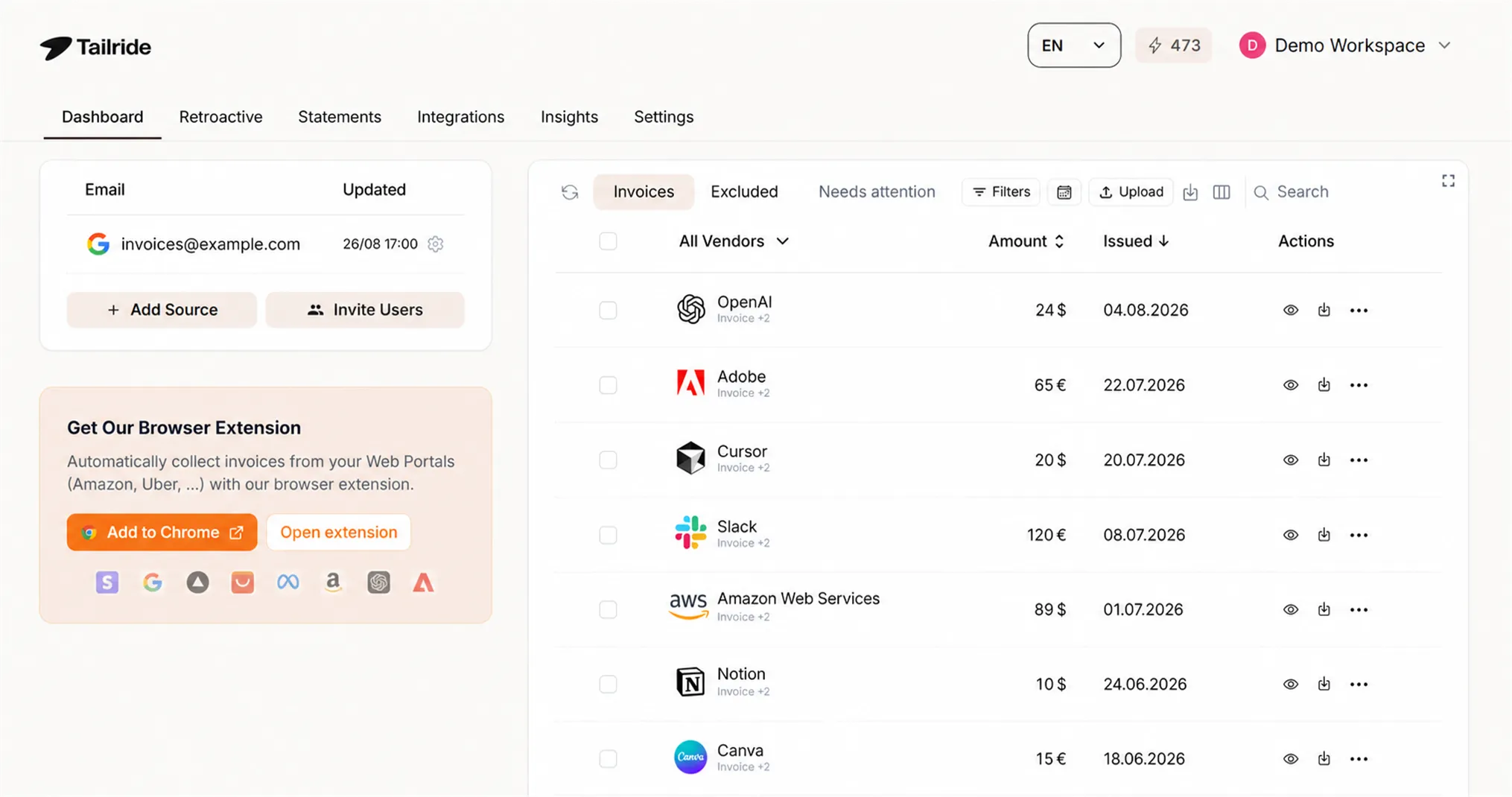
It can collect invoices from connected inboxes and retrieve documents from supplier portals. This helps accounting teams work from a more complete population instead of reviewing only the documents someone remembered to upload.
Tailride’s AI processing extracts invoice fields and line items, while automatic coding applies the company’s rules for accounts, taxes, tags, and other fields. Prepared information can then be sent through accounting and storage integrations.
Its reconciliation workflow helps identify transactions that still need supporting documents or human attention.
Claude can then help an accountant review an approved export, compare policies and evidence, or prepare a clear explanation of the findings.
Tailride makes the source-document workflow reliable. Claude helps accountants work through the information produced by that workflow.
The products solve different problems and are most useful when those roles remain clear.
How to Use Claude Safely for Accounting
Accounting files may contain supplier details, customer information, employee data, tax identifiers, bank details, and confidential business results.
Only use an approved Claude environment and follow the organization’s data-handling policy. Remove information that is not required for the task, and avoid uploading sensitive documents simply because additional context might be helpful.
Before relying on an answer:
-
Confirm that Claude used the intended document versions.
-
Recalculate material amounts independently.
-
Check references against the original files.
-
Separate source facts from Claude’s interpretation.
-
Investigate missing or contradictory evidence.
-
Require professional review for accounting, tax, compliance, and payment decisions.
Anthropic positions Claude for financial work including analysis, research, financial modelling, and document-heavy workflows. Its financial services materials also emphasize access to source information and verification. Those controls still depend on how the organization configures and uses the product.
Frequently Asked Questions
Can Claude do accounting?
Claude can assist with accounting analysis, workbook reviews, document comparison, memo drafting, and client communication. It should not independently maintain the ledger, approve entries, or make final accounting and tax decisions.
Can Claude analyze Excel files?
Yes. Claude supports spreadsheet workflows, although the available experience depends on the account and enabled features. Anthropic also provides Claude in Excel for working with multi-sheet models, formulas, reconciliations, and visualizations directly inside a workbook.
Can Claude prepare journal entries?
Claude can draft a proposed entry when given the relevant facts, accounting policy, chart of accounts, and reporting period. An accountant must verify the entry, tax treatment, supporting evidence, and posting date before approval.
Can Claude read financial statements and PDFs?
Claude supports PDF and other document uploads. It can summarize statements, compare periods, find relevant passages, and organize questions for review. Users should confirm that the complete and correct document versions were supplied.
Is Claude accounting software?
No. Claude does not replace an accounting platform, controlled ledger, approval process, or audit trail. It is a general AI assistant that can help people work with financial information.
How should accountants check Claude’s work?
Recalculate important amounts, inspect the original sources, verify document versions, test spreadsheet changes, and review every conclusion involving accounting policy or professional judgment. If an answer cannot be traced back to the supplied evidence, treat it as an open question.
Use Claude for Review, Not as the Ledger
Claude for accounting is most valuable when the work involves understanding a complex set of documents, examining an unfamiliar workbook, or turning reviewed evidence into a clear memo or explanation.
Its output is only as reliable as the information it receives. Invoices and receipts still need to be collected, processed, connected with transactions, and retained in a controlled system.
Tailride automates that source-document workflow before the analysis begins. Explore Tailride or view pricing to see how invoice collection, extraction, coding, and reconciliation can fit into your accounting process.