
Best Ways to Scan Receipts in 2026: 7 Tools for Businesses & Accountants
The 7 best ways to scan receipts in 2026 - from AI-powered inbox automation to mobile apps and desktop scanners. Pros, cons, and pricing for every workflow.

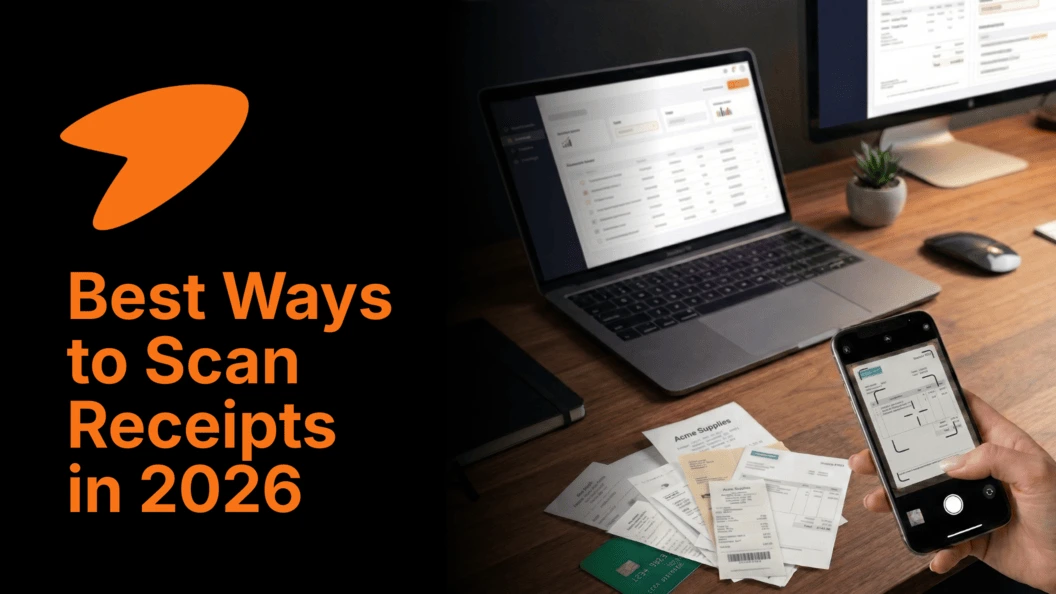
Last updated: March 2026
Paper receipts pile up fast. Whether you're a freelancer tracking business expenses, a bookkeeper managing client documents, or a small business owner preparing for tax season, manually handling receipts is time-consuming, error-prone, and entirely unnecessary in 2026. The right receipt scanning solution can digitize receipts automatically, extract key data, and push it directly into your accounting software - with zero manual entry.
We've evaluated 7 of the best ways to scan receipts across automation capability, mobile accessibility, accounting integrations, and pricing to help you find the right fit for your workflow.
How to Scan Receipts for Taxes: Quick Overview
Scanning receipts for tax purposes requires more than just photographing paper - the IRS and most tax authorities require that digitized receipts be legible, complete, and accurately capture all transaction details including vendor name, date, amount, and itemized purchases. Here is the fastest compliant workflow:
1. Capture immediately - scan or photograph receipts as soon as you receive them; faded thermal paper becomes illegible within weeks
2. Use OCR extraction - choose a tool that automatically reads and extracts key fields (vendor, date, total, tax) rather than storing images alone
3. Organize by category - tag by expense type (meals, travel, supplies) at point of capture for faster tax filing
4. Sync to accounting software - route extracted data directly to QuickBooks, Xero, or your accounting system to eliminate re-entry
5. Store the digital copy securely - keep receipts in a GDPR-compliant, backed-up system for a minimum of 3–7 years depending on your jurisdiction
The tools below handle steps 2–5 automatically. Step 1 - capturing promptly - remains your responsibility.
Methods for Scanning Receipts: Apps vs. Hardware vs. Automation
Not all receipt scanning approaches are equal. The right method depends on your receipt volume, primary input channel (email, paper, or both), and whether you need accounting software integration.
| Method | Best For | Effort Level | Cost |
|---|---|---|---|
| Automated inbox scanning | Accountants, SMBs receiving digital invoices by email | Very Low - fully automated | Low ($0–$19/mo) |
| Mobile scanning app | Freelancers and field teams capturing paper receipts on the go | Low - photo + auto-extract | Low–Medium ($0–$25/mo) |
| Desktop hardware scanner | High-volume paper receipt processing in an office setting | Medium - requires physical scanning | Medium–High ($300–$600 hardware) |
| Outsourced scanning service | Firms that want zero in-house effort; mail in receipts | Very Low - fully hands-off | High ($30–$100+/mo) |
| Expense management platform | Teams needing receipt scanning + approval workflows + reimbursement | Low–Medium | Medium ($5–$20/user/mo) |
Most modern accounting workflows combine automated inbox scanning (for digital invoices and email receipts) with a mobile app (for paper receipts captured in the field) - the combination Tailride handles natively in a single platform.
7 Best Ways to Scan Receipts at a Glance
| Product | Best For | Starting Price | Capture Method | Accounting Integration |
|---|---|---|---|---|
| Tailride 🏆 | Accountants, SMBs, e-commerce agencies | Free / $19/mo | Email, portal, WhatsApp/Telegram | QuickBooks, Xero, Business Central, DATEV |
| Epson RapidReceipt | High-volume office paper receipt scanning | ~$170 hardware | Desktop scanner | Included Epson software + exports |
| Ricoh ScanSnap | All-round desktop scanning (receipts + documents) | ~$300–$600 hardware | Desktop scanner | Cloud services + accounting exports |
| Dext | Accountants needing 99% accurate mobile capture | From $20/mo | Mobile app + email | QuickBooks, Xero, Sage, FreshBooks |
| Adobe Scan | Free on-the-go mobile receipt scanning | Free | Mobile app (iOS/Android) | Adobe Acrobat ecosystem |
| Expensify | Teams with expense reporting and reimbursement workflows | From $5/user/mo | Mobile app + email | QuickBooks, Xero, NetSuite, SAP |
| Shoeboxed | Fully outsourced receipt scanning by mail | From $18/mo | Mail-in + mobile | QuickBooks, Wave, Evernote |
1. Tailride – Best Automated Receipt Scanning for Accountants & Businesses
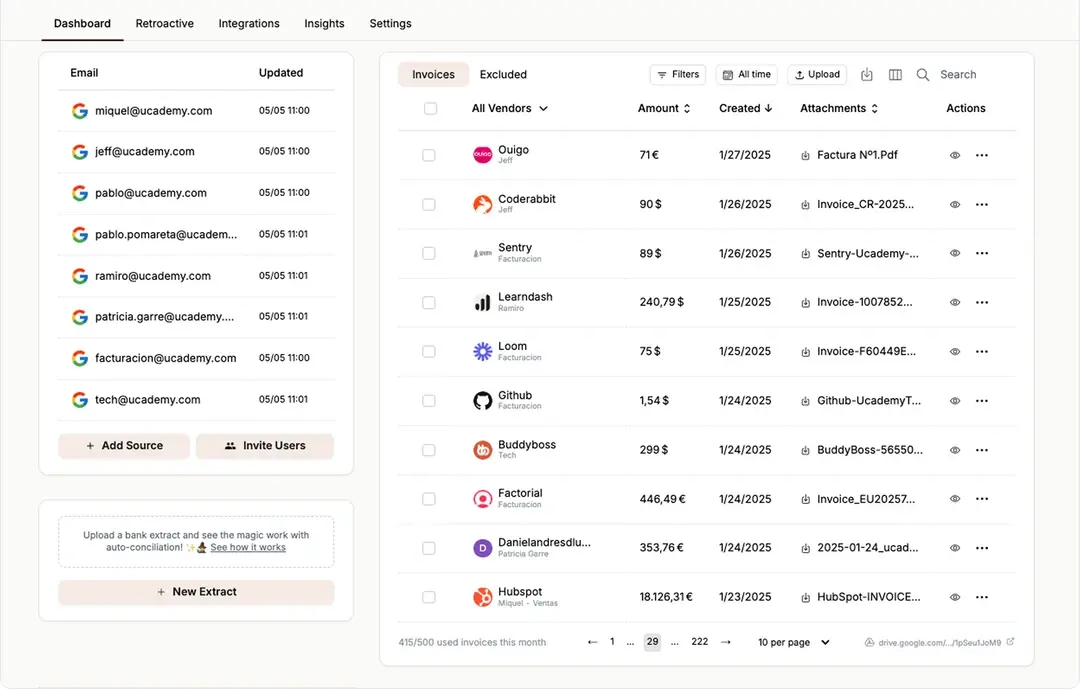
Tailride is the most automated approach to receipt scanning on this list - and the only tool that eliminates the capture step entirely for digital receipts. Rather than requiring you to photograph or upload anything, Tailride connects directly to your email inbox (Gmail, Outlook, or IMAP) and automatically identifies incoming invoices and receipts in real-time, extracting structured data and routing it to your accounting software without any manual action.
For paper receipts, Tailride's WhatsApp and Telegram integrations let clients or team members simply photograph and send a receipt - the AI extracts the data and files it automatically. Its Chrome extension pulls receipts and invoices from supplier portals without requiring shared login credentials. This multi-channel approach makes Tailride the most comprehensive receipt OCR software solution for accountants and bookkeepers managing receipts from multiple sources simultaneously - and the strongest tool for firms that want to scan receipts to QuickBooks or Xero with zero re-entry.
Key Features & Use Cases
-
Automated Inbox Scanning: Real-time and retroactive scanning of Gmail, Outlook, and IMAP for receipts and invoices - fully hands-off
-
WhatsApp & Telegram Capture: Clients photograph and send paper receipts via messaging apps; AI extracts and files automatically
-
Credential-Free Portal Capture: Chrome extension retrieves receipts from vendor portals without sharing passwords
-
AI Data Extraction: Extracts vendor name, date, total, tax, line items regardless of receipt format or layout
-
Customizable Rules: Auto-tag and categorize by supplier, keyword, or amount
-
Direct Accounting Export: One-click sync to QuickBooks, Xero, Business Central, DATEV, Google Drive, OneDrive, Google Sheets
-
Enterprise Security: CASA Tier 2, GDPR compliance, ADA validation, EU data residency
Our Take
For any accountant, bookkeeper, or SMB finance team managing digital receipts arriving by email, Tailride delivers the highest automation-to-effort ratio of any tool on this list. The free tier (10 receipts/month) is a genuine no-risk entry point to test against your actual receipt formats before upgrading.
| Feature | Details |
|---|---|
| Best For | Accountants, bookkeepers, SMBs, e-commerce agencies |
| Capture Methods | Email (Gmail, Outlook, IMAP), Web Portals (Chrome Extension), Paper (WhatsApp/Telegram) |
| Accounting Integrations | QuickBooks, Xero, Business Central, DATEV, Google Drive/Sheets, OneDrive |
| Starting Price | Free for 10 receipts/month; paid plans from $19/month |
| Standout Advantage | Zero-upload automated inbox scanning with direct accounting export |
| Security | CASA Tier 2, ADA Validation, GDPR Compliant, EU Data Residency |
Tailride also leads our guides to invoice OCR software and automated invoice capture software.
2. Epson RapidReceipt – Best Desktop Hardware Scanner for High-Volume Receipts
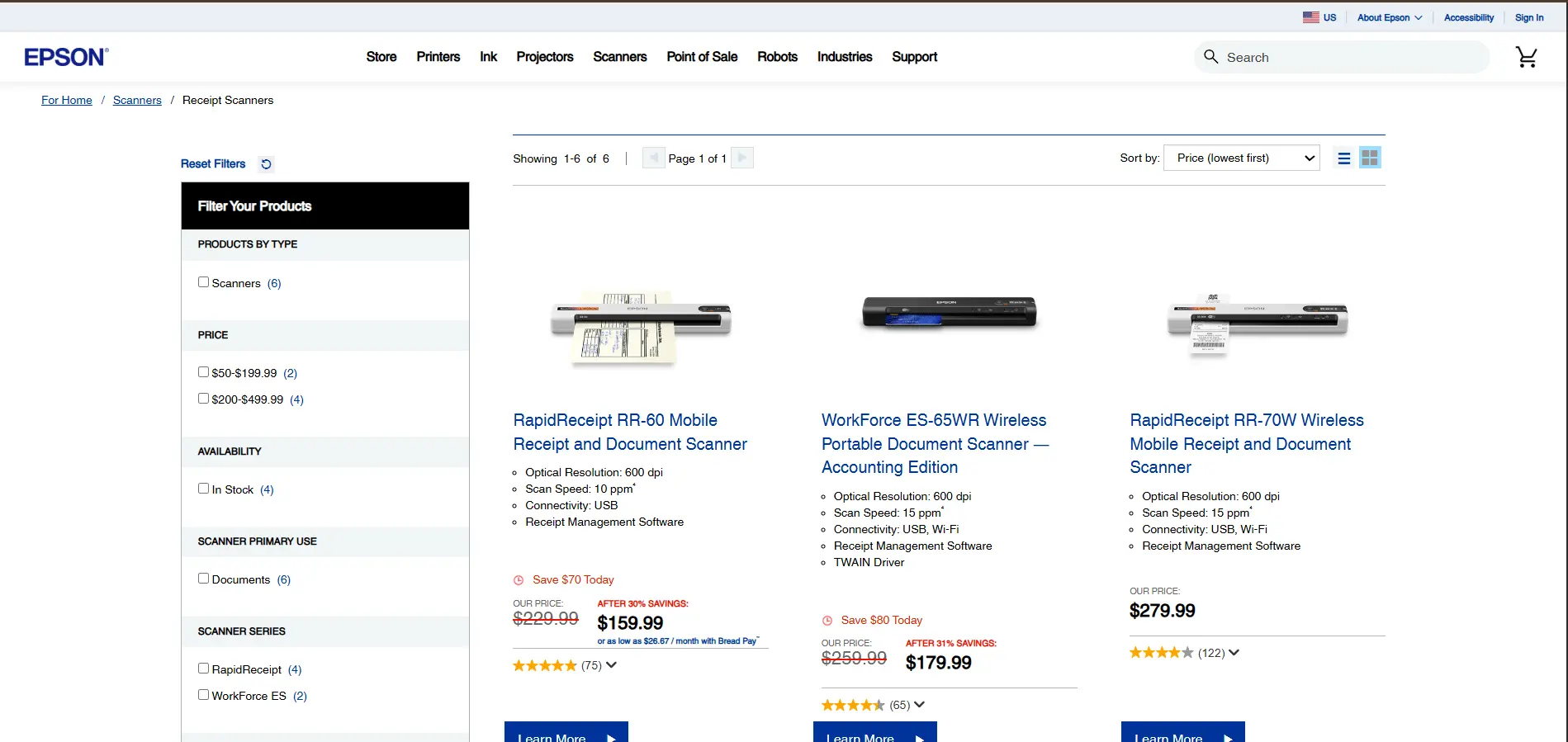
The Epson RapidReceipt is a dedicated desktop receipt scanner purpose-built for businesses processing large volumes of paper receipts in an office environment. Unlike multi-purpose flatbed scanners, the RapidReceipt is designed specifically for the narrow, thermal, and oddly-sized paper that receipts come on - with a sheet-fed mechanism that handles stacks of 50+ receipts at a time without jamming or misfeeding.
For accounting firms or bookkeeping practices that receive physical receipt envelopes from clients, or for retail businesses with daily paper receipt reconciliation requirements, the RapidReceipt's dedicated hardware delivers faster and more reliable throughput than using a phone camera or general-purpose scanner.
Core Features & Suitability
-
Best For: Offices and accounting practices with regular, high-volume paper receipt processing needs and a preference for dedicated hardware over apps
-
Standout Feature: Purpose-built sheet feeder designed for the variable sizes and thin thermal paper of receipts - handles paper types that jam general-purpose document scanners
-
Price: ~$170 one-time hardware cost; included Epson software handles basic OCR and export
-
Pros: Fast batch processing of paper receipts; no subscription cost after hardware purchase; reliable performance on thermal paper
-
Cons: Desktop-only - no mobile capability; included software is basic (limited accounting integrations); initial hardware investment; only useful for paper receipts
→ Learn more at Epson Official Website
3. Ricoh ScanSnap – Best All-Round Desktop Receipt Scanner
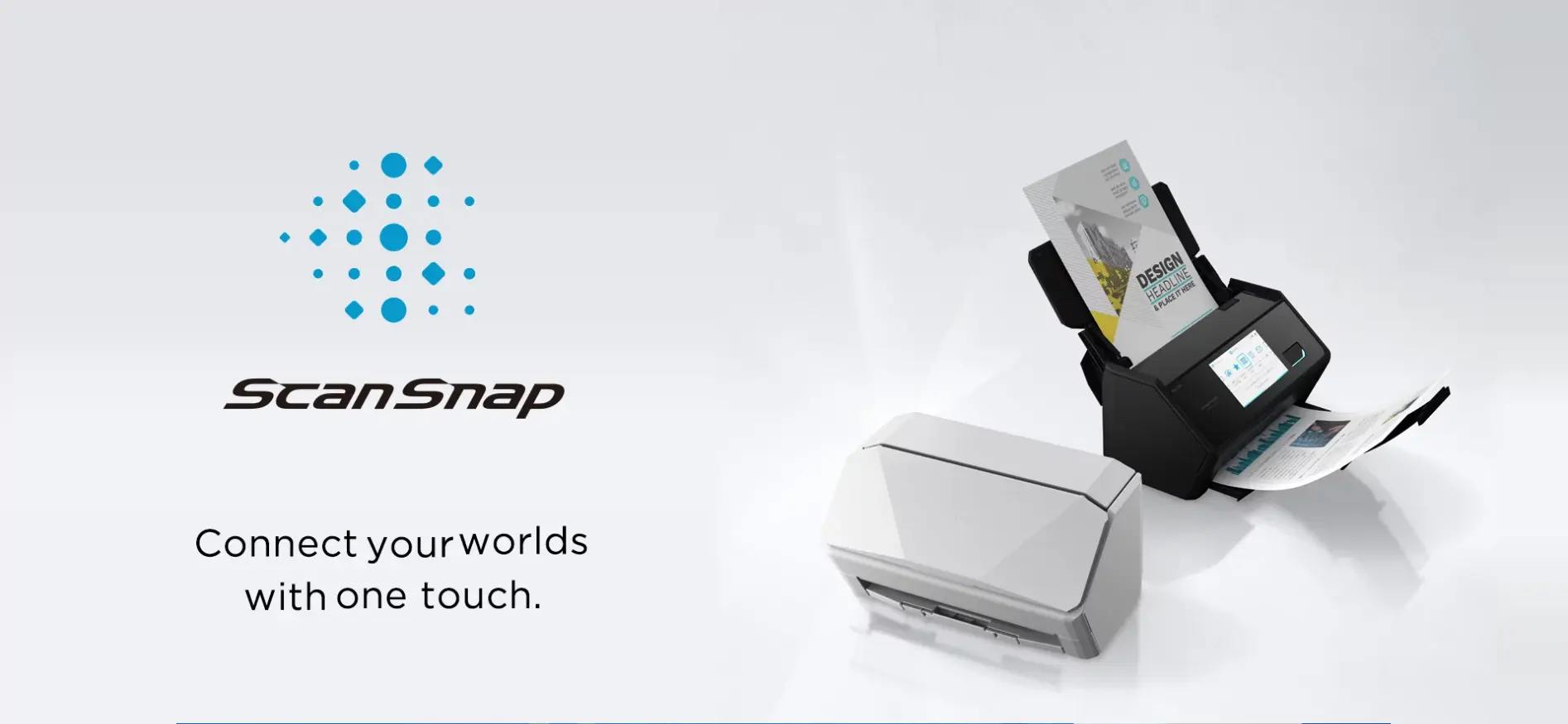
The Ricoh ScanSnap (formerly Fujitsu ScanSnap) is a versatile desktop document scanner with strong receipt scanning capability. Unlike the Epson RapidReceipt which is receipt-only, the ScanSnap handles the full range of office documents - receipts, invoices, contracts, ID cards, and multi-page reports - making it a more flexible investment for offices that need to digitize a variety of document types alongside receipts.
Its bundled ScanSnap Home software includes basic receipt data extraction and can route scanned files to cloud storage, accounting apps, and document management systems - providing a solid foundation for a paperless receipts workflow without requiring a separate software subscription.
Core Features & Suitability
-
Best For: Offices needing a high-quality all-round desktop scanner for receipts, invoices, and general documents - not just receipts alone
-
Standout Feature: Versatile document handling (receipts, cards, multi-page documents) with intelligent auto-orientation and blank page removal
-
Price: ~$300–$600 hardware depending on model; ScanSnap Home software included
-
Pros: Handles diverse document types; reliable build quality; cloud routing to Dropbox, Google Drive, and more; strong long-term value
-
Cons: Higher hardware cost than receipt-only alternatives; included OCR less accounting-specific than dedicated software tools; desktop-only
→ Learn more at Ricoh ScanSnap
4. Dext – Best Mobile Receipt Scanning App for Accountants
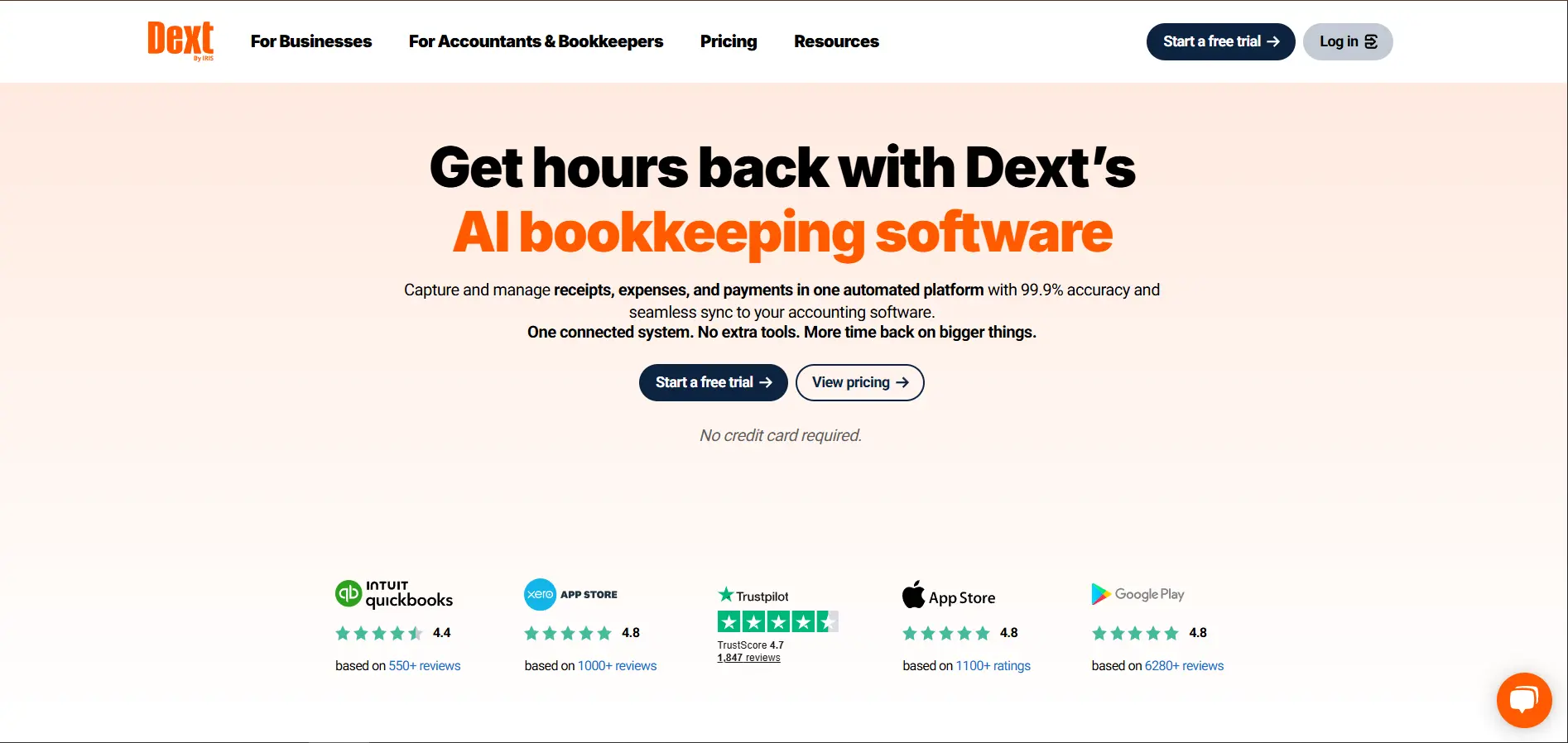
Dext (formerly Receipt Bank) is one of the most established and accurate receipt scanning app for small business and accounting firm use. Its mobile app delivers 99% OCR accuracy on receipt capture - photographing a receipt with the Dext app triggers automatic extraction of supplier, date, total, tax, and currency, which routes directly to QuickBooks, Xero, Sage, or FreshBooks in near real-time.
Dext is particularly strong for accountants managing multiple clients: its practice management layer allows firms to manage receipt and invoice processing across all clients from a single dashboard, with each client's documents organized and processed separately - making it the most accounting-practice-focused mobile receipt scanning tool available.
Core Features & Suitability
-
Best For: Accountants and bookkeepers managing receipt and invoice capture across multiple clients, or SMBs wanting high-accuracy mobile scan receipts for expenses workflows
-
Standout Feature: 99% OCR extraction accuracy with a dedicated accounting practice management layer for multi-client receipt processing
-
Pricing: From $20/month; practice plans for accounting firms available
-
Pros: Industry-leading accuracy; strong accounting integrations (QuickBooks, Xero, Sage); multi-client practice management; email and mobile capture
-
Cons: More expensive than free alternatives; setup for multi-client firm workflows requires initial configuration; mobile-primary (desktop portal less polished)
5. Adobe Scan – Best Free Mobile App for On-the-Go Receipt Scanning
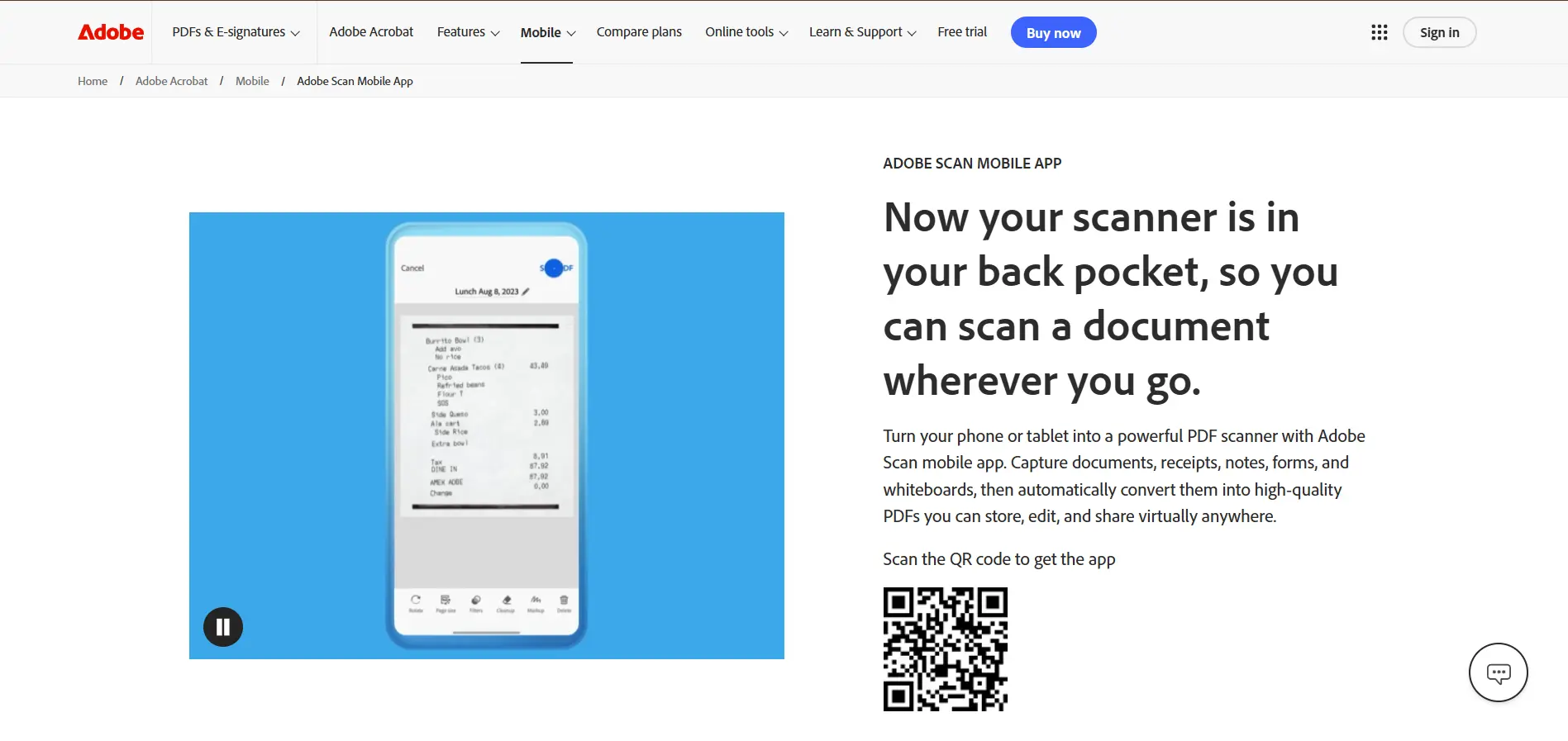
Adobe Scan is a free iOS and Android app that uses Adobe's AI to capture, enhance, and convert physical receipts into searchable PDFs from a phone camera. It automatically detects document edges, removes shadows and distortion, and converts the image into a clean, searchable PDF stored in Adobe Document Cloud - making it the most accessible entry point for best receipt scanning app needs with zero cost.
While it lacks the deep accounting integrations of Tailride or Dext, Adobe Scan is an excellent choice for freelancers, consultants, and individuals who primarily need a fast, reliable way to digitize paper receipts and file them in organized cloud storage without a subscription.
Core Features & Suitability
-
Best For: Freelancers, individuals, and small teams needing a free, reliable mobile app to digitize paper receipts without accounting software integration requirements
-
Standout Feature: Completely free with powerful AI edge detection and image enhancement - produces clean, searchable PDFs from any camera quality
-
Pricing: Free with Adobe account; Adobe Acrobat subscription ($23/month) unlocks advanced PDF editing and export features
-
Pros: Completely free; strong image enhancement; integrates with Adobe Acrobat ecosystem; simple and fast to use
-
Cons: No dedicated receipt OCR data extraction (stores as PDF, not structured data); limited direct accounting integrations; best used as a capture tool alongside separate accounting software
6. Expensify – Best for End-to-End Expense Report Automation
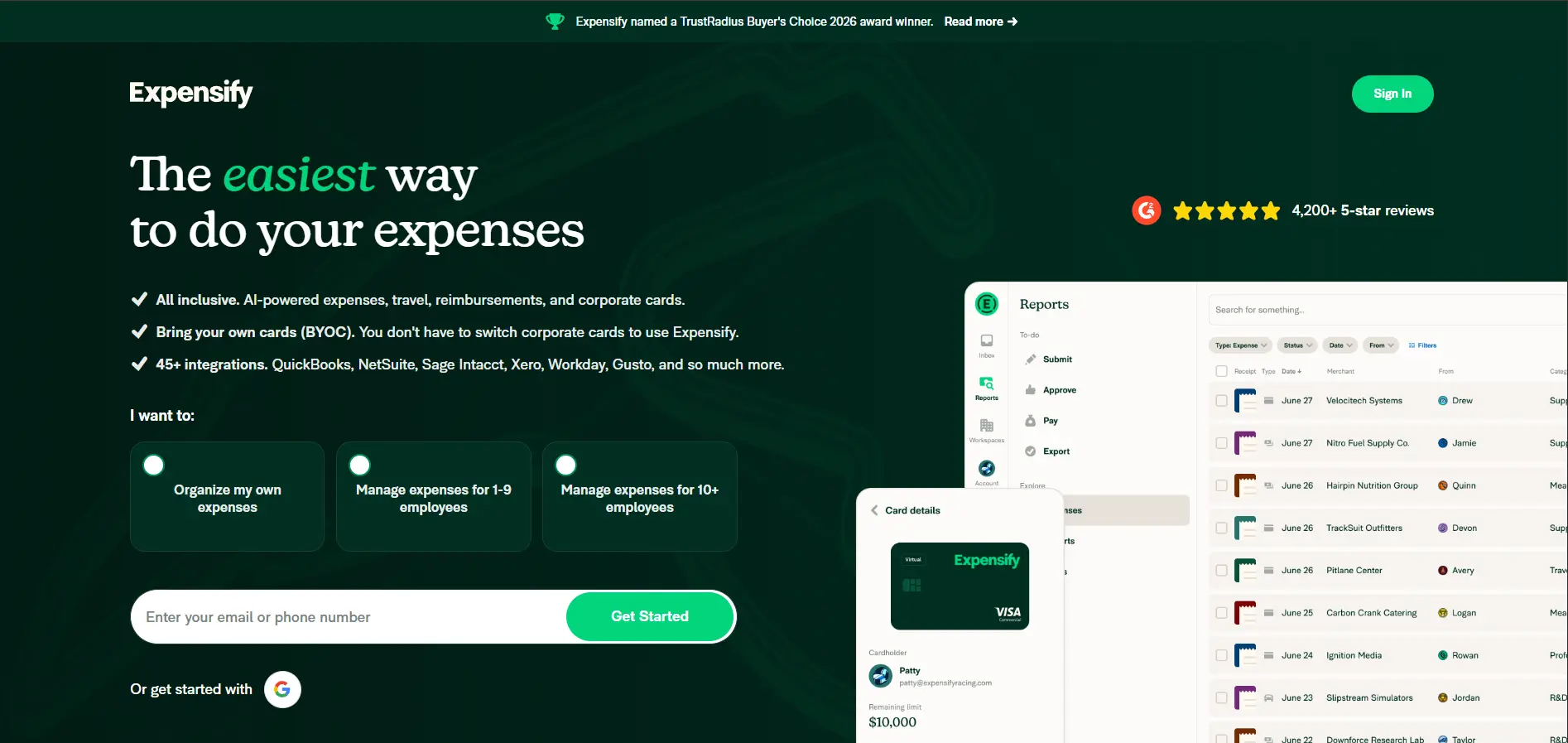
Expensify is a full expense management platform that includes receipt scanning as one component of a broader expense reporting and reimbursement workflow. Its SmartScan technology captures receipts via mobile app, auto-extracts key fields, and routes them into expense reports that flow through automated approval workflows and direct reimbursement - making it the strongest choice for teams that need to scan receipts for expenses and manage the full reimbursement process in one tool.
For businesses with employees submitting expense claims, Expensify's automated policy enforcement (flagging out-of-policy expenses, duplicate receipts, and missing documentation) and direct corporate card reconciliation save finance teams significant review time.
Core Features & Suitability
-
Best For: Businesses and teams that need receipt scanning combined with expense report creation, approval workflows, and employee reimbursement in a single platform
-
Standout Feature: SmartScan receipt capture feeds directly into automated expense reports with policy enforcement, approval routing, and one-click reimbursement
-
Pricing: From $5/user/month (Collect plan); $9/user/month (Control plan) with advanced policy features
-
Pros: End-to-end expense workflow in one tool; strong corporate card integration; broad accounting integrations (QuickBooks, Xero, NetSuite, SAP, Oracle)
-
Cons: Receipt scanning accuracy less specialized than Dext; per-user pricing adds up for larger teams; platform complexity may be overkill for solo users or very small businesses
7. Shoeboxed – Best for Fully Outsourced Receipt Scanning
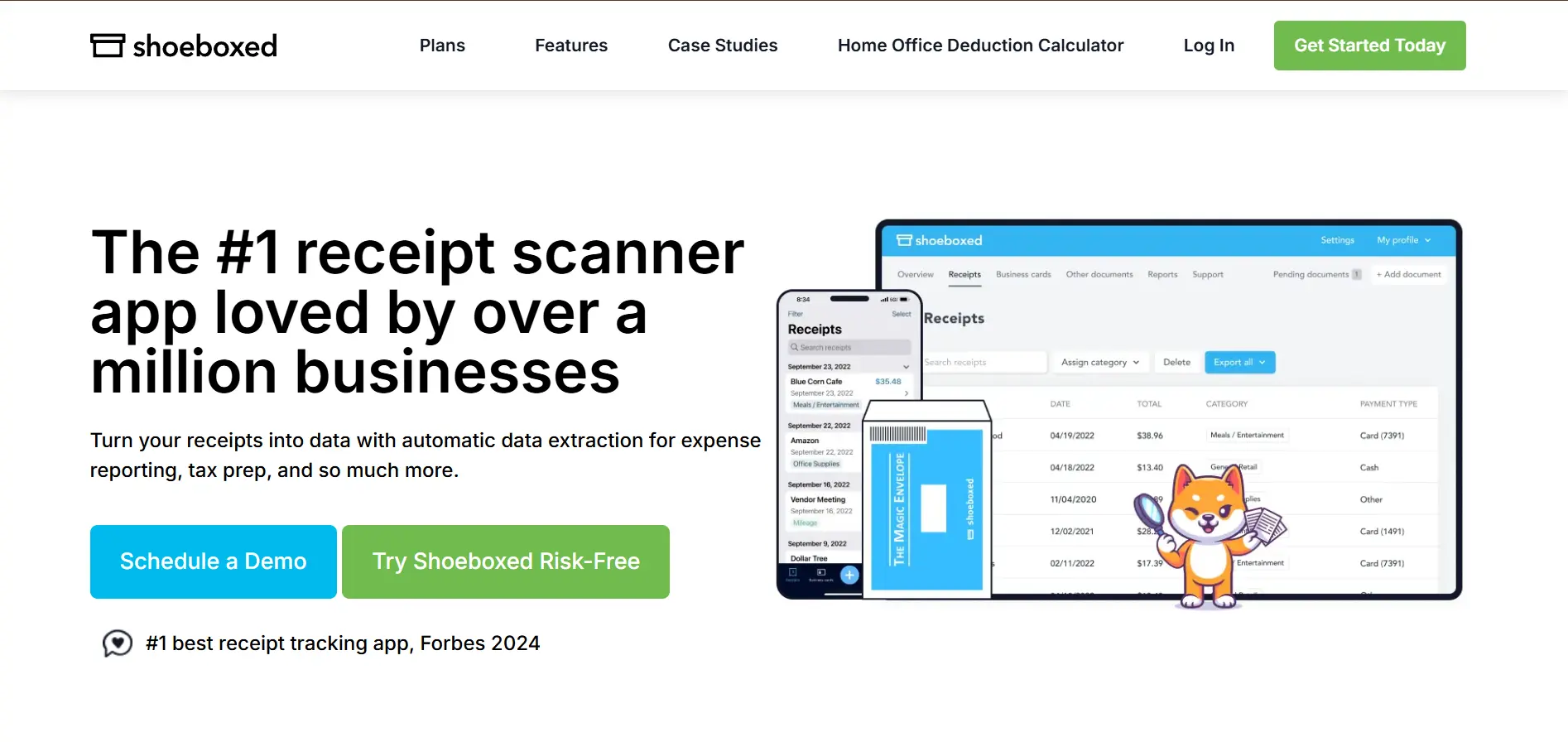
Shoeboxed is a receipt management service that takes a uniquely hands-off approach: rather than scanning receipts yourself, you mail your physical receipts to Shoeboxed in prepaid envelopes, and their team scans, organizes, and data-enters every receipt into your account - including human verification of extracted data for accuracy. The result is a fully managed, IRS-accepted digitize receipts service with zero in-house effort.
For business owners, consultants, or anyone who accumulates large backlogs of paper receipts and lacks the time or inclination to scan them, Shoeboxed's outsourced model is uniquely valuable - particularly at tax time when years of accumulated paper receipts need to be organized quickly.
Core Features & Suitability
-
Best For: Business owners and professionals with high volumes of paper receipts who prefer a fully managed, zero-effort outsourced scanning service
-
Standout Feature: Mail-in service with human-verified data extraction - receipts are physically processed by Shoeboxed's team with IRS-accepted digital output
-
Pricing: From $18/month (digital-only); mail-in scanning plans from $32/month; pay-per-use options available
-
Pros: Truly zero in-house effort; human verification ensures high accuracy; IRS-accepted output; handles receipt backlog efficiently
-
Cons: Mail-in turnaround time (not real-time); higher ongoing cost than self-service apps; less practical for real-time expense tracking during the month
7-Tool Receipt Scanning Comparison
| Product | Best For | Capture Method | Starting Price | Accounting Integration | Mobile App? |
|---|---|---|---|---|---|
| Tailride 🏆 | Accountants, SMBs, agencies | Email, portal, WhatsApp/Telegram | Free / $19/mo | QuickBooks, Xero, Business Central, DATEV | ✅ Via messaging apps |
| Epson RapidReceipt | High-volume office paper receipts | Desktop hardware scanner | ~$170 hardware | Basic export | ❌ Desktop only |
| Ricoh ScanSnap | All-round office document + receipt scanning | Desktop hardware scanner | ~$300–$600 hardware | Cloud routing + exports | ❌ Desktop only |
| Dext | Accountants & multi-client practices | Mobile app + email | From $20/mo | QuickBooks, Xero, Sage, FreshBooks | ✅ iOS & Android |
| Adobe Scan | Freelancers needing free mobile capture | Mobile app | Free | Adobe Acrobat ecosystem | ✅ iOS & Android |
| Expensify | Teams with expense + reimbursement workflows | Mobile app + email | From $5/user/mo | QuickBooks, Xero, NetSuite, SAP | ✅ iOS & Android |
| Shoeboxed | Outsourced paper receipt backlog management | Mail-in + mobile app | From $18/mo | QuickBooks, Wave, Evernote | ✅ iOS & Android |
How to Choose the Best Receipt Scanning Method
The right tool depends on where your receipts come from and what you need to do with the extracted data:
-
Receipts arrive by email? Tailride's automated inbox scanning is the fastest, zero-effort path - it requires no action on your part and exports structured data directly to QuickBooks or Xero.
-
Mostly paper receipts captured in the field? Dext or Expensify are the strongest mobile options - Dext for accounting accuracy and multi-client management, Expensify if you also need expense reporting and reimbursement workflows.
-
Large paper receipt backlog with no time to scan? Shoeboxed's mail-in service handles the entire process for you, including human verification.
-
Office with daily high-volume paper receipts? Epson RapidReceipt or Ricoh ScanSnap provide the fastest hardware throughput for dedicated paper scanning environments.
-
Minimal budget, occasional receipts? Adobe Scan is free, reliable, and produces IRS-accepted PDFs - pair it with a free Tailride account for any digital receipts.
For most small businesses, accounting practices, and e-commerce agencies, the most effective setup combines Tailride for automated digital receipt capture with a mobile scanning app (Dext or Expensify) for paper receipts captured in the field - covering 100% of receipt types in a fully automated, accounting-integrated workflow.
For a broader view of financial document automation, see our guides to document management software for accountants, invoice OCR software, and automated invoice capture software.
FAQ
What is the best way to scan receipts for taxes?
The best way to scan receipts for taxes is to use an automated receipt scanning tool that extracts structured data (vendor, date, total, tax) and stores it in an IRS-accepted digital format. For digital receipts arriving by email, Tailride automates capture entirely. For paper receipts, Dext or Expensify provide high-accuracy mobile scanning. Always ensure your digitized receipts are legible, complete, and stored securely for 3–7 years.
What is the best free receipt scanning app?
Adobe Scan is the strongest free mobile option - it produces clean, searchable PDFs from any smartphone camera with no subscription required. Tailride offers a permanent free plan for up to 10 receipts/month with full AI data extraction and QuickBooks/Xero export. For teams, Expensify offers a free plan for individual users with basic receipt capture.
Can I scan receipts directly to QuickBooks?
Yes. Tailride exports extracted receipt data directly to QuickBooks Online with one click - including vendor, date, amount, tax, and line items. Dext and Expensify also offer native QuickBooks Online integrations. SmartVault provides the deepest QuickBooks document linking if you also need document storage alongside data extraction.
How accurate is AI receipt scanning?
Modern AI receipt scanning tools achieve 95–99% field-level accuracy on standard printed receipts. Dext cites 99% accuracy on its mobile capture. Accuracy drops on handwritten receipts, heavily faded thermal paper, or foreign-language receipts. The most reliable tools - Tailride, Dext, Rossum - combine AI extraction with exception flagging, surfacing low-confidence fields for human review rather than silently passing through errors.
How long should I keep digital receipt records?
In most jurisdictions, business receipts should be retained for 3–7 years: 3 years is the standard IRS audit window in the US; 7 years covers cases where income was underreported by more than 25%. The UK requires 5 years post-tax-return submission. Store digital receipts in a GDPR-compliant, backed-up system - not just on a local hard drive. All tools on this list store receipts in cloud environments meeting standard compliance requirements.