Best Invoice OCR Software (Why OCR is Not Enough)
Compare top invoice OCR tools. Discover why traditional OCR is dead and how AI automated fetching & email body extraction replace manual uploads.

Last updated: April 2026
Traditional OCR requires downloading PDFs and uploading them manually. Modern AP automation fetches invoices directly from emails and portals with 99% AI accuracy - no uploads, no templates, no manual steps.
The Hidden Cost of Traditional Invoice OCR
Invoice OCR tools are sold as automation. In practice, most of them only automate one step - the reading - while leaving two manual steps intact: finding the invoice and uploading it. That gap is where finance teams lose hours every week.
The Problem with Template-Based Extraction
Rule-based (Zonal OCR) systems extract data by reading fixed coordinates on a document. They don't understand context - they read positions. When a supplier updates their invoice template - new logo placement, reordered columns, a new line-item format - the extraction breaks silently, producing wrong values or failing entirely. Reconfiguring a single vendor template takes 1–3 hours. At 30+ active vendors, template maintenance becomes a part-time job. This is not automation; it is deferred manual work.
The "Upload Bottleneck"
Even the most accurate OCR engine cannot help if your accountant still has to open Gmail, find the invoice, download the PDF, and drag it into the tool. That manual loop - download → upload - exists in every legacy OCR workflow. For teams processing 100+ invoices monthly, it consumes the same labor hours the tool was supposed to eliminate. OCR solves the reading problem. It does not solve the fetching problem.
Top 5 Invoice OCR Solutions Compared
| Product | Approach | Invoice Sources | Template Required | Best For | Starting Price |
|---|---|---|---|---|---|
| Tailride 🏆 | Automated Fetching + AI | PDF, email body (HTML/text), images, portals | ✗ None | Accountants, SMBs, agencies | Free / $19/mo |
| Rossum | Template-free AI OCR + human-in-loop | PDF uploads, API | ✗ None | High-volume enterprise | Quote-based |
| Dext | OCR via app + email forwarding | PDF, photos, forwarded email | ✓ Per-vendor rules | SMB bookkeepers | From ~$20/mo |
| Hubdoc | Document fetch + OCR | PDF, supplier portals (credential-based) | ✓ Per-supplier setup | Xero/QBO SMB users | Included in Xero |
| Wellybox | Automated email receipt fetch | Gmail/Outlook email body | ✗ None | Freelancers, B2C micro-SMB | Free / From $8/mo |
Tailride - Best for Automated Invoice Fetching + AI Extraction
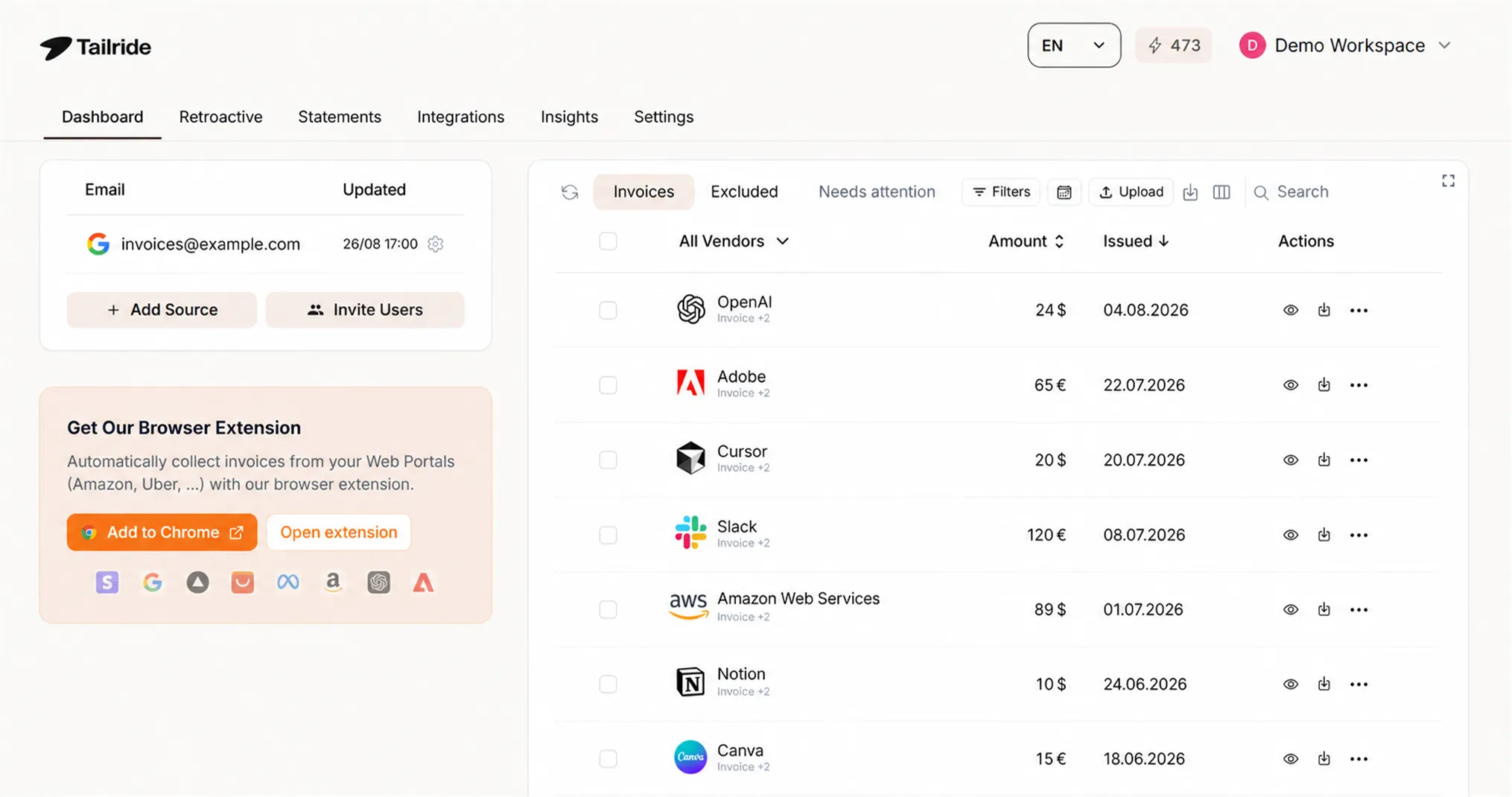
Tailride is the only invoice automation tool built around the fetching problem, not just the reading problem. Where every other OCR platform waits for you to upload a document, Tailride connects to your Gmail, Outlook, or IMAP inbox and captures invoices the moment they arrive - from PDF attachments, email body HTML, plain text receipts, and image files - without any manual intervention.
Its Chrome extension solves the supplier portal bottleneck: it pulls invoices from Amazon Business, vendor dashboards, and B2B portals without requiring you to share login credentials or manually download files. WhatsApp and Telegram integrations capture paper receipt photos from field teams in the same unified pipeline.
The AI extraction engine is fully template-free. It identifies key-value pairs - Vendor, Invoice Number, Date, Due Date, Tax, Line Items, Totals - semantically, regardless of how the supplier has laid out the document. New vendors are processed accurately from the first invoice with zero setup.
Key capabilities:
-
Real-time and historical invoice extraction for Gmail, Outlook, IMAP
-
Credential-free portal capture via Chrome extension
-
Multi-format input: PDF attachments, email body (HTML/plain text), JPG/PNG image invoices, WhatsApp/Telegram photos
-
Template-free AI extraction: vendor, invoice number, date, due date, line items, tax, totals
-
Customizable AI rules: auto-tagging by supplier, keyword, or amount threshold
-
One-click export: QuickBooks, Xero, Microsoft Business Central, DATEV, Google Sheets, OneDrive
-
Security: CASA Tier 2, GDPR compliant, ADA validated, EU data residency
| Best For | Accountants, SMBs, startups, e-commerce agencies |
| Capture Methods | Email PDFs, Email Body HTML/Text, Image attachments, Supplier Portals, WhatsApp/Telegram |
| Starting Price | Free - up to 10 invoices/month; paid plans from $19/month |
| Setup Time | Under 15 minutes - no templates, no rules, no IT involvement |
| Standout Advantage | Only tool that fetches and extracts across all invoice formats automatically |
Rossum - Best for High-Volume Enterprise with Diverse Suppliers
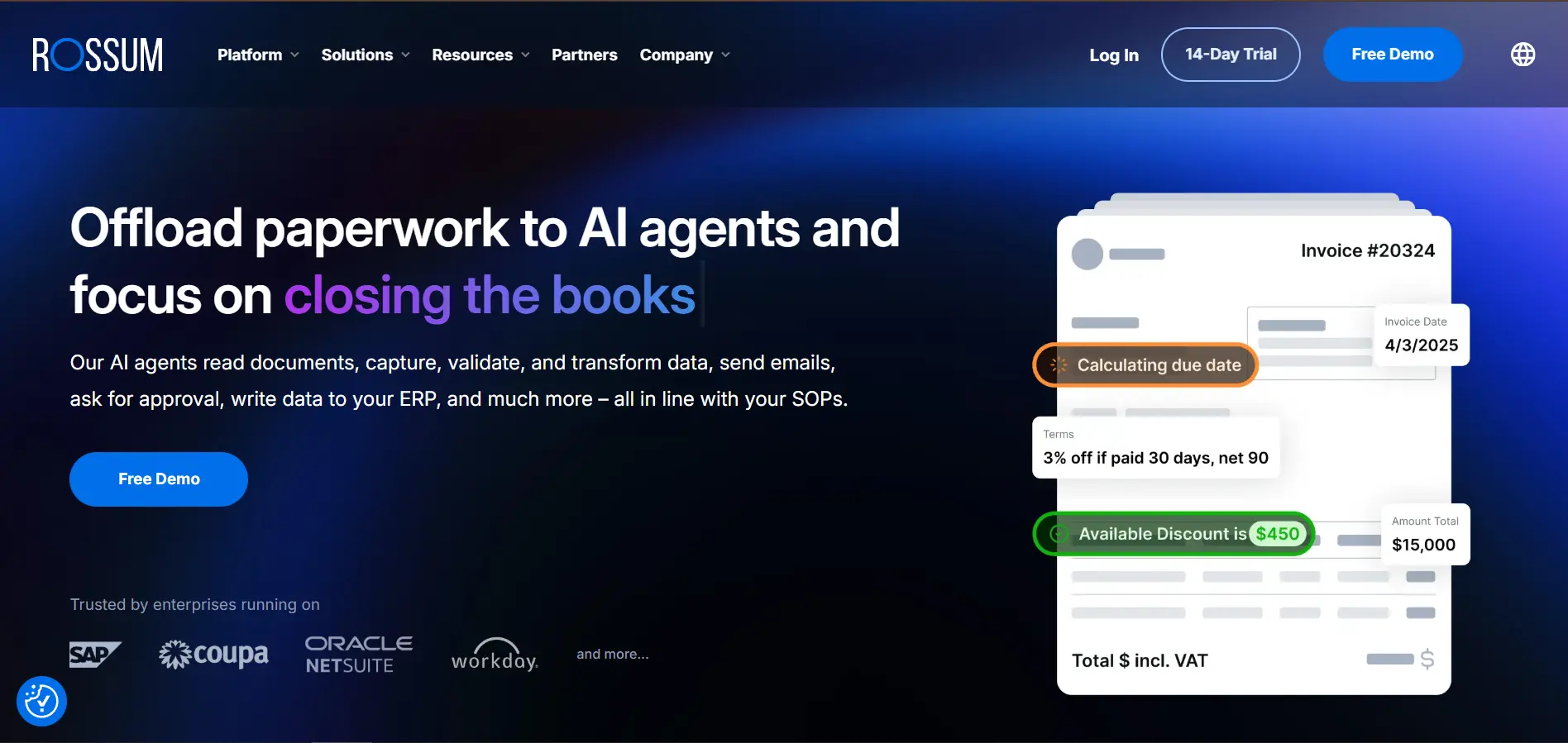
Rossum is an enterprise-grade platform built around its Aurora AI engine - a deep learning model trained on tens of millions of financial documents. Like Tailride, it requires no template setup per vendor and handles any invoice layout out of the box. Its differentiator at enterprise scale is the human-in-the-loop validation interface: when Aurora is uncertain about a specific field, it flags only that field for human review - not the entire document - and uses that correction to improve future accuracy on similar invoices.
This continuous learning loop makes Rossum increasingly accurate over time for a specific organization's supplier base. For enterprises processing thousands of invoices monthly from hundreds of global vendors with strict audit requirements, that improvement curve is valuable.
Where Rossum falls short for SMBs:
-
No email inbox integration - documents must be uploaded manually or via API
-
Implementation requires dedicated technical effort (typically 4–12 weeks)
-
Minimum contract size and quote-based pricing are economically irrational for teams processing under 500 invoices/month
-
No native free tier for evaluation
Best fit: Finance operations teams at mid-market to large enterprises with developer resources and high invoice volumes who need a deeply configurable, API-first extraction platform with enterprise SLAs.
Dext - Traditional SMB OCR via Email Forwarding
Dext is one of the most widely used SMB bookkeeping tools in the UK and Australia, with a large partner network of accounting firms. It captures invoices via a mobile app, a dedicated forwarding email address, or direct integrations with a handful of supplier portals. Extracted data syncs to QuickBooks or Xero with one click.
For bookkeepers managing client accounts with predictable, structured invoice volumes, Dext is a familiar and functional choice. But its architecture reflects the assumptions of a pre-automation era.
Structural limitations:
-
Forwarding dependency: Invoices must be manually forwarded to a Dext-specific email address - finance teams still have to open every email, identify the invoice, and forward it. The bottleneck remains.
-
Rule-based parsing failures: Non-standard or unstructured invoice layouts frequently fail or require manual correction.
-
No email body extraction: Inline receipts from Stripe, Uber, SaaS subscriptions, or AWS arrive as email body HTML - Dext cannot process these without a manual PDF conversion step.
-
No portal automation: There is no credential-free mechanism to pull invoices from supplier portals automatically.
Best fit: Freelancers and micro-SMBs working with an accounting firm that already uses Dext, processing a low volume of standard invoices with predictable layouts.
Hubdoc - Document Fetch + OCR for Xero/QBO Accountants
Hubdoc, now owned by Xero, is included free with Xero subscriptions and offers automated document fetching from supplier websites. It connects to bank portals, utility providers, and some supplier accounts to pull statements and invoices automatically on a scheduled basis.
This sounds similar to what Tailride does - but the implementation is fundamentally different, and the limitations are significant.
Structural limitations:
-
Credential-sharing required: Hubdoc stores your supplier login credentials to access portals on your behalf. This creates security exposure, violates the terms of service of many platforms (including Amazon Business), and fails completely when two-factor authentication is enabled.
-
Limited supplier coverage: Automated fetching works only for a pre-approved list of supported suppliers. Any vendor outside that list requires manual upload or email forwarding.
-
Per-supplier configuration: Each connected supplier requires individual setup and maintenance. When a portal redesigns its login flow, the connection breaks and requires manual reconfiguration.
-
No email body extraction: Like Dext, Hubdoc cannot process invoices delivered as inline email HTML without manual intervention.
Best fit: Xero subscribers who need automated fetching from a small, stable set of supported suppliers - primarily banks and utilities, not general B2B invoice vendors.
Wellybox - Email Receipt Automation for Freelancers and Micro-SMBs
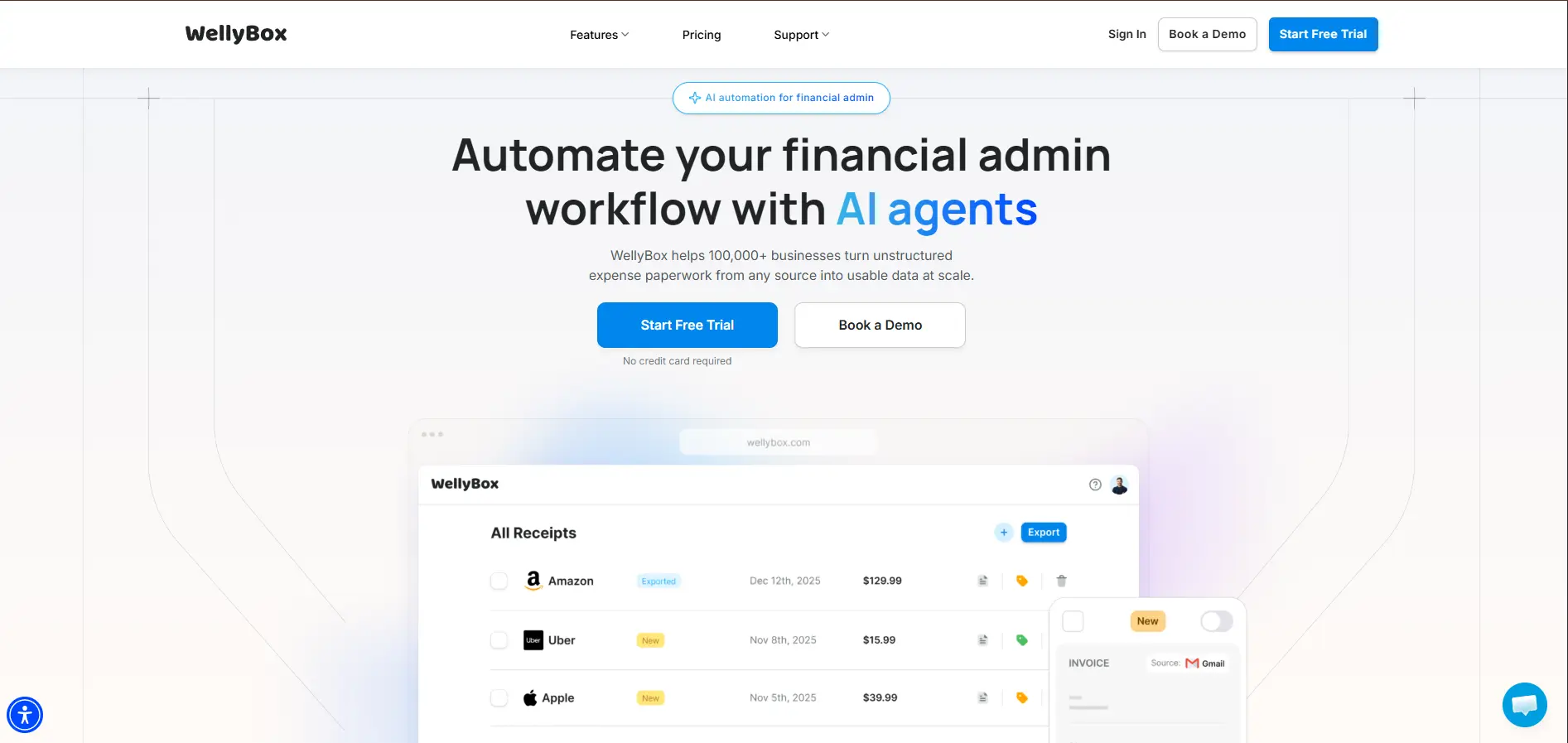
Wellybox automates the retrieval of receipts and invoices from Gmail and Outlook inboxes. It scans your inbox, identifies emails that look like receipts, extracts the relevant data, and exports to accounting tools. For a freelancer managing personal business expenses, this is genuinely useful and requires almost no setup.
The problem is scope. Wellybox is optimized for a B2C use case - individual expense receipts - not for B2B accounts payable. When evaluated against the requirements of a finance team processing vendor invoices, purchase orders, and multi-line-item bills, the gaps become clear.
Where Wellybox falls short for B2B AP:
-
No supplier portal integration or credential-free capture
-
No PO matching or GL coding capabilities
-
No approval routing or multi-level authorization workflows
-
ERP integrations limited to QuickBooks and Xero via basic sync - no Business Central, DATEV, or NetSuite
-
Lower extraction accuracy on complex B2B invoices (multi-page, multi-currency, multi-line-item)
-
No retroactive processing of historical invoice backlogs
Best fit: Freelancers, sole traders, and micro-businesses who want automated Gmail/Outlook receipt collection for personal expense tracking - not teams running a structured accounts payable process.
Why "Email Body Extraction" is the New Standard
More than 30% of business invoices are never delivered as PDF attachments. SaaS platforms (AWS, Stripe, Notion, Zoom), ride-share services (Uber, Lyft), and transactional payment processors send invoices as the email itself - structured HTML or plain text in the message body. Traditional OCR has no path to process these without a manual screenshot-to-PDF conversion step.
Unlike traditional OCR that requires PDF attachments, modern solutions like Tailride use email body extraction to parse plain text and HTML receipts directly - no attachment required, no conversion step, no manual intervention.
Tailride's AI reads the raw HTML or plain text of incoming emails, identifies invoice data fields (vendor, amount, date, line items, tax breakdown), and routes structured data to your accounting system in the same automated pipeline it uses for PDF attachments. Combined with automated inbox scanning that processes invoices in real time and retroactively, this means 100% of your invoice volume is captured - not just the subset that arrives as attached files.
How Template-Free AI Replaces Legacy OCR
Legacy Zonal OCR reads positions, not meaning. The moment a vendor moves a field, the extraction fails. Modern AI invoice extraction works semantically: the model identifies a number following a "Total:" label as a total amount regardless of where on the page that label appears, because it has learned the relationship between labels and values - not their coordinates.
This is made possible by transformer-based models trained on millions of invoice documents. The model extracts key-value pairs - Vendor → name, Invoice No. → alphanumeric string, Tax → currency amount, Line Items → structured table rows - from any layout, any font, any language. There are no bounding boxes to configure. There are no rules to update when a supplier changes their template.
The measurable outcome: teams using template-free AI extraction reduce data entry errors by 85% compared to Zonal OCR systems, because the model degrades gracefully on edge cases rather than producing silent extraction failures. For invoice backlogs, historical invoice extraction can process months of existing data automatically - eliminating the manual reconciliation work that typically accompanies any AP system migration.
FAQ
What is the difference between OCR and automated invoice fetching?
OCR reads and extracts text from a document you provide. Automated invoice fetching retrieves the document first - from your inbox, supplier portal, or message thread - without any manual download or upload. Tailride combines both into a zero-touch pipeline: fetch → extract → export.
Can invoice OCR software automatically read line items?
Yes. AI-powered tools extract full line-item tables: description, quantity, unit price, tax, and totals. Template-free models like Tailride handle variable line-item structures from any vendor without configuration. Rule-based tools require a separate template per vendor layout.
Does Tailride require creating templates for new vendors?
No. Tailride's semantic AI model works on invoices from new vendors immediately - no templates, no rules, no setup required. This applies equally to PDF attachments, email body receipts (HTML/plain text), and scanned image invoices.
How does AI OCR handle multi-page invoices?
Modern AI models treat multi-page documents as a single entity. They identify page continuations, locate totals on the final page, and apply header fields (vendor name, invoice number) across all pages - without manual page-boundary configuration or template rules.
For teams that need workflow automation beyond data extraction - approval routing, PO matching, and ERP posting - see our full guide to automated invoice capture software.
