Las mejores extensiones de Chrome para facturas (2026)
Comparamos las mejores extensiones de Chrome para facturas en 2026: desde descargas individuales hasta captura automatizada en portales.

Las herramientas de navegador que extraen facturas de portales de proveedores y bandejas de entrada, y para qué sirve realmente cada una.
Hoy en día, la mitad de tus facturas ya no llegan al correo electrónico. Se quedan ocultas tras el inicio de sesión de Amazon, Meta Ads, Adobe, ChatGPT y decenas de otros portales, esperando a que alguien entre a descargarlas una por una. Una buena herramienta convierte esta tediosa tarea en un solo clic. El problema es que buscar "extensiones de Chrome para facturas" arroja resultados radicalmente distintos: algunas solo sirven para un proveedor, otras extraen datos de Gmail a una hoja de cálculo, y las más avanzadas recopilan documentos de cualquier sitio y los envían directamente a tu programa de contabilidad.
En resumen: la opción más completa es Tailride. Recopila recibos de más de 20 portales y de tu correo electrónico, para después archivarlos en tu software contable. Si solo necesitas descargar documentos de un único proveedor, una herramienta específica (como las de Amazon o AliExpress) es más sencilla. Si lo que buscas es cuadrar los tiques con los gastos de tu tarjeta, Clyr es una buena alternativa. A continuación tienes la comparativa completa.
Esta guía analiza los complementos diseñados para la recepción de facturas (recopilarlas y descargarlas), no para emitir nuevas.
Comparativa rápida
| Extensión | Ideal para | Orígenes compatibles | ¿Envía datos a contabilidad? | Precio |
|---|---|---|---|---|
| Tailride | Recopilar todas las facturas de forma automática | Más de 20 portales y Gmail/Outlook/IMAP | Sí (QuickBooks, Xero, DATEV, Drive, Sheets) | Plan gratuito |
| Receipt & Invoice Capture (Clyr) | Cuadrar tiques con pagos con tarjeta | Captura manual en cualquier web | Sí (QuickBooks, Xero, Sage, NetSuite) | Prueba gratuita |
| Get My Receipts | Extraer recibos de Gmail | Solo Gmail | No (exporta a hoja de cálculo) | Gratis |
| Amazon Invoice Downloader | Descargas masivas en Amazon | Solo Amazon | No (descarga archivos) | De pago |
| Invoices Downloader | Descargar archivos proveedor por proveedor | Varios proveedores, un clic para cada uno | No (descarga archivos) | Gratis |
| AliVoice | Obtener facturas de AliExpress | Solo AliExpress | No (genera un PDF) | Gratis |
Qué diferencia a una buena herramienta de una pérdida de tiempo
Hay cuatro factores que determinan si un plugin de automatización te ahorra tiempo de verdad:
-
Cobertura. Una herramienta exclusiva para Amazon te obliga a procesar el resto a mano. Cuantos menos complementos necesites, mejor.
-
El destino de los datos. Acumular un montón de PDF en el ordenador no es el objetivo final; alguien tiene que picar esos datos. Las mejores alternativas envían la información codificada directamente a QuickBooks o Xero.
-
Automatización frente a clics manuales. "Un clic por proveedor" está bien para salir del paso, pero es inviable cuando llega el cierre de mes y tienes docenas de proveedores.
-
Gestión de contraseñas. Prioriza los complementos que funcionan a través de tu sesión activa en el navegador y nunca te piden ni almacenan las claves de tus portales.
Teniendo esto en cuenta, así queda el panorama actual.
1. Tailride: la mejor para recopilar todas las facturas de forma automática
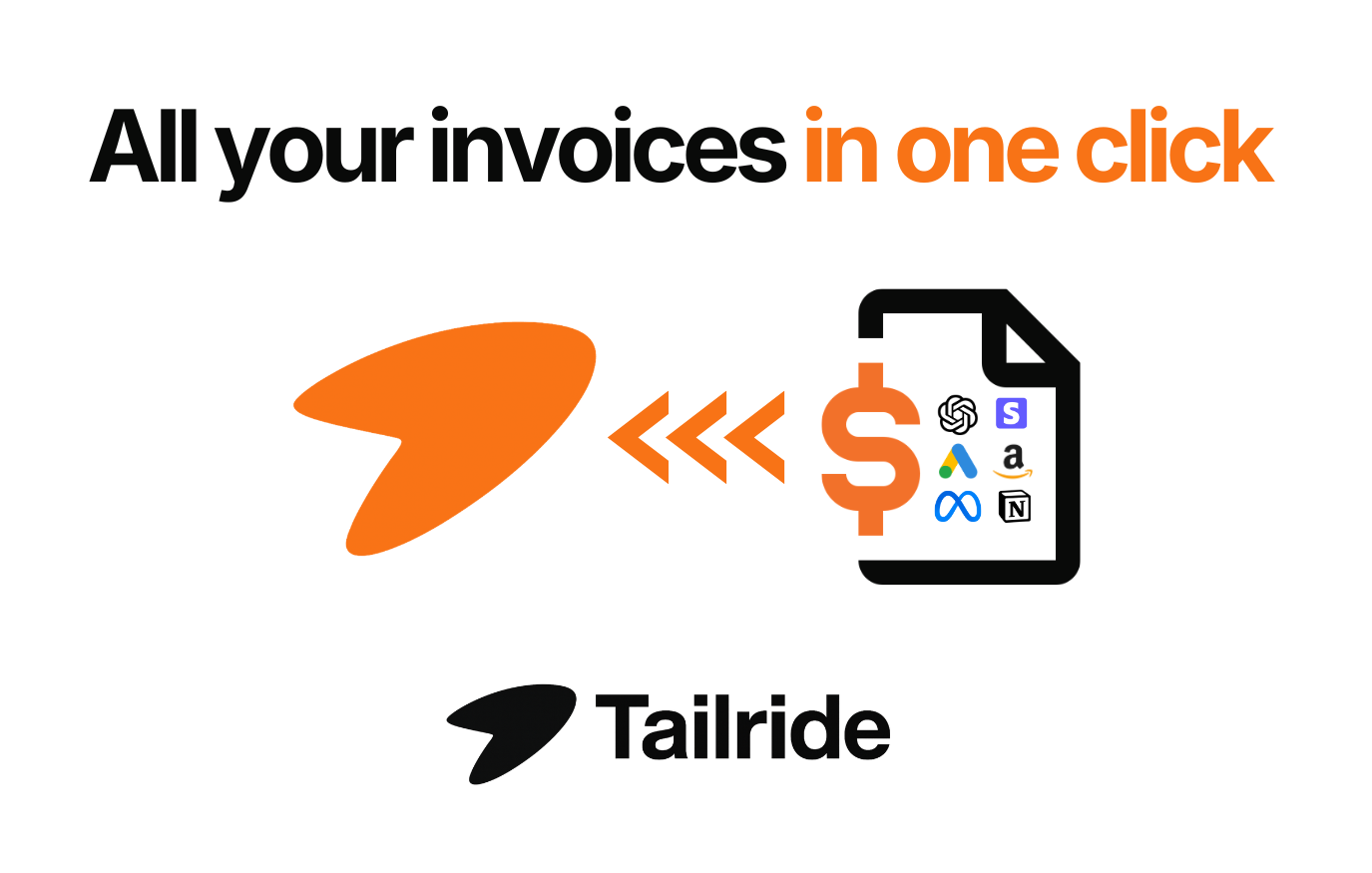
La mayoría de las opciones de esta lista hacen bien una sola cosa. Tailride asume el proceso completo y, en general, lo resuelve a la perfección. Su extensión de Chrome extrae documentos de más de 20 portales de proveedores que no envían nada por correo electrónico (Amazon, Meta Ads, Google Ads, Adobe, Notion, Microsoft, ChatGPT...) con un solo clic. Además, utiliza tu sesión actual del navegador, por lo que nunca tendrás que facilitarle tus contraseñas.
En realidad, este complemento es solo la puerta de entrada a la aplicación principal de Tailride, que también supervisa Gmail, Outlook e IMAP en busca de las facturas que sí siguen llegando por correo. Una única plataforma centraliza tanto los portales como la bandeja de entrada; la inteligencia artificial lee cada documento, aplica tus reglas y envía los datos a QuickBooks, Xero, DATEV, Google Drive o Sheets.
Ideal para: equipos financieros y contables que quieren que cada recibo (del portal y del correo) se capture y archive sin tener que introducir datos a mano.
Precio: gratis para tus 10 primeras facturas mensuales; después, planes de pago a partir de una cuota mensual reducida.
Inconveniente: es una plataforma completa, no un simple descargador. Puede resultar excesiva si de verdad solo necesitas exportar documentos de Amazon de forma muy esporádica.
¿Solo necesitas Amazon? Hemos escrito un tutorial específico: cómo obtener una factura de Amazon.
2. Receipt & Invoice Capture, Match, Categorize (de Clyr): la mejor para cuadrar gastos de tarjetas
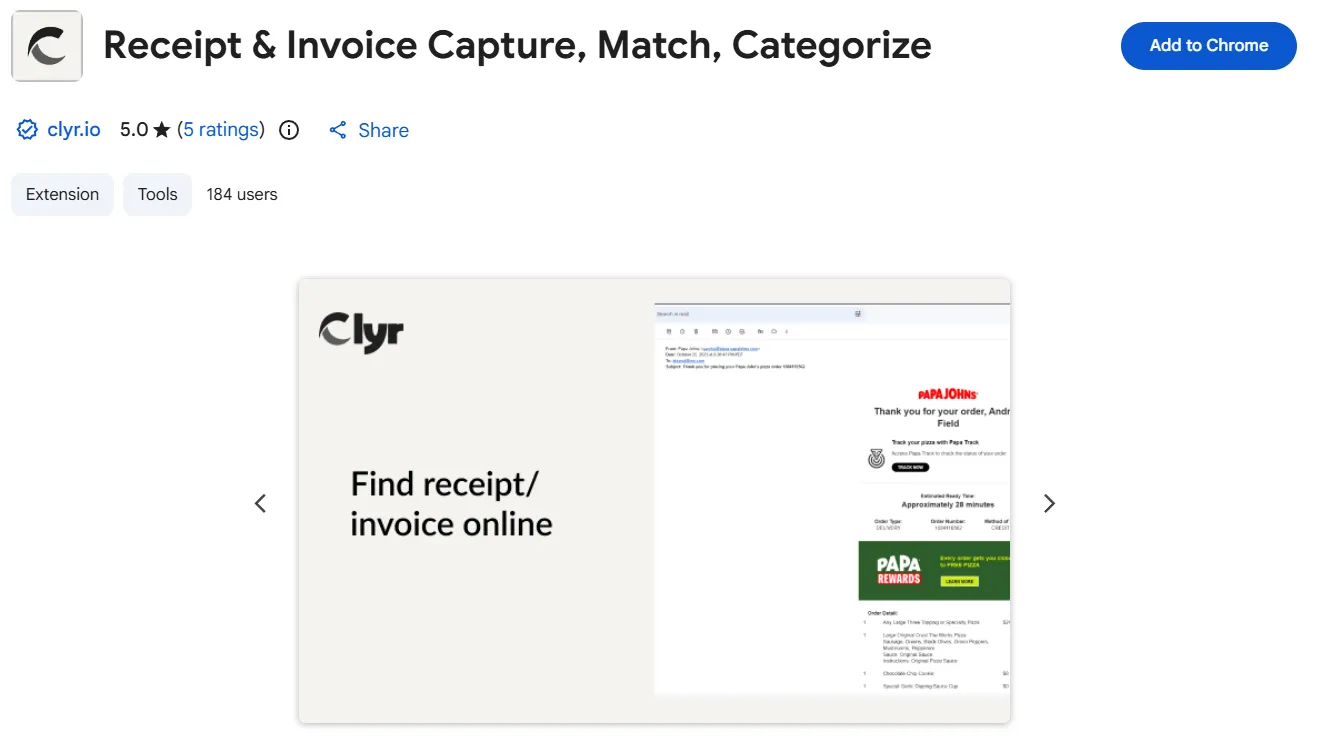
La extensión Receipt & Invoice Capture de Clyr es el complemento específico para capturar tiques de esta lista, y está muy enfocada en la gestión de gastos corporativos. A medida que capturas recibos, la herramienta los coteja con las transacciones de tus tarjetas y cuentas bancarias, y los categoriza. Cuenta con integraciones para QuickBooks, Xero, Sage y NetSuite. Tiene buenas valoraciones y está claramente diseñada para empresas cuyo día a día gira en torno a los pagos con tarjeta.
La principal diferencia respecto a Tailride radica en el enfoque inicial. Clyr requiere que seas tú quien capture los documentos y los concilie con los movimientos bancarios; Tailride, en cambio, busca la información en correos y portales antes de que muevas un dedo. Si tu mayor quebradero de cabeza es cuadrar los pagos con tarjeta, Clyr es una opción muy sólida.
Ideal para: equipos que necesitan conciliar tiques con transacciones bancarias y de tarjetas.
Precio: asociado a la plataforma de Clyr; ofrecen prueba gratuita.
3. Get My Receipts: la mejor para organizar Gmail
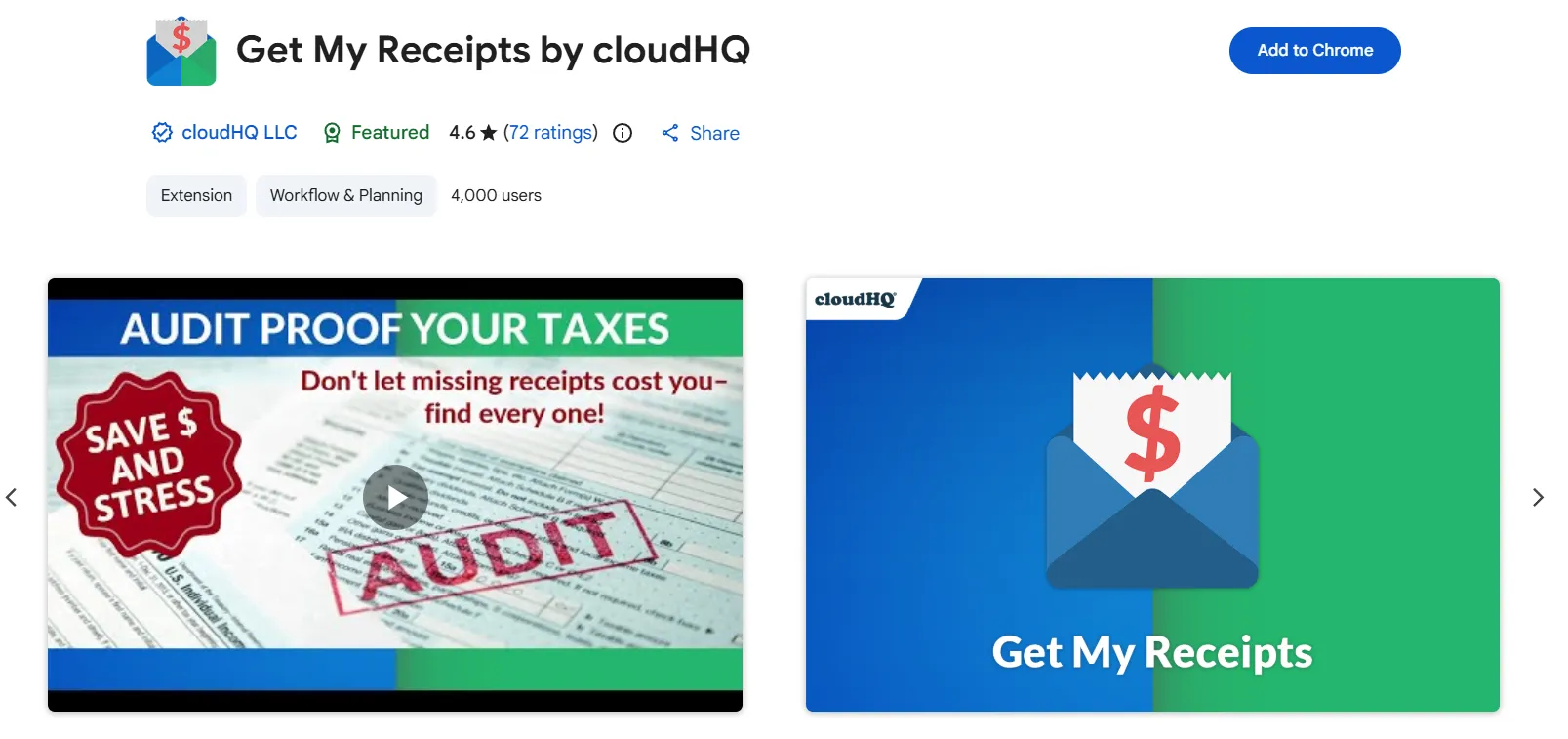
Get My Receipts, una pequeña herramienta muy específica de cloudHQ, extrae los recibos de tu cuenta de Gmail con un solo clic y los vuelca en un documento de Google Sheets. Si todo tu trabajo pasa por Gmail y lo único que necesitas es una lista ordenada para pasársela a tu gestoría, cumple su función limpiamente.
Sin embargo, su sencillez es un arma de doble filo. Solo tiene acceso a Gmail, por lo que todo lo que esté protegido tras el usuario de un portal será invisible para la herramienta. Además, el resultado final es una hoja de cálculo, no asientos contables codificados en tus libros.
Ideal para: usuarios de Gmail que quieren listar sus recibos de correo en una hoja de cálculo.
Precio: dispone de plan gratuito.
4. Amazon Invoice Downloader: la mejor para descargas masivas en Amazon
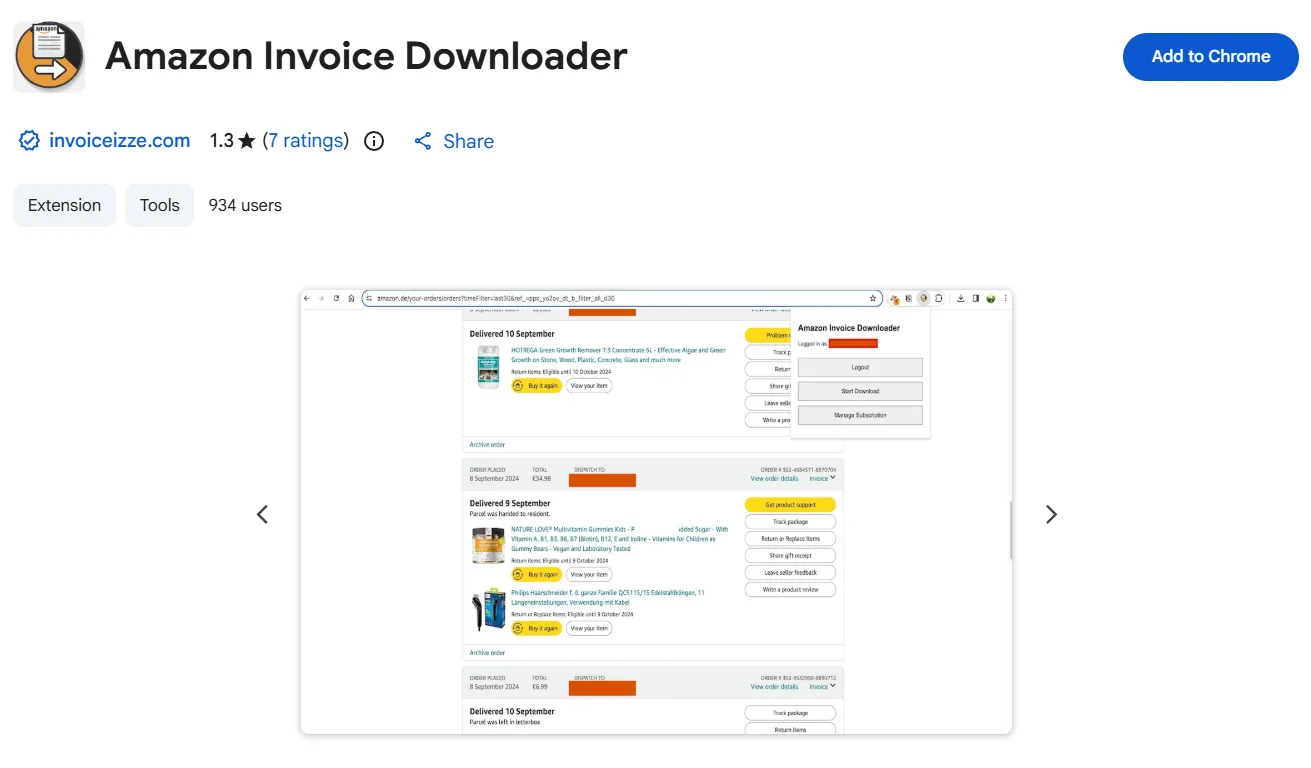
Amazon Invoice Downloader descarga en bloque tus recibos anuales de los diferentes dominios de Amazon con un par de clics. Es la alternativa más conocida para esta plataforma, pero es de pago y tiene reseñas mixtas, así que asegúrate de que funciona bien con tu cuenta antes de depender de ella para el cierre de mes.
Sus limitaciones también son evidentes: funciona con Amazon y solo con Amazon. En el momento en que tus proveedores incluyan Meta Ads, Adobe o cualquier otro servicio que requiera inicio de sesión, tendrás que volver a acumular múltiples plugins en tu navegador.
Ideal para: una descarga masiva y exclusiva de Amazon.
Precio: de pago. Si prefieres no pagar, Tailride cuenta con un descargador de facturas de Amazon gratuito que cumple exactamente la misma función.
5. Invoices Downloader: la mejor para descargar manualmente por proveedor
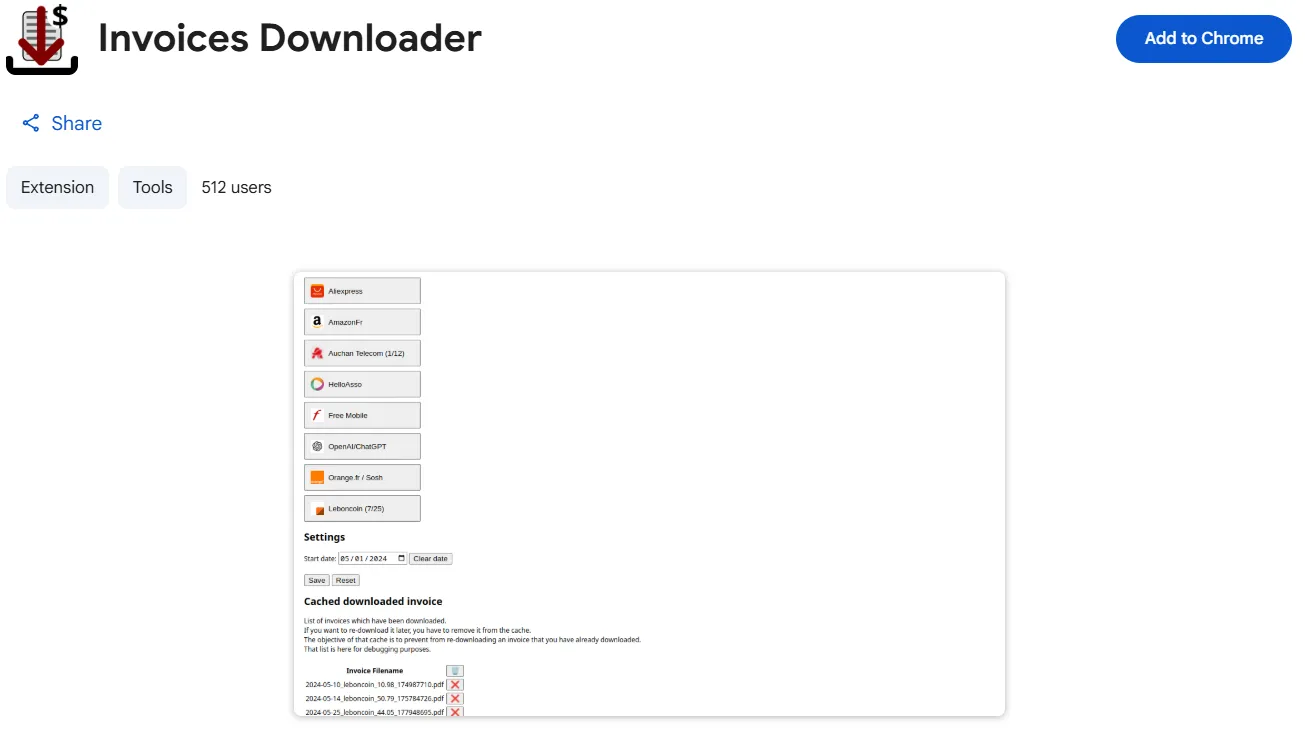
Invoices Downloader muestra los iconos de diferentes proveedores y te permite bajar el documento correspondiente a cada uno de ellos con un clic. Resulta práctica cuando quieres obtener archivos de unos cuantos servicios concretos sin tener que iniciar sesión en cada uno de sus paneles de control.
No obstante, es un proceso totalmente manual: tienes que ir proveedor por proveedor, y los archivos acaban en tu ordenador, no en tu sistema contable.
Ideal para: recopilar documentos manualmente de una lista reducida de proveedores.
Precio: gratis.
6. AliVoice: la mejor para AliExpress
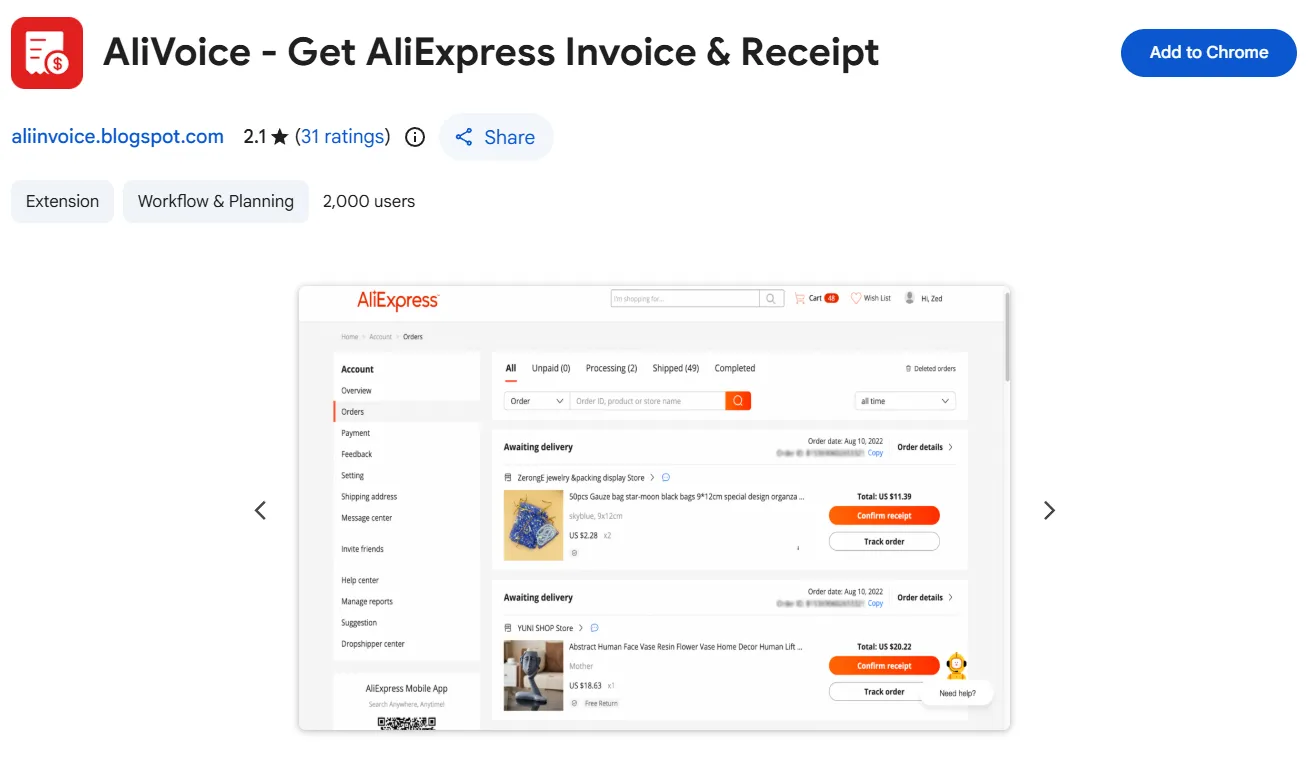
AliExpress es la excepción de esta lista: casi nunca proporciona a los compradores una factura en condiciones. AliVoice soluciona este problema generando un PDF limpio y listo para imprimir a partir de los detalles de tu pedido (incluyendo el nombre de la empresa, el CIF/NIF y demás). En el caso de AliExpress, esta es prácticamente la única manera viable de conseguir un documento válido. El proceso se ejecuta de forma local en tu navegador, por lo que los datos de tus compras no se envían a servidores externos.
Ideal para: generar una factura válida para pedidos de AliExpress.
Precio: gratis.
Entonces, ¿cuál deberías instalar?
¿Solo trabajas con un proveedor? Instala la herramienta específica para él (el descargador de Amazon o AliVoice) y olvídate del tema. ¿Necesitas vincular los tiques a los gastos de la tarjeta? Elige Clyr. Pero si tu verdadero problema es el caos de tener los documentos dispersos por docenas de portales y diferentes cuentas de correo, ese es exactamente el problema que Tailride resuelve: centraliza todos los orígenes en una sola extensión y hace que los datos aterricen directamente en tu contabilidad en lugar de quedarse acumulando polvo en la carpeta de Descargas.
Preguntas frecuentes
¿Cuáles son las mejores extensiones de Chrome para facturas?
Para recopilar documentos de varios sitios a la vez, Tailride es la opción más completa: extrae información de más de 20 portales de proveedores, así como de Gmail, Outlook e IMAP, y envía los datos codificados a QuickBooks o Xero. Si buscas cuadrar tiques con gastos de tarjetas, el plugin de Clyr es una buena alternativa. Para un único proveedor, lo más sencillo es un descargador específico como Amazon Invoice Downloader.
¿Puede un plugin de navegador descargar documentos de Amazon y otros portales?
Sí. Las herramientas exclusivas (como Amazon Invoice Downloader o AliVoice para AliExpress) gestionan un único sitio web cada una. La solución de Tailride, sin embargo, abarca más de 20 portales (Amazon, Meta Ads, Adobe, ChatGPT, etc.) desde un mismo lugar.
¿Es seguro utilizar extensiones de Chrome para facturas?
Las más seguras funcionan a través de tu sesión activa en el navegador y nunca solicitan ni almacenan las contraseñas de tus portales (así es como Tailride recupera la información). Antes de instalar cualquier complemento, revisa siempre los permisos que solicita y quién es el desarrollador responsable.
¿Existe alguna herramienta gratuita para descargar estos recibos?
Sí. Varias opciones para proveedores individuales (como Invoices Downloader o AliVoice) son gratuitas, y Tailride dispone de un plan gratuito que cubre tus 10 primeras descargas del mes. Algunos descargadores específicos de Amazon son de pago, así que comprueba siempre el precio antes de instalarlos.
¿Son compatibles estas extensiones con QuickBooks y Xero?
Algunas sí y otras no. Tailride y Clyr envían los datos directamente al software de contabilidad; los descargadores simples como Amazon Invoice Downloader se limitan a guardar los archivos en local, dejándote a ti la tarea de picar los datos a mano.
