
Extract Invoices From Email Automatically: AWS, Notion, OpenAI, and more
Your SaaS invoices are scattered across your inbox - AWS, Notion, OpenAI, Stripe. Here's how to collect and extract them all automatically with Tailride.

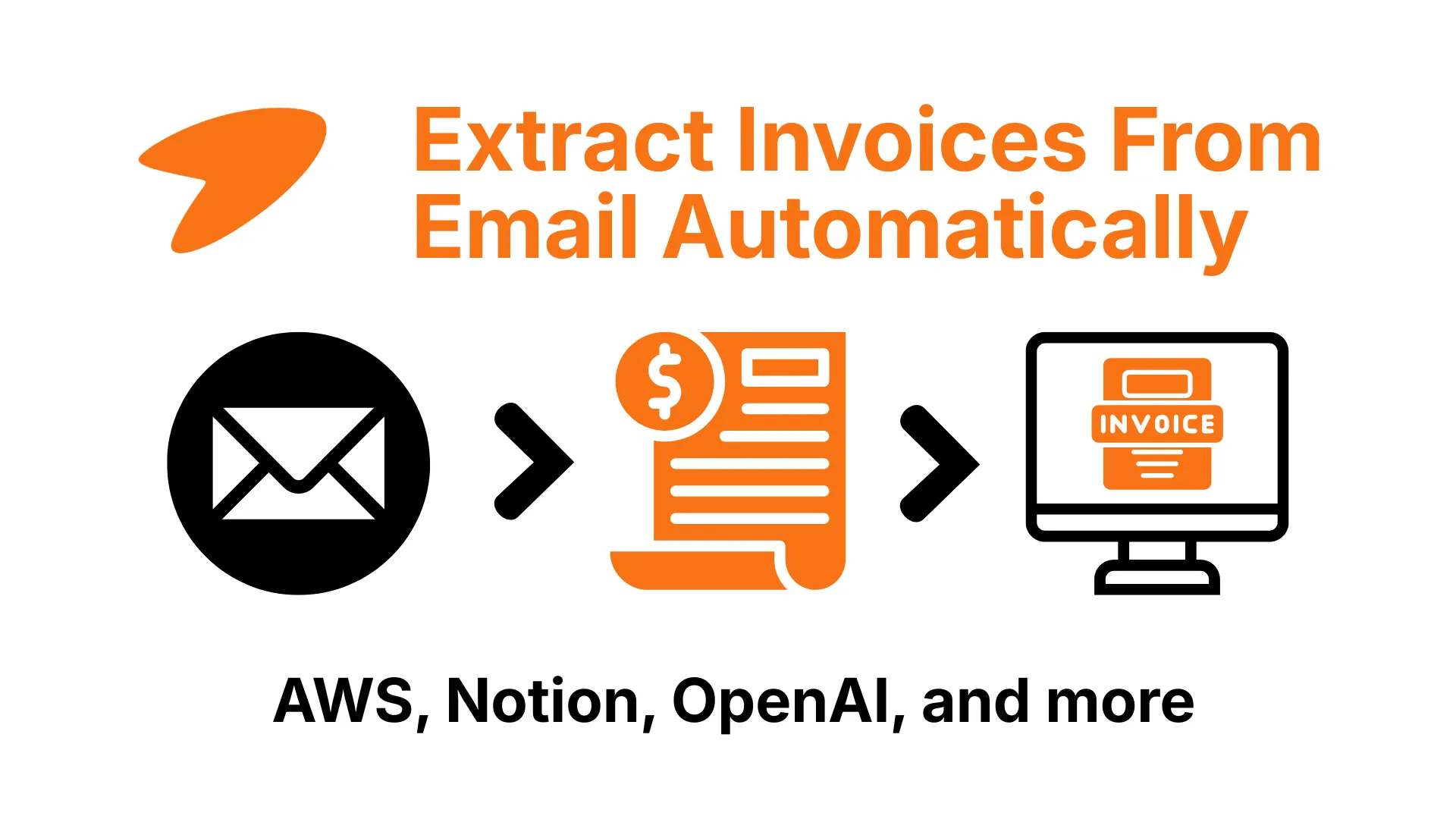
Your software stack emails you an invoice every month. Stop hunting them down one by one.
The short version: modern businesses run on dozens of subscriptions - AWS, Notion, OpenAI, Anthropic, Stripe, Adobe, and a long tail of smaller tools - and almost every one emails you an invoice or receipt. They scatter across inboxes, arrive on different dates, and some are buried in the email body rather than attached. The only way to collect them all without a weekly scavenger hunt is to connect your inbox to a tool that finds and extracts invoices automatically, whoever the sender is.
Tailride does exactly that - it watches Gmail, Outlook, and IMAP, pulls every invoice and receipt, reads it with AI, and files the data in your accounting system.
Ten years ago a company paid a handful of suppliers. Today it pays forty - a cloud bill here, three AI tools there, a design subscription, an ads account, a dozen niche SaaS apps nobody remembers signing up for. Every one of them emails an invoice, and collecting those invoices has quietly become a real job. AP teams can lose hours every week just finding, downloading, and filing them. This is about making that job disappear - pulling every invoice out of your email automatically, whichever of your hundred vendors sent it.
Where your invoices actually come from
The reason email invoices are such a mess is that they don't come from one place - they come from everything you pay for. A typical stack looks like this:
-
AI tools - OpenAI, Anthropic (Claude), Cursor, and the rest of the assistants your team now runs on.
-
Cloud and infrastructure - AWS, Vercel, Cloudflare, hosting and database providers.
-
Productivity and collaboration - Notion, Slack, ClickUp, the project tools.
-
Payments, ads, and commerce - Stripe, Google Ads, Meta Ads, Shopify.
-
Design and the long tail - Adobe, Figma, and the dozens of single-seat subscriptions scattered across the business.
Some of these email you a tidy PDF. Some put the invoice in the body of the email with no attachment at all. And some - Amazon Business, Meta Ads, Adobe - don't email anything; you have to log into their portal and download it. (We keep a vendor-by-vendor directory of where each one hides its invoices over at the portals directory.) No single rule or folder keeps up with that variety, which is why manual collection never quite works.
The ways to collect invoices from email
There are really three approaches, and they scale very differently.
Do it by hand. Search your inbox each month, download the PDFs, rename them, drop them in a folder, and type the numbers into your books. Free, and fine when you have five suppliers. Past that it's a monthly slog - and the one invoice you miss is the one your accountant chases you for.
Set up forwarding rules. You can rule-forward anything with "invoice" or "receipt" in the subject to a dedicated address or folder. It helps, but keyword rules miss anything labelled differently ("Your order," "Payment confirmation," "Facture"), catch plenty that aren't invoices, and still leave you to open each one and key in the data.
Connect an AI tool to your inbox. Instead of rules that match subjects, an AI model recognises an invoice by its content - from any sender, in any format, attachment or in-body - extracts the fields, and files them. No rule to maintain, no sender list to keep current. For a real stack of vendors, this is the only approach that holds up.
How automatic email invoice extraction works
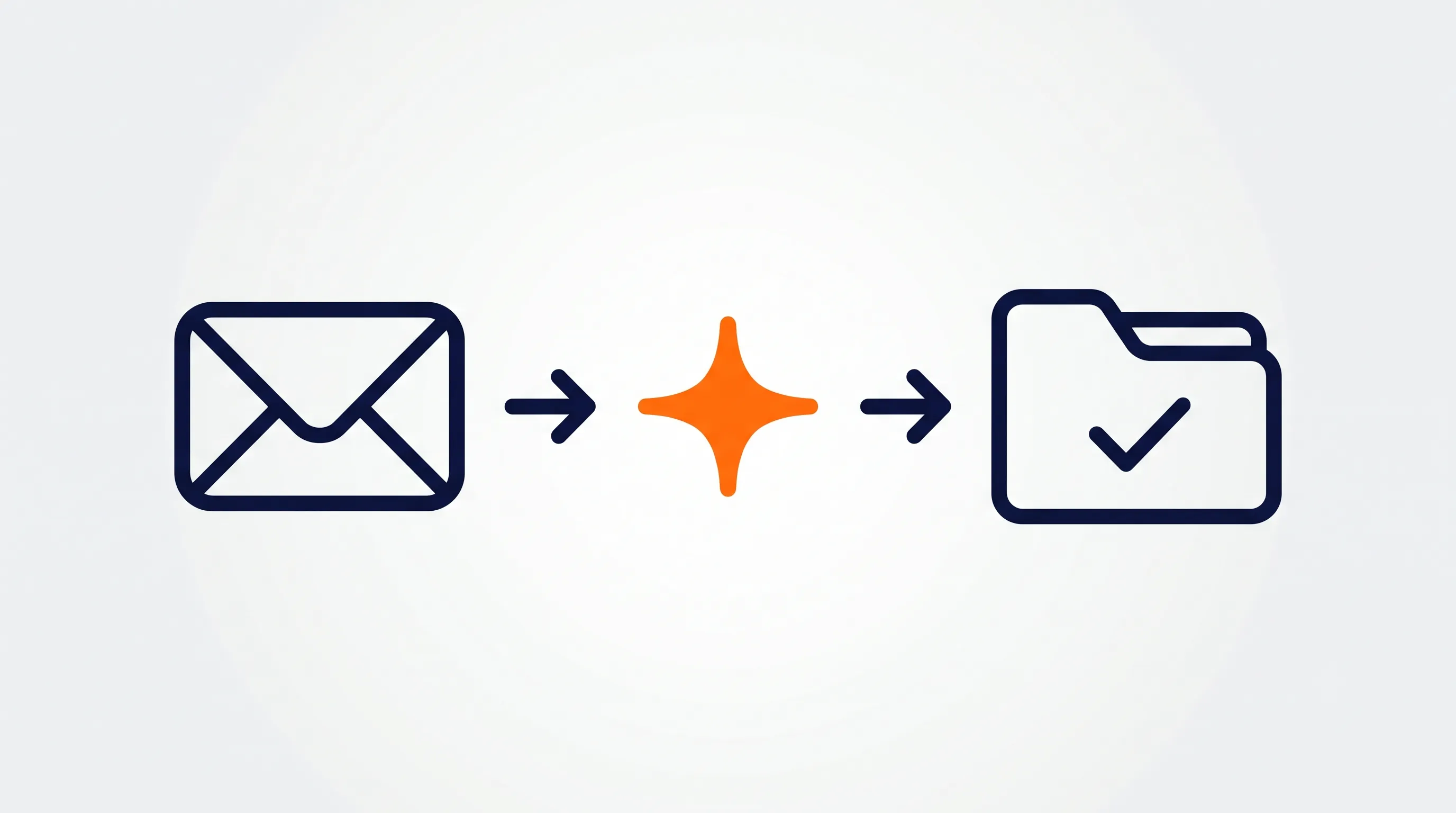
Connect a tool like Tailride to your inbox and the flow is hands-off:
-
Connect your email. Sign in to Gmail, Outlook, or any IMAP account through a one-time secure authorisation - no passwords stored.
-
The AI scans every message. It reads subjects, bodies, and attachments, and decides which messages actually contain an invoice or receipt - distinguishing them from newsletters, statements, and order confirmations.
-
It extracts the data. Supplier, dates, amount, tax, line items - pulled from the PDF or the email body and returned as clean, coded fields, with the original attached.
-
It files everything. The finished records flow into QuickBooks, Xero, or Odoo, or export to a sheet, with no retyping.
Because it works by recognising invoices rather than matching keywords, it catches the OpenAI receipt with no attachment and the AWS bill with the unhelpful subject line just as easily as a tidy PDF from your accountant.
See it on your own inbox. Connect your email to Tailride free - your first 10 invoices a month are on us.
The vendor-by-vendor problem (and the shortcut)
What makes this genuinely hard is that every vendor does it differently. OpenAI and Anthropic email receipts; AWS sends a billing summary; Stripe's format isn't Notion's; Amazon and Meta Ads don't email at all. If you try to solve it vendor by vendor, you end up with a forwarding rule for this one, a saved search for that one, and a Chrome extension for the portals - a patchwork you have to maintain forever.
Connecting your inbox once collapses all of that. One connection covers every sender that emails an invoice, and a browser extension covers the handful - Amazon, Meta Ads, Adobe - that hide invoices behind a login. If you want the specifics for a particular service, we have step-by-step guides for individual vendors in the directory; this pillar is the version where you stop doing it one vendor at a time.
What you get back by automating it
The payoff isn't just fewer clicks. Collecting invoices automatically changes several things at once:
-
Hours back every week. The time AP spends searching, downloading, and filing invoices disappears. For a team paying forty vendors, that's most of a working day a month returned.
-
Nothing slips through. Every VAT receipt you capture is tax you can actually reclaim, and the invoices people forget to forward are usually the ones that quietly cost you.
-
A clean month-end. When invoices arrive in your books already coded, the close becomes a review instead of a reconstruction.
-
An audit trail by default. Every record keeps its original document attached, so there's nothing to dig for when an accountant or auditor asks.
For a finance team, that second point is where automation pays for itself - uncollected receipts are pure leakage, and nobody notices them precisely because they were never collected.
The hard parts
A few things trip up naive email-invoice collection, and they're worth knowing whatever tool you use:
-
In-body invoices. Plenty of vendors paste the invoice straight into the email with no PDF. Attachment-only tools skip these entirely; you need one that reads the body.
-
Inconsistent senders and subjects. The same business pays invoices from
billing@,receipts@, andno-reply@addresses with wildly different subject lines. Recognition by content beats any sender or keyword list. -
Duplicates. A receipt forwarded by a colleague and also received direct shouldn't hit your books twice - look for de-duplication.
-
The portal-only vendors. No email tool can fetch an invoice that was never emailed. The complete answer pairs inbox scanning with portal capture.
-
History. Switching this on today does nothing for the nine months of invoices already in your inbox. A tool that can scan your back-catalogue clears the backlog in one pass.
What to look for in an email invoice tool
If you're comparing options, weight these over feature counts:
-
Recognition by content, not keywords. The tool should identify an invoice by what it is, so it catches every sender and subject line - not just the ones with "invoice" in them.
-
It reads the email body, not just attachments. A large share of invoices arrive with no PDF at all.
-
Portal coverage. For Amazon, Meta Ads, and the rest that never email, you want a browser extension so you're not back to manual downloads for those.
-
De-duplication and an attached source document, so nothing hits your books twice and every entry stays auditable.
-
A direct line to your accounting system - extracted data should land in QuickBooks, Xero, or Odoo, not in a folder you still have to process.
-
History scanning, so you can clear the backlog rather than only catch new mail.
Those six are the bar Tailride was built to clear.
How Tailride collects every invoice in your inbox
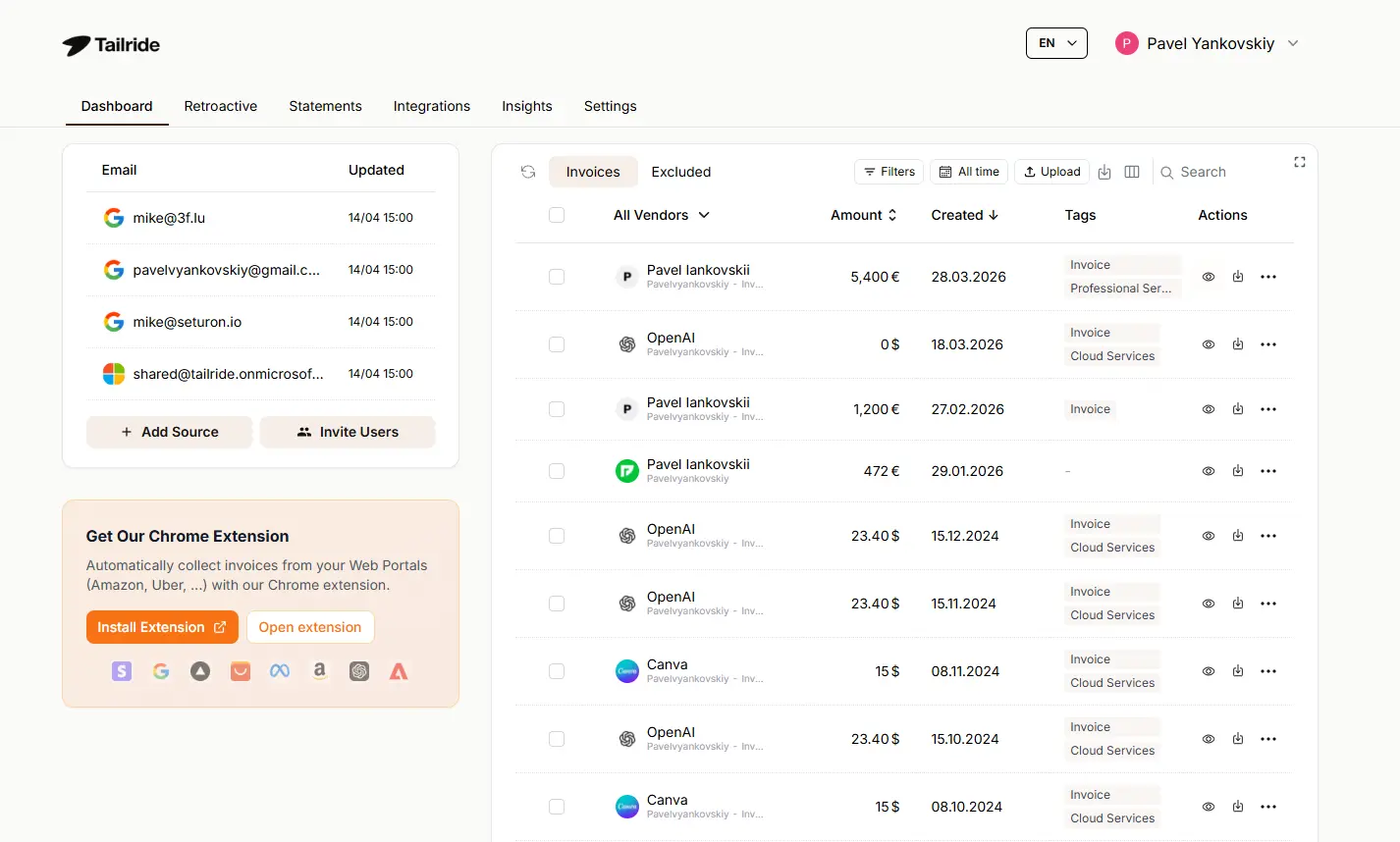
Tailride is built to be the one connection that replaces the patchwork. It connects to Gmail, Outlook, and IMAP and watches for invoices and receipts from every sender - whether they arrive as a PDF, an image, or an inline HTML or plain-text receipt in the email body (the kind Stripe, Shopify, and PayPal send, that attachment-only tools miss entirely). It reads each one with the same class of AI behind tools like ChatGPT, pointed at invoices. It extracts every field, de-duplicates, attaches the source document, and posts the data into QuickBooks, Xero, or Odoo. For the vendors that don't email - Amazon Business, Meta Ads, Adobe - its browser extension pulls those too, so nothing slips through.
It can also sweep your existing history, so you start from a clean slate rather than from today. (For the product details, see inbox scanning and email invoice extraction; for a specific email client, see extracting invoices from Outlook or from Gmail.)
Stop hunting for invoices across forty vendors. Start free or see how inbox scanning works.
FAQ
How do I extract invoices from email automatically?
Connect your email account (Gmail, Outlook, or IMAP) to an AI invoice tool. It scans every incoming message for invoices and receipts - attachments and in-body alike - extracts the data, and posts it to your accounting system, so you never download or retype an invoice manually.
Can I collect invoices from all my SaaS tools in one place?
Yes. Because tools like Tailride recognise invoices by content rather than by sender, a single inbox connection captures invoices from every vendor that emails one - AWS, Notion, OpenAI, Stripe, and the rest - and a browser extension covers the vendors that only post invoices in a portal.
How do I get my AWS or OpenAI invoices automatically?
Both email a receipt or billing summary, so connecting your inbox to an invoice tool captures them automatically as they arrive. For vendors that keep invoices behind a login instead, you need a tool with a browser extension that can fetch from the portal.
What about invoices that have no PDF attached?
Many vendors put the invoice in the body of the email. A good tool reads the email body, not just attachments, so those are captured too - something simple attachment-saving rules miss.
Does it work with Gmail and Outlook?
Yes. Most AI invoice tools support Gmail, Google Workspace, Outlook, Microsoft 365, and any IMAP account. Tailride connects to all of these.
Is it safe to connect my email to an invoice tool?
With a reputable tool, yes - it connects through a one-time OAuth sign-in rather than storing your password, reads only what it needs to find invoices, and encrypts your data. Check how a tool authenticates and where it stores data before connecting.
How accurate is AI invoice extraction from email?
For standard fields like supplier, dates, and totals, modern tools are accurate the large majority of the time. The realistic workflow is reviewing the occasional exception rather than re-entering everything, with the source document kept attached so anything can be double-checked.
Can a whole team or a shared mailbox use it?
Yes. Invoices often land in a shared accounts@ inbox several people touch, so look for a tool that can watch shared mailboxes and multiple accounts, not just one personal inbox.
Can it pull the invoices already sitting in my inbox?
Yes, if the tool supports history scanning. Tailride can sweep your existing email to collect past invoices in one pass, not just watch for new ones.