
Automated Invoice Capture Software: Stop Manual Data Entry
Move beyond receipt scanners. Tailride auto-captures invoices from email bodies, PDFs, images, and 100+ vendor portals like Amazon Business - no manual uploads.

The End of Manual Uploads: Automated Invoice Capture Software for AP
Scanning receipts with your phone is for freelancers. The real business problem is collecting hundreds of invoices from vendor portals and inboxes at the end of every month - without touching them manually.
Are you a business owner?
→ Start Free Trial - No card required. Up to 10 invoices free.
Mobile Scanners vs. Automated AP Capture
Most people searching for "invoice capture software" land on mobile scanner apps. They're not wrong to look - but they're solving the wrong problem. Here's why that distinction costs finance teams hours every month.
| Mobile Receipt Scanners | Automated Invoice Capture | |
|---|---|---|
| How it works | You photograph a document manually | Runs in the background - no action needed |
| Invoice sources | Physical paper, manually uploaded files | Email inbox + vendor billing portals |
| OCR accuracy | Degrades on crumpled paper, poor lighting | 100% structured extraction via API + HTML parsing |
| Vendor portals | ✗ Cannot access | ✓ Connects to Amazon, AWS, Google, Adobe, etc. |
| Historical data | Only what you scan today | Retroactive scan of months or years of inbox history |
| Scales with volume? | Manual effort grows with invoice count | Fully automated - 10 or 10,000 invoices |
| Best for | Freelancers, one-off expenses | SMBs, AP teams, accounting firms |
If your business receives invoices from SaaS subscriptions, cloud platforms, or supplier portals - a mobile scanner isn't a solution. It's a delay.
How Tailride Replaces Manual Data Entry
Tailride's architecture addresses the three actual capture problems that no receipt scanner solves.
Vendor Billing Portal Extraction
Most invoices aren't in your inbox - they're locked inside vendor portals that require login, navigation, and manual download. Tailride's Chrome extension connects to 100+ portals and pulls invoices automatically, without you sharing credentials or logging in each time.
Top supported portals:
-
Amazon Business & Amazon AWS
-
Google Workspace
-
Adobe Creative Cloud
-
LinkedIn (ads & subscriptions)
-
Telecom providers (Vodafone, AT&T, and others)
→ Automate Amazon Business invoices - full guide for AP teams.
Retroactive Email Scanning
End-of-year tax audits and bookkeeping cleanups require invoice history - often going back 1–3 years. Tailride connects to Gmail, Outlook, or any IMAP account and scans the entire historical inbox on first setup, retrieving every invoice that ever arrived. It captures invoices from all three formats found in emails: HTML email bodies (Uber, Stripe, subscription confirmations), attached PDF files, and image attachments (JPEG/PNG scans). No manual searching, no forwarding.
This is the feature that eliminates quarter-end backlogs and makes tax season a non-event for finance teams. → How retroactive invoice scanning works.
Smart Email Body Extraction
Not every invoice comes as a PDF attachment. Uber receipts, Stripe payments, subscription confirmations - these are HTML emails with embedded invoice data. Tailride's parser reads the email body directly, extracts structured fields (amount, date, vendor, VAT), and routes the data into your accounting system. For emails that do include attachments, Tailride processes both attached PDFs and image files (scanned invoices, photos of receipts) in the same pipeline - without any manual sorting required.
This closes the gap that every legacy tool - including Dext and Hubdoc - leaves open.
Multi-client Portal Invoice Downloader For Accountants
If you manage AP for multiple clients, the bottleneck isn't data extraction - it's client communication. Every time a client forgets to forward an invoice, the whole workflow stalls.
Tailride solves this with a Zero Client Interaction model: once connected to a client's inbox and portals, Tailride collects invoices silently in the background. No forwarding required. No chasing clients for missing bills.
What this means for accounting firms:
-
Each client workspace has its own inbox integration and portal connections
-
Invoices flow in automatically from email bodies, PDF attachments, image files, and vendor portals - you review, not collect
-
One dashboard shows all clients, statuses, and exception queues
-
Retroactive inbox scanning lets you onboard new clients and instantly pull their full invoice history without manual work
→ Invoice collection software for bookkeepers - built for multi-client AP workflows.
What Is Automated Invoice Capture Software?
Automated invoice capture software uses AI and machine learning to automatically read, extract, and organize data from invoices - eliminating the need to manually type details into your accounting system. Instead of downloading PDFs and re-entering line items by hand, the software identifies fields like vendor name, invoice number, amounts, and due dates, then routes that data directly into your AP workflow. Modern tools like Tailride capture invoices from all common formats: HTML email bodies, attached PDF files, and image attachments - handling the full range of how vendors actually send bills.
The core technology powering truly intelligent capture is Intelligent Document Processing (IDP), which goes beyond basic OCR. While traditional invoice OCR software converts a scanned image into text, IDP understands the meaning of that text - classifying document types, handling unstructured layouts, and validating data against business rules. This distinction matters when your vendor invoices come in dozens of formats.
Top 12 Tools at a Glance
| Product | Best For | Starting Price | Standout Feature |
|---|---|---|---|
| Tailride 🏆 | Accountants, SMBs, e-commerce agencies | Free / $19/mo | Inbox + portal capture, no credentials needed |
| Tipalti | Mid-market global payers | $149/mo | Global payments + tax compliance |
| Rillion | Mid-market multi-entity AP | Custom pricing | AI-native capture ~90% accuracy + 50+ ERP integrations |
| Stampli | Teams prioritizing collaboration | Quote-based | Billy the Bot + invoice-centric communication |
| Rossum | High-volume enterprises | Quote-based | Aurora AI + human-in-loop validation |
| Medius | Enterprise finance analytics | Quote-based | Fraud detection + packaged AP suite |
| Yooz | SMBs, new to AP automation | Volume-based | 15-day production trial |
| AvidXchange | US mid-market invoice-to-pay | Quote-based | 220+ ERP integrations + supplier network |
| Nanonets | Developer-led custom workflows | Pay-as-you-go | Custom model training + no-code builder |
| ABBYY Vantage | Enterprise IDP accuracy | Quote-based | Marketplace skills for modular deployment |
| Microsoft D365 Finance | Microsoft Dynamics users | D365 license | Native D365 integration |
| BILL | US small businesses & accountants | $45/user/mo | QuickBooks/Xero sync + accountant partner program |
1. Tailride – Best for Email-Based Invoice Capture
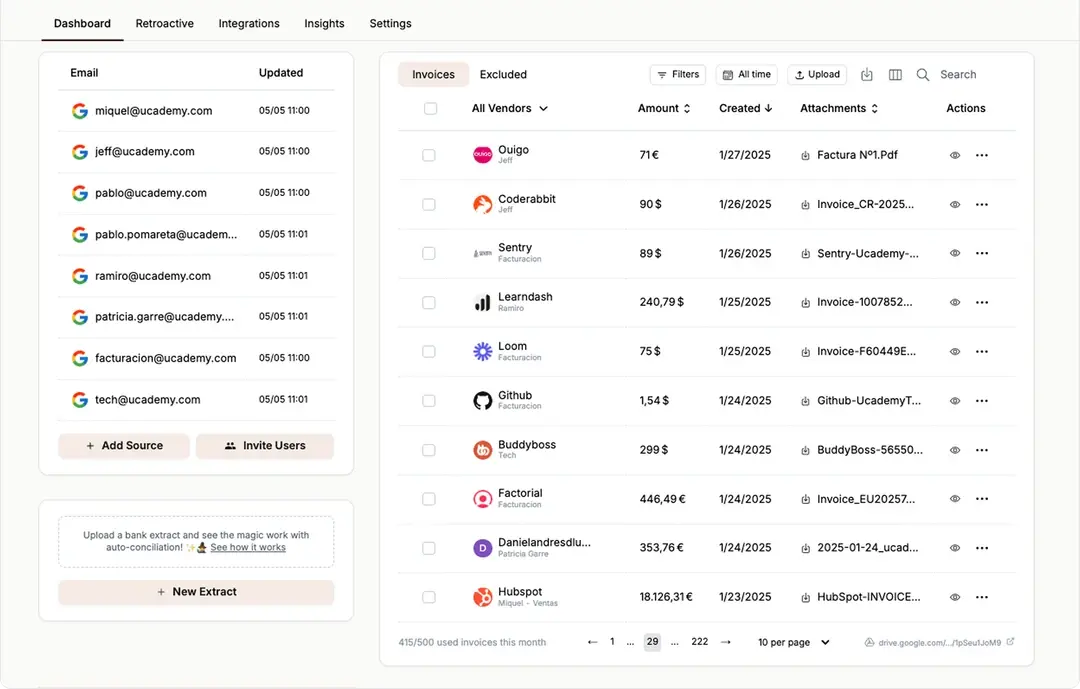
Tailride emerges as a powerful, inbox-centric solution for businesses aiming to fully automate their accounts payable automation workflow. This platform excels at eliminating the initial, and often most tedious, step of invoice processing: manual capture and data entry. It directly connects to your email accounts (Gmail, Outlook, IMAP) and starts scanning for invoices immediately - both retroactively and in real-time - capturing invoices from HTML email bodies, attached PDF files, and image attachments alike. No more forwarding emails or manually uploading PDFs.
What sets Tailride apart is its comprehensive, multi-channel capture capability. Beyond emails, its Chrome extension can pull invoices from supplier portals without requiring you to share sensitive login credentials. It even handles paper receipts through integrations with WhatsApp and Telegram, making it a truly unified AI invoice processing system. The AI extracts key data, classifies documents, and populates accounting fields with remarkable accuracy - making it an ideal piece of automated invoice capture software for teams receiving bills from a wide variety of sources.
Key Features & Use Cases
-
End-to-End Automation: Tailride doesn't just capture invoices - it processes them. The AI handles all three email-based invoice formats: email body text (inline HTML receipts from Uber, Stripe, etc.), attached PDFs, and image files (scanned invoices, photos of receipts). One-click exports to QuickBooks, Xero, and Business Central sync directly into your accounting system, minimizing manual touchpoints. Perfect for SMB finance teams and accounting firms looking to save hundreds of hours per year.
-
Retroactive Inbox Scanning: Connect your inbox and Tailride immediately retrieves your full invoice history - months or years back - making it ideal for tax audits, new client onboarding, and bookkeeping cleanups. → Learn how retroactive scanning works.
-
Customizable AI Rules: Create rules to automatically tag invoices based on supplier, keywords, or amount, ensuring correct categorization and exception handling - a significant benefit for e-commerce businesses managing high volumes of varied expenses.
-
Enterprise-Grade Security: CASA Tier 2 validation, GDPR compliance, and EU data residency provide the security necessary for enterprise finance departments that require auditable, secure workflows.
-
Pricing: A free plan is available for up to 10 invoices/month. The recommended starter plan is $19/month for 50 invoices, with a 3-day refund window and credit packs for higher volumes.
Our Take
Tailride is a standout choice for any organization drowning in manual invoice entry. Its "set it and forget it" inbox integration is a game-changer, and multi-channel capture - covering email bodies, PDFs, and images - ensures no invoice is missed regardless of how a vendor sends it. The free tier is limited, but paid plans deliver substantial ROI in saved time and reduced errors - making it one of the strongest well-rounded tools for modern finance teams.
| Feature | Details |
|---|---|
| Best For | Accountants, SMBs, startups, and e-commerce agencies |
| Integrations | QuickBooks, Xero, Business Central, Google Drive/Sheets, OneDrive, DATEV |
| Capture Methods | Email body (HTML), Attached PDFs, Image attachments, Web Portals (Chrome Extension), Paper (WhatsApp/Telegram) |
| Starting Price | Free for 10 invoices/month; paid plans from $19/month |
| Standout Advantage | Real-time + retroactive inbox scanning (body + PDF + images) and credential-free portal capture |
| Security | CASA Tier 2, ADA Validation, GDPR Compliant, EU Data Residency |
2. Tipalti – Best End-to-End AP Automation Platform
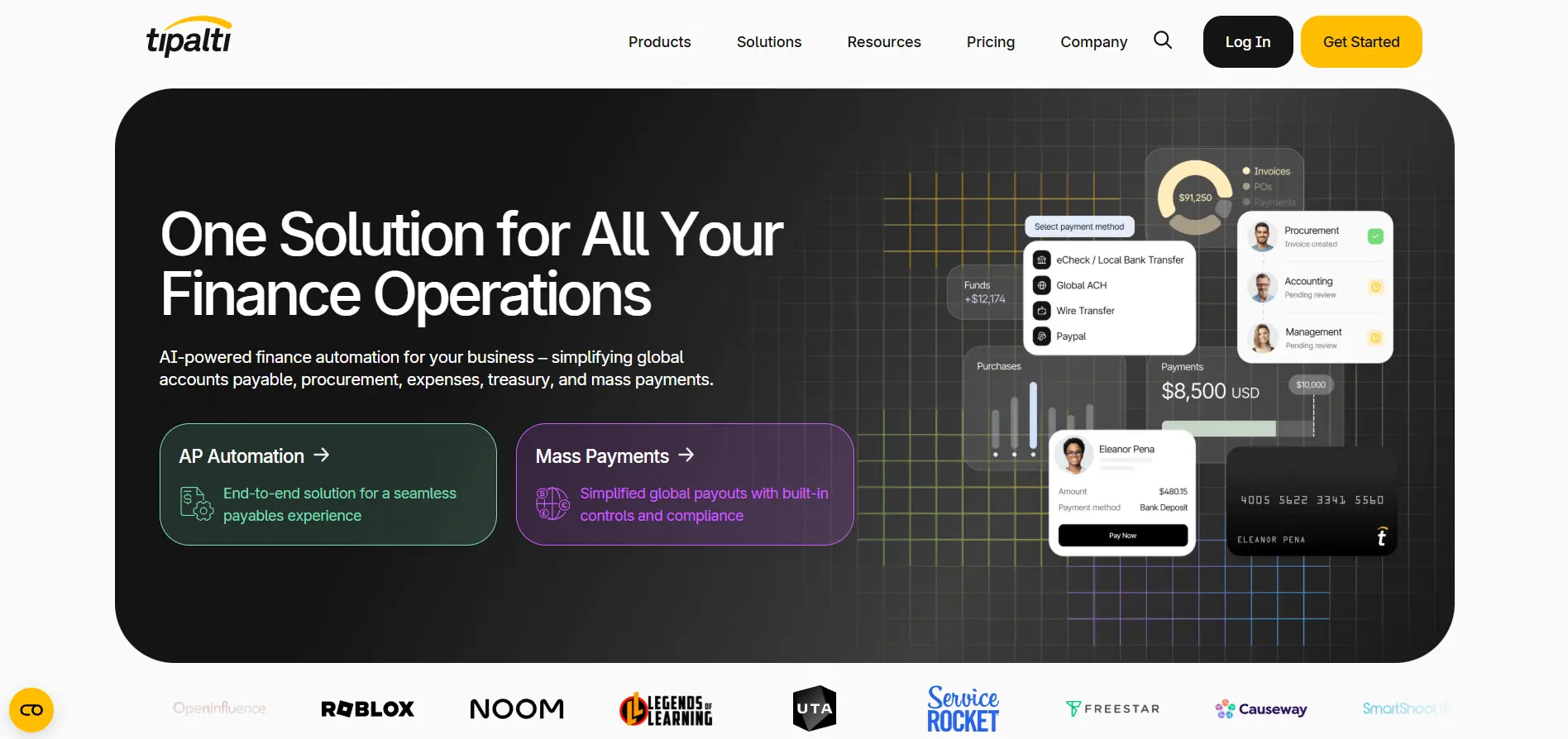
Tipalti is an end-to-end accounts payable automation software platform designed for businesses aiming to streamline their entire AP lifecycle. It combines AI-powered invoice capture (AI Smart Scan) with robust global payment processing, supplier onboarding, and tax compliance features - a fantastic choice for growing companies dealing with international suppliers or multiple business entities.
This automated invoice capture software excels beyond reading invoices: it automatically handles PO matching, routes invoices through multi-level approval workflows, and manages tax forms like W-9s.
Core Features & Suitability
-
Best For: Mid-market businesses and fast-growing SMBs needing a scalable, all-in-one AP solution with global payment capabilities
-
Standout Feature: Seamless integration of invoice capture with a global mass payments engine and self-service supplier portal
-
Pricing: Starts at $149/month, with per-transaction fees that can accumulate based on payment volume
-
Pros: Strong US tax compliance (1099/1042-S), deep ERP integrations (NetSuite, Sage Intacct), unlimited users on all plans
-
Cons: Extensive features can feel like overkill for very small businesses; add-on procurement modules cost extra
3. Rillion – Best for Mid-Market AI-Powered AP Automation
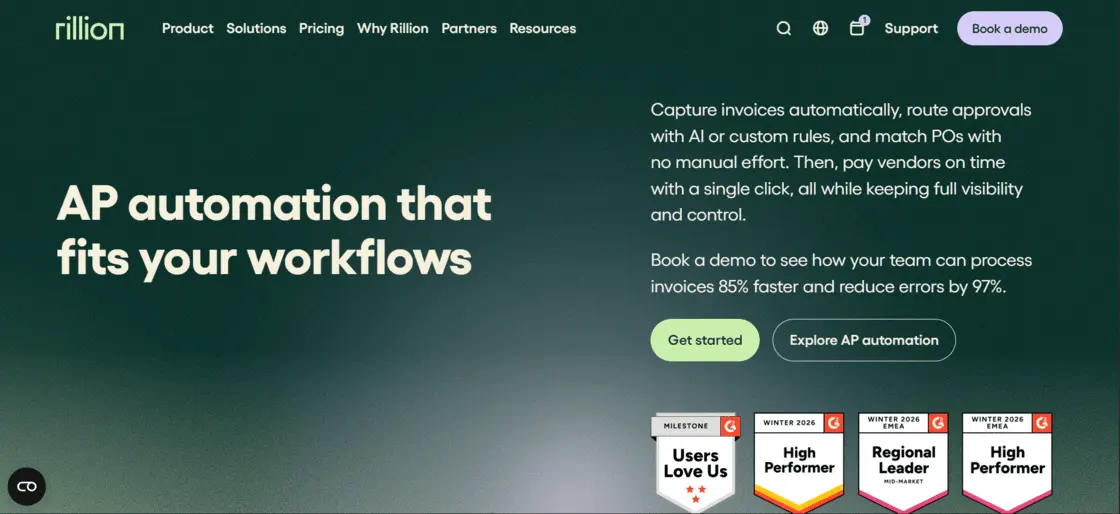
Rillion is an AI-powered invoice automation platform built for mid-market finance teams processing high volumes of invoices across multiple entities. Through its built-in AI, Rillion captures invoice data with >90% accuracy, suggests correct GL codes and finds the right approver. The platform also automates 3-way PO matching across entities, keeping payments accurate and compliant.
For organizations managing multiple entities or ERP systems, Rillion centralizes everything in one dashboard while each entity keeps its own workflows and GL structure. It's one of the few AP platforms that supports multiple ERPs across entities.
Core Features & Suitability
-
Best For: Mid-market companies in healthcare, manufacturing, and hospitality processing 24,000+ invoices annually, especially those managing multiple entities or subsidiaries
-
Standout Feature: AI-native invoice capture with ~90% coding accuracy, automated 3-way PO matching, and consolidated multi-entity visibility across all entities from a single screen
-
Pricing: Custom pricing based on invoice volume and business needs; contact Rillion for a quote
-
Pros: >90% AI coding accuracy; 50+ native ERP integrations (NetSuite, Microsoft Dynamics, Sage Intacct, SAP Business One); cuts processing time by up to 85%; Riley AI assistant for instant answers; virtual card payments with rebates
-
Cons: Best suited for mid-market companies processing high invoice volumes; may be more than smaller businesses need
4. Stampli – Best for Team Collaboration
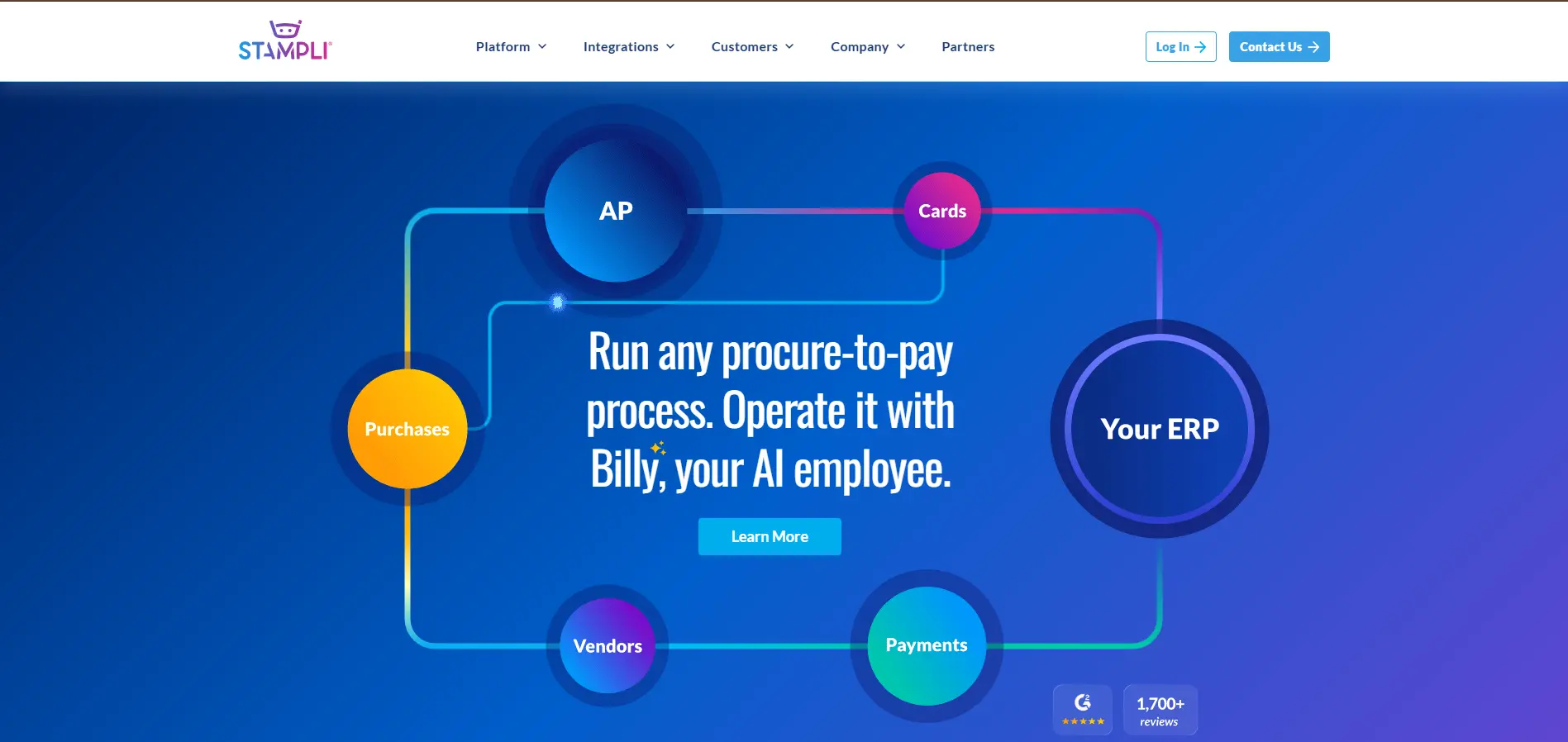
Stampli is an accounts payable automation platform that places a strong emphasis on team collaboration and user-friendliness. Its interface enables communication directly on top of each invoice - eliminating endless email chains and approval delays. At its core is Billy the Bot, an AI assistant that handles invoice capture, coding, and routing, learning from user interactions to improve over time.
Core Features & Suitability
-
Best For: Companies of all sizes prioritizing ease of use, rapid implementation, and seamless AP collaboration
-
Standout Feature: Integrated communication tools that centralize all conversations and decisions directly on the invoice, creating a clear audit trail
-
Pricing: Quote-based; no public price list
-
Pros: Exceptionally user-friendly, fast time-to-value, unlimited users/vendors per site
-
Cons: No transparent pricing; some advanced features require add-on modules
5. Rossum – Best for High-Volume AI Data Extraction
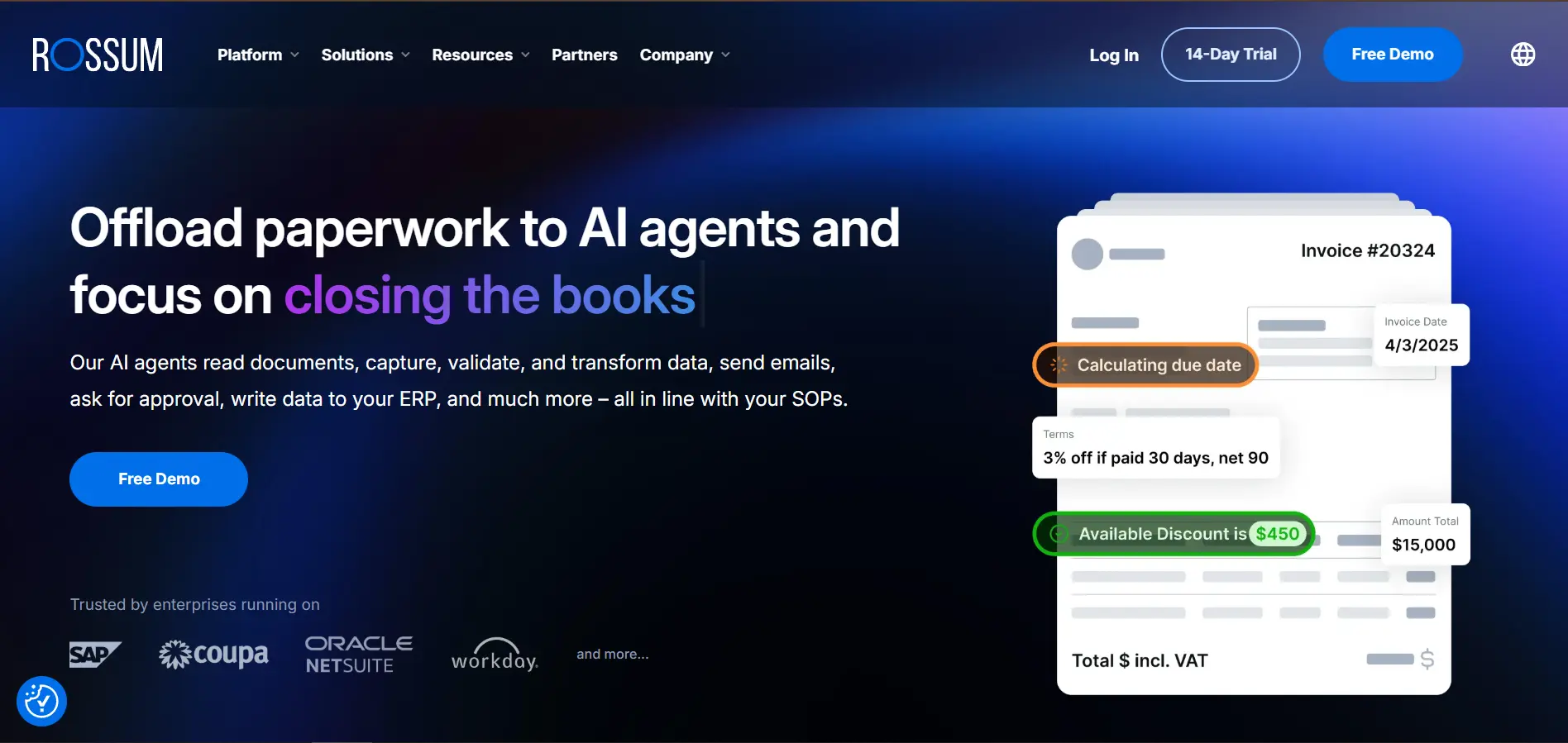
Rossum is an intelligent document processing (IDP) platform built around its powerful Aurora AI engine, specializing in high-accuracy invoice data capture. Positioned as an enterprise-grade solution for businesses handling high volumes of complex invoices, it focuses on perfecting the initial data extraction step with unparalleled accuracy - using a human-in-the-loop validation interface to continuously train the AI.
Core Features & Suitability
-
Best For: Enterprises and tech-savvy mid-market companies with high invoice volumes needing best-in-class extraction accuracy and custom integrations
-
Standout Feature: Advanced Aurora AI for data capture combined with an ergonomic human validation interface for fast, efficient review
-
Pricing: Custom pricing based on document volume; free trial available
-
Pros: Enterprise-grade accuracy and customization, API-first approach, unlimited seats on all plans
-
Cons: Higher entry price than SMB-focused tools; requires initial setup and training investment
6. Medius – Best for Enterprise AP Analytics
Medius offers a comprehensive AP automation suite designed for mid-market and enterprise businesses. Its AI-native solution, Medius Capture, forms the core of a platform extending into invoice matching, analytics, payment processing, and supplier risk and fraud detection. The platform's modular design allows businesses to add fraud detection and other modules as their needs evolve.
Core Features & Suitability
-
Best For: Mid-market and enterprise companies seeking robust, end-to-end AP automation with strong analytics and risk management
-
Standout Feature: Packaged suite approach bundling capture with advanced analytics, fraud detection, and supplier management
-
Pricing: Quote-based only, tailored to specific modules and transaction volumes
-
Pros: Strong analytics and risk/fraud capabilities, packaged tiers that simplify scoping, unlimited users
-
Cons: No transparent pricing; enterprise-level features may be excessive for smaller businesses
7. Yooz – Best for Quick SMB Onboarding
Yooz is a cloud-based AP automation platform that simplifies the entire process from invoice capture to payment. Particularly noted for its user-friendly approach and quick implementation, it's an excellent entry point for businesses new to AP automation. Yooz leverages AI and machine learning for high-performance invoice OCR data extraction that reduces manual entry and accelerates approval cycles from day one.
Yooz offers a free 15-day production trial - letting users validate its real-world effectiveness with their own invoices and workflows before committing.
Core Features & Suitability
-
Best For: SMBs looking for a straightforward, all-in-one AP solution with low-friction setup and predictable pricing
-
Standout Feature: Free 15-day production trial allowing businesses to test with real data before purchasing
-
Pricing: Volume-based subscription; specific rates require a quote
-
Pros: Fast implementation, extensive self-service resources, unlimited users on all plans
-
Cons: Advanced customizations may need professional services; pricing requires direct quote
8. AvidXchange – Best for US Mid-Market Invoice-to-Pay
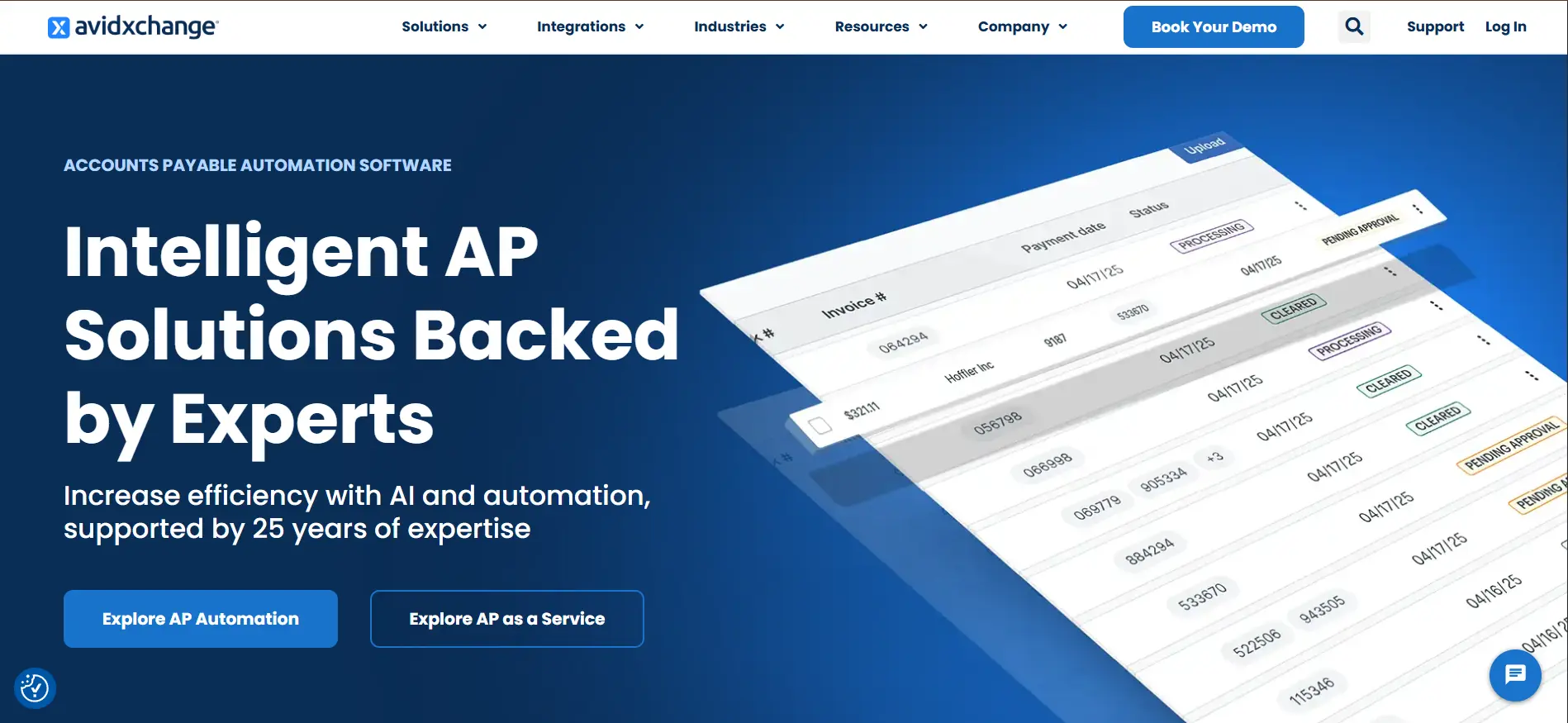
AvidXchange is a US-focused accounts payable automation and payment platform excelling at integrated, end-to-end workflow management. Built for mid-market organizations, it connects invoice capture directly to payment execution through its large supplier network. With over 220 deep ERP and accounting system integrations, AvidXchange ensures businesses can automate processes without disrupting their existing financial tech stack.
Core Features & Suitability
-
Best For: US-based mid-market companies needing a complete invoice-to-pay solution with extensive accounting system integrations
-
Standout Feature: Extensive supplier payment network combined with deep, pre-built integrations into major accounting systems
-
Pricing: Quote-based; no public price list
-
Pros: Broad integration ecosystem, proven US mid-market platform, combined automation and payments
-
Cons: Opaque pricing; implementation and contracts may align more with enterprise-style agreements
9. Nanonets – Best for Custom AI Workflows
Nanonets is an AI invoice processing and workflow automation platform with a highly flexible, API-first approach. It offers pretrained invoice models that work out-of-the-box alongside the ability to train custom models for unique document layouts. Beyond reading data, Nanonets provides a visual, no-code/low-code workflow builder where users can drag and drop "blocks" to create unique automation sequences.
This type of flexibility is especially useful for teams building client-facing automation products on top of a White label AI agent platform, where invoice capture can become one part of a broader workflow automation stack.
Core Features & Suitability
-
Best For: Developer-led teams and tech-savvy businesses requiring a customizable, API-driven solution for complex invoice processing
-
Standout Feature: Combination of powerful pretrained AI models, custom model training, and a visual workflow builder for unparalleled flexibility
-
Pricing: Free plan with starter credits; pay-as-you-go based on document volume
-
Pros: Highly flexible and developer-friendly, transparent usage-based pricing
-
Cons: High-volume cost modeling requires care; complex workflows need significant initial setup
10. ABBYY Vantage – Best Modular IDP Platform
ABBYY Vantage is a document AI platform offering a unique marketplace model for intelligent document processing. Instead of a one-size-fits-all solution, Vantage lets teams deploy pre-built, trainable "skills" for specific documents like invoices, receipts, and purchase orders - leveraging ABBYY's deep heritage in invoice OCR software and IDP. Its modular design enables businesses to start quickly with pre-trained models, then customize orchestration to fit specific validation and integration needs.
Core Features & Suitability
-
Best For: Tech-savvy finance teams and enterprises wanting best-in-class extraction accuracy with the flexibility to build custom workflows
-
Standout Feature: Marketplace of pre-built "skills" enabling modular, fast deployment of document processing capabilities
-
Pricing: Custom pricing via sales or partner engagement; not publicly listed
-
Pros: Industry-leading data extraction quality, highly flexible low-code platform, modular pricing
-
Cons: Requires technical or low-code comfort to configure; less out-of-the-box than full AP suites
11. Microsoft Dynamics 365 Finance – Best for Microsoft Ecosystems
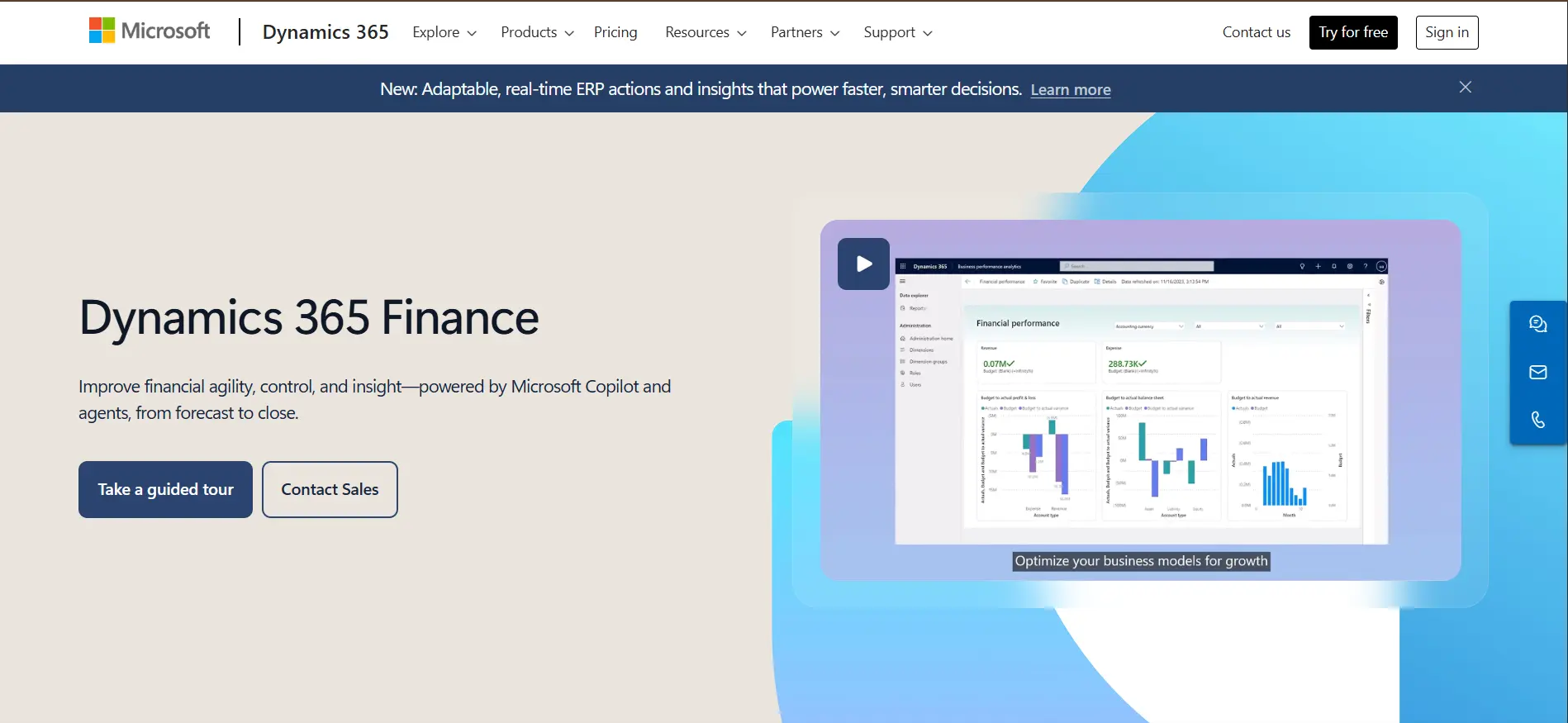
For organizations deeply embedded in the Microsoft ecosystem, the Invoice Capture add-in for Dynamics 365 Finance offers a seamlessly integrated solution. Rather than a standalone product, this extension leverages the Power Platform to create a native invoice data capture pipeline directly within your existing D365 environment - syncing vendor and legal-entity data for consistency and reducing manual entry.
Core Features & Suitability
-
Best For: Businesses already using Microsoft Dynamics 365 Finance who need a native, tightly integrated invoice capture tool
-
Standout Feature: Deep integration leveraging D365 Finance's existing workflows, security, and vendor data
-
Pricing: Requires existing Dynamics 365 Finance licensing; add-in costs may apply via Power Platform
-
Pros: Unified user experience and centralized D365 administration; simplified security management
-
Cons: Exclusively limited to D365 Finance environments; feature availability may vary by tenant or region
→ Learn more at Microsoft AppSource
12. BILL – Best for Small Business AP & AR
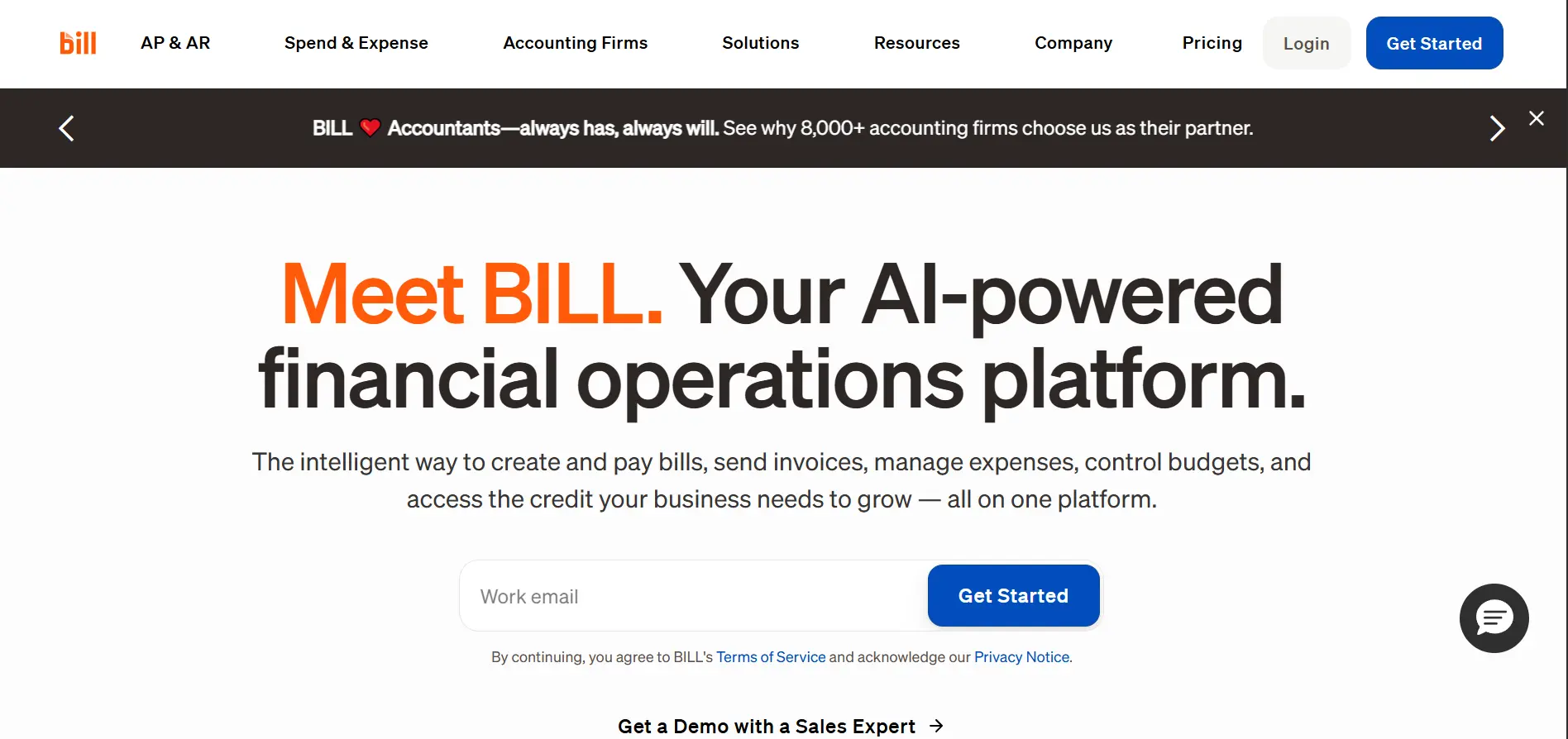
BILL (formerly Bill.com) is a powerhouse in the small business finance world, offering a streamlined AP and AR platform that simplifies the entire invoicing lifecycle. Its dedicated inbox uses invoice OCR to pull key data from uploaded or emailed invoices, routes them through customizable approval workflows, and executes payments via ACH, check, card, or wire transfer - creating a clear audit trail from start to finish.
Core Features & Suitability
-
Best For: Small to medium-sized businesses and accounting firms integrated with QuickBooks Online or Xero
-
Standout Feature: Intuitive UX combined with a robust accountant partner program and strong native integrations with SMB accounting software
-
Pricing: Plans start at $45/user/month for AP & AR, with per-transaction payment fees
-
Pros: Exceptionally easy to set up and use; strong accountant ecosystem; clear tiered pricing for small teams
-
Cons: Per-transaction fees can accumulate; line-item extraction may be less precise on highly complex invoices
12-Tool Automated Invoice Capture Comparison
| Product | Core Features | UX / Quality (★) | Starting Price | Target Audience | Unique Selling Points |
|---|---|---|---|---|---|
| Tailride 🏆 | Inbox + portal capture, AI extraction from email body/PDF/images, multi-currency exports | ★★★★★ | Free / $19/mo | Accountants, SMBs, startups | Retro inbox scan; Chrome extension (no creds); CASA Tier-2 & GDPR |
| Tipalti | End-to-end AP: AI Smart Scan, PO matching, global payments | ★★★★ | From $149/mo | Mid-market & global payers | Global payments 200+ countries; tax/compliance focus |
| Rillion | AI invoice capture, 3-way PO matching, multi-entity management, ERP sync | ★★★★ | Custom pricing | Mid-market finance teams in healthcare, manufacturing, hospitality | AI-native invoice capture with ~90% coding accuracy, 50+ ERP integrations |
| Stampli | AI cognitive capture, invoice collaboration, dashboards | ★★★★ | Quote-based | Teams prioritizing collaboration | Invoice-centric collaboration (Billy the Bot) |
| Rossum | API-first Document AI, human-in-loop validation | ★★★★★ | Quote-based | High-volume enterprises & devs | Strong API + human validation + duplicate detection |
| Medius | AI capture, multi-way matching, fraud/supplier modules | ★★★★ | Quote-based | Mid-market & enterprise finance | Packaged tiers with risk/fraud analytics |
| Yooz | AI capture, web/mobile, 15-day production trial | ★★★★ | Volume-based | SMBs new to AP automation | 15-day production trial with real data |
| AvidXchange | Electronic invoice management, 220+ ERP integrations | ★★★★ | Quote-based | US mid-market organizations | Large supplier network + deep ERP ecosystem |
| Nanonets | Pretrained + custom models, API workflow blocks | ★★★★ | Pay-as-you-go | Developers & custom workflow teams | No-code blocks + transparent granular pricing |
| ABBYY Vantage | Prebuilt invoice skills, low-code orchestration, multilingual | ★★★★★ | Quote-based | Enterprise IDP teams | Marketplace skills for modular deployment |
| Dynamics 365 Finance | Native D365 capture, vendor sync, D365 workflows | ★★★★ | D365 license req. | Microsoft Dynamics 365 users | Tight native D365 integration |
| BILL | Central inbox OCR, approvals, payments, QuickBooks/Xero sync | ★★★★ | $45/user/mo | US small businesses & accountants | Strong accountant ecosystem & payment support |
Tailride vs. Legacy Capture Tools
The tools most commonly compared to Tailride - Dext, Hubdoc, and GetMyInvoices - were built around manual forwarding workflows. Here's what that means in practice for AP teams and bookkeepers.
| Feature | Tailride | Dext | Hubdoc | GetMyInvoices |
|---|---|---|---|---|
| Background Email Sync | ✓ Automatic, real-time | ✗ Requires manual email forwarding | ✗ Requires manual email forwarding | ✓ Partial |
| Email Body Parser (no PDF) | ✓ Extracts from HTML email body (Uber, Stripe, etc.) | ✗ PDF/image attachments only | ✗ PDF/image attachments only | ✗ PDF/image attachments only |
| Attached PDF Extraction | ✓ Full extraction from PDF attachments | ✓ Yes | ✓ Yes | ✓ Yes |
| Image Attachment Extraction | ✓ JPEG/PNG invoice images processed automatically | ✓ Partial | ✓ Partial | ✓ Partial |
| Vendor Portal Extraction | ✓ 100+ portals via Chrome extension, no credentials shared | ✗ Not supported | ✗ Not supported | ✓ Limited portal list |
| Retroactive Email Fetching | ✓ Full inbox history on first sync | ✗ Forward-only from setup date | ✗ Forward-only from setup date | ✗ Limited |
| Multi-Client Dashboard | ✓ Native multi-workspace | ✓ Via Dext Practice | ✓ Via Hubdoc for Accountants | ✗ Single account focus |
| Starting Price | Free / $19/mo | ~$20/mo per client | ~$20/mo per client | ~$15/mo |
| GDPR / EU Data Residency | ✓ CASA Tier 2, GDPR, EU residency | Partial | Partial | ✗ |
The critical difference: Dext and Hubdoc require someone to consciously forward every invoice, and only process PDF/image attachments - missing every inline HTML receipt entirely. Tailride eliminates that step and captures all three formats automatically.
How to Choose Automated Invoice Capture Software
Navigating the landscape of accounts payable automation software can feel overwhelming, but the variety of tools available means there's a perfect-fit solution for nearly every business. The right choice hinges on your unique operational needs.
Define your must-haves before comparing tools:
-
Invoice volume & complexity: A small business processing 50 simple invoices/month has vastly different needs than an enterprise handling thousands of multi-line items. Yooz and BILL suit lower volumes; Rossum and Medius scale to enterprise.
-
Capture sources & formats: If most invoices arrive via email, Tailride's inbox-first approach is the fastest path to automation - handling email bodies, attached PDFs, and image files in a single pipeline. If you also pull from supplier portals or need to handle paper receipts, prioritize multi-channel capture. CPAs and bookkeepers can eliminate quarter-end backlogs using retroactive invoice scanning to fetch full inbox history instantly.
-
Accounting system integrations: Confirm native integrations with your existing stack (QuickBooks, Xero, NetSuite, D365) before evaluating other features.
-
Technical resources: Platforms like ABBYY Vantage and Nanonets offer incredible power but require developer resources. Others are designed for plug-and-play setup.
-
Trial period: Always test with your actual invoices - not sample documents. Test OCR accuracy on your most challenging vendor formats.
Ready to see how simple invoice automation can be? Try Tailride free - the ideal automated invoice capture software for small businesses and accounting professionals who want to eliminate manual data entry without complex setup.
FAQ
What is the difference between OCR and automated invoice capture?
Invoice OCR converts a scanned image or PDF into machine-readable text - it reads pixels, not meaning. Automated invoice capture combines OCR with Intelligent Document Processing (IDP): it identifies what each field means (vendor name vs. invoice number vs. due date), validates data against business rules, and routes it into your accounting system. OCR is a component; automated capture is the complete workflow.
How does AI invoice capture work?
AI invoice capture connects to your email inbox or vendor portal, detects incoming invoices in real time, and extracts structured data fields (vendor, amount, date, line items, VAT) from all available formats - HTML email body, attached PDF, and image attachments. The AI learns from corrections over time, improving accuracy with each processed document. Exceptions are flagged for human review; clean documents are exported automatically.
Can I automate invoice collection from Amazon Business?
Yes. Tailride's Chrome extension connects to Amazon Business and 100+ other vendor billing portals - including AWS, Google Workspace, Adobe, and telecom providers - and downloads invoices automatically without requiring you to share login credentials. Once connected, new invoices are fetched on a recurring schedule in the background. → Automate Amazon Business invoices.
Is there a multi-client dashboard for accounting firms?
Yes. Tailride provides a dedicated multi-workspace dashboard for bookkeepers and accounting firms, where each client has their own connected inbox and portal integrations. Invoices flow in automatically from email bodies, PDF attachments, image files, and vendor portals - without clients needing to forward anything. This is the Zero Client Interaction model that eliminates the most common bottleneck in multi-client AP workflows. → Invoice collection software for bookkeepers.
What is the difference between invoice OCR and IDP?
Invoice OCR converts a scanned image or PDF into machine-readable text. IDP goes further: it understands document structure, classifies document types, extracts semantic meaning from unstructured layouts, and handles multi-page invoices with no fixed template. IDP is the more advanced and accurate technology for complex AP workflows.
Which automated invoice capture software is best for small businesses?
For most small businesses, Tailride (free tier up to 10 invoices/month, $19/month for 50) or BILL (from $45/user/month) offer the best balance of ease of use, accounting integrations, and pricing. Tailride is particularly strong if invoices arrive via email in any format - body text, PDF attachments, or image files - or from vendor portals like Amazon Business or Google Workspace.